
Claude के Effort Levels: Fast Mode से Ultracode तक
Designers और creators के लिए Claude के effort levels की सरल गाइड: fast mode, think और ultrathink, code-review tiers, और ultracode, साथ में एक सरल नियम कि कब क्या use करें।
Effort एक dial है, default नहीं। skill है यह जानना कि इसे किस तरफ घुमाना है।
ज़्यादातर designers जो Claude चलाते हैं, वे इसे एक light switch की तरह treat करते हैं, on या off। वे एक prompt टाइप करते हैं, जवाब मिलता है, आगे बढ़ जाते हैं। यह तब तक काम करता है जब तक Claude किसी ज़रूरी edge case को miss नहीं कर देता, या किसी ऐसे सवाल में चार मिनट नहीं लगा देता जिसे दो सेकंड चाहिए थे। Tool में settings हैं, और ज़्यादातर लोग उन्हें कभी नहीं छूते।
यहाँ बताया गया है कि वे settings असल में क्या करती हैं।
Claude में effort का मतलब असल में क्या है
Claude के terms में effort का मतलब है कि model जवाब देने से पहले कितना reason करता है। Low effort का मतलब है Claude सीधे response देता है, जो वह जानता है उसके patterns से match करते हुए। High effort का मतलब है Claude problem को सोचता है, counterarguments पर विचार करता है, और जवाब देने से पहले अपनी work खुद check करता है।
ज़्यादा reasoning में ज़्यादा समय और ज़्यादा tokens लगते हैं। यही trade-off है। सवाल कभी यह नहीं होता "क्या मुझे high effort use करना चाहिए?" सवाल यह होता है "क्या इस task को actually इसकी ज़रूरत है?"
Effort dial, low से high तक
Claude Code आपको कई अलग-अलग settings देता है, almost-instant से लेकर एक full multi-agent review pass तक। ये एक ही चीज़ के linear versions नहीं हैं। हर tier बदलता है कि Claude actually क्या करता है:
| Level | कैसे invoke करें | क्या बदलता है |
|---|---|---|
| Fast mode | /fast | Opus, faster output; well-scoped low-ambiguity tasks के लिए best |
| Default | (कोई flag नहीं) | Standard reasoning, ज़्यादातर tasks handle करता है |
| Think | prompt में think | जवाब देने से पहले एक reasoning pass |
| Think hard | prompt में think hard | Deeper pass, ज़्यादा edge-case consideration |
| Think harder | prompt में think harder | Extended reasoning, अपनी assumptions को examine करता है |
| Ultrathink | prompt में ultrathink | Maximum extended reasoning budget |
| Code review | /code-review + tier | Low से ultra तक; ultra multi-agent cloud pass चलाता है |
| Ultracode | Standing mode | सभी substantive tasks के लिए default में multi-agent workflows |
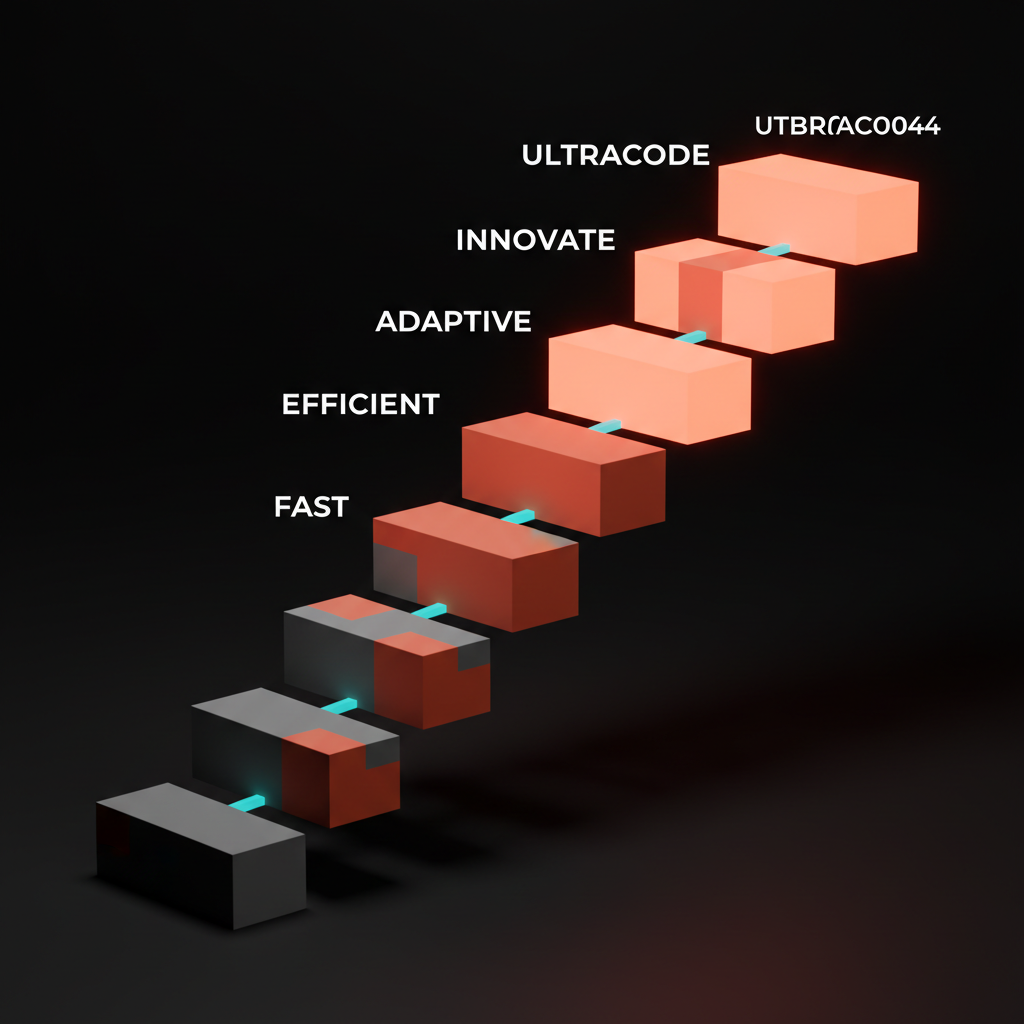
Default से ultrathink तक का कदम reasoning depth में बढ़ोतरी है। Ultracode तक का कदम structural है: Claude अब single context window से जवाब नहीं दे रहा। वह multi-agent workflows author और run करता है, यानी multiple passes और multiple sub-agents एक-दूसरे का काम check करते हैं।
Fast mode: जब कम ज़्यादा होता है
/fast Claude को output faster produce करने के लिए कहता है। यह अभी भी Claude Opus use करता है, कोई stripped-down model नहीं। आप quality के बदले speed trade नहीं कर रहे इस मायने में कि weaker model मिलेगा। आप throughput के लिए consideration की depth trade कर रहे हैं।
Fast mode well-scoped tasks पर अपनी value साबित करता है जहाँ जवाब ambiguous नहीं है: इस component का नाम बदलें, इस email के लिए एक subject line लिखें, एक brutalist editorial layout के लिए पाँच font pairings दें। Output space narrow है। ज़्यादा reasoning जवाब को बेहतर नहीं बनाती।
Fast mode जहाँ टूट जाता है वह है hidden complexity वाले tasks पर। "मेरे design system token structure को fix करें" scoped लगता है। है नहीं। इसे fast mode पर चलाएं और Claude obvious चीज़ के लिए optimize करेगा, उस dependency chain को miss करेगा जिसकी आपको care थी, और cleanup work बनाएगा।
Think और ultrathink: reasoning on demand
Keywords think, think hard, think harder, और ultrathink बढ़ते reasoning levels unlock करते हैं। इन्हें prompt में डालें। "Ultrathink about the best way to structure this component library for a team of ten." Claude reply करने से पहले ज़्यादा computation budget करता है।
हर level एक real step up है:
thinkएक reasoning pass चलाता हैthink hardedge cases में deeper जाता हैthink harderअपनी framing पर सवाल उठाने लगता हैultrathinkजवाब देने से पहले maximum available reasoning budget use करता है
ज़्यादातर daily design work को इसकी ज़रूरत नहीं। एक layer label करना, description लिखना, client brief summarize करना, ये fast-mode या default tasks हैं। लेकिन जब कोई problem genuinely hard हो, solution space wide हो, या गलत जवाब real time undo करने में लगाए, तो reasoning dial को step up करना तुरंत अपना value साबित करता है।
Ultrathink के अच्छे candidates:
- दो fundamentally different design system architectures के बीच चुनाव
- Creative brief लिखना जहाँ brand territory ambiguous हो
- किसी product की pricing strategy review करना जिसकी unusual positioning हो (relevant अगर आप pricing AI-assisted work के through काम कर रहे हैं)
- यह debug करना कि एक Figma component breakpoints में unexpectedly behave क्यों करता है
बुरे candidates: कोई भी चीज़ जिसका एक single clear answer हो।
Code review: quick pass से ultra तक
Claude Code का /code-review flag का अपना tiered effort system है: low, medium, high, max, और ultra। यह reasoning keywords से अलग है।
Low और medium high-confidence findings ही return करते हैं। Claude जो sure है वह flag करता है, बाकी पर चुप रहता है। High से max progressively coverage बढ़ाते हैं, ज़्यादा potential issues surface करते हैं जिनमें वे भी शामिल हैं जिन पर Claude कम certain है। Ultra categorically अलग है: यह cloud में एक deep multi-agent review चलाता है, यानी multiple sub-agents code को आपस में pass करते हैं और अलग-अलग failure modes check करते हैं।
| Tier | क्या return करता है | कब use करें |
|---|---|---|
| Low | High-confidence bugs only | Pre-commit quick check |
| Medium | High-confidence plus some coverage | Routine PR review |
| High | Wide coverage, lower certainty threshold | Staging पर ship करने से पहले |
| Max | Exhaustive, low-certainty findings included | Major refactors, critical paths |
| Ultra | Multi-agent cloud review | Security-sensitive या high-correctness-required code |
Code के साथ काम करने वाले designers के लिए, low या medium daily driver है। Ultra उस session के लिए है जब आप एक token-gated checkout page push करने वाले हों और एक bug का मतलब हो एक broken sale।
Ultracode: maximum setting
Ultracode एक standing mode है, per-prompt keyword नहीं। जब यह active होता है, तो Claude substantive tasks के लिए default में multi-agent workflows author और run करता है, जिसमें multiple agents plan, write, check, और revise करते हैं। Cost है समय और tokens। Payoff है वह thoroughness जो single-pass answer नहीं दे सकता।
यह "Claude ज़्यादा देर सोचता है" नहीं है। यह एक structural shift है। Ultracode तब appropriate है जब correctness token cost से ज़्यादा मायने रखती है: एक production design system component library ship करना, spec से complete Figma plugin implement करना, एक content pipeline architect करना जो unsupervised चलेगी।
Effort को task से कैसे match करें
Decision rule दो सवाल हैं:
गलत जवाब की cost क्या है? Low cost, easily reversible: fast या default use करें। High cost, hard to undo, clients को ship होता है, production को touch करता है: higher effort use करें।
Solution space कितनी wide है? एक obvious answer: fast या default। कई valid options with real trade-offs: think से ultrathink। Wide solution space plus multi-step execution: ultracode।
यहाँ बताया गया है कि common creator tasks dial पर कैसे map होते हैं:
| Task | Recommended effort | क्यों |
|---|---|---|
| Figma layer या component rename करना | Fast | एक right answer, zero stakes |
| पाँच headline variations लिखना | Fast या default | Bounded task, iterate करना आसान |
| Client proposal लिखना | Default या think | Tone और positioning मायने रखती है |
| दो design system approaches के बीच choose करना | Think hard या ultrathink | Wide solution space, गलत call का high cost |
| Complete component library audit करना | Ultrathink या ultracode | Systematic coverage चाहिए, quick pass नहीं |
| Production Figma plugin ship करना | Ultracode | Correctness required, multi-step execution |
| Pre-commit code check | Code review: low | यहाँ speed coverage से आगे है |
| Security-sensitive checkout flow | Code review: ultra | एक bug एक expensive bug है |
इन choices को day-to-day AI workflow में कहाँ fit करें इसके broader context के लिए, designers के लिए AI पर और देखें।
जब high effort backfire करता है
Effort को max पर crank करना हमेशा सही call नहीं होता। दो failure modes लगातार दिखते हैं।
पहला है simple answers को over-engineer करना। "Helvetica के साथ कौन सा font अच्छा pair करता है?" ultrathink पर पूछें और Claude एक dissertation लिख देता है। आपको तीन font names चाहिए थे। Narrow task पर high reasoning effort verbose, over-hedged output produce करता है जिसमें से actual जवाब ढूंढना पड़ता है।
दूसरा है exploratory work को slow down करना। अगर आप generative phase में हैं, options produce करके उन्हें fast reject कर रहे हैं, तो high effort आपके खिलाफ काम करता है। आपको depth per option नहीं, volume और speed चाहिए। Default या fast mode ultrathink से per hour ज़्यादा candidates generate करता है।
Signal देखें: अगर आप Claude के response को skim कर रहे हैं useful part ढूंढने के लिए, तो effort level शायद task के लिए बहुत high है। Dial trim करें। जवाब मिले, reasoning tour नहीं।
FAQ
क्या effort keywords Claude Code के बाहर काम करते हैं?
हाँ। think, think hard, think harder, और ultrathink prompt-level instructions हैं जो कहीं भी काम करते हैं जहाँ आप Claude use करते हैं, browser में Claude app में भी। /fast और /code-review Claude Code-specific slash commands हैं।
क्या fast mode एक अलग model use करता है?
नहीं। Fast mode अभी भी Claude Opus use करता है, यह सिर्फ output faster produce करता है क्योंकि respond करने से पहले Claude कम internal reasoning करता है। आपको smaller model नहीं मिल रहा, आपको जवाब आने से पहले कम thinking passes मिल रहे हैं।
एक designer को actually ultracode कब use करना चाहिए?
जब task इतना बड़ा और correctness-critical हो कि otherwise वहाँ पहुँचने के लिए multiple sequential Claude sessions चलाने पड़ें। एक complete design-token-to-code pipeline। Multiple interaction states वाला full Figma plugin। अगर आप इसे एक well-scoped prompt में finish कर सकते हैं, तो ultracode overkill है।
क्या मैं एक persistent default effort level set कर सकता हूँ?
Ultracode एक standing mode है जो configure होने के बाद session भर active रहता है। Reasoning keywords per-prompt हैं। /fast session के लिए toggle करता है। Sessions के बीच reasoning keywords के लिए कोई persistent global setting नहीं है।
Ultrathink और think hard के बीच actually क्या बदलता है?
Reasoning budget। दोनों single-pass reasoning हैं, multi-agent नहीं। Ultrathink उस single pass को significantly ज़्यादा compute allocate करता है, तो Claude किसी answer पर commit करने से पहले longer logic chains follow कर सकता है और ज़्यादा edge cases examine कर सकता है। Visible difference है final output से पहले longer, more thorough reasoning।
क्या high effort output को ज़्यादा creative बनाएगा?
Reliably नहीं। Claude के output में creativity prompt framing और आपके दिए examples से ज़्यादा correlate करती है, reasoning effort से नहीं। Ultrathink तब help करता है जब solution space analytically complex हो। यह automatically output को ज़्यादा original नहीं बनाता।
Dial को default पर छोड़ना बंद करें
ज़्यादातर लोग Claude को हर दिन same effort level पर चलाते हैं चाहे वे कुछ भी कर रहे हों। Routine work के दौरान वे speed table पर छोड़ देते हैं और genuinely hard problems के through under-reason करते हैं। Controls exist करते हैं। इन्हें use करें।
Throughline यह है: fast और default creative work की bulk को बिना intervention के handle करते हैं। Thinking keywords तब step in करते हैं जब problem genuinely ambiguous हो या गलत जवाब की cost high हो। Ultracode तब के लिए है जब thoroughness speed से ज़्यादा मायने रखे और task multi-agent execution justify करने के लिए काफी बड़ा हो। Code review tiers एक proportional check देते हैं, quick pre-commit pass से multi-agent security sweep तक।
Dial को task पर set करें। Habit पर नहीं।
Brainy helps designers put AI to work without losing the craft. See what we are building for creators.
Get Started