
Claude Effort Levels: From Low to Ultracode
A plain-English guide to Claude's /effort levels for designers and creators, from low and medium to xhigh, max, ultracode, and auto, with a simple rule for which to use when.
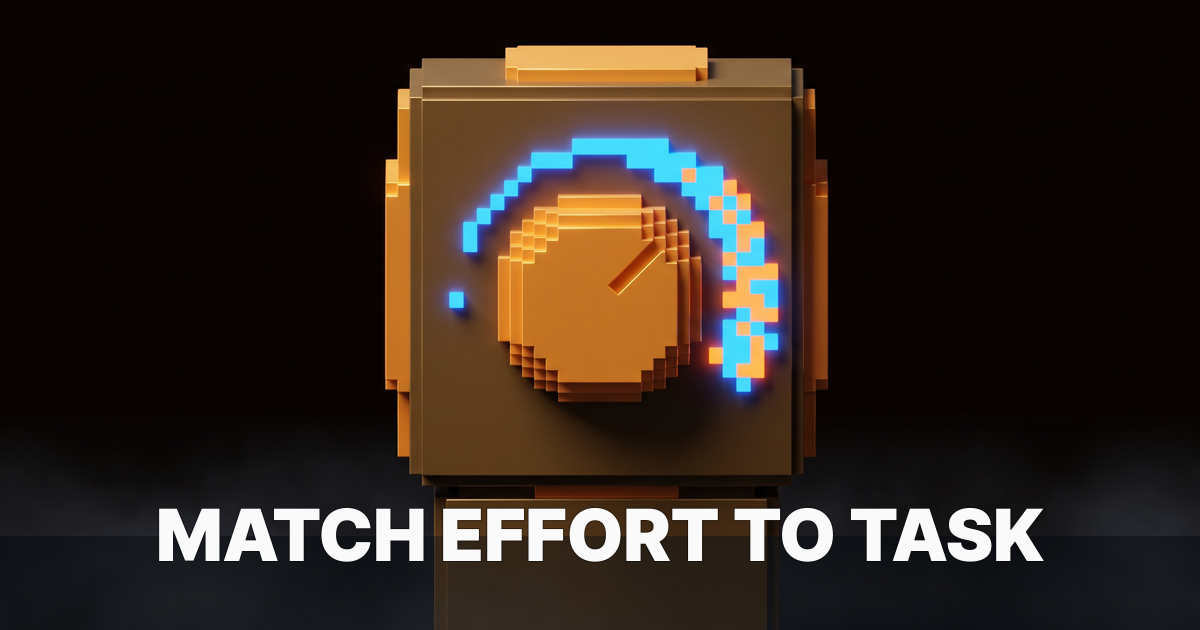
Effort is a dial, not a default. The skill is knowing which way to turn it.
Most designers running Claude pick one setting and never move it. They type a prompt, get an answer, and move on. That works until Claude rushes past an edge case that matters, or grinds for minutes on a question that needed seconds. The dial is one command away, and most people never touch it.
Here is what each level actually does.
What effort actually means in Claude
Effort is how much Claude reasons before it answers. Low effort goes straight to a response, pattern-matching against what it already knows. Higher effort means Claude works through the problem, weighs alternatives, and checks its own work before replying.
More reasoning costs more time and more tokens. That is the trade-off. The question is never "should I use more effort," it is "does this task actually need it."
The effort dial: seven levels
Claude Code exposes this through one command, /effort, followed by a level. Run /effort high and Claude reasons harder on everything until you change it. The seven levels are not seven versions of the same thing, so it helps to see them side by side.
| Level | Command | What it does |
|---|---|---|
| Low | /effort low | Minimal reasoning, fastest and cheapest; simple, well-scoped tasks |
| Medium | /effort medium | Balanced reasoning, the everyday default |
| High | /effort high | More thorough reasoning for harder problems |
| xhigh | /effort xhigh | Extra reasoning, a clear step beyond high |
| Max | /effort max | The most reasoning Claude spends in a single pass |
| Ultracode | /effort ultracode | Authors and runs multi-agent workflows by default |
| Auto | /effort auto | Claude picks the level to match each task |
The low-through-max range scales one thing, how deeply Claude reasons in a single pass. Two details are worth knowing. xhigh is available on the latest models like Opus 4.8, while older ones stop at max. Both max and ultracode are session-only, so they reset when you restart Claude Code.
Low, medium, high: the everyday range
Low is for work with one obvious answer: rename a component, draft a subject line, list five font pairings. The output space is narrow, so more reasoning would not improve the result. Medium is the balanced default that handles most tasks without thinking about the dial at all.
High is where you step up when a problem has real edge cases, or when a sloppy answer costs more than a quick redo. Most day-to-day creative work lives somewhere in this low-to-high band. You rarely need more than high to label a layer, write a description, or summarize a client brief.
xhigh and max: when you need more
xhigh and max push reasoning past the everyday range. They spend noticeably more time examining edge cases, questioning assumptions, and weighing trade-offs before committing to an answer. Reach for them when the solution space is wide and a wrong call is expensive.
Good candidates include choosing between two design system architectures, planning a migration, or untangling why a component breaks across breakpoints (relevant if you are also pricing AI-assisted work for clients). On a task with one clear answer, max just produces a slower, over-hedged response you have to sort through.
The jump from high to xhigh to max is steady, not dramatic. Each step buys more careful reasoning at the cost of more time, and the returns shrink as the task gets simpler. The skill is noticing when a problem is actually hard enough to reward the wait, rather than reaching for max out of habit.
Ultracode: the multi-agent setting
Ultracode sits at the top of the /effort menu, and it is the one option that changes what Claude does, not just how hard it thinks. Technically it is a Claude Code setting rather than a model effort level: it sends xhigh to the model and additionally has Claude orchestrate multi-agent workflows for substantive tasks. It applies to the current session only.
In practice that means multiple agents plan, write, check, and revise, instead of a single pass answering from one context window. The cost is time and tokens. The payoff is thoroughness a single pass cannot match, so reach for it on large, correctness-critical builds, not routine answers.
Auto: let Claude pick the level
Auto is the reset switch, not an autopilot. Running /effort auto clears whatever level you have set and returns Claude to the model's default effort, the balanced setting tuned for most work. It is what you reach for after you bumped the dial to max for one hard problem and want to go back to normal.
A related feature often gets confused with it. On Opus 4.7 and later, Claude already uses adaptive reasoning within whatever level is active, thinking harder on the steps that need it and skating through the ones that do not. That adaptiveness is automatic, so auto is about resetting the level, not handing Claude a per-task dial.
How to match effort to the task
Two questions settle most cases. What is the cost of a bad answer, and how wide is the solution space.
Low cost and reversible means low or medium. High cost, hard to undo, or client-facing means high or above. One obvious answer means low or medium, while many valid options with real trade-offs means high through max, and a wide space plus multi-step execution means ultracode. When you genuinely cannot tell, the default level handles it and you do not have to touch the dial at all.
Here is how common creator tasks map to the dial:
| Task | Effort | Why |
|---|---|---|
| Rename a Figma layer or component | Low | One right answer, zero stakes |
| Write five headline variations | Low or medium | Bounded task, easy to iterate |
| Write a client proposal | Medium or high | Tone and positioning matter |
| Pick between two design system approaches | High or xhigh | Wide space, costly wrong call |
| Audit a full component library | Max | Needs systematic coverage, not a quick pass |
| Ship a production Figma plugin | Ultracode | Correctness plus multi-step execution |
| Going back to normal after a hard task | Auto | Resets to the model's default level |
For broader context on where these choices fit a day-to-day AI workflow, see more on AI for designers.
When high effort backfires
Cranking the dial to max is not always the right call, and two failure modes show up constantly. The first is over-engineering simple answers. Ask "what font pairs well with Helvetica?" at max and Claude writes a dissertation when you wanted three font names.
The second is slowing down exploratory work. In a generative phase, where you produce options and reject them fast, high effort works against you. Low or medium generates more candidates per hour than max does.
FAQ
What is the difference between max and ultracode?
Max is the most reasoning Claude spends in a single pass. Ultracode is structurally different, running multi-agent workflows where several agents check each other's work. Put simply, max thinks harder while ultracode works in parallel and reviews itself.
What does effort auto actually do?
It hands the choice to Claude. Claude reads each task and selects a level, raising it for ambiguous or risky work and lowering it for simple requests. You give up fine control in exchange for not setting the dial yourself.
Do higher effort levels cost more?
Yes. More reasoning means more time and more tokens. That is the entire trade-off, and it is why matching the level to the task matters more than always running high.
Does higher effort make the output more creative?
Not reliably. Creativity tracks prompt framing and the examples you provide more than reasoning depth. Higher effort helps when a problem is analytically complex, but it does not automatically make output more original.
How does ultrathink relate to the effort levels?
Ultrathink still works, and it is the one-off version. Drop ultrathink into a single prompt when you want a deep-reasoning boost just for that message, and use /effort when you want a level that holds across the session. One is a per-prompt nudge, the other is a persistent setting.
Can I leave one effort level set?
Yes. The level you choose stays in effect until you change it, so you can park it at medium for the day and bump it to max for a hard problem. Auto removes even that step by adjusting the level per task.
Stop leaving it on default
Most people pick one effort level and never move it. They leave speed on the table during routine work and under-reason through genuinely hard problems. The dial is one command away.
Use low and medium for the bulk of creative work. Step up to high, xhigh, and max as the stakes and the ambiguity rise. Save ultracode for large, correctness-critical builds, and use auto to snap back to the default when you are done. Dial it to the task, not to habit.
Brainy helps designers put AI to work without losing the craft. See what we are building for creators.
Get StartedGet new papers by email
New Brainy papers in your inbox. Confirm once, unsubscribe anytime.