

Context Window Explained: Why Long AI Chats Get Worse
Learn what a context window is, why long AI chats get slower and less reliable, and when to reset before token drag wrecks the work.
Your AI did not suddenly get stupid. Your chat got bloated.
That is the part most people miss. They blame the model, the provider, the prompt, the moon phase, whatever feels dramatic enough to explain why the output got slower and sloppier.
A lot of the time, the problem is simpler. The session got packed with too much old baggage, too many dead branches, and too much context the model has to keep dragging forward.
Context window is working memory
A context window is the amount of conversation, instructions, files, and other input the model can actively use on a response. Think of it like working memory, not long-term memory.
That distinction matters. A big context window means the model can look at more stuff right now. It does not mean the model has permanent memory, perfect recall, or infinite patience.
Tokens are the real unit underneath all this. Your message, the model's earlier replies, pasted docs, tool outputs, and system instructions all eat tokens. The bigger the pile, the more the model has to re-read before it answers again.
The myth is that bigger context solves the whole problem. It helps, obviously. But a million-token window does not magically turn a chaotic session into a clean one. Bigger room still gets gross if you keep throwing junk on the floor.
| Input type | Counts toward context? | Why it matters |
|---|---|---|
| User messages | Yes | Every new turn increases the pile |
| Model replies | Yes | Long assistant answers come back for the next turn |
| Files and pasted docs | Yes | Great for depth, brutal when oversized |
| Tool output | Yes | Fastest way to bloat a work session |
| Hidden system instructions | Yes | The model carries those too |
Long chats cost more every turn
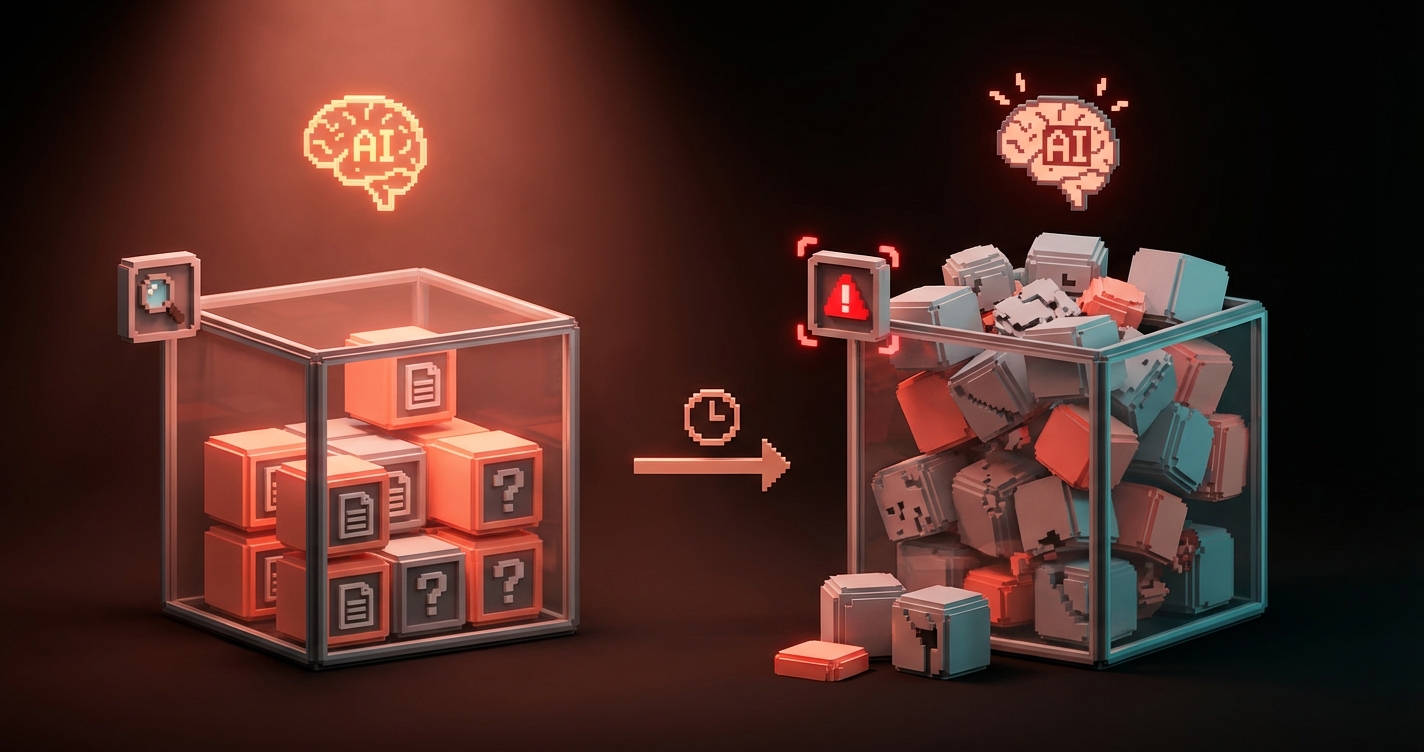
As a session grows, the model keeps reprocessing more old material. That raises token usage, latency, and cost, even when your newest question is short.
This is why long chats often feel heavier over time. You ask one small follow-up, but the model is not only reading the follow-up. It is hauling around the whole conversation history like a couch up a staircase.
Tool-heavy sessions grow even faster. A few code diffs, logs, JSON blobs, screenshots, and verbose explanations can inflate the working set fast enough to make a normal chat feel like wet cement.
The sneaky part is that the drag compounds. Every long answer adds more material for the next answer, which adds more material for the one after that. That is how a session that felt clean an hour ago starts breathing like a chain smoker.
| Session type | What happens | Typical result |
|---|---|---|
| Short and focused | Low token reuse | Fast, sharp answers |
| Long but disciplined | Moderate token reuse | Still usable if topic stays tight |
| Long and messy | Heavy token reuse plus noise | Slow, expensive, forgetful output |
Quality drops before the hard limit
The real failure mode is usually soft degradation, not a dramatic crash. People imagine the model works perfectly until it hits a hard wall, then explodes. Cute fantasy. Reality is meaner.
Most of the time, quality starts slipping before the window is technically full. The model gets slower. It starts repeating itself. It misses newer constraints. It revives dead branches like a zombie product manager who still wants feature ideas from three hours ago.
That soft degradation is what hurts real work. Hard failure is obvious. Soft failure wastes time because it looks almost right.
Watch for these warning signs:
- It keeps forgetting the latest instruction and following an older one
- It answers with more words but less precision
- It reopens paths you already rejected
- It gets slower even when the new prompt is simple
- It becomes generic when the conversation used to feel specific
That is not always model weakness. Sometimes it is context rot.
Messy context is worse than big context
A focused 60% session is often healthier than a chaotic 30% session. Size matters, but relevance matters more.
If every turn is still about the same deliverable, the same files, the same constraints, and the same decision path, a long session can stay useful. The model is working with a coherent workspace.
But if you mix three projects, six abandoned ideas, random research, image prompts, strategy notes, and one unrelated existential crisis into the same thread, you poisoned the well yourself. Congratulations. You built a junk drawer and expected surgical tools to come out of it.
Topic switching is the killer here. The model has to keep old branches available even when you mentally moved on. That means stale context competes with live context.
One session per workstream works because it lowers branch debt. The model sees one active problem, one path, one set of constraints. It can stay sharp because you stopped asking it to be a psychic janitor.
Use these context percentage thresholds
Most people do not need perfect telemetry. They need a simple rule for when to continue, when to compress, and when to reset.
Use this as the practical threshold table:
| Context usage | Zone | What it usually feels like | What to do |
|---|---|---|---|
| 0% to 40% | Green zone | Fast, clean, responsive | Keep going |
| 40% to 60% | Healthy zone | Still strong, but watch drift | Stay on one task |
| 60% to 75% | Warning band | More drag, more old baggage | Summarize and trim |
| 75% to 85% | Drag zone | Slower, fuzzier, more repeats | Reset if quality matters |
| Above 85% | Red zone | Expensive and unreliable | Compress or start fresh now |
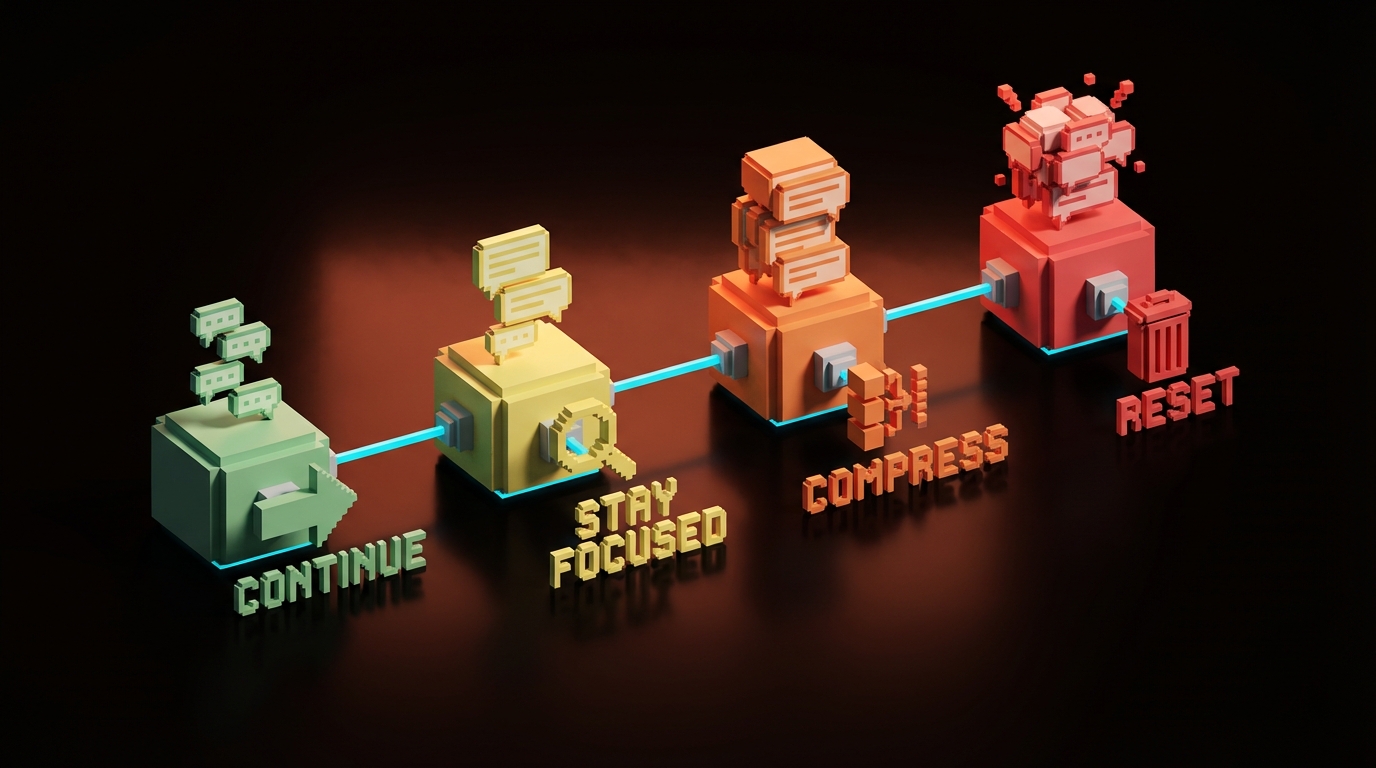
Do not treat the numbers like holy scripture. Different models degrade differently. Different tasks degrade differently too. A writing session might tolerate more drift than debugging or technical planning.
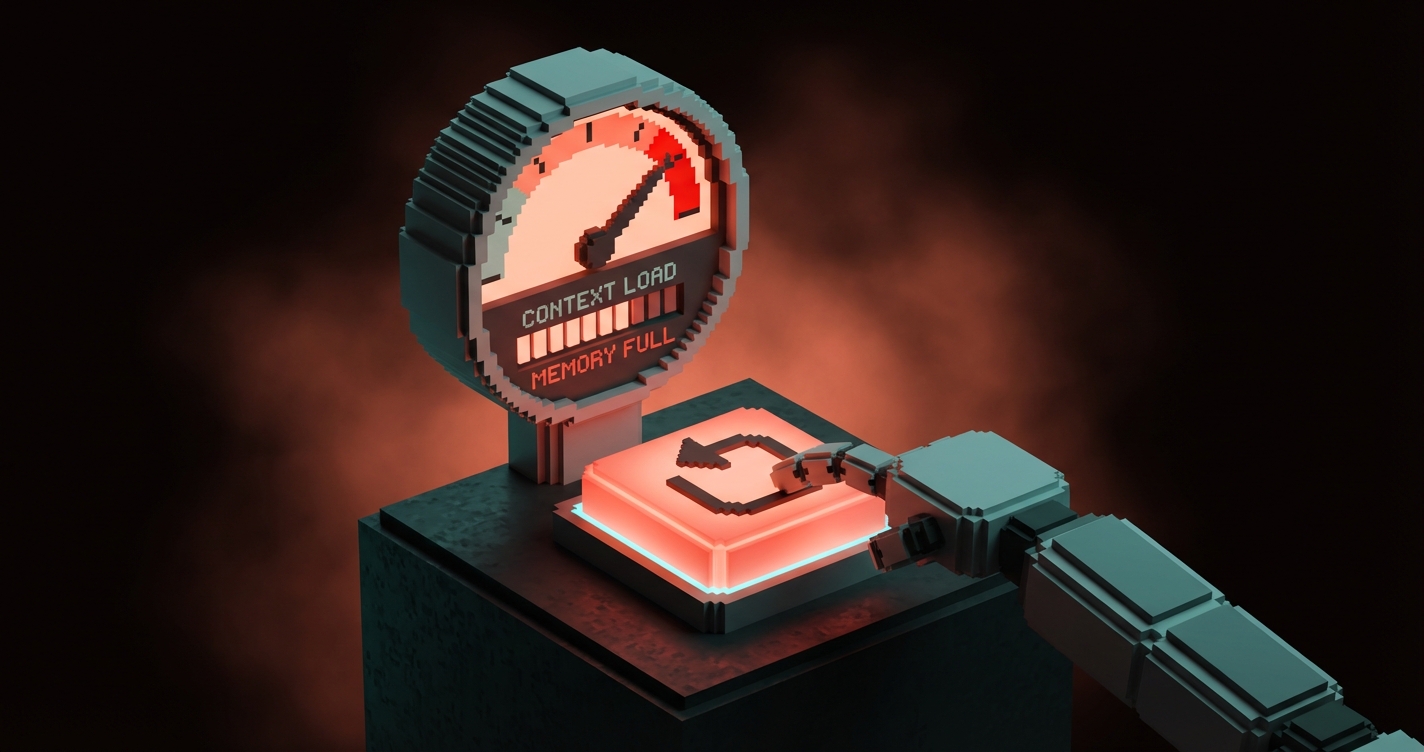
The principle is the point: once context drag becomes more expensive than re-briefing, reset.
Quick rule of thumb:
- Keep going when the task is still coherent
- Compress when the thread is still useful but starting to bloat
- Reset when the model is spending more effort carrying history than solving the next step
Start a fresh chat sooner
Starting a fresh chat is not losing continuity if your real memory lives outside the chat. That is the adult version of using AI.
Keep the current session when:
- you are still inside one deliverable
- the recent turns are all still relevant
- the model is following the latest constraints cleanly
- the thread is helping more than it is dragging
Reset immediately when:
- you switch projects
- you change the actual goal
- the thread has multiple abandoned branches
- the model keeps missing instructions you already gave
- the answers feel slower and more vague than the work deserves
A clean reset often improves quality faster than writing a fifth corrective prompt in the same bloated session. Stop trying to rehab a dead thread. Open a new one and bring only what still matters.
If you want more systems and workflow breakdowns like this, browse the rest of Brainy Papers. If you want the whole thing built properly for your team, hire Brainy.
Build systems, not immortal chats
The best AI workflows store durable knowledge outside the conversation. Sessions should be tactical. Memory should be structural.
That means plans, notes, briefs, checklists, docs, and reusable prompt assets. If the only place your important context exists is inside one giant thread, you did not build a workflow. You built a hostage situation.
External memory gives you clean restarts without losing the thread of the actual work. It also makes collaboration easier, handoffs cleaner, and mistakes easier to catch because the important stuff is visible outside the chat bubble.
This is also where most teams get AI wrong. They chase bigger windows instead of better systems. Bigger windows are useful. Better systems are compounding.
A quotable version:
A giant context window is a bigger backpack. It is not a better filing cabinet.
FAQ
What is a context window in AI?
A context window is the amount of text and input an AI model can actively use on a response. That includes your latest prompt, earlier turns, files, tool output, and hidden system instructions.
Why do long AI chats get worse?
Long chats get worse because the model keeps reprocessing more old material, including irrelevant material. That increases cost and latency, and it can reduce precision long before the hard context limit is reached.
Does a bigger context window fix the problem?
It helps, but it does not remove the problem. Bigger windows give you more room, but messy sessions still degrade because relevance and branch quality matter as much as raw size.
How often should I start a new AI chat?
Start a new chat whenever continuity becomes more expensive than re-briefing. In practice, that usually means after a project switch, a major goal change, or once the thread starts showing obvious drag and confusion.
Is starting a new session bad for continuity?
Only if your continuity lives only inside the thread. If your real memory is in files, notes, briefs, and structured documents, a fresh session often improves continuity by removing stale noise.
Treat sessions like workspaces
Keep the system persistent, not the chat.
That is the game. Use sessions like disposable workspaces. Keep the durable truth in structured places. Bring only the right context into the next thread. Then the model stays faster, cleaner, and more useful.
If you keep treating one giant chat like an immortal brain, it will eventually turn into soup. Tasty? No. Efficient? Also no.
Build the system. Reset the workspace. Move on.
Need an AI workflow that stays sharp under real work? Build the system, not the chaos.
Get StartedGet new papers by email
New Brainy papers in your inbox. Confirm once, unsubscribe anytime.





