

Prompt Engineering for Designers: From Vague Briefs to Usable AI Output
The five parts of a prompt that produces work a designer can ship. Worked examples across image generation, UI prototyping, and coding agents.
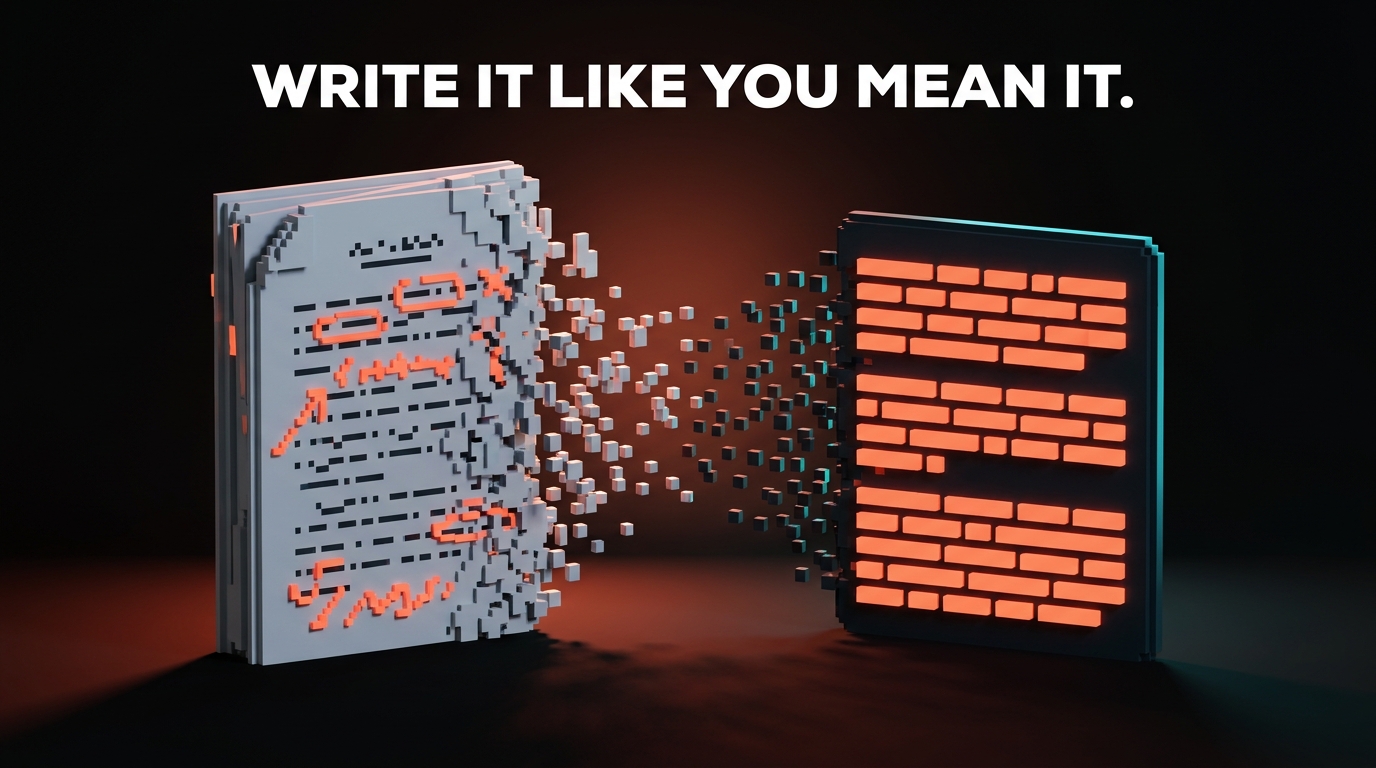
If your AI output looks like stock photography, your prompt reads like a wish.
That is the whole problem with how most designers were taught to use AI tools. "Make me a hero image for a fintech startup" is not a prompt. That is a vibe. A prompt is what you would say if you were briefing a freelance illustrator who charges 400 dollars an hour and asks sharp questions.
Designers already know how to do this. You wrote briefs in school. You write briefs at work every week. You know what clarity, reference, and constraint look like when they are written down. AI prompts are the same skill, with a different audience.
A prompt is a design brief in prose
Stop thinking about prompts as magic words. Think about them as the first paragraph of a creative brief, plus the final specs at the bottom.
A good brief tells the maker who they are, what the thing is for, what the rules are, what to reference, and what the deliverable looks like. Miss any of those and you get work that is technically in the ballpark but emotionally off. Ask a junior to "design a logo for a coffee shop" and you get twelve coffee beans. Ask them to "design a logo for a third-wave coffee shop aimed at freelancers, using a wordmark, geometric sans, no pictograms, inspired by Blue Bottle's restraint" and you get somewhere.
Prompts work the same way. The instinct to be vague because the model is smart is the most expensive mistake in AI-assisted design work. Being specific is not pedantic. It is the whole game.
A good prompt reads like a design brief. A bad prompt reads like a wish.
The five parts every usable prompt has
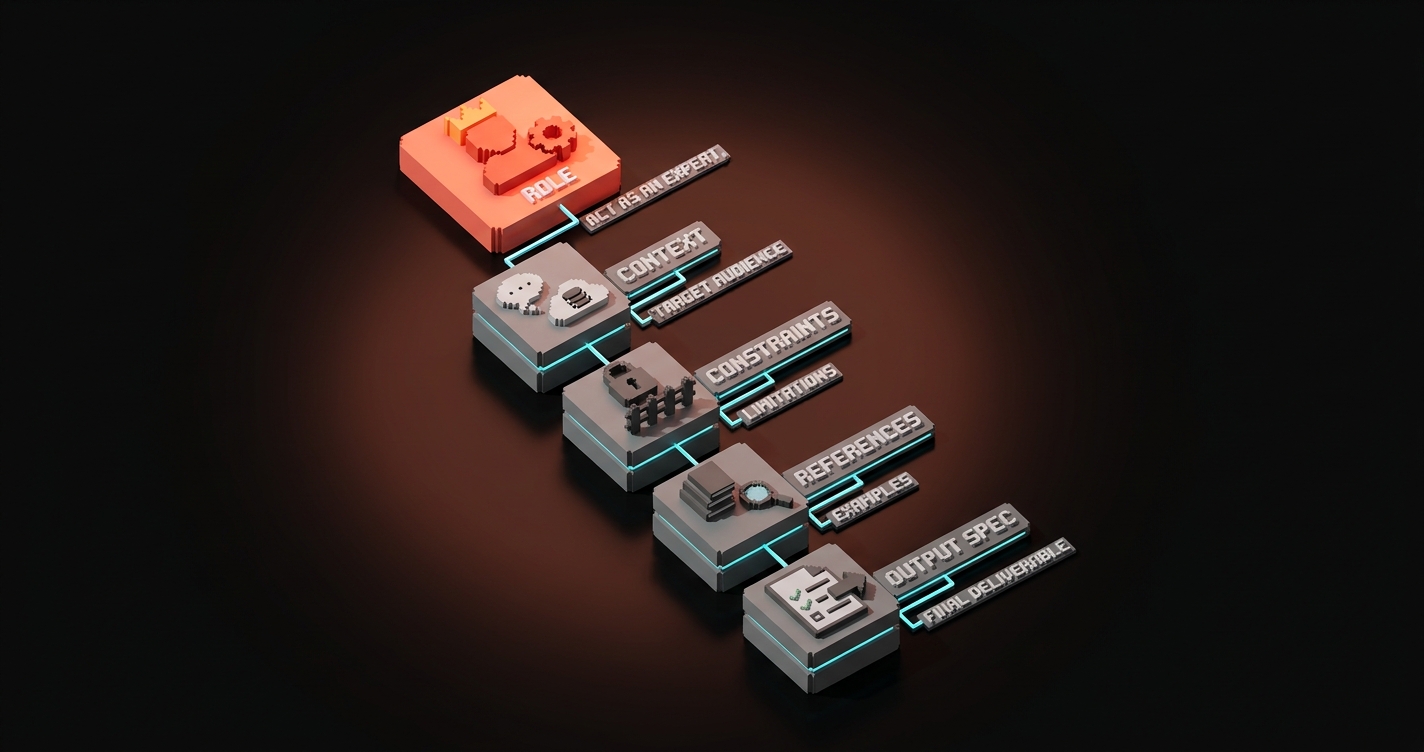
Every prompt that produces shippable design output has five parts. You can memorize them, you can put them in a template, you can print them on a sticky note. The parts:
- Role. Who is the AI pretending to be? ("You are a senior editorial illustrator with ten years of experience at The New Yorker.")
- Context. What is the thing for, and who is it for? ("This image is the hero of a blog post about designers learning to work with AI tools. The audience is working designers, early adopters, skeptical but curious.")
- Constraints. What are the rules? ("Editorial, not corporate. No computers visible. No stock photography. Flat color, strong silhouette, high contrast, low detail.")
- References. What should it look like or feel like? ("Saul Steinberg linework crossed with the restraint of Swiss tourism posters from the 1960s. Brand color palette: #080404 background, #ff6434 accent.")
- Output spec. What are the deliverable specs? ("16:9 aspect ratio, 1200x630, PNG, no text inside the image.")
Skip the role and you get middling output. Skip the context and you get output aimed at nobody. Skip the constraints and you get what the model guesses you want, which is usually stock photography. Skip the references and the output drifts toward whatever training data dominated. Skip the output spec and you get the wrong dimensions.
| Prompt part | What it does | What happens if you skip it |
|---|---|---|
| Role | Sets the taste and expertise level | Generic output |
| Context | Tells the model what the work is for | Solves the wrong problem |
| Constraints | Defines what to avoid | Gets the cliches you hate |
| References | Anchors the visual or tonal direction | Drifts toward training averages |
| Output spec | Controls format and deliverable | Wrong dimensions, wrong format |
Worked example: image generation for a hero visual
The vague version that every designer has typed at least once:
"Hero image for a blog post about prompt engineering for designers."
What you get: a designer at a laptop, or a glowing brain, or a robot holding a pencil, or some combination of all three. Stock. Dead.
The structured version:
You are an editorial illustrator who has worked for The New Yorker and Wired for ten years. Create a hero image for a blog post titled "Prompt Engineering for Designers." The audience is working designers who are skeptical of AI hype but ready to use the tools seriously.
Composition: a designer's paper brief on the left of the frame, hand-sketched with annotations, dissolving or resolving into clean typed prompt text on the right. Implies the translation between craft brief and structured prompt.
Style: editorial, flat color, strong silhouette, high contrast, low detail. Paper texture acceptable. No computers. No robots. No brains. No glowing orbs.
References: Saul Steinberg linework for the brief. Swiss tourism poster restraint for the prompt side. Brand palette: #080404 background, #ff6434 accent, #d0d3d8 neutral.
Output: 1200x630, no text inside the image.
What you get: a hero image you can actually ship, not regenerate four times.
The difference is not talent. It is structure.
Worked example: UI prototype in v0 or Lovable
Vague:
"Build me a landing page for a design agency."
What you get: a Tailwind-flavored template with stock gradient, three feature cards, a stock hero, and copy that reads like every other agency on the internet.
Structured:
Build a landing page for Brainy, a design studio known for 2M+ followers across Instagram and Threads. Audience: founders of series-A to series-C SaaS companies who need brand, web, and design services. They have seen every agency site. They bounce if it looks templated.
Layout: single-column hero with a one-line bold headline and a single CTA, followed by a horizontal scrolling strip of client logos, followed by a three-part service explainer (brand, web, content) using a bento-grid pattern, followed by a testimonial section with three quotes, followed by a simple contact footer.
Constraints: no gradients, no stock imagery, no generic hero illustrations. Dark mode only, background #080404. Accent #ff6434. Typography: one sans-serif for everything, bold for headlines, light for body. Everything uses a 4px spacing scale.
References: Linear's spacing restraint. Vercel's typographic weight. Apple's bento-grid section pattern. Not a clone of any of them.
Output: responsive, mobile-first, shadcn components.
Same tool. Completely different output.
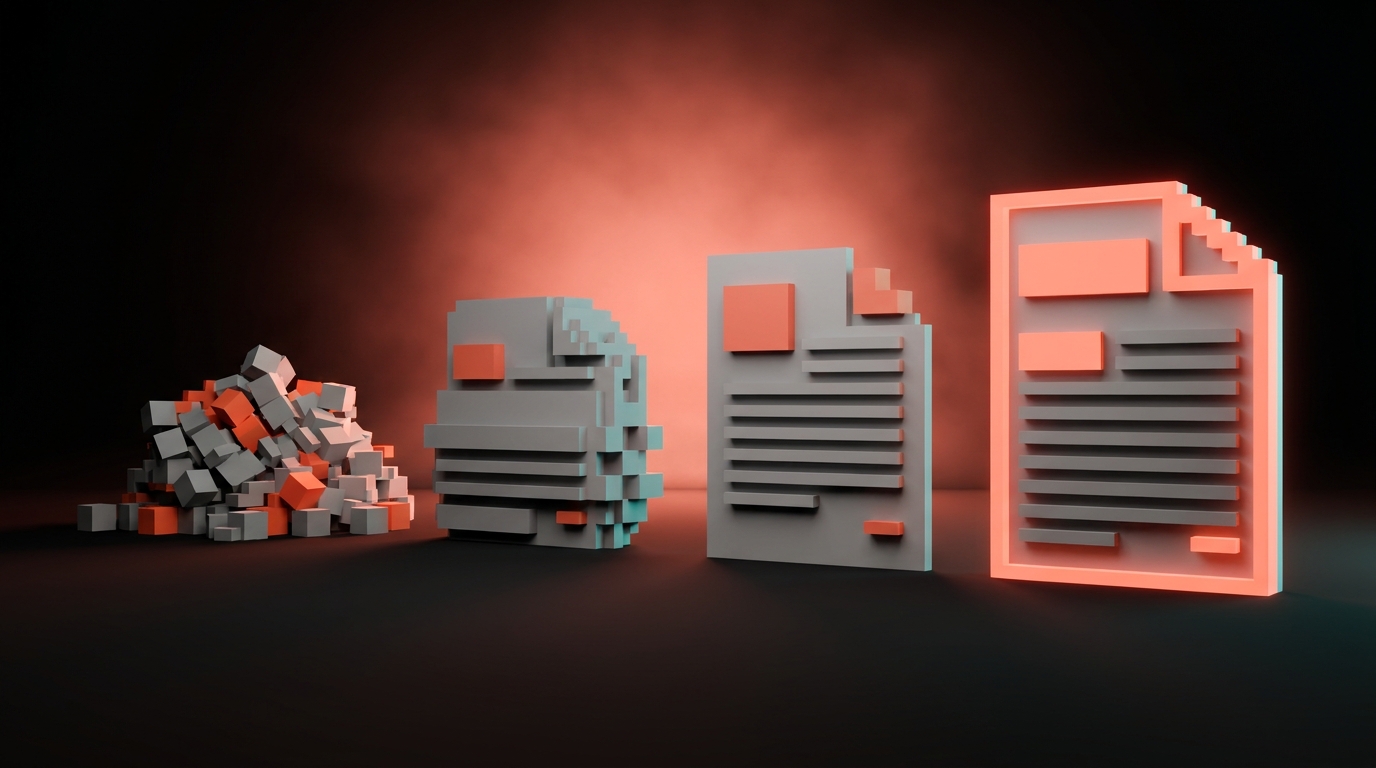
Worked example: coding agent building a component
Vague:
"Make me a Button component."
What you get: a Button. One variant. No accessibility. No focus state. Colors you did not ask for.
Structured:
You are a senior design systems engineer. Build a Button component in our design system.
Context: this Button replaces our old ad-hoc button styles that live scattered across twelve marketing pages. It needs to support primary, secondary, and ghost variants, three sizes (sm, md, lg), and loading, disabled, and focus states.
Constraints: use our existing tokens from tokens.css (do not introduce new colors). Focus ring must be 2px offset --color-accent. Never use px for spacing, always use --space tokens. Typography is always --font-sans with --text-sm or --text-base depending on size. Loading state shows a spinner and disables clicks.
References: Radix UI primitives for accessibility patterns. Our existing Card component at
/components/Card.tsxfor file structure reference.Output: TypeScript, Tailwind, storybook story that exercises every variant and state. Tests that cover disabled, loading, and focus behavior.
Give a coding agent this, and you get a real Button. Give it "make me a Button," and you get something you will rewrite by hand.
The constraint library every designer should steal
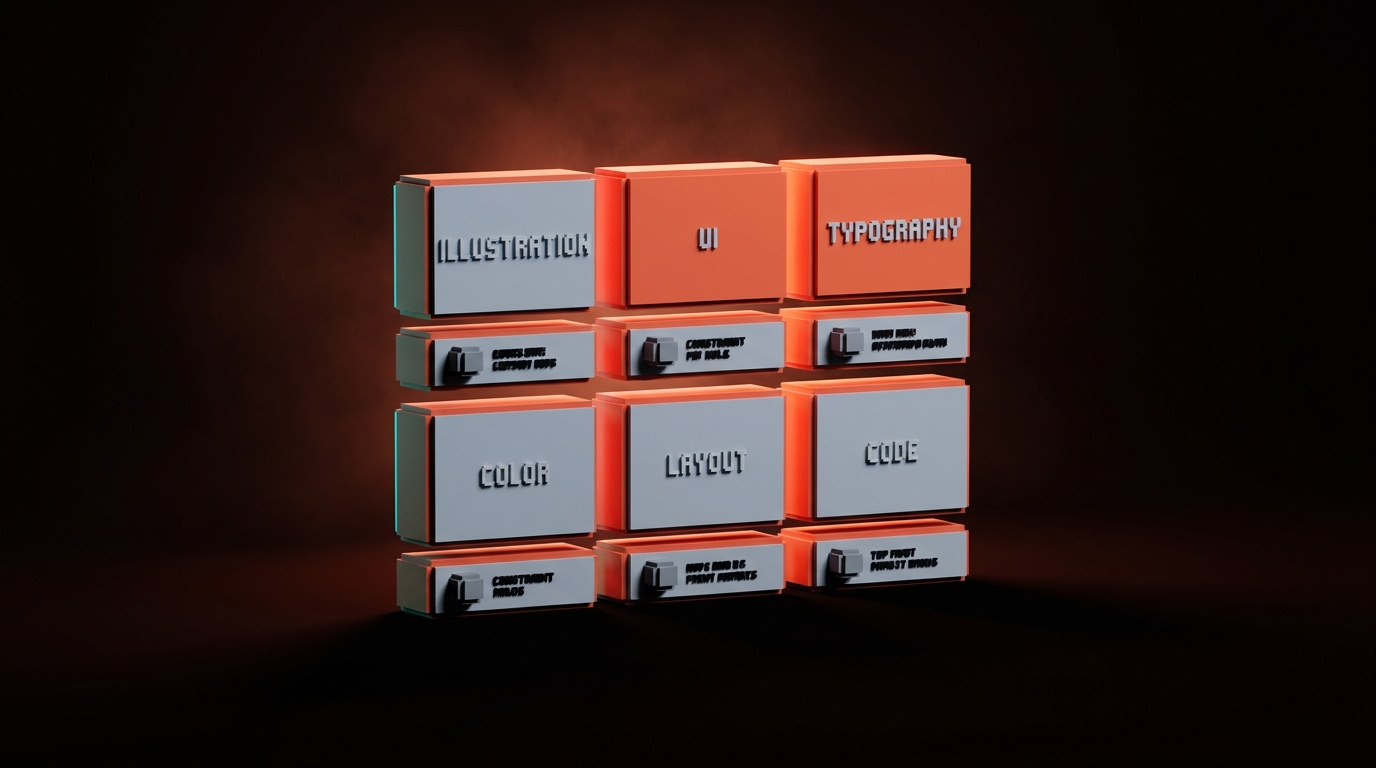
Constraints are the secret weapon. They are also the part designers underuse the most. Copy this library, paste the relevant rows into your prompts, adjust for your brand.
| Domain | Constraints to include |
|---|---|
| Illustration | Flat color, strong silhouette, high contrast, low detail, no text in image, no computers/phones/robots/brains unless explicitly required, editorial not corporate |
| Photography style gen | No stock-photo look, no glossy lighting, no 3D renders unless asked, natural composition, real-world flaws welcome |
| UI generation | Use existing components, no new colors outside tokens, mobile-first, accessibility required (focus states, contrast ratios), no gradients unless brand calls for them |
| Typography | One sans-serif for UI, serif only if brand calls for it, no more than three weights in a composition, no justified text, no all-caps runs longer than 4 words |
| Color | Use tokens not hex, never white text on pure black, never pure red on pure green, contrast minimum 4.5:1 for body text |
| Layout | 4px or 8px spacing scale, never center-align body copy, never full-justify, max 75 characters per line, left-anchor images unless composition demands otherwise |
| Code | TypeScript strict, named exports not default, no new dependencies without asking, test coverage for every new component |
Use these as paste-ready blocks. You will feel silly at first. Then you will realize the output got twice as good overnight.
If you want more AI workflow breakdowns, browse the rest of Brainy Papers. If you want a real prompt library built for your team's brand, not your random ChatGPT history, hire Brainy.
How to iterate without starting over
The worst habit in prompt engineering is deleting the whole prompt and rewriting it when the output is off. Nine times out of ten, the prompt was close. One variable was wrong.
Iterate surgically. Change one thing at a time.
- Run the prompt once. Note what is wrong.
- Identify which of the five parts is failing. If the output is too generic, the references are weak. If it has the wrong elements, the constraints are missing a "no X." If it is aimed at the wrong audience, the context is thin.
- Edit just that part. Do not rewrite the whole thing.
- Run again. Compare to the first output. Better, worse, same?
- Repeat. Three to five rounds usually gets you there.
Related: context rot is real. If you are iterating in the same chat and the output is getting worse, not better, the session is polluted. Open a new chat, paste the current best prompt, keep going.
The three mistakes that guarantee garbage
Three patterns I see every week, every one of them kills output quality.
Mistake 1: "Make it better." The model does not know what better means to you. "Better" means the model's average of better, which is regression to mean. Be specific. "Make the color contrast stronger." "Make the composition more asymmetric." "Cut half the detail from the background."
Mistake 2: Asking for five options at once. You get five mediocre options instead of one good one. Ask for one. Iterate. Accept the first good one.
Mistake 3: Not giving references. References anchor the model's taste. Without them, you get the training-data average. With three well-chosen references, you get something in the neighborhood of what you wanted.
FAQ
Is prompt engineering a real skill or hype?
It is a real skill, and it is the same skill as writing a good creative brief. If you can brief a freelancer, you can prompt a model. The hype is calling it "engineering." The reality is calling it "clear instructions."
Which tool has the best prompt handling?
For images, Midjourney and Gemini Pro do best with detailed text prompts. For UI, v0 and Lovable respond well to structured constraints. For coding, Claude Code and Cursor are the strongest, especially with a well-written CLAUDE.md. The tool matters less than the prompt quality.
Should I use a prompt library?
Yes. Build one. Organize by use case. Every time you nail a prompt, save it. Every time one fails, note why. After three months you will have a library that is more valuable than any tool subscription.
How long should a prompt be?
Long enough to cover the five parts, short enough that every sentence is doing work. Most of mine land between 100 and 300 words. Shorter than that and you are underspecifying. Much longer and you are likely repeating yourself.
Do I need to learn technical prompt tricks like temperature or top_p?
Not for most design work. Those live in API calls, not in chat interfaces. Get the five parts right first. You can worry about parameters once you are making API calls.
Write it like you mean it
Every vague prompt is a ten-minute detour that produces garbage. Every structured prompt is a ten-minute investment that ships.
Write the role, the context, the constraints, the references, and the output spec. Iterate one variable at a time. Save the ones that work.
You already know how to write a brief. The model is a junior on the other end of it.
Write it like you mean it.
Need a prompt library that ships your brand, not generic AI output? Brainy builds it with you.
Get StartedGet new papers by email
New Brainy papers in your inbox. Confirm once, unsubscribe anytime.





