
Which Figma AI Features Are Actually Usable in June 2026
Config 2026 shipped a wave of Figma AI features. Here is which ones are production-ready, which need heavy cleanup, and which to skip, judged on real use, not the keynote.
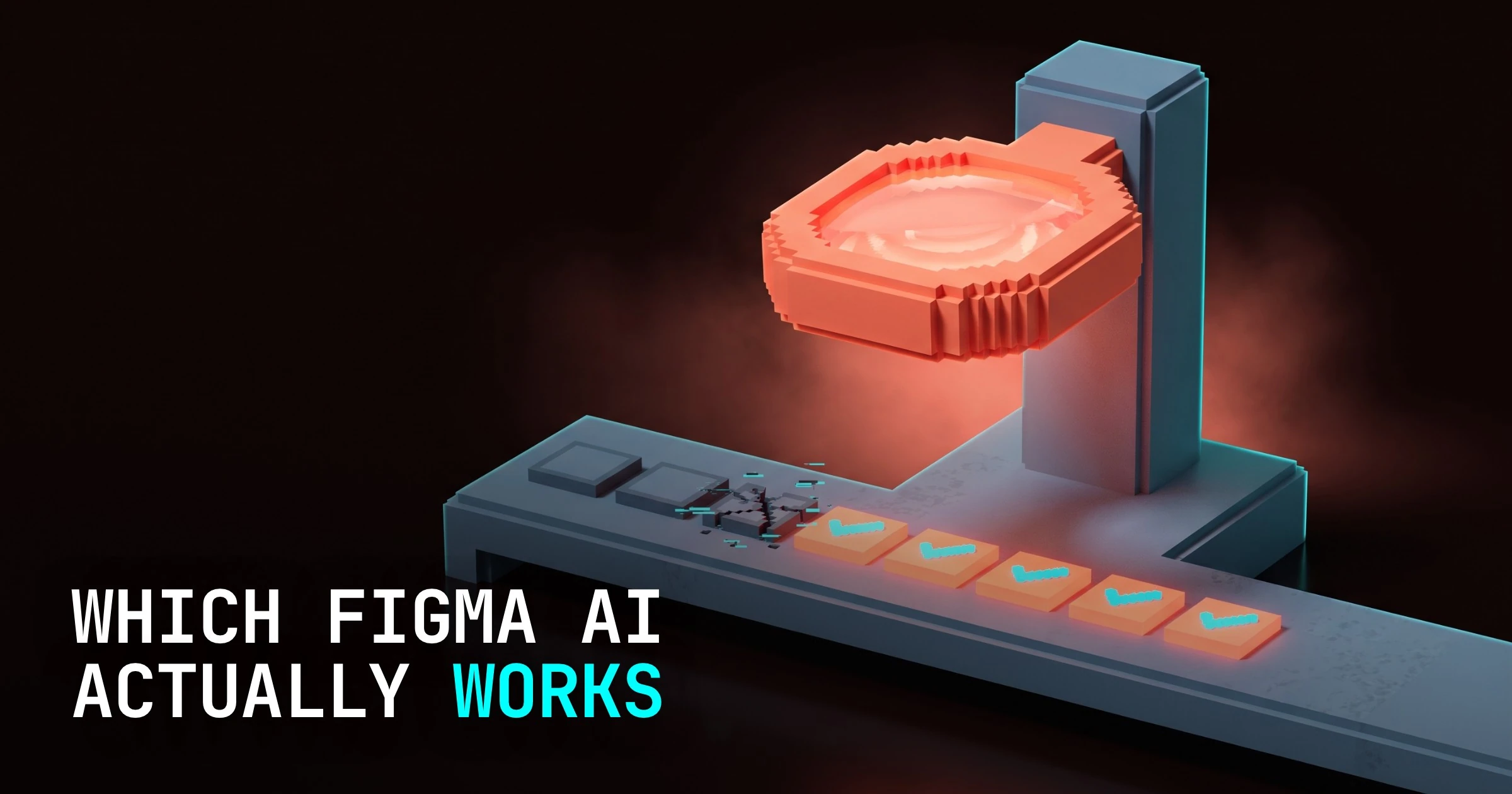
Most of the Figma AI features from Config 2026 are not ready to do your job. A few quiet ones already are. That is the whole story, and the keynote buried it under a highlight reel.
Config 2026 wrapped on June 25, and Figma walked out with a batch of AI: prompt-to-build through Figma Make, layout generation through First Draft, AI auto-layout suggestions, variant generation, and content-aware fill for placeholder text and images. On stage it all looked effortless. A week of designers posting side-by-side tests later, the gap between the demo and the daily driver is obvious.
After real use, the release sorts into three buckets:
- Quiet utilities that genuinely save time
- Generators that hand you a fast but messy starting point you then have to clean up
- Demo-magic that does not survive contact with a real design system yet
What Config 2026 actually shipped
Figma did not ship one feature. It shipped a spread, and lumping them together is the mistake the hype made for you.
At the headline end sits Figma Make, the prompt-to-build feature. You describe what you want and it generates a working prototype with code behind it. This was the Config showpiece, and it is the one people screenshot.
Below it sits First Draft, which turns a text prompt into a layout, a starting frame instead of a blank canvas. Then the smaller stuff: AI auto-layout suggestions that propose auto-layout on a selection, variant generation for components, an AI rename layers pass, and content-aware fill that drops realistic placeholder text and images instead of filler text and gray boxes.
These are not the same kind of feature. One is trying to do design. The others are trying to do the chores around design. They deserve separate verdicts, so here they are.
The verdict, every feature sorted
This is the table to save. Each verdict is a working designer's qualitative read from the first week of public usage, not a benchmark. Nobody has clean numbers ten days after Config, and anyone selling you a percentage is guessing.
| Feature | What it does | Verdict |
|---|---|---|
| AI rename layers | Cleans up a wall of "Frame 247" into readable names | Usable now |
| Content-aware fill | Real-looking placeholder copy and images | Usable now |
| AI auto-layout suggestions | Proposes auto-layout on a selection | Usable now |
| First Draft | Generates a layout from a prompt | Usable with cleanup |
| Variant generation | Spins up component variants | Usable with cleanup |
| Figma Make | Prompt to working prototype plus code | Not yet, for real product work |
The pattern is not subtle. The features that win are the ones doing chores. The features that struggle are the ones trying to make design decisions for you.
What is actually usable now
Turn these on Monday. They are boring, and boring is the point.
AI rename layers is the easiest yes in the release. Every shared file accumulates a graveyard of "Frame 128" and "Group 12 copy 3." One pass turns that into something a teammate can navigate. It is not glamorous, it does not risk your layout, and it saves the tax you used to pay before every handoff.
Content-aware fill is the quiet favorite. Real placeholder copy and believable images make a mockup read like a product instead of a wireframe, which makes client reviews go faster because nobody is squinting past gray rectangles. The risk is near zero, because it touches presentation, not structure.
AI auto-layout suggestions lands in the same camp when you treat it as a suggestion. On a clean selection it proposes sane spacing and stacking and usually gets close. You still confirm it, but confirming is faster than building auto-layout from scratch on a fiddly group.
What works but taxes you with cleanup
These two are genuinely useful and genuinely not finished. They get you off a blank canvas fast, then make you pay for the speed on the back end.
First Draft generates a layout from a prompt, and the honest read is that it gives you a starting frame, not a screen. When your prompt is generic, the output is generic, a template arrangement you would recognize from any UI kit. It does not know your design system, so the spacing, type scale, and components come out as Figma's defaults, not yours. You restructure before it fits, and on a well-built system that restructuring can eat the time you saved.
Variant generation has the same shape. It spins up the matrix of states and sizes quickly, which is real help on a component with a lot of permutations. But it tends to produce variants that are close rather than correct, so you go through and fix the ones that drift from your tokens. Faster than building each by hand, still not hands-off.
Use both as accelerators, not authors. They are good at the first ninety seconds of a task and average at the last ten minutes, and the last ten minutes are where the craft lives.
What is still demo-magic
Figma Make is the feature the keynote was built around, and it is the one that least survives a real file right now.
For a throwaway prototype or a first-pass UI with no system behind it, Make is legitimately impressive. You prompt, you get something interactive, you show it in a meeting an hour earlier than you could have. As a sketchpad for an idea you have not committed to, it earns its place.
The trouble starts the moment it has to respect an existing design system. Asked to build inside your components, tokens, and conventions, it does not reliably honor them. It invents structure, ignores your library, and produces output that looks plausible in a screenshot and falls apart when you try to merge it into a real product. At that point you are not designing, you are correcting, and correcting someone else's invented structure is often slower than building your own.
So Make is not useless and it is not finished. It is a fast way to externalize an idea, and a slow way to ship one. Treat it as a prototyping toy this quarter, not a production tool, and you will not get burned.
The one rule for judging an AI feature
Here is the rule that sorts every feature above, and the next batch Figma ships, and the batch after that.
Ask whether the feature does a chore or makes a decision. Chore features clean up, fill in, rename, and suggest, work where there is a correct answer and the cost of a small mistake is low. Decision features lay out, generate, and build, work where the answer is judgment and a wrong call cascades through everything downstream.
Chore AI is usable the day it ships, because you can verify its output at a glance. Decision AI needs to be near perfect to be worth it, because checking and fixing its work is most of the job, and right now it is not near perfect. That single question tells you which toggle to trust before you have run a single test of your own.
The honest counterpoint (the cleanup tax is real)
The fair pushback on a piece like this is that I am underselling the generators, and the fair answer is the cleanup tax.
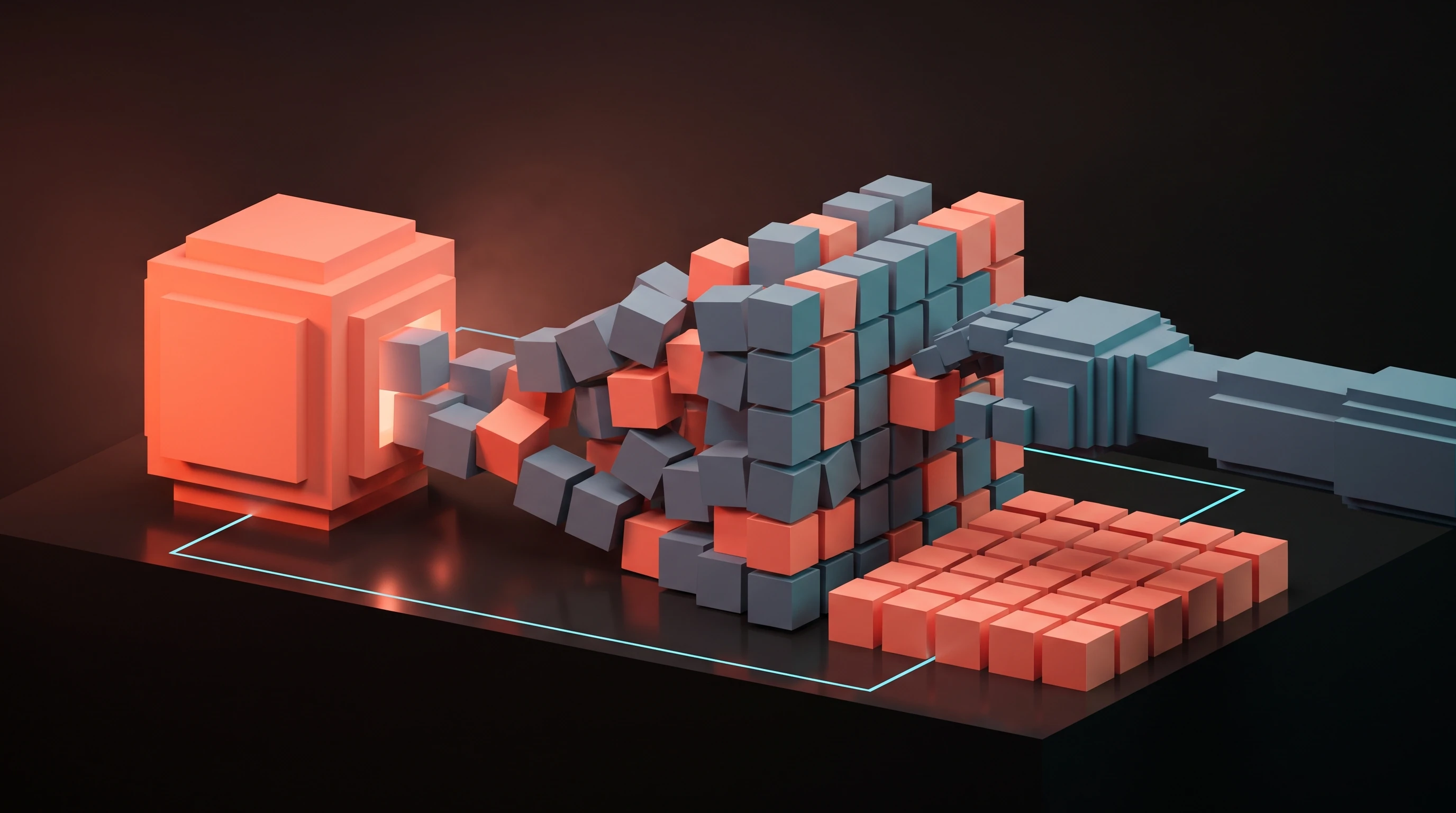
A fast, messy start is not the same as finished. When First Draft or Make hands you something in ten seconds, the ten seconds is real, and so are the twenty minutes you then spend dragging it back into your system, your spacing, your components, your tokens. On a personal file with no system, that tax is small and the speed is pure profit. On a mature product with a real library, the tax can erase the gain entirely, and sometimes it goes negative.
That is not a reason to dismiss the generators. It is a reason to be precise about where they pay off. Greenfield exploration, throwaway prototypes, and pitching a direction, those are where a messy fast start beats a slow clean one. Production work inside an established system is where the tax bites hardest, and that is exactly the work the keynote demo never showed.
The keynote showed the best case because that is what keynotes do. Your job is to know your own case, and your case probably has a design system the demo did not have.
FAQ
Is Figma AI any good in 2026?
Parts of it, yes. The utility features, AI rename layers, content-aware fill, and auto-layout suggestions, are good enough to use daily right now. The generators, First Draft and Figma Make, are good for a fast start and weak at finishing inside a real design system.
What is Figma Make and should I use it?
Figma Make is the prompt-to-build feature from Config 2026 that generates a working prototype and code from a description. Use it for throwaway prototypes and first-pass UI with no system behind them. Do not rely on it for production work inside an established design system, where it tends to ignore your components and create cleanup.
What is Figma First Draft?
First Draft generates a layout from a text prompt, giving you a starting frame instead of a blank canvas. It is useful as an accelerator, but generic prompts produce generic, template-like output, and it does not know your design system, so plan to restructure before it fits.
Which Figma AI features actually save time?
The chore features. AI rename layers cleans up messy layer trees, content-aware fill replaces placeholder boxes with realistic copy and images, and auto-layout suggestions speed up spacing and stacking. They save time because verifying their output takes a glance, not a rebuild.
Does Figma AI work with an existing design system?
Unevenly. The utility features respect your file because they are not making structural decisions. The generators, especially Figma Make, do not reliably honor your components and tokens yet, which is where most of the cleanup cost comes from.
The takeaway (turn on the utilities, distrust the generators)
Turn on the utilities and distrust the generators. That is the entire playbook for Figma AI in June 2026.
AI rename layers, content-aware fill, and auto-layout suggestions earn their place today because they do chores you can verify at a glance. First Draft and variant generation are accelerators, good for the first ninety seconds and average at the last ten minutes, so use them to start and never to finish. Figma Make is a prototyping toy with a great keynote and a real-file problem, worth a sketch and not a ship.
The release is real and the release is uneven, and both of those are true at the same time. Judge every feature by whether it does a chore or makes a decision, trust it accordingly, and you will get the gains Figma actually delivered instead of the ones it merely demoed.
Need a design partner who ships, not a demo? Work with Brainy.
Get StartedGet new papers by email
New Brainy papers in your inbox. Confirm once, unsubscribe anytime.