

Google Stitch डिज़ाइनर्स के लिए: Prompt-to-UI 2026 में कैसे वाकई काम करता है
2026 में Google Stitch डिज़ाइनर्स के लिए क्या करता है, कौन से workflows फायदेमंद हैं, और कहाँ यह v0, Lovable, और Figma Make से पीछे रह जाता है। असली आउटपुट, ईमानदार फैसला।
Google Stitch डिज़ाइनर्स के लिए: Prompt-to-UI 2026 में कैसे वाकई काम करता है
Google Stitch पहला prompt-to-UI tool है जो Figma को मंजिल मानता है, न कि कच्चा माल। यही एक डिज़ाइन फैसला इसे हर पहले आए tool से अलग करता है, और यही वजह है कि एक Figma-native डिज़ाइनर को ध्यान देना चाहिए, भले ही उन्होंने इस category को पहले ही खारिज कर दिया हो।
Google Stitch क्या है, एक paragraph में
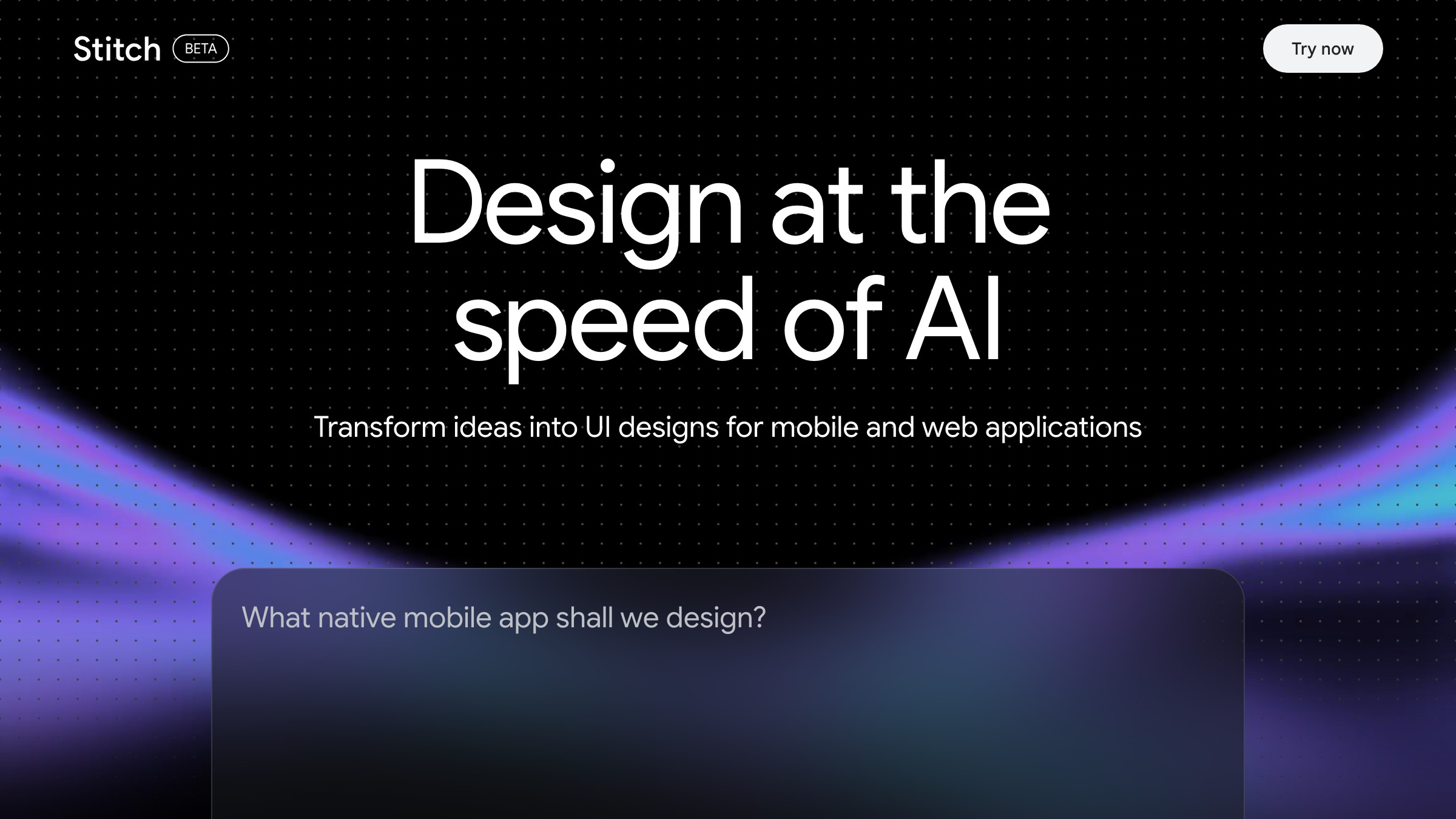
stitch.withgoogle.com पर लाइव देखें
Google Stitch एक Google Labs tool है जो text prompt को responsive UI layout में बदलता है और इसे Figma file या component-level code के रूप में export करता है। यह Gemini पर चलता है और 2025 में Material 3 और Flutter के साथ publicly ship हुआ। आउटपुट एक generated screen है जिसमें named layers, grouped elements, और ज़्यादातर containers पर auto-layout लगा होता है। कोई static PNG नहीं, कोई code-only preview नहीं।
Google ने इसे क्यों बनाया (और डिज़ाइनर्स को क्यों परवाह करनी चाहिए)
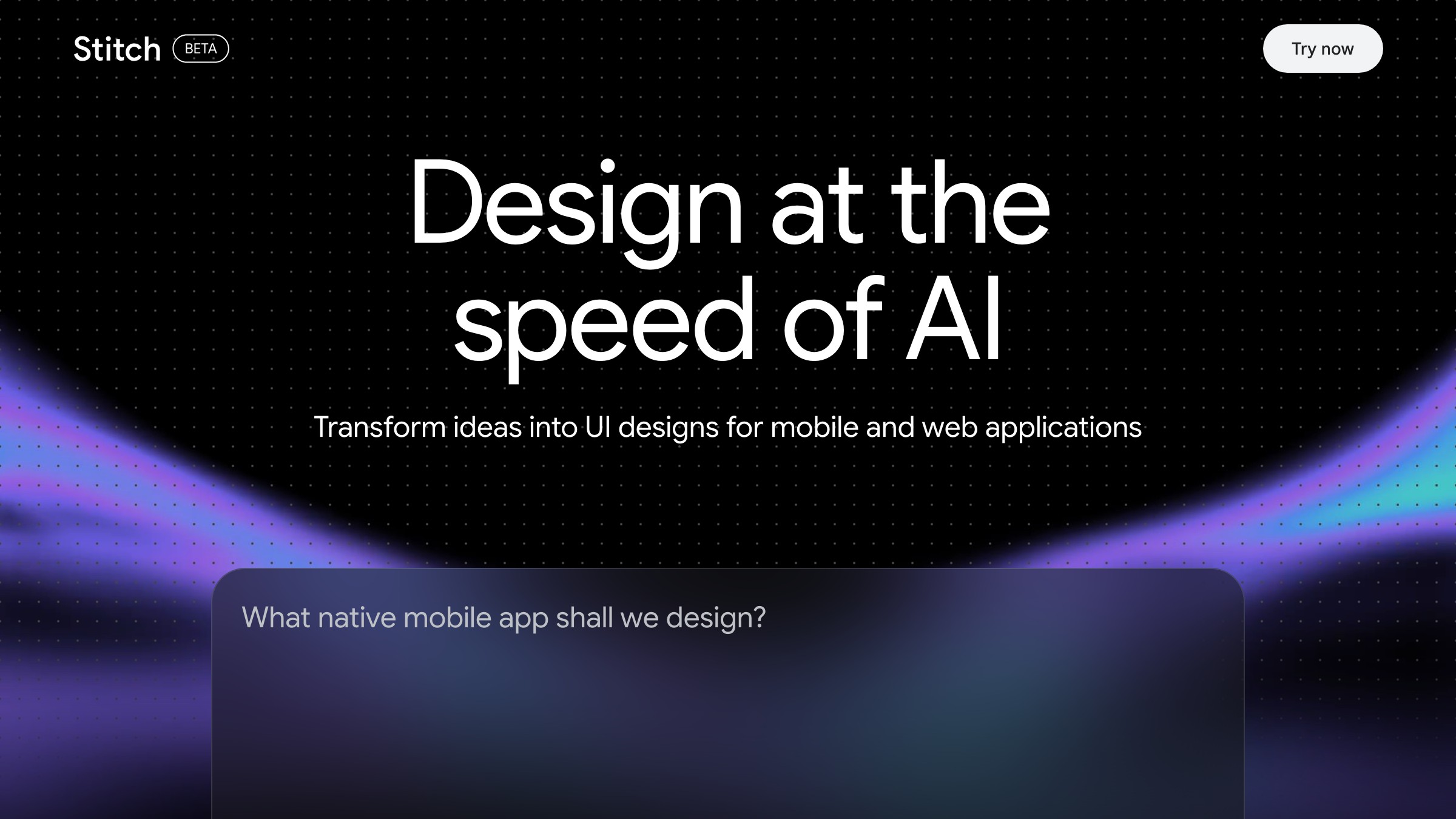
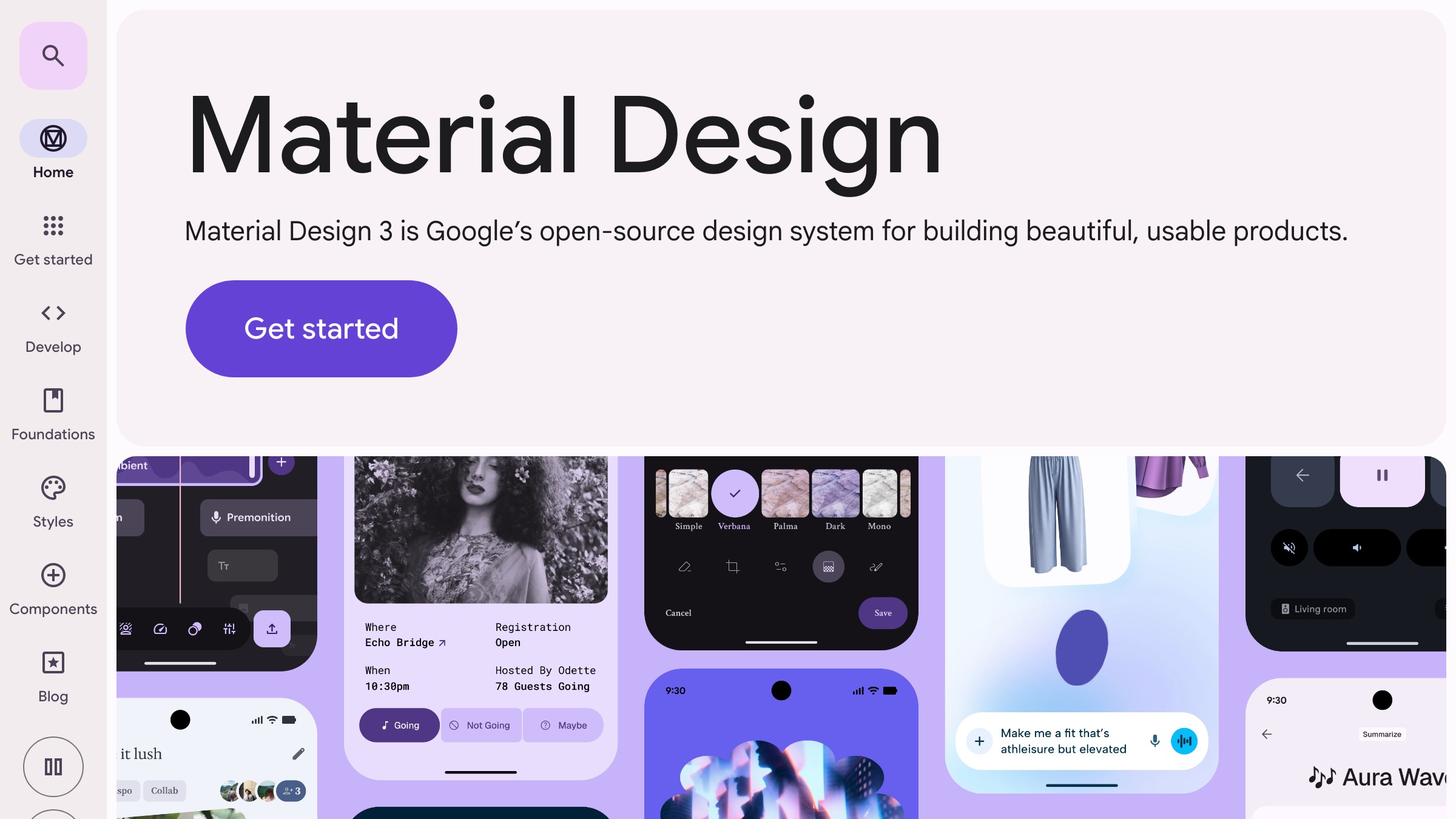
m3.material.io पर सिस्टम देखें
Google का मकसद साफ है: design-to-code funnel के शीर्ष पर कब्जा करना, इससे पहले कि कोई और करे। Gemini पहले से ही code-assist workflows का एक बड़ा हिस्सा चला रहा है। इसे UI generation तक फैलाने से डिज़ाइनर Google के ecosystem में पहले sketch से deployed component तक बने रहते हैं।
डिज़ाइनर के लिए महत्वपूर्ण निहितार्थ है infrastructure की quality। Stitch किसी दो लोगों की startup का side project नहीं है। चार चीज़ें खास तौर पर एक ऐसी product team को दर्शाती हैं जिसे real design systems का अनुभव है:
- Figma integration
- Token structure
- Export fidelity
- Material 3 alignment
इसका मतलब यह नहीं कि यह perfect है, लेकिन baseline 2023 के Galileo या 2024 के Uizard से काफी ऊपर है।
तीन workflows जहाँ Stitch वाकई काम आता है
हर workflow यहाँ फायदेमंद नहीं है। ceiling कहाँ है यह जानना आपको गलत उम्मीदों से बचाएगा।
1. शुरुआती exploration। जब आपको बीस मिनट में पाँच layout directions चाहिए और पास केवल एक brief है, Stitch तेज़ है और जो produce कर रहा है उसके बारे में honest है। आपको polished comps नहीं मिल रहे। आप browser speed पर कागज़ पर spatial reasoning पा रहे हैं।
2. अनजाने patterns के लिए layout drafts। एक ऐसा dashboard design कर रहे हैं जो आपने पहले नहीं बनाया, या nested permissions वाला complex settings page? Stitch आपको एक structural starting point देता है जो directionally सही होता है, भले ही visually rough हो। हड्डियाँ आमतौर पर मज़बूत होती हैं।
3. Figma handoff preparation। Stitch से Figma तक का export path Galileo या Uizard ने जो भी ship किया उससे बेहतर है। Named layers, grouped components, ज़्यादातर containers पर auto-layout। Production-ready नहीं, लेकिन पंद्रह मिनट से कम में salvageable।
AI tools पर और essays चाहिए जो design work को reshape कर रहे हैं? Brainy Papers को subscribe करें।
एक prompt template जो पहली बार में usable layouts देता है
Vague prompts primary failure mode हैं। "A dashboard for a SaaS product" हर बार generic garbage produce करता है। यह template पहली run में आपको आगे ले जाता है:
[Screen name]: [Primary action the user is performing]
Layout: [sidebar / top-nav / card grid / single-column / etc.]
Key elements: [3-5 specific UI components by name]
Tone: [minimal / dense / conversational / data-heavy]
Constraints: [responsive, mobile-first, dark mode, Material 3, etc.]
Applied:
Team settings screen: Admin is adding a new member to the workspace
Layout: Two-column, sidebar nav on the left
Key elements: User list with avatars, invite form, role selector, permissions table
Tone: Dense but clear, no marketing copy
Constraints: Responsive, light mode, Material 3 tokens
"Key elements" field सबसे ज़्यादा काम करता है। Components को नाम दें। User के goal को नाम दें। Stitch का model specificity के प्रति उतना sensitive है जितना ज़्यादातर tools नहीं हैं, जिसका मतलब है कि एक strong prompt एक weak prompt से genuinely अलग output produce करता है।
Figma round-trip जिसे कोई clearly document नहीं करता
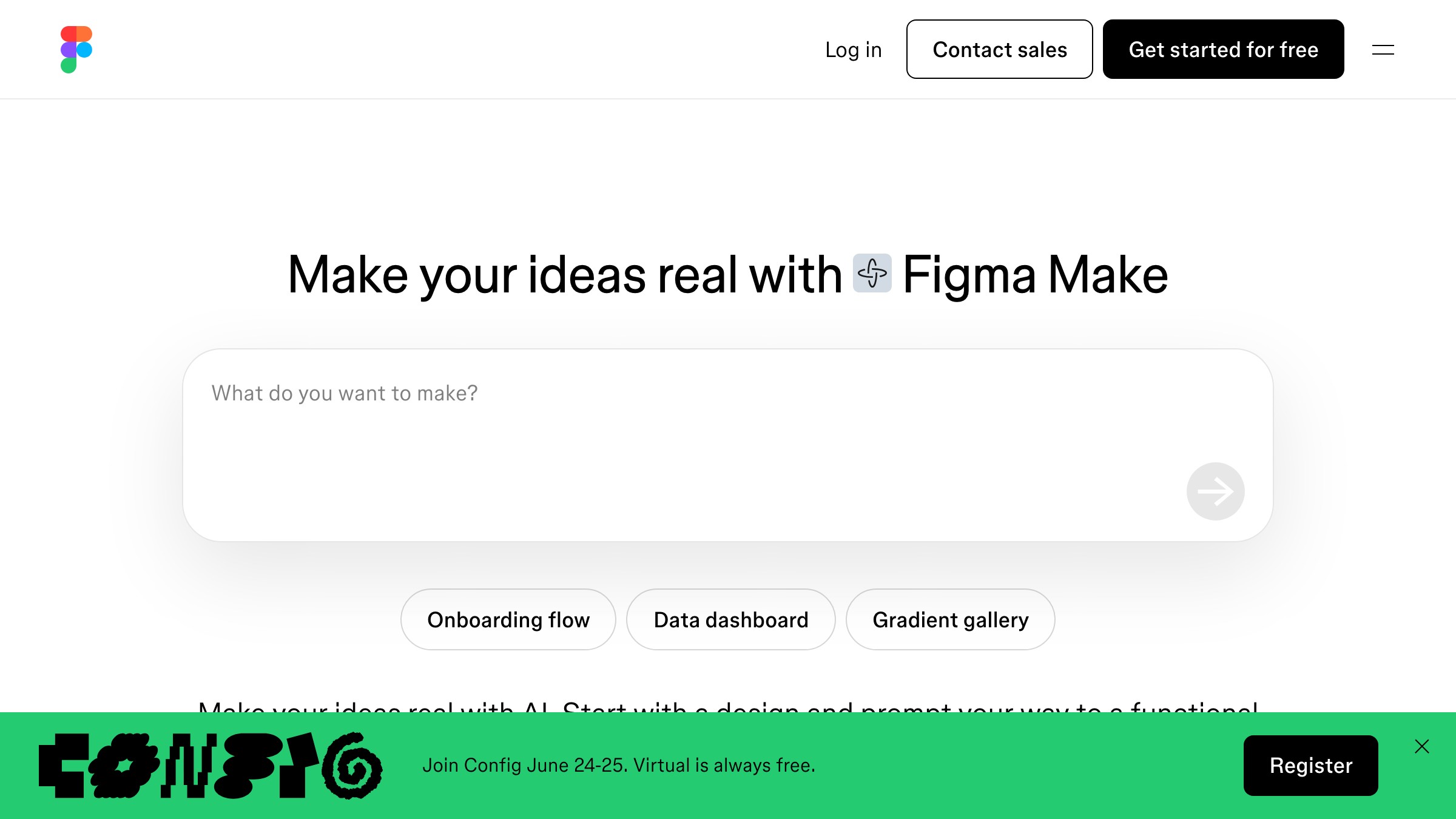
figma.com/make पर Figma Make देखें
ज़्यादातर Stitch writeups "export to Figma" पर रुक जाते हैं। यह वास्तव में चार steps में कैसा दिखता है।
Step 1: Multiple variations generate करें। एक ही screen के लिए दो या तीन prompt variations run करें। सबसे अच्छे visual surface वाला नहीं, बल्कि सबसे अच्छे structural logic वाला output चुनें। Structure वही है जो Stitch अच्छा करता है। Visual वह है जिसे आप replace करेंगे।
Step 2: Figma plugin के ज़रिए export करें। Stitch एक .fig bundle export और Figma plugin import path offer करता है। 2026 की शुरुआत तक, plugin path बेहतर layer organization produce करता है। इसी का उपयोग करें।
Step 3: तुरंत tokens remap करें। Generated file Stitch का internal token set use करेगी, आपकी library का नहीं। Fills, text styles, और corner radii को अपनी local library में remap करें, इससे पहले कि आप कुछ और edit करें। Editing शुरू करने के बाद remapping दोगुना काम है। यह step non-negotiable है।
Step 4: Structure lock करें, surface rewrite करें। Stitch spacing और hierarchy पर अपनी value prove करता है। Typography choices और color application वहाँ हैं जहाँ यह consistently underdeliver करता है। हड्डियाँ रखें, त्वचा बदलें।
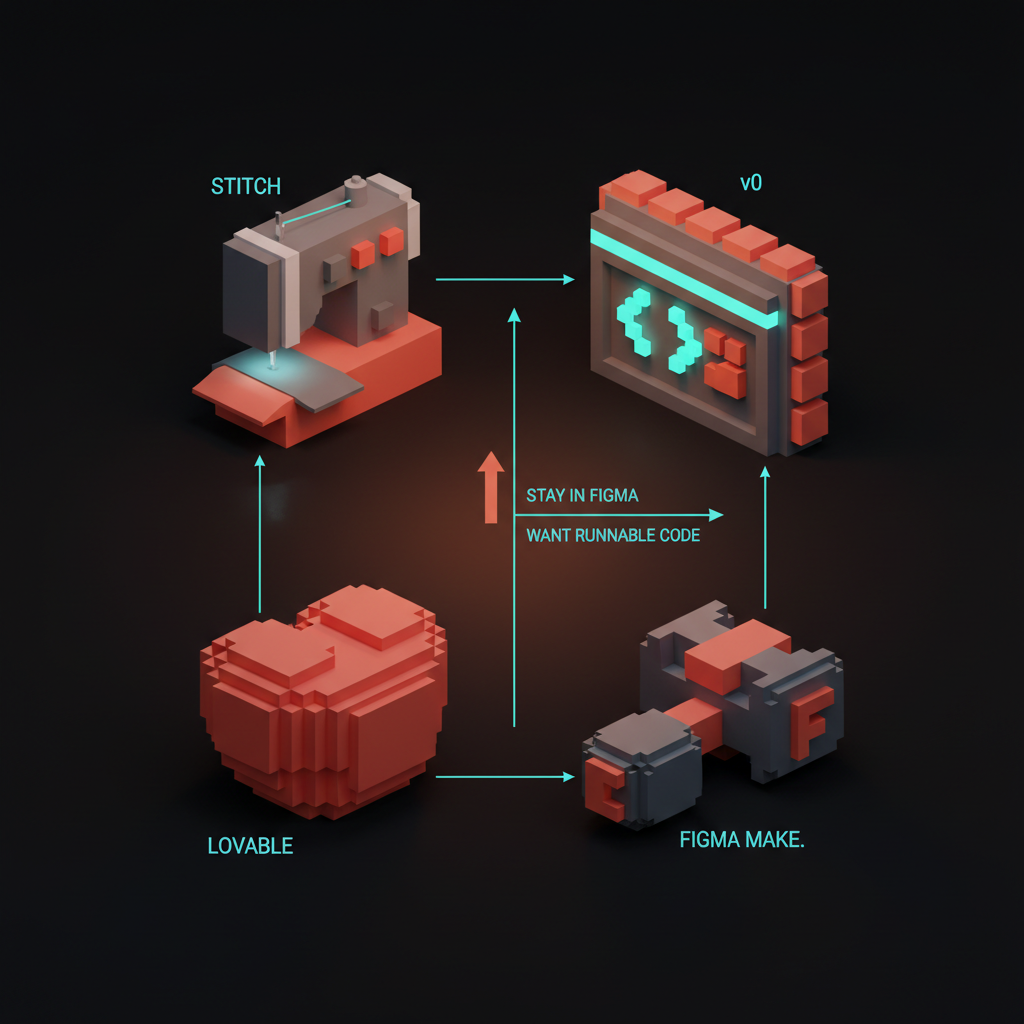
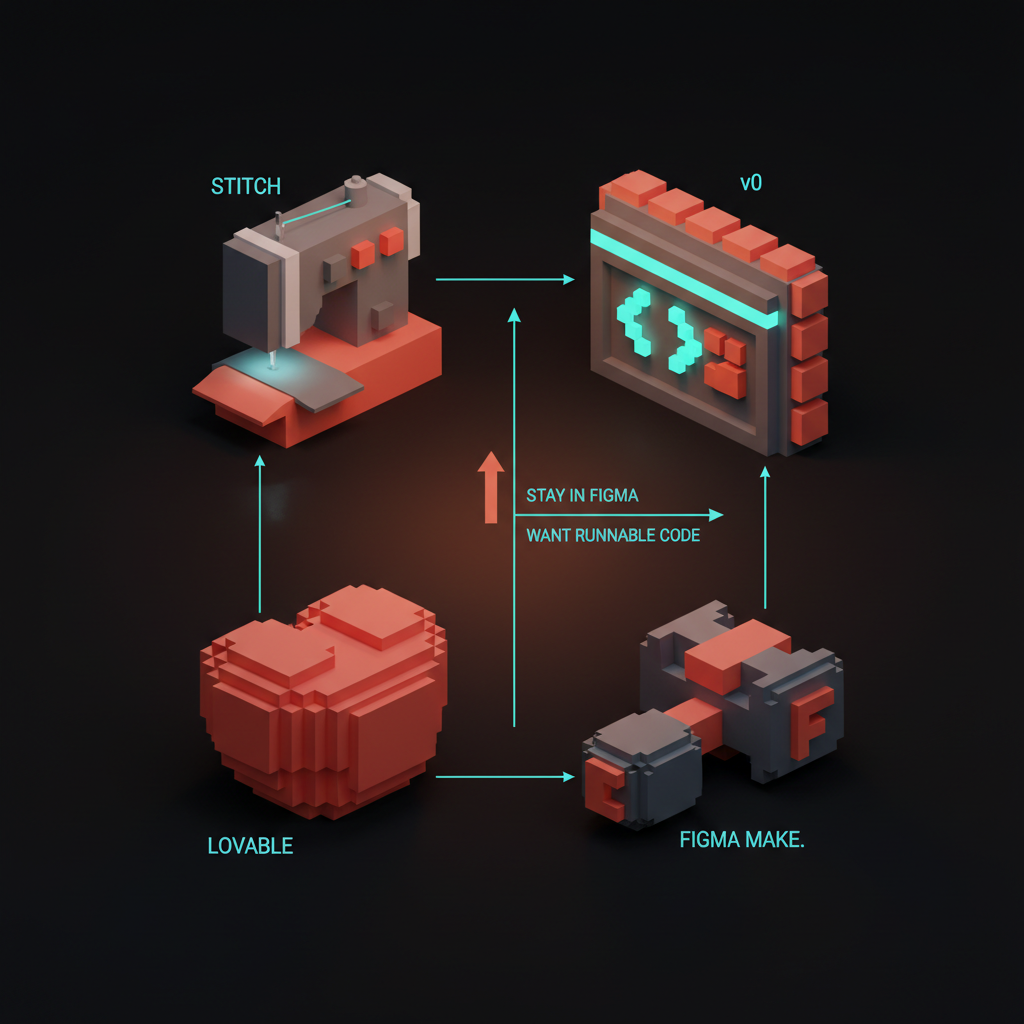
Google Stitch बनाम v0 बनाम Lovable बनाम Figma Make
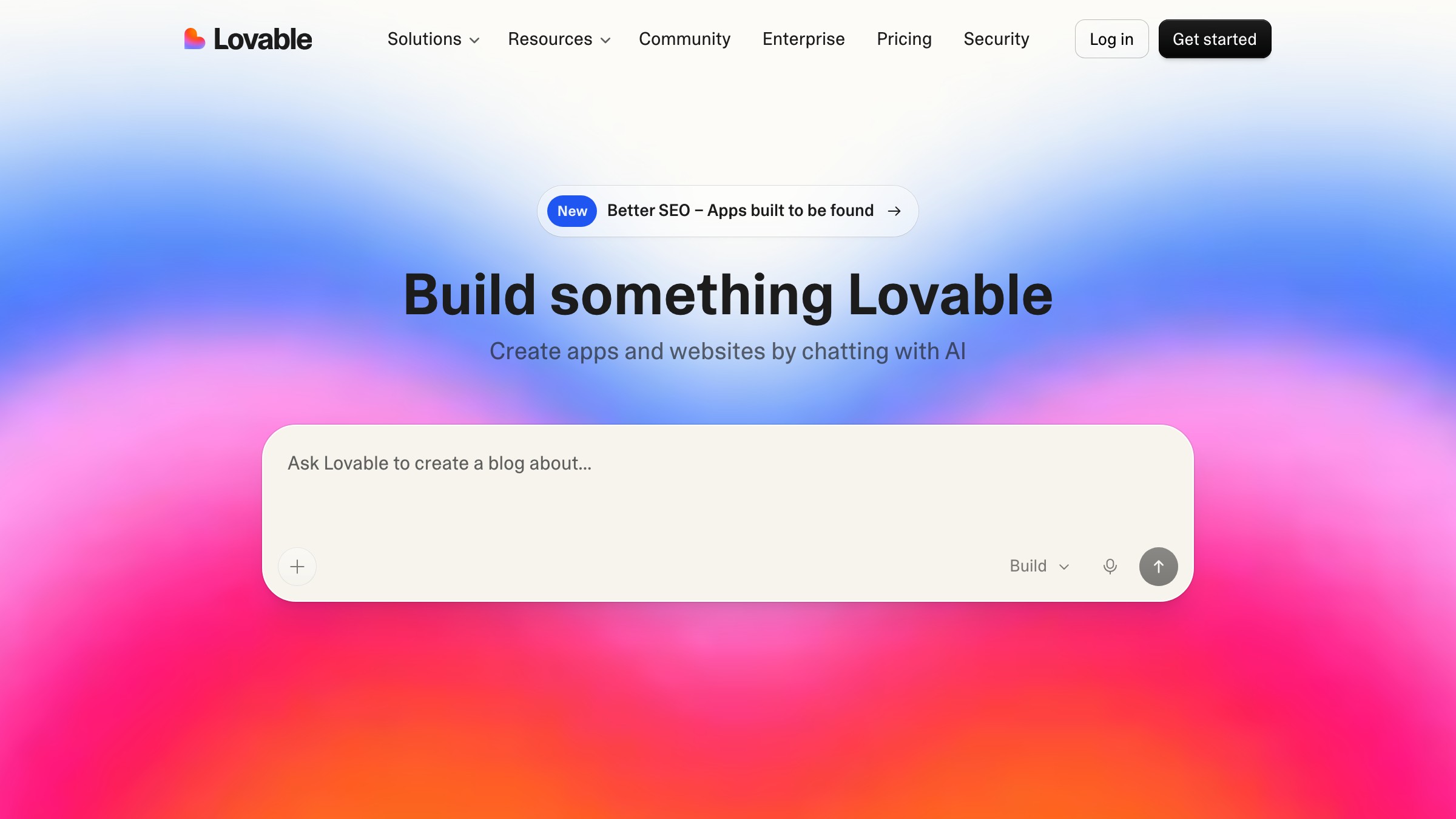
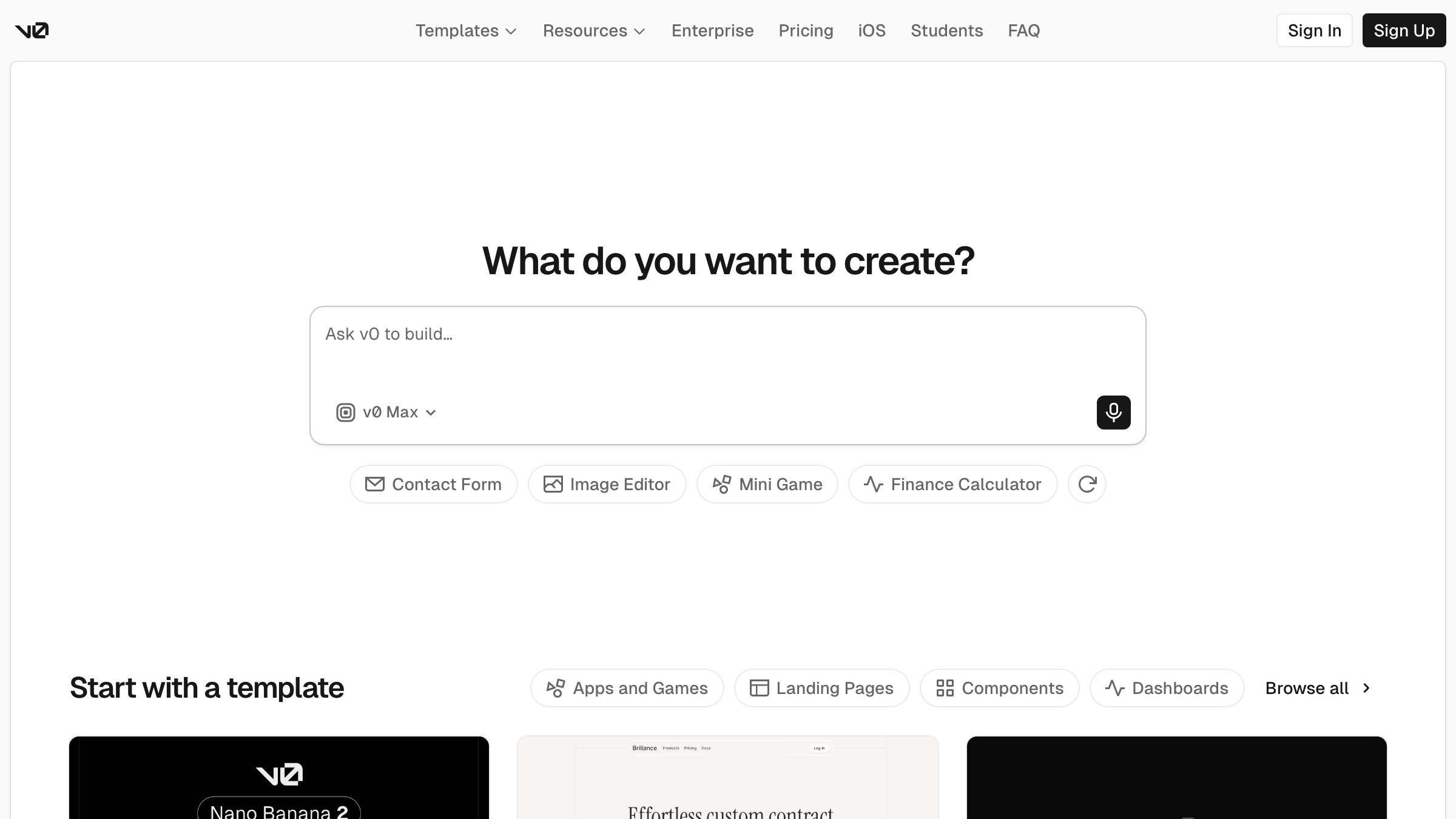
वह ईमानदार तुलना जो एक डिज़ाइनर को वास्तव में चाहिए:
| Tool | किसके लिए बेहतर | Output | Figma path | Code quality |
|---|---|---|---|---|
| Google Stitch | UI exploration, Figma handoff | Layout + Figma file | Native export | Gemini-generated, component-level |
| v0 (Vercel) | Production React components | Code-first, shadcn/ui | कोई नहीं (copy-paste) | High, prod तक ship होता है |
| Lovable | Full app prototypes | Runnable app, Supabase-connected | कोई नहीं | High, production-grade |
| Figma Make | Figma के अंदर रहना | Figma-native component | पहले से Figma में | Limited, annotation-level |
साफ पढ़ना: अगर आप ऐसा code चाहते हैं जो ship हो, v0 या Lovable use करें। अगर आप पहले prompt से Figma के अंदर रहना चाहते हैं, Figma Make native path है। अगर आप एक fast structural draft चाहते हैं जो prompt से शुरू हो और Figma में real layer structure के साथ land करे, Stitch इस table का एकमात्र tool है जो वह needle thread करता है।
Code-side options पर गहरी नज़र के लिए, AI editor landscape और AI app builders compared देखें।
Output वास्तव में कैसा दिखता है
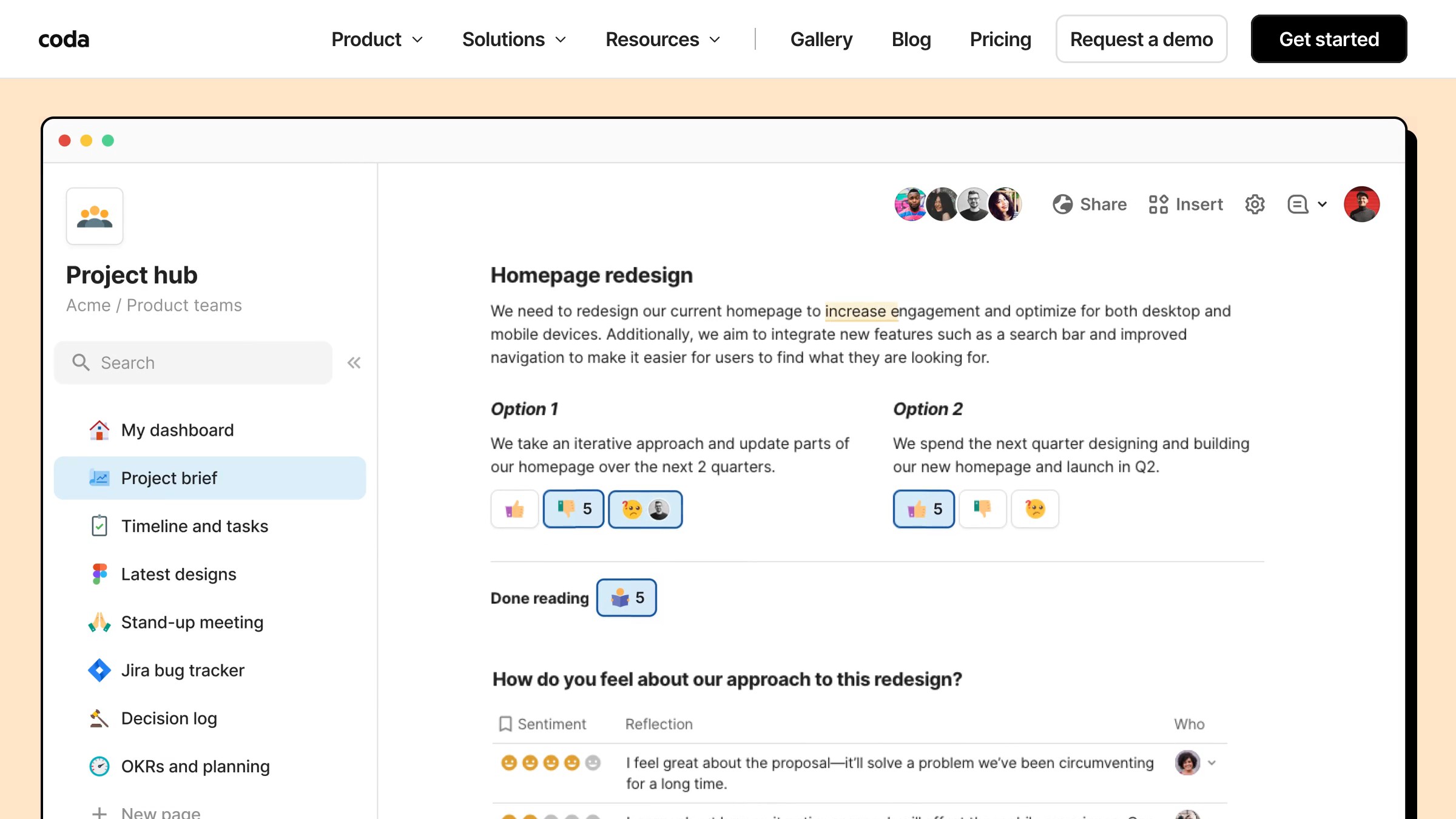
ईमानदार आकलन: 2023 के Galileo से बेहतर, एक competent डिज़ाइनर दो focused घंटों में जो produce करता है उससे बुरा। Generated layouts spatially coherent हैं। Hierarchy एक नज़र में सही पढ़ती है। Spacing generosity की तरफ झुकता है, जो मिनटों में fixable है।
जहाँ Stitch consistently अपनी value prove करता है वह है grid logic। Sidebar filter के साथ card grid माँगें, और आपको sidebar filter के साथ card grid मिलता है, plausible responsive behavior के साथ। इस space के ज़्यादातर tools अभी भी hero-with-three-columns layout से ज़्यादा complex किसी भी चीज़ पर fail होते हैं।
जहाँ यह fail होता है: interactive states। Hover, focus, error, empty, loading। Stitch एक single static frame generate करता है। बाकी सब आपकी problem है।
चार limitations जो commit करने से पहले जानना ज़रूरी है
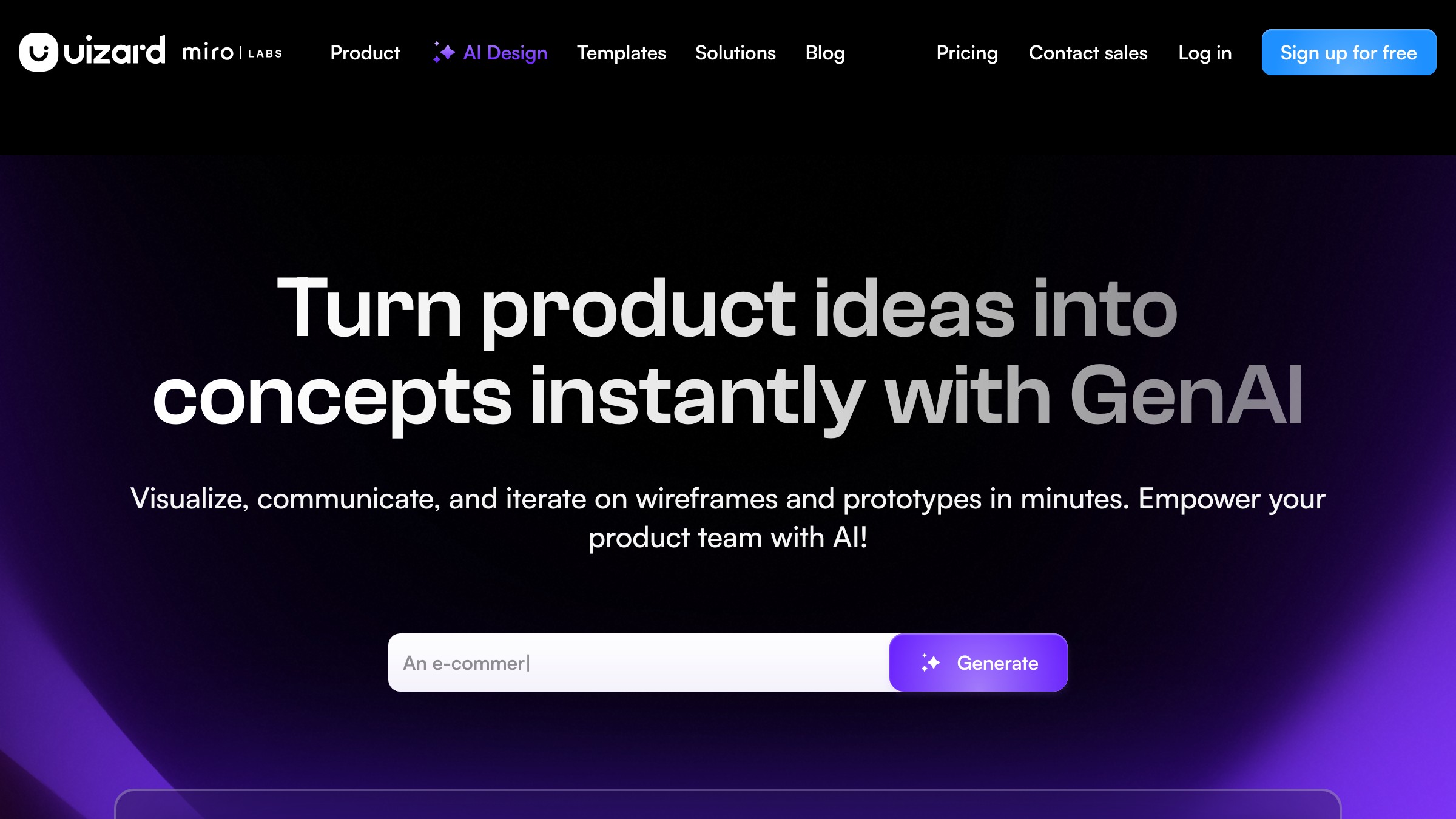
1. कोई design system awareness नहीं। Stitch आपकी component library नहीं जानता। हर import के लिए आपके local tokens के खिलाफ remap pass ज़रूरी है। कोई shortcut नहीं।
2. Single-frame output। एक बार में एक screen। कोई connected prototype flows नहीं, कोई multi-screen generation नहीं। उसके लिए, Figma Make या Lovable बेहतर fit हैं।
3. High prompt sensitivity। छोटे phrasing changes बड़े output changes produce करते हैं। Stitch का model specificity के प्रति विशेष रूप से responsive है, इसलिए vague prompt दूसरे tools के relative ज़्यादा garbage produce करता है। ऊपर का template इसे ज़्यादातर ठीक करता है।
4. अभी भी Labs में। मई 2026 तक, Stitch एक Google Labs product बना हुआ है। यह बिना warning के बदल सकता है, deprecate हो सकता है, या Workspace में absorb हो सकता है। इसे GA reach करने तक किसी client-facing workflow dependency में wire न करें।
Stitch में एक working designer का एक घंटा
एक realistic session, demo reel नहीं।
0:00 से 0:10। तीन prompt variations लिखें। तीनों run करें। सबसे अच्छा structural output रखें।
0:10 से 0:25। Plugin के ज़रिए Figma को export करें और tokens remap करें। नोट करें कि Stitch ने क्या सही किया (spacing, hierarchy, grid logic) और आप क्या replace करेंगे (typography, color, states)।
0:25 से 0:45। अपने actual design system का उपयोग करके surface rebuild करें। आप अब एक normal Figma workflow में हैं, blank frame से बेहतर starting point के साथ।
0:45 से 1:00। वे states add करें जो Stitch generate नहीं कर सकता:
- Hover
- Focus
- Error
- Empty
- Loading
Stitch का कुल contribution: 25 मिनट का structural drafting। Mid-complexity screen पर बचाया गया समय: 30 से 40 मिनट।
FAQ
Google Stitch क्या है?
Google Stitch Google Labs का एक prompt-to-UI tool है। आप text में एक screen describe करते हैं, और Stitch Figma export path के साथ एक responsive layout produce करता है। यह Gemini पर चलता है और Figma Make से अलग है, जो Figma के अंदर natively रहता है।
क्या Google Stitch free है?
मई 2026 तक, Stitch limited free-tier access के साथ Google Labs के through accessible है। Usage caps लागू होते हैं। Pricing तब formalize होगी जब यह Labs से बाहर आएगा।
Google Stitch v0 से कैसे compare करता है?
v0 production-grade React components produce करता है। Stitch Figma-ready layouts produce करता है। अगर आपका goal shipped code है, v0 use करें। पूरे breakdown के लिए AI app builders compared देखें।
क्या मैं Figma के बिना Stitch use कर सकता हूँ?
हाँ, code export मौजूद है। लेकिन primary strength Figma path है। अगर आपको prompt से runnable code चाहिए, v0 और Lovable ज़्यादा strong हैं।
क्या Stitch मेरे design system के साथ काम करता है?
सीधे नहीं। Stitch अपने खुद के component tokens generate करता है, और आप import के बाद Figma के अंदर उन्हें अपनी library में remap करते हैं। Cleanup unavoidable है, लेकिन अगर आप editing से पहले करें तो fast है।
क्या Stitch Figma Make से बेहतर है?
पूरे समय Figma के अंदर रहने के लिए, Figma Make जीतता है। Prompt से शुरू होकर structured layers के साथ Figma में arrive करने के लिए, Stitch का output ज़्यादा spatially rigorous है।
Working designers के लिए verdict
Stitch use करें अगर आप Figma-native हैं और v0 या Lovable का code-first workflow उस तरह disconnected लगता है जैसे आप actually design के बारे में सोचते हैं। यह Figma fluently बोलता है।
v0 पर रहें अगर आप directly React components ship करने में comfortable हैं। उस use case के लिए इसका design-system integration और code quality एक अलग league में है।
2026 में AI design work की payment कितनी है यह पढ़ें इन tools में से कोई भी सीखने से पहले, अगर आप अभी भी fence पर हैं। Case economic है, creative से पहले।
Stitch prompt-to-UI का आखिरी शब्द नहीं है। यह इस category का पहला tool है जो Figma handoff को first-class feature मानता है। Code side पर Cursor for designers चलाने वाले डिज़ाइनर के लिए, यह किसी भी benchmark से ज़्यादा मायने रखता है। और designer essays देखें।
Want the next designer essay in your inbox? Subscribe to Brainy Papers.
Get Started




