

AI Code Editors in 2026: Claude Code vs Cursor vs Windsurf vs Copilot vs Zed
A working comparison of the major AI code editors heading into mid-2026. Claude Code, Cursor, Windsurf, GitHub Copilot Workspace, and Zed graded on agent quality, context handling, multi-file edits, design-to-code, pricing, and team adoption.

AI code editors split into two camps in 2026. The agentic ones can take a goal and run it end-to-end. The assistants still need a developer holding the wheel. Claude Code, Cursor, and Windsurf sit in the first camp. GitHub Copilot Workspace and Zed sit in the second. The right pick depends on whether you want a coworker or a faster autocomplete.
This is a working comparison of the five editors that actually matter. Six axes that decide the seat, short verdicts on each, a four-role decision matrix, and the four traps that show up when teams pick wrong.
The 2026 split is agent versus assistant
Agentic editors take a task description, plan a path, edit multiple files, run tests, and report back at real decision points. Assistant editors complete code as you type, answer questions inline, and stop short of taking the wheel.

Both shapes are valid. Senior developers working on a codebase they own want the assistant. Solo founders, designers, and teams shipping new products want the agent. The trap is buying an assistant for an agent job and blaming the tool.
Claude Code, the terminal-native agent
Claude Code is Anthropic's terminal-native agent and the cleanest agent loop shipped in any code tool today. It runs in any shell, edits files in place, and uses a permission system that lets you dial autonomy per session. The win is honesty. Every tool call streams to the terminal, every file edit shows a diff, every command shows its output.
Where it leaves money. The plan surface is markdown, not a structured editable list. IDE-native developers have to context-switch to use it. The model is locked to Claude. Pricing is usage-based via the API or included in Claude Pro and Max plans, with heavy users running one to two hundred dollars per month.
Cursor, the agentic IDE that won the desktop
Cursor is Anysphere's fork of VS Code and owns the indie and startup developer market in 2026. Composer handles multi-file refactors. Agent mode runs end-to-end tasks. Tab completion is the best in the category. The win is presence calibration, the agent feels invisible until you need it.
Where it leaves money. The plan surface for complex agent runs is closer to chat than an editable task list, which makes mid-run course correction harder than it should be. Multi-model routing is opaque. Enterprise admin lags behind GitHub Copilot. Pricing: free tier, Pro at twenty dollars per month, Business at forty per developer with admin and pooled usage.
Windsurf, the Cascade-driven editor with the deepest context
Windsurf is Codeium's IDE built around Cascade, and it has the strongest indexing in the category. Cascade pulls in the full repo context, runs multi-file edits with a structured plan, and handles long-horizon tasks better than any other IDE-native agent. On large legacy codebases, Cascade routinely beats Cursor's Composer on multi-file refactors.
Where it leaves money. The IDE is less mature than Cursor. The extension ecosystem is shallower. The agent UI for inline edits is heavier. Autocomplete is good but not best-in-class. Pricing: free tier, Pro at fifteen dollars, Teams at thirty-five per developer. Cheapest of the agentic three.
GitHub Copilot Workspace, the assistant trying to grow up
Copilot Workspace is Microsoft's bet that the existing Copilot base can be upgraded from autocomplete to an agentic surface, and it lives inside GitHub itself. You assign an issue to Copilot, it generates a plan, edits files, opens a pull request, and waits for review. For teams deep in GitHub Enterprise, the integration is the entire pitch.
Where it leaves money. The agent loop is slower and less reliable than Claude Code, Cursor, or Windsurf. The plan surface is structured but rigid. Latency is noticeably worse than the agentic IDEs. Pricing: Copilot Pro at ten dollars per month, Business at nineteen, Enterprise at thirty-nine. Cheapest seat in the category.
Zed with Anthropic models, the lean editor for senior developers
Zed is Zed Industries' high-performance native editor with Anthropic models wired in, built for senior developers who want speed and surgical AI, not a coworker. Written in Rust, it boots in milliseconds and handles huge files without flinching. The win is performance. The AI sits where you want it and stays out of the way otherwise.
Where it leaves money. Zed is not an agentic editor in the same league as Claude Code, Cursor, or Windsurf. Full multi-file refactors are not the product's strength. The extension ecosystem is small. Pricing: free editor, Zed Pro at twenty dollars per month with hosted AI, BYOK supported. Senior developers tend to land on Zed plus Claude Code as a paired stack. Sourcegraph Cody and Continue.dev are still in the conversation but neither is a primary pick in 2026.

The six-axis comparison
Agent quality, context handling, multi-file edits, design-to-code, pricing, and team adoption. Those are the axes that decide which editor earns its seat. The rest is noise.
| Axis | Claude Code | Cursor | Windsurf | Copilot Workspace | Zed |
|---|---|---|---|---|---|
| Agent quality | Best | Strong | Strong | Adequate | Light |
| Context handling | Strong | Strong | Best | Adequate | Adequate |
| Multi-file edits | Strong | Strong | Best | Adequate | Light |
| Design-to-code | Strong | Best | Adequate | Light | Light |
| Pricing | Mid | Mid | Cheap | Cheapest | Cheap |
| Team adoption | Strong | Strong | Adequate | Best | Light |
No tool wins every axis. The shape of the win matters.
Agent quality is the top of the funnel
Agent quality is whether the tool can take a goal and run it end-to-end without a developer babysitting every step. It is the single biggest gap between the five products.
Claude Code wins on transparency and reliability. The permission system, streaming tool log, and in-place file edits are the tightest agent loop shipped to date. Cursor and Windsurf are close behind. Cursor is faster on small tasks, Windsurf is stronger on long-horizon multi-file work. Copilot Workspace is the slowest agentic option. Zed is not really competing on this axis.
Context handling decides the multi-file work
A code agent is only as good as the context it can see. The editors compete on retrieval quality, not raw window size. Windsurf wins on indexing. Cascade pulls in the right files more reliably than Composer or Claude Code on large repos. Claude Code wins on transparency, you always see which files the agent reads and can edit context manually. For monorepos over a hundred thousand lines, Windsurf is the strongest pick.
Multi-file edits separate the toys from the tools
Single-file edits are a solved problem. Multi-file refactors are where the real differences show up. Renaming a prop across twenty components, propagating a database field through the API, migrating a state library.
Windsurf is best on cross-file refactors. Claude Code is the most reliable, diffs are honest and it does not silently skip files. Cursor's Composer is fast on small-to-medium refactors but drops steps on large ones. Copilot Workspace is structured but slow. Zed is not the right pick for big multi-file work.
Design-to-code is the dark horse axis
The editor that handles a Figma frame, a screenshot, or a design spec and ships clean component code wins designer adoption.
Cursor wins on design-to-code in 2026. Image input is the most polished, the agent reliably maps a screenshot to a component tree, and the iteration loop on Tailwind and CSS is the fastest. Claude Code is strong but the terminal is friction for designers who want to drag a Figma frame in. Windsurf is adequate but not a primary pick for designer-led work. Copilot Workspace and Zed are both light here. For teams shipping a design handoff workflow, Cursor is the default pick.
Pricing in 2026, what each seat actually costs
Pricing has stratified into three tiers. The cheap-looking tools are not always the cheap-running tools. Tier one, the assistant tier: Copilot Pro at ten, Zed Pro at twenty. Cheapest seats but they cap on agent capability. Tier two, prosumer: Cursor Pro at twenty, Windsurf Pro at fifteen. Tier three, API-billed: Claude Code via Claude Pro at twenty or Max at one to two hundred per month, plus API usage. Heavy users on Claude Code can run two hundred per developer at full tilt. The output is usually worth it, but the budget conversation has to happen before the rollout.
Want help picking the right AI code editor for your team and standing up the workflow around it? Hire Brainy. ClaudeBrainy ships Claude Skills as a Skill pack plus prompt libraries that get the model layer right, and AppBrainy ships full product builds for teams that want their AI editor to ship real software, not demos.
Team adoption, where the editors actually fight
Solo seats are easy. Team rollouts are where editors live or die. The leaderboard reshuffles the moment a CTO asks about admin, audit logs, BYOK, SSO, and per-seat policy. Copilot Workspace wins on enterprise integration since it lives inside GitHub Enterprise. Cursor Business is the best of the agentic editors on team rollout. Claude Code Teams is improving but enterprise admin still trails. Windsurf Enterprise is strong product, least mature enterprise surface. For regulated industries, Copilot Workspace plus Claude Code is the most common stack. For startups and mid-market, Cursor Business or Windsurf Teams is the default.
The four-role decision matrix
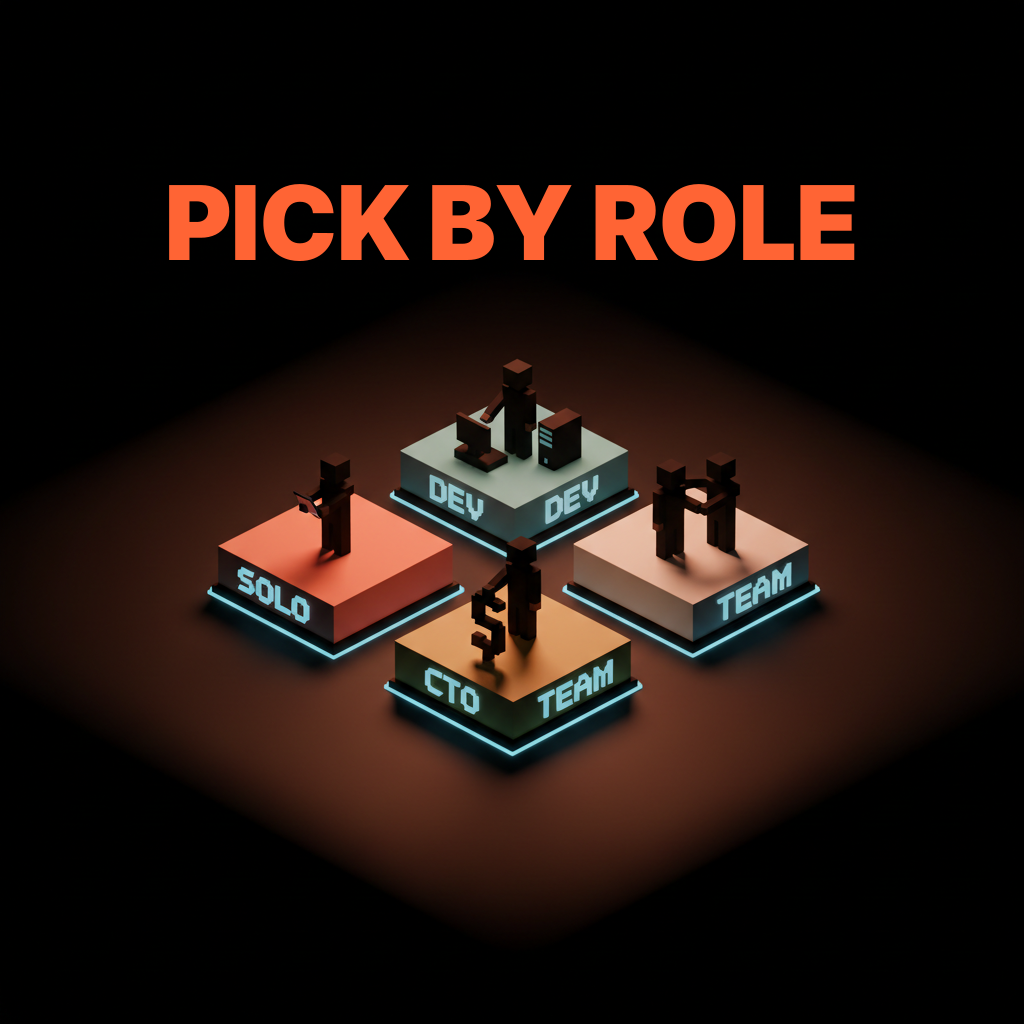
Solo designer, frontend developer, startup CTO, enterprise team. Each role wants a different shape of editor, and picking by hype is how teams burn quarters.
| Role | Pick | Why |
|---|---|---|
| Solo designer | Cursor | Best design-to-code, friendliest IDE, lowest learning curve. |
| Frontend developer | Cursor + Claude Code | Cursor for the IDE day, Claude Code for the agent runs and the agent UI patterns reviews. |
| Startup CTO | Windsurf or Cursor Business | Cheapest agentic seat at the team level, with the strongest multi-file edits. |
| Enterprise team | Copilot Workspace + Claude Code | GitHub-native admin plus the strongest agent layer for individual contributors. |
The pairings matter. Solo developers and small teams can usually run on a single editor. Mid-size teams and up tend to land on a primary IDE plus a terminal-native agent for the heavy work.
Four traps when teams pick the wrong editor
First. The agent-versus-assistant mismatch. A team picks Copilot or Zed for an agentic workload and burns three months wondering why velocity stalled. Fix: be honest about whether you want a coworker or a faster autocomplete.
Second. The model lock-in trap. No BYOK, no model switching, then the model gets worse for the codebase. Fix: pick an editor with BYOK if codebase size makes model behavior matter.
Third. The pricing surprise. The cheap-looking tool burns through quota and the bill spikes. Fix: model heavy-user cost before rollout. Two hundred dollars per heavy user is normal at full tilt.
Fourth. The lone-wolf rollout. One developer picks an editor, the team picks differently, and the codebase ends up with conflicting AI conventions. Fix: pick at the team level, and document conventions like you document the linter config.
FAQ
Which AI code editor is best in 2026?
No single best. Cursor wins on design-to-code and indie adoption. Claude Code wins on agent quality and transparency. Windsurf wins on context handling and multi-file edits. Copilot Workspace wins on enterprise integration. Zed wins on performance for senior developers. The right pick matches your role, codebase, and team shape.
Is Claude Code better than Cursor?
Different shapes of better. Claude Code is the cleanest agentic loop and the most transparent. Cursor is the most polished IDE and strongest on design-to-code. Most working developers run both, Cursor for the IDE day and Claude Code for the heavier agent runs.
How does Cursor compare to Windsurf?
Cursor is the more polished IDE with a deeper extension ecosystem and stronger design-to-code. Windsurf has stronger repo indexing and better multi-file reliability on large codebases. Pick Cursor for greenfield work, Windsurf for legacy codebases.
Is GitHub Copilot still worth it in 2026?
For solo developers, no. For enterprise teams already in GitHub Enterprise, yes, Copilot Workspace plus Claude Code is a legitimate stack and the cheapest seat in the category.
What is the best AI code editor for designers?
Cursor. Best design-to-code, friendliest IDE for non-developers, fastest iteration loop on Tailwind and component scaffolding from a Figma frame. Pair it with Claude Skills for reusable workflows.
The shift AI code editors actually unlock
An AI code editor is not a smarter autocomplete. It is the first interface where you can hand off a real task and get a real result back. That shift is the entire 2026 story, and the tools winning right now are the ones built on that premise from the wireframe up.
Most teams still treat AI code editors as a productivity multiplier on the developer already there. The teams pulling ahead treat the editor as a coworker that takes whole tasks. The first treatment delivers a fifteen percent boost. The second delivers projects that would not have shipped at all.
If your team is comparing editors and the conversation is stuck on autocomplete quality, the conversation is the problem. Pick the editor that matches the work you want done, run a two-week trial on a real project, and let the velocity number make the call.
If you want help picking the right AI code editor and standing up the workflow around it, hire Brainy. ClaudeBrainy ships Skill packs and prompt libraries that get the model layer right. AppBrainy ships full product builds for teams that want their AI editor to ship real software, not demos.
Want help picking the right AI code editor for your team and standing up the workflow around it? Brainy ships ClaudeBrainy as a Skill pack and prompt library and AppBrainy ships full product builds for teams that want their AI editor to ship real software, not demos.
Get StartedGet new papers by email
New Brainy papers in your inbox. Confirm once, unsubscribe anytime.





