

AI Agent UI Design Patterns: How to Build Interfaces for Autonomous Tools
A working pattern library for AI agent UI design. Eight real product teardowns from Claude Code, Cursor, Devin, Linear, ChatGPT Operator, Replit Agent, Bolt, and v0, plus the seven patterns every agent interface needs.
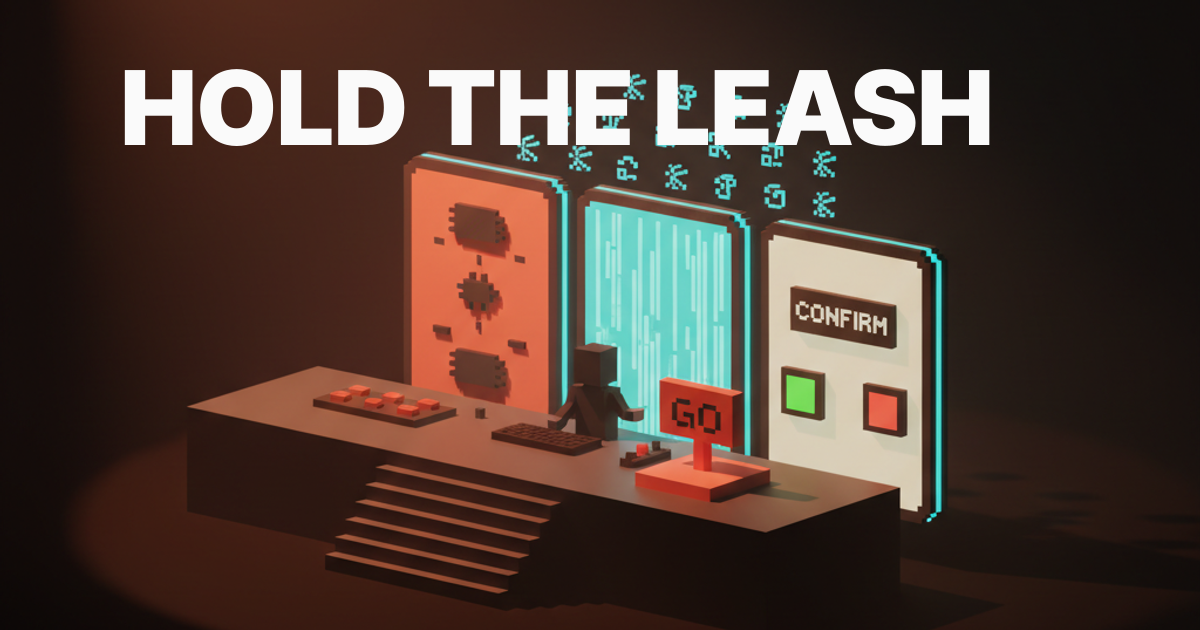
AI agent UI design is not chat design with autonomy bolted on. An agent is an autonomous worker that takes a goal, plans a path, and runs tools without asking permission for every step. The interface for that worker is a control surface, not a conversation. The products shipping the cleanest agent UIs treat it that way from the first wireframe.
Seven patterns show up in every agent UI worth using. Task framing, autonomy controls, the plan surface, the progress stream, confirmation gates, error recovery, and agent handoffs. Most products today ship four of those seven and pretend the other three do not matter. The result is an interface that demos well and falls apart in real use.
This piece is the operational fix. The seven patterns, eight teardowns from Claude Code, Cursor, Devin, Linear AI, ChatGPT Operator, Replit Agent, Bolt, and v0, three common bugs and the exact fix, and a fifteen-minute pre-ship checklist any designer can run before the UI touches a real user.
Agent UIs are control surfaces, not chat windows
An AI agent UI is the interface for an autonomous worker. The design problem is closer to a flight deck than a chat thread. The user is no longer typing back and forth, they are issuing a goal and supervising a process.
A chat UI optimizes for turn-taking. An agent UI optimizes for goal clarity, plan visibility, progress telemetry, and override affordances. Most early agent products got this wrong by extending chat with a few "thinking" indicators and a tool-use log. The user sat staring at a chat thread with no way to see the plan, no way to pause the run, and no way to recover when the agent went sideways. Treat the agent UI as a control surface and the seven patterns below stop being optional and become load-bearing.
The seven patterns every agent UI needs
Task framing, autonomy slider, plan surface, progress stream, confirmation gate, error recovery, and agent handoff. Every agent UI shipping today is some combination of these seven.
Task framing is how the user states the goal. Autonomy controls are how the user picks how much rope the agent gets. The plan surface is where the agent commits to a sequence of steps before it acts. The progress stream is the live feed of what the agent is doing right now. The confirmation gate is the slow moment before a destructive action. Error recovery is the path back from a failed step. Agent handoff is the state dump that moves a task from agent to human or agent to agent without losing context.

The seven are not equal in weight, but they are all required. A product that ships task framing without a plan surface is a guessing game. A product that ships everything except confirmation gates is a destructive accident waiting to happen. The patterns compound. Skipping one weakens the others.
Task framing sets the contract
Bad task framing is a generic chat box where the user types a vague sentence and the agent fills in the rest with assumptions. Good task framing is a structured input that asks for the specific things the agent needs to know.
Linear's AI features do this well. The user types a short brief and the AI parses it into a structured issue with a title, description, labels, and a project assignment the user can edit before commit. The framing is constrained, the output is structured, and there is a clear edit affordance before commit.
The framing surface should be as structured as the task itself. A coding task needs a goal, a target file, an acceptance criterion. A web automation task needs a starting URL, a target action, and a stopping condition. Generic chat input is fine for exploration and broken for production.
Autonomy controls let the user pick the leash
Trust is not a constant and one setting will not cover every task.
Claude Code does this with its permission system. The user can run in a mode where every tool call requires approval, common tools auto-approve and risky ones still gate, or in full autonomy. The mode is visible, switchable mid-session, and the user knows exactly which leash the agent is on.
Most products ship one autonomy setting baked into the product, no per-task control, no visible status. The user has no idea whether the agent will ask before deploying, before deleting, before sending an email. That uncertainty trains users to either babysit obsessively or trust blindly. Both are failure modes.
The plan surface is the agent's first promise
Before the agent acts, it has to show what it intends to do. The plan has to be readable, editable, and rejectable.
Devin shipped one of the first plan surfaces that worked. The agent generates a plan, the user edits any step inline, deletes steps, adds steps, or rejects the whole plan. Once approved, the plan becomes the execution log, with each step lit up as the agent works on it. Plan surface and progress stream are the same surface in two states, before-run and during-run, which is the right architectural choice.
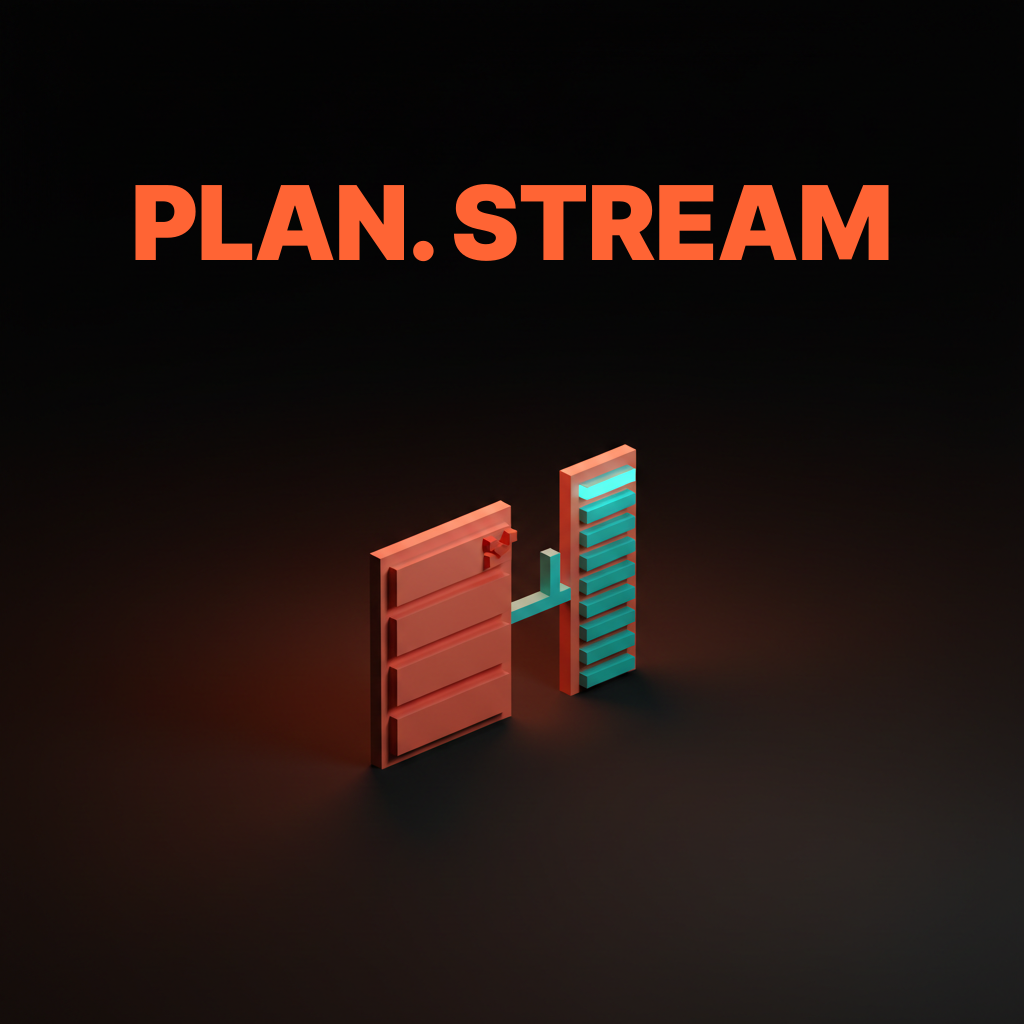
A common bug. Products that show a plan as a paragraph of prose instead of a structured list. The plan is not actually editable, which means the user either approves blindly or re-prompts. The fix is machine-structured: a list of discrete steps, each step a row, each row editable.
The progress stream is the trust loop
The agent is working and the user is waiting, so the progress stream is the only thing standing between the user and a decision to kill the run.
Cursor's agent surface gets this right. As the agent edits files, the diff appears live in the editor. As it runs commands, the terminal output streams in real time. The user can stop watching at any moment and come back to a complete log. Trust is short because the stream is honest.
Compare that to an agent that streams a chat-style summary like "I am now considering the next step" while quietly running ten tool calls in the background. The summary is a smokescreen. Stream every tool call and file edit in a structured log, and compress the model's reasoning into a one-line summary per step. Confusing the two kills trust.
Confirmation gates protect the destructive moves
Some actions cannot be undone, and the UI has to make those moments slow on purpose.
ChatGPT Operator handles this on the open web. When the agent is about to submit a form, fill in payment information, or take an account-touching action, it pauses and asks the user to approve, modify, or cancel. The pause is visible, the action is described in plain text, and the user can take over the browser session manually.
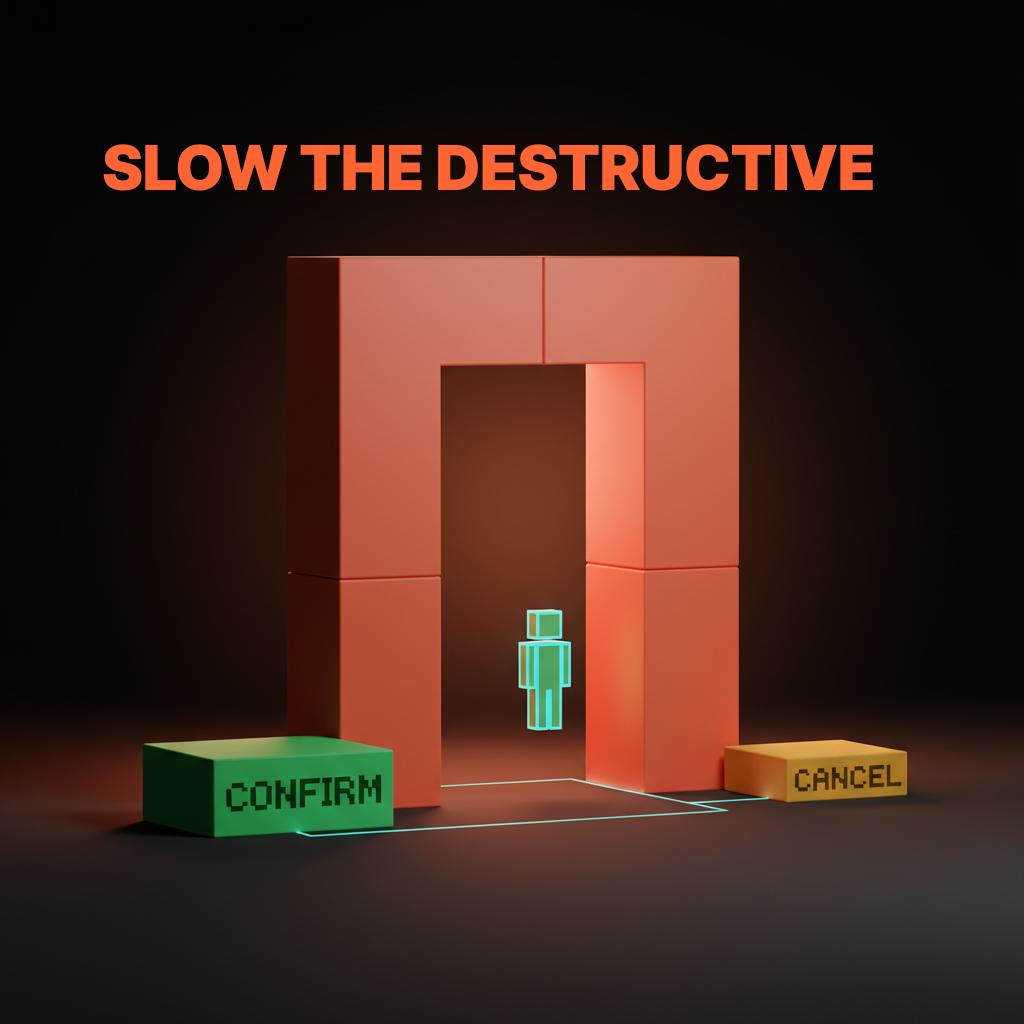
The mistake most products make is treating every action with the same confirmation weight. Either everything gates, training users to click through without reading, or nothing gates, letting the agent do irreversible damage. Triage actions into three intensities. Soft gate for reversible writes (a thirty-second undo banner). Hard gate for destructive actions (a confirmation modal). Two-step gate for catastrophic actions (a modal plus a typed confirmation phrase).
Error recovery is half the product
Agents fail constantly, and the products that feel reliable are the ones with the cleanest recovery surfaces, not the ones with the highest success rates.
Bolt and v0 do this well. When a build fails, the error appears inline, the agent attempts a fix, and the user can let it iterate or jump in and edit the code directly. State is preserved across attempts.
Most products fail here. An error happens, the agent halts, the user gets "something went wrong, want me to try again" with no idea what state the system is in. Every error needs a clear status, a set of recovery options (retry, edit, take over, abandon), and a state-preservation guarantee. Errors are the modal experience for an agent in real use, not a rare event.
Agent handoffs need a paper trail
When a task moves from agent to human, or agent to agent, the receiving party needs the full state without having to ask.
Linear's AI features handle this by writing structured updates back into the issue. The next teammate has the full context inline. No separate dashboard, no extra tool. Every handoff should produce a state-dump artifact (a structured comment, a generated brief, a saved checkpoint) the receiver can read in under thirty seconds. If the receiver has to ask "where did you leave off", the handoff failed. Same discipline good prompt engineering for designers demands of any reusable workflow.
Eight real agent UIs, annotated
The patterns only matter if they survive contact with shipped products. Eight in production right now, each short, none perfect.
Claude Code, agent UI as transparent terminal
Claude Code is the cleanest agent UI shipped to date because it treats the terminal as the surface and refuses to hide what the agent is doing. Every tool call streams to the terminal, every file edit shows a diff, every command shows its output. The win is honesty. Where it leaves money: the plan surface is markdown, not editable as a structured list.
Cursor, agent UI as ambient pair programmer
Cursor's agent feels invisible until you need it, which is the highest form of agent UI craft. Small edits just happen and show a diff. Multi-file refactors surface a plan. The win is presence calibration: Cursor scales the agent's visibility to the task. Where it leaves money: the plan surface for complex refactors is closer to chat than an editable task list.
Devin, agent UI as workspace theater
Devin shows the agent's full workspace including a live browser, terminal, and editor, and the bet is that transparency builds trust faster than abstraction. A structured editable plan is visible from the start. The entire workspace is the progress stream. The user takes over at any layer. The win is full visibility. Where it leaves money: the workspace is heavy for simple tasks.
Linear AI, agent UI as inline assistant
Linear's AI features live inside the existing Linear surface, which is the right pattern for embedded agents that should feel like a teammate, not a separate app. The AI returns a structured artifact (an issue, a comment, a status update) that lives inside the existing flow. The win is embedding. Where it leaves money: multi-step autonomous tasks need a plan surface and a progress stream Linear has not yet shipped.
ChatGPT Operator, agent UI as supervised browser
Operator runs in a sandboxed browser the user can watch, pause, and take over, which is the right pattern for agents that touch the open web. The live browser is the progress stream. Payments and account-touching actions gate. The win is the supervised-browser pattern itself, trading speed for trust. Where it leaves money: the plan surface lives in chat, decoupled from the progress stream, which makes mid-run course correction harder than it should be.
Replit Agent, Bolt, and v0, agent UI as build canvas
Replit Agent, Bolt, and v0 all ship the same pattern: prompt on the left, live preview on the right, and the agent's work happens between them. The user describes what to build, the agent runs until it shows a preview. The win is the build canvas, which made the abstract task of "build me an app" feel concrete. Where each leaves money: Replit Agent hides too much state inside its agent thread. Bolt's plan surface for complex apps is thin. v0's iteration loop on multi-component edits is closer to chat than a structured plan. Lovable, in the same lane, ships a stronger plan surface but a weaker progress stream.
Want an agent UI that earns trust on the first run, not the tenth? Hire Brainy. AppBrainy ships agent product UI for teams building autonomous tools, ClaudeBrainy ships Claude Skills and prompt libraries that get the agent layer right before the UI ever has to compensate for it.
Three common agent UI bugs and the fix
Most agent UIs ship with the same three bugs, and the fixes are not subtle.
First. The agent that hides the plan. The product takes a goal, runs in the background, and reports a result. The user has no plan to review, no progress to watch, no way to stop the run. Fix: surface a structured editable plan before execution, even if it is two lines. The cost is twenty pixels of UI. The benefit is the user can correct the agent before it ships the wrong thing.
Second. The agent that confirms everything. The product gates every action with a modal, training the user to click through without reading. By the time a destructive action arrives, the user clicks through this one too. Fix: triage actions into reversible, destructive, and catastrophic. Gate only the latter two, and let reversible actions run with a thirty-second undo banner.
Third. The agent that hides the failure. The product silently retries, swallows errors, or reports "something went wrong" without saying what. Fix: surface every error with the failure point, the system state, and concrete recovery options. Trust comes from honest failure, not hidden failure.
Each fix is not a redesign. It is the addition or removal of a single surface until the patterns can do their job. Most agent UI bugs are pattern problems disguised as design problems.
The fifteen-minute pre-ship checklist
Run this on any agent UI before it touches a real user and you will catch the patterns that fail in production.
- Task framing. Type a typical goal. Does the input force enough structure for the agent to act on it?
- Autonomy visibility. Can you tell in one second what the agent will do without asking?
- Plan surface. Run a non-trivial task. Does the agent show a structured editable plan before acting?
- Progress honesty. Are tool calls and file edits visible, or is the stream a chat-style summary?
- Pause affordance. Try to pause a running agent. Is the pause button visible and immediate?
- Confirmation triage. Are reversible actions running freely, destructive actions gating with a modal, catastrophic actions requiring a typed confirmation?
- Error visibility. Force a failure. Does the UI surface the error with a state and recovery options?
- Undo affordance. Is there a clear undo path within thirty seconds of a reversible action?
- State preservation. Fail a step, retry it. Is the previous work preserved?
- Handoff artifact. Stop a task mid-run. Is there a state dump the next person could pick up from?
- Tool-use log. Is the log structured and machine-readable, or does it mix reasoning and actions?
- Kill switch. Is it always visible, or does it hide inside a settings menu?
A product that passes those twelve has a functional agent UI. The user will know what the agent is doing and how to stop it.
FAQ
What is AI agent UI design?
AI agent UI design is the discipline of building interfaces for autonomous AI workers that take a goal, plan steps, and run tools without per-step approval. Unlike chat UIs, agent UIs are control surfaces with seven core patterns: task framing, autonomy controls, plan surfaces, progress streams, confirmation gates, error recovery, and agent handoffs.
How is an AI agent UI different from a chatbot UI?
A chatbot UI assumes turn-by-turn conversation. An agent UI assumes the agent runs in the background, executes multiple tool calls, modifies state, and reports back when something needs human input. Agent UIs need plan surfaces, live progress streams, confirmation gates, and kill switches that chat UIs do not.
What are the key patterns for designing AI agent interfaces?
Seven patterns: task framing, autonomy controls, the plan surface, the progress stream, confirmation gates, error recovery, and agent handoffs. Sized to the task, calibrated for trust, and supported by tight context efficiency on the model layer.
Which AI agent products have the best UI design?
Claude Code wins on transparency. Cursor wins on presence calibration. Devin wins on workspace visibility. Linear AI wins on embedding. ChatGPT Operator wins on supervised execution. Replit Agent, Bolt, and v0 win on the build-canvas pattern. None ship all seven patterns at full strength, which is why the category is still wide open.
How do you balance autonomy and control in an agent UI?
Make autonomy a visible, adjustable setting per session, per task, per tool. Triage actions into reversible (run freely with undo), destructive (gate with a modal), and catastrophic (gate with a typed confirmation). Surface the plan before execution and the progress during execution. Let the user pause, take over, or kill the run at any moment. Trust scales with override power, not with hidden complexity.
The shift agent UIs actually unlock
An agent UI is not a chat product with autonomy bolted on, it is a new interaction model and the products treating it that way are the ones winning.
Most teams treat agent UI as a feature on top of chat. They take a chat thread, add a "thinking" indicator, sprinkle in a few tool-use bubbles, and call it an agent. The result is a chatbot with extra latency. Every failure mode of chat compounds because the agent now runs longer and does more damage when it fails.
The shift is to treat the agent as an autonomous worker and the UI as the worker's control surface. The chat thread becomes one element inside a larger surface with a plan board, a progress stream, an autonomy switch, a confirmation modal, an error console, and a handoff artifact. The user is no longer the agent's conversation partner, the user is the agent's supervisor.
If your team is shipping an agent where users either babysit obsessively or trust blindly, the problem is almost always a pattern problem. The fix is the seven patterns above, sized to the task, calibrated for trust, embedded into a real AI design workflow instead of bolted on.
If you want an agent UI that earns trust on the first run instead of the tenth, hire Brainy. AppBrainy ships full agent product UI for teams building autonomous tools. ClaudeBrainy ships Claude Code workflows, Skill packs, and prompt libraries that get the agent layer right so the UI does not have to compensate.
Want an agent UI that earns trust on the first run, not the tenth? Brainy ships ClaudeBrainy as a Skill pack and prompt library, and AppBrainy ships full agent product UI for teams building autonomous tools they want their users to actually use.
Get StartedGet new papers by email
New Brainy papers in your inbox. Confirm once, unsubscribe anytime.





