

Context Window Explained, Why Long AI Chats Get Worse
What a context window actually is, why long AI chats slow down and lose sharpness before they hit the hard limit, and the percentage thresholds that tell you when to keep going, compress, or start fresh.
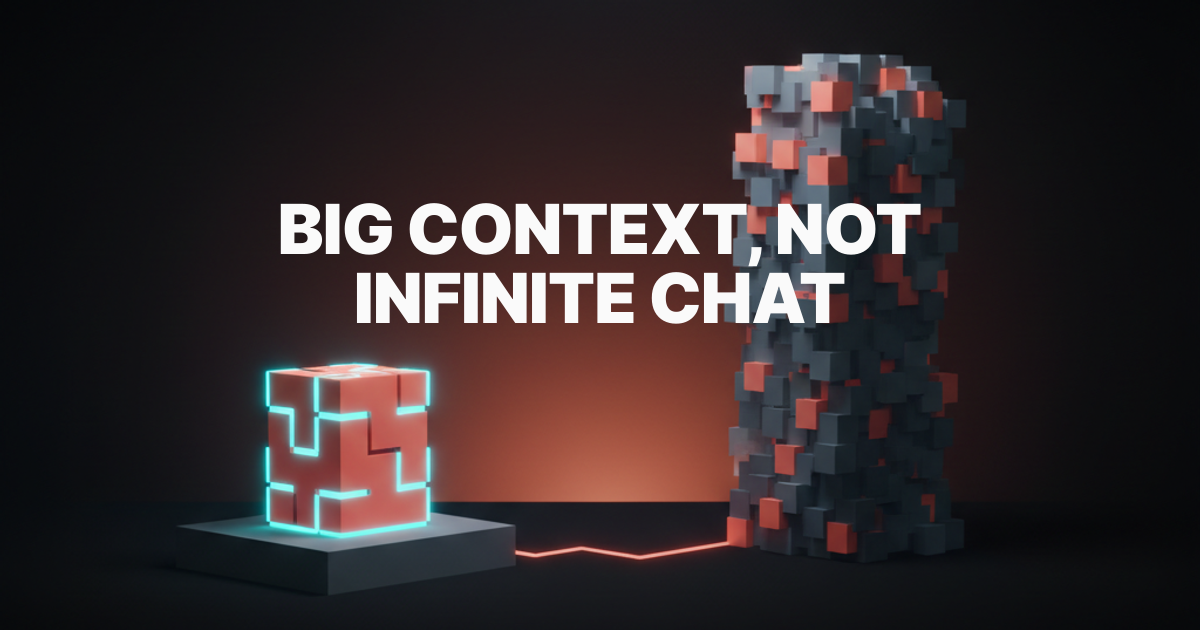
Big context windows did not fix the long-chat problem. They moved it.
A model that can hold one million tokens still gets slower, more expensive, and less sharp the longer you stuff into a single session. The hard limit is rarely what bites you. The soft drag is. Long chats decay quietly, and most operators only notice when the answers stop landing and the costs stop making sense.
This piece is the practical version. What a context window actually is, why long sessions get worse before they break, and a percentage table you can screenshot and use today.
Context window is working memory
A context window is the amount of conversation, files, and instructions an AI model can actively consider on a single turn. Everything inside it counts. Your messages, the model's replies, system prompts, attachments, retrieved snippets, tool outputs. If the model needs to "see" it to answer, it lives in the window.
A useful mental model: the context window is RAM, not storage. It is fast and finite. It refreshes the moment a session ends. It does not remember anything across chats unless you save it somewhere durable.
Tokens are the real unit
Tokens are the units models actually count, not characters or words. A short English word is usually one token, longer words split into two or three, and code, punctuation, and non-English text often use more tokens per character than expected. Most modern models price per million input tokens and per million output tokens, with input far cheaper than output but adding up fast in long sessions because the entire history rides along on every turn.
If you only remember one thing about tokens, remember this: the model rereads almost the entire conversation every single turn. Long history is not free.
Big context does not mean infinite chat
A 200K, 500K, or 1M token window is a budget, not a license. The model is technically able to consider all of it, but practical performance is not flat across that range. Latency rises with input size. Costs rise with input size. And quality, the part nobody wants to admit, also rises and then falls. Most models perform best on the sharply relevant content near the start and end of a session and worst on the dense middle that they have to sift through to answer the latest question.
Bigger windows raise the ceiling. They do not raise the floor.
Long chats cost more every turn
As a session grows, the model has to reprocess more context, which raises token usage, latency, and cost. This is mechanical, not philosophical. Every new message you send carries the entire previous conversation along with it.
Why input tokens snowball
A short conversation with three back-and-forth messages might use a few thousand input tokens per turn. A two-hour design review session with attached docs, generated screenshots, and quoted code can easily push past 50K input tokens per turn before you notice. By turn 40 of a session like that, you are spending more on rereading what already happened than on producing the next answer.
The math is brutal but simple. If a session has accumulated 80K tokens of history, every new turn pays for those 80K tokens of input plus whatever is generated. That cost compounds turn over turn for the rest of the session.
Why tool-heavy sessions grow faster
Tool use accelerates the snowball. Every time a model calls a tool and gets a response, the tool output joins the context. Long file reads, large search results, multi-file diffs, command outputs, and image generations all land in the window and stay there for the rest of the session.
Engineering and analysis sessions blow through context the fastest. A coding session that reads a dozen files, runs a few tests, and inspects logs can burn through 60% of a 200K window before the work even starts. By the time the actual task lands, the model is already navigating a crowded room.

Quality drops before the hard limit
The real problem is not only running out of context, it is the gradual loss of sharpness that happens first.
Soft degradation versus hard failure
Hard failure is loud. The session refuses new input or truncates messages. You notice immediately and you know exactly what happened.
Soft degradation is quiet. The model still answers. The answers just get a little worse. It starts repeating earlier mistakes. It drops constraints you set ten messages ago. It picks up on the wrong detail and runs with it. It hedges where it used to be direct. The session feels off, but nothing is technically broken.
Soft degradation is the more expensive failure mode because it is the harder one to spot.
How stale context pollutes good work
Context is not just volume. It is signal-to-noise. A focused session full of relevant details and a clean problem statement performs differently from a sprawling session that contains three abandoned ideas, two old constraints that have since changed, and a sidebar conversation about something else entirely.
Models trying to be helpful weight everything in the window. If you change direction halfway through a session and never explicitly retire the earlier direction, both versions are in the room competing for influence. The model's answers start to compromise between the two. That compromise is rarely what you want.
Messy context is worse than big context
A focused 60% session is often better than a chaotic 30% session full of dead branches and unrelated work. The window's fullness matters less than what is in it.
Why topic switching kills efficiency
Every topic switch leaves residue. The earlier topic does not get deleted from context, it just stops being the focus. The model still considers it on every subsequent turn. If you bounce between three unrelated tasks in a single session, the model is implicitly being asked to balance all three even when you are asking about just one.
This shows up as half-blended outputs. Code that solves the wrong problem because the model is partly thinking about the marketing copy you discussed twenty messages ago. Layout suggestions that quietly inherit constraints from a different brand you mentioned in passing.
Why one session per workstream works
The cleanest pattern most heavy users converge on is one workstream per session. Brand work in one chat. Engineering work in another. Strategy or planning in a third. Switching workstreams means starting a new session, not jumping context inside the same one.
This is not about being precious. It is about giving the model a clean room for each kind of work. The cost of starting a new session is roughly zero. The cost of dragging the wrong context into a decision is high.
Use these context percentage thresholds
Most people do not need perfect telemetry, they need practical thresholds that tell them when to continue and when to reset. Here is the table to screenshot.
| Context used | State | What it feels like | What to do |
|---|---|---|---|
| 0% to 40% | Green | Sharp answers, fast turns, low cost | Keep going, this is the productive zone |
| 40% to 60% | Healthy | Still sharp, costs creeping up | Stay focused, avoid topic switches |
| 60% to 75% | Warning | Slower turns, occasional drift, more rereading | Compress or summarize before adding new work |
| 75% to 85% | Drag | Latency obvious, mistakes return, hedging up | Wrap the task, start a fresh session next |
| 85% and up | Reset | Truncation risk, sharp quality drop, costs uneconomic | Compress to a plan, then reset |

0% to 40% is the green zone
Treat this like a fresh kitchen. Cook freely. Single workstream, sharp focus, low overhead. This is where most quality work actually happens.
40% to 60% is still healthy
You are mid-flight. Latency and cost are climbing but quality is still excellent if the session has stayed focused. Resist the urge to drag in unrelated tasks. The session is paying off the model's setup cost; you want to keep harvesting that.
60% to 75% is the warning band
Things are still working but the model is doing more work to do the same job. Two moves help: summarize the decisions made so far into a short brief, and prune any obviously dead context (abandoned approaches, irrelevant attachments). A small compression here saves a much larger reset later.
75% to 85% is the drag zone
Every operator who runs long sessions learns to feel this band. Answers come slower. The model second-guesses itself. It quietly drops constraints. Wrap the current task, save the conclusion to a file or plan, and start the next task in a new session.
Above 85% means compress or reset
You are now paying premium prices for diminishing returns. The model is also one bad turn away from truncation, which is a worse failure mode than starting fresh. Compress what matters into a clean plan, save it outside the chat, and reset.
Start a fresh chat sooner
Starting a fresh chat is not losing context if your real memory lives in files, plans, and structured notes. It is letting working memory be working memory, while keeping long-term memory somewhere it actually belongs.
When to keep the current session
Keep going when the work is one continuous task, the context window is under 60%, the session has stayed on a single workstream, and the model is still being sharp. These are the sessions you should milk for everything they have.
When to reset immediately
Reset when you switch workstreams, when context is past 75%, when the model starts repeating mistakes or hedging, or when the session has accumulated three or more side branches. Also reset whenever you finish a discrete task. The cost of carrying a finished task forward into the next one is almost always higher than the cost of a clean start.
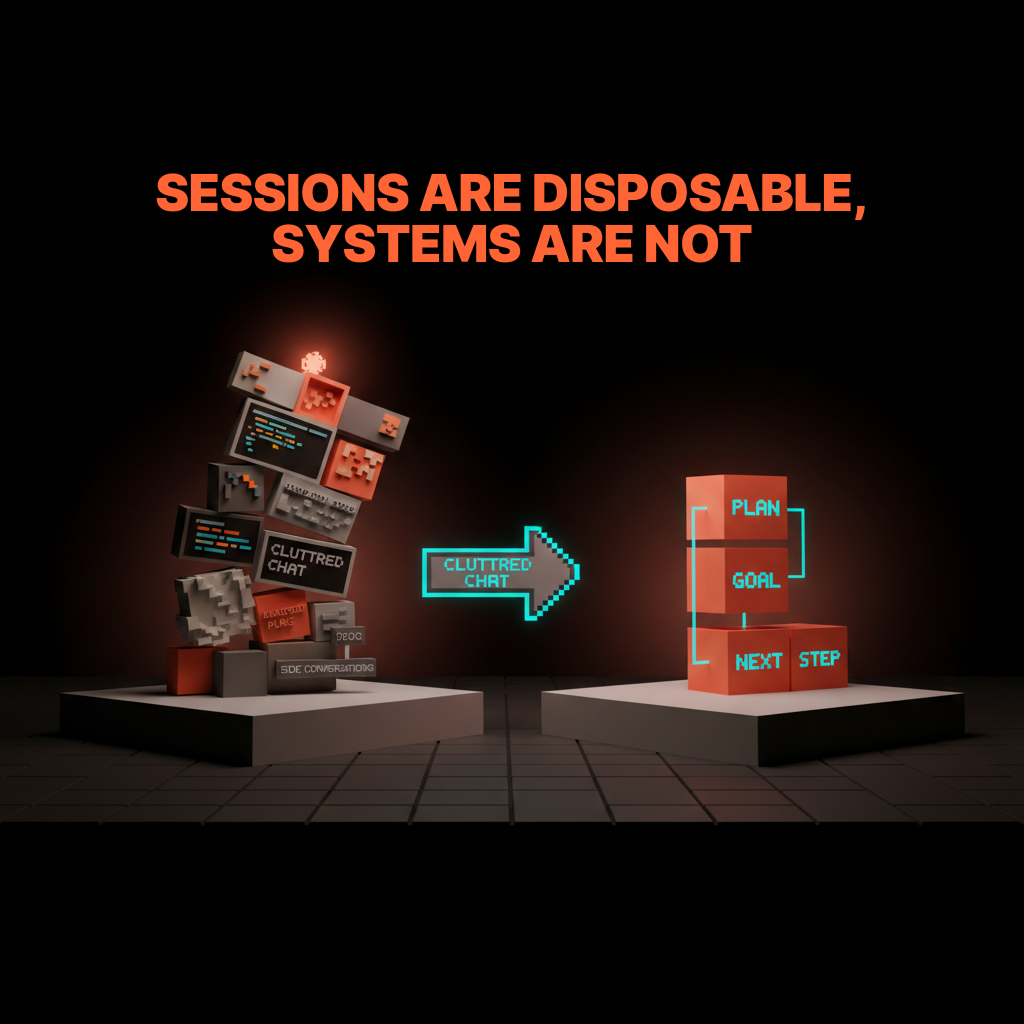
Build systems, not immortal chats
The best AI workflows store durable knowledge outside the conversation so sessions can stay tactical and clean. The chat is the tool, not the archive.
Use docs, plans, and checklists
The cheapest external memory is a markdown file. A short plan, a list of decisions, a checklist of next steps. Drop them into your project, not into the chat. New sessions start by reading the file, which costs a fraction of dragging an entire 80K token chat history along.
Save reusable workflows as skills
Anything you do more than twice deserves to live outside the chat. A repeatable design review process, a standard handoff format, a research workflow. Capture it as a reusable skill, prompt template, or system note. Each new session inherits the workflow without inheriting the noise.
A working AI setup looks less like one infinite genius chat and more like a clean workshop with sharp tools, labeled drawers, and a fresh notepad for every job. The workshop persists. The notepads are disposable.
FAQ
These are the questions people ask once they realize the problem is not the model, it is the workflow.
Does a million-token context solve everything?
No. A million-token window raises the ceiling but not the floor. Long sessions still get slower, more expensive, and less sharp before they hit the limit. The improvement is real for tasks that genuinely need to load a lot of relevant material at once, like reading a whole codebase or a large dataset. It does not turn a chaotic session into a focused one.
Is starting a new chat bad for continuity?
Only if continuity lives in the chat. If your decisions, plans, and instructions live in files, a new chat picks up exactly where the old one left off, minus the noise. Most operators who feel a fresh session is "losing context" are really losing the only copy of that context, which is a workflow problem, not a chat problem.
How often should I reset my AI session?
There is no fixed cadence. Reset whenever a discrete task is done, whenever you switch workstreams, or whenever the session crosses 75% context usage. For heavy users this can be three to ten times a day. For lighter users it might be once a session. The trigger is the work, not the clock.
Why does my AI get slower in long chats?
Because every turn rereads the entire conversation history. As the history grows, the input size on each turn grows with it, so each new answer costs more compute and takes longer to start. Add tool outputs, attachments, and large code reads, and the input size grows faster than the conversation feels.
Treat sessions like workspaces
The smartest way to use AI is to keep identity and memory persistent while letting sessions stay disposable.
Sessions are workspaces. You set them up, you use them, you tear them down. The work that mattered gets saved into files, plans, and durable notes. The session itself does not need to survive. It is supposed to be cheap.
The mistake is treating the chat like a relationship. Long, accumulating, hard to walk away from. That mistake is what makes AI use feel slower and worse over time even as the underlying models get faster and better. The chat is not your collaborator. The chat is a workbench. A clean one is faster than a cluttered one, every single time.
Build cleaner systems instead of immortal chats. If you want help designing the actual workflow around your AI tools, brand, and product, hire Brainy. We build the workshop, not just the prompts.
Build cleaner AI systems instead of immortal chats. Brainy designs the workflows, not just the prompts.
Get StartedGet new papers by email
New Brainy papers in your inbox. Confirm once, unsubscribe anytime.





