

Claude Skills for Designers: Build Reusable AI Design Workflows
A practical guide to building Claude Skills for design work. Real packs for brand audits, UX critiques, component naming, and copy QA, plus how to scope, evaluate, and ship them across a team without the wheel-reinvention.
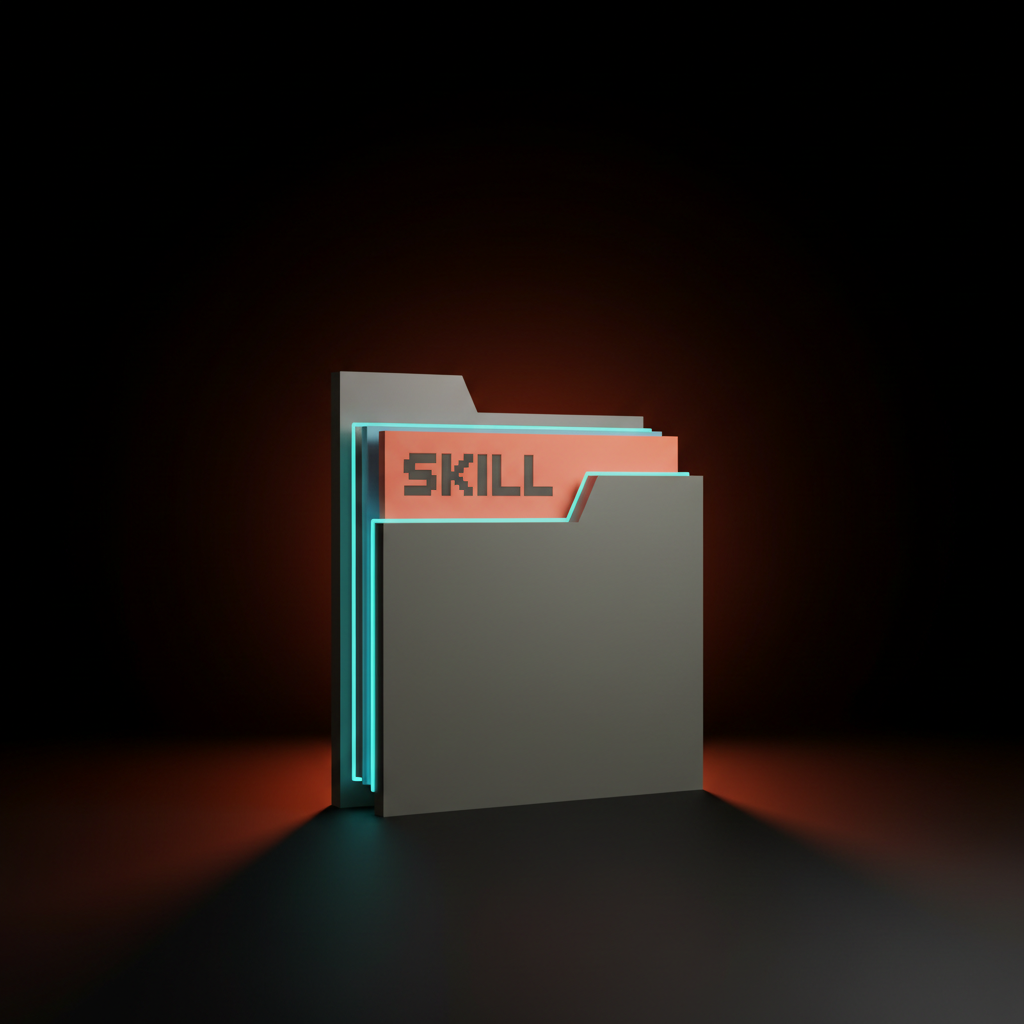
A Claude Skill is a folder. Inside the folder is a SKILL.md file that describes what the Skill does, when to use it, and the rules the model follows when it runs. That is the entire mental model. Drop the folder where Claude can see it, name it well, and the model loads it on demand the next time someone asks for that kind of work.
That single architectural detail is why Skills beat copy-paste prompts. A copy-paste prompt sits in a Notion page that nobody updates. A Skill sits in a folder that the model loads automatically, every time, with the latest version. The team stops retyping. The team stops drifting. The team starts shipping like they have a senior designer on call who never gets bored.
This piece is the working playbook. What a Skill actually is. The five Skills any design team should ship this week. How to scope, evaluate, and distribute them. And where to stop trusting the model so it stays a tool and not a liability.
A Skill is a reusable prompt pack, not a feature
Claude Skills are folders the model loads when a task matches the trigger, and that single architectural detail is why they beat copy-paste prompts at every horizon.
Anthropic shipped Skills as the official pattern for reusable Claude behaviors. A Skill is just a directory with a SKILL.md file in it, plus optional reference files (style guides, example outputs, brand rules, anything text-based). The SKILL.md tells the model what the Skill does and when to use it. Claude reads the description, decides whether the current request matches, and loads the Skill body into the working context if it does.
The result is something that looks like a custom GPT but works inside Claude Code, the Anthropic Console, and the Claude apps. One folder, one source of truth, available everywhere your team uses Claude. No custom UI to build, no plugin store to publish to, no integration to maintain.
The closest analogy designers already know is a component library. A button component is reusable, scoped, versioned, owned by someone, and trusted because it has been used a thousand times. A Skill is the same idea applied to a prompt. The team writes it once, uses it everywhere, and improves it when the work tells them to.
Why Skills change the math for design teams
Most design AI work is the same five prompts retyped every week, and Skills replace that retyping with a library you build once and trust forever.
Watch a working design team use Claude for an afternoon. You will see the same prompts retyped over and over. "Audit this brand for consistency." "Critique this UX flow." "Name this component." "Proofread this microcopy." Each prompt gets reinvented every time, slightly different, slightly worse than the last version. The output drifts. The team stops trusting it. Someone says "AI does not really work for us" and goes back to doing it manually.
The problem was never the model. The problem was that the team was using a chatbot when they should have been using a library. A Skill turns a one-off prompt into a versioned, named, scoped artifact that the team can rely on the same way they rely on a Figma component.
The practical lift is huge. A brand audit prompt that took twenty minutes to write and forty minutes to run, every week, becomes a Skill that runs in two minutes with one trigger phrase. Multiply by ten Skills, twenty designers, fifty weeks. The math is not subtle.
The anatomy of a Skill, in one folder
A Skill is a directory with a SKILL.md file, an optional set of reference files, and a trigger that tells Claude when to load it.
The minimum viable Skill is a folder with this structure:
brand-audit/
  SKILL.md
  examples/
    example-output.md
  references/
    brand-rules.md
    voice-guide.md
The SKILL.md file has a YAML frontmatter block at the top with two required fields, name and description. The description is the most important line in the entire Skill. It is what Claude reads to decide whether to load the Skill or not. If the description is vague, the Skill never triggers. If the description is sharp, the Skill loads exactly when it should.
A working SKILL.md frontmatter for a brand audit Skill:
---
name: brand-audit
description: Audits any web page, deck, or document for [brand consistency](/paper/glossary/brand-consistency)
  against the Brainy brand rules. Use when the user asks to review,
  audit, critique, or check brand consistency on a piece of work.
---
Below the frontmatter sits the body of the SKILL.md, which is the actual instruction set. Tell the model what to look for, in what order, what to flag, what format the output should take, and what it should ignore. Reference files in adjacent folders get pulled in as needed when the Skill mentions them.
The whole structure fits in your head in thirty seconds. That is by design. A Skill that takes longer to understand than it does to write is a Skill that nobody updates.
Install a Skill in under five minutes
Drop the folder in the right place and Claude finds it the next time the trigger phrase shows up in a conversation.
For Claude Code, Skills live in .claude/skills/ at the root of your repo, or globally in ~/.claude/skills/. Local Skills override global ones, which means you can ship a team-default Skill globally and let any project shadow it with a project-specific version.
The install flow:
- Create the folder.
mkdir -p .claude/skills/brand-audit - Write the SKILL.md inside it with the YAML frontmatter and the instructions.
- Drop any reference files in subfolders (examples, references, schemas, whatever the Skill needs).
- Open a Claude session in that repo and trigger it with a phrase that matches the description.
That is the entire install. No registration, no publishing, no manifest file outside the YAML frontmatter. The team can copy the folder into a Git repo and version it like any other code asset, which is what most production design teams end up doing once they have more than three Skills.
The Anthropic Console works the same way for Skills used in the chat apps. Upload the folder, name the Skill, point it at the SKILL.md description. Claude in the apps loads the Skill the next time a request matches.
Five design Skills worth shipping this week
Brand audit, UX critique, component naming, copy QA, and design system migration. Each one is a Tuesday afternoon to write and a year of saved work to use.
The five-Skill starter library that pays for itself within a sprint:
1. Brand Audit Skill. Loads when someone says audit, review, or check the brand on a page, deck, or screenshot. Reads the work against a brand rules reference file. Outputs a flagged list of inconsistencies (color, type, voice, spacing, logo treatment) with severity tags. Replaces every "can you take a quick look" Slack ping that derails a senior designer for an hour.
2. UX Critique Skill. Loads on critique, review, or red team requests against a flow or screen. Walks the work through a fixed set of heuristics (Nielsen's ten, plus your team's three additions, plus accessibility checks). Outputs the issues in order of severity and the recommended fix. Replaces ad-hoc critique sessions that vary in quality based on who is in the room.
3. Component Naming Skill. Loads when the user asks for component names, design token names, or system naming. Reads the existing naming conventions from the Skill reference files. Outputs three candidate names per component with rationale, ranked by fit. Replaces the naming bikeshed that costs every design system project two days a quarter.
4. Copy QA Skill. Loads on proofread, review the copy, or check the microcopy. Runs the copy against the brand voice guide, looks for tone drift, redundancy, jargon, and accessibility issues. Outputs flagged issues inline with suggested rewrites. Replaces the "did anyone proof this" loop that catches half the issues at half the speed.
5. Design System Migration Skill. Loads on migrate, refactor the components, or move from old tokens to new tokens. Reads the migration guide from the reference files and walks any file through the rules. Outputs a diff plan. Replaces the slow, error-prone hand-migration that every design system team does at least once a year.

Each of those Skills is roughly a page of well-written Markdown plus two or three reference files. None of them needs code. None of them needs a developer. A working designer can ship the whole library in a Tuesday afternoon and improve it across the next month.
Want a working Skill library installed without the trial-and-error? Hire Brainy. We ship ClaudeBrainy as a Skill pack template plus five production-ready design Skills, and we run the rollout for teams that want to skip three months of fumbling.
Scope every Skill to one task, never two
The Skills that fail in production are the ones that try to do everything, the Skills that ship are the ones that do one thing and refuse to do anything else.
The most common Skill mistake is writing a "design helper" Skill that audits brand, critiques UX, names components, and proofs copy in the same SKILL.md. The model reads the description, decides almost any design request matches, and loads a five-thousand-token instruction set every time. Token budget tanks, output quality drops, and the Skill ends up worse than four small Skills would have been.
Scope per Skill, hard. One trigger, one output format, one reference file set. If a Skill description starts with "and" or "or" more than once, it is two Skills. Split it.
The same logic applies to scope creep over time. The brand-audit Skill works well, the team likes it, someone says "what if we also use it for content audits." Resist. A content audit is not a brand audit, the rules are different, the output should be different, and bolting it onto the brand-audit Skill pollutes both jobs. Write a second Skill.
The discipline that makes Skills work is the same discipline that makes a design system work. One component, one job, clear boundary, predictable output. The Skill library compounds the same way a component library does, but only if you scope every entry like a real design system entry.
Evaluate Skills before they touch real work
A Skill that looks great on three test cases and falls apart on the fourth is the most expensive thing a design team can ship.
Every Skill needs an evaluation routine before it goes into production use. The minimum viable evaluation is five test cases that cover the obvious cases, the edge cases, and the cases that should explicitly fail. For a brand audit Skill, that means five real artifacts the team has audited before, with the known correct findings. Run the Skill against each, compare the output to the known good answer, and check whether the Skill caught the issues, missed any, or invented any.
A Skill that catches all five with no false positives is ready to ship. A Skill that catches three of five is a draft. A Skill that catches all five but invents two extra issues is a liability, because the team will start trusting it and shipping the false positives into review.
The evaluation does not need to be automated to be valuable. A spreadsheet with the test inputs in one column and the expected outputs in another, run quarterly by the Skill owner, catches ninety percent of drift problems before they hit production work. Teams that use Claude in the apps already have access to projects and shared context, which makes manual evaluation cheap. Teams that work in Claude Code can write the evaluation as a small Markdown checklist and run it from the terminal.
The other thing evaluation catches is when the model itself updates and a Skill that worked on the last version starts behaving differently on the new one. Run evaluations whenever the model changes. Run them when the brand rules update. Run them when the Skill itself gets edited. The cost is small. The cost of not running them is a Skill that quietly degrades for six months before someone notices.
Distribute Skills like you ship components
A Skill library is a design system for prompts, and the teams that treat it that way are the ones that get compounding leverage from it.
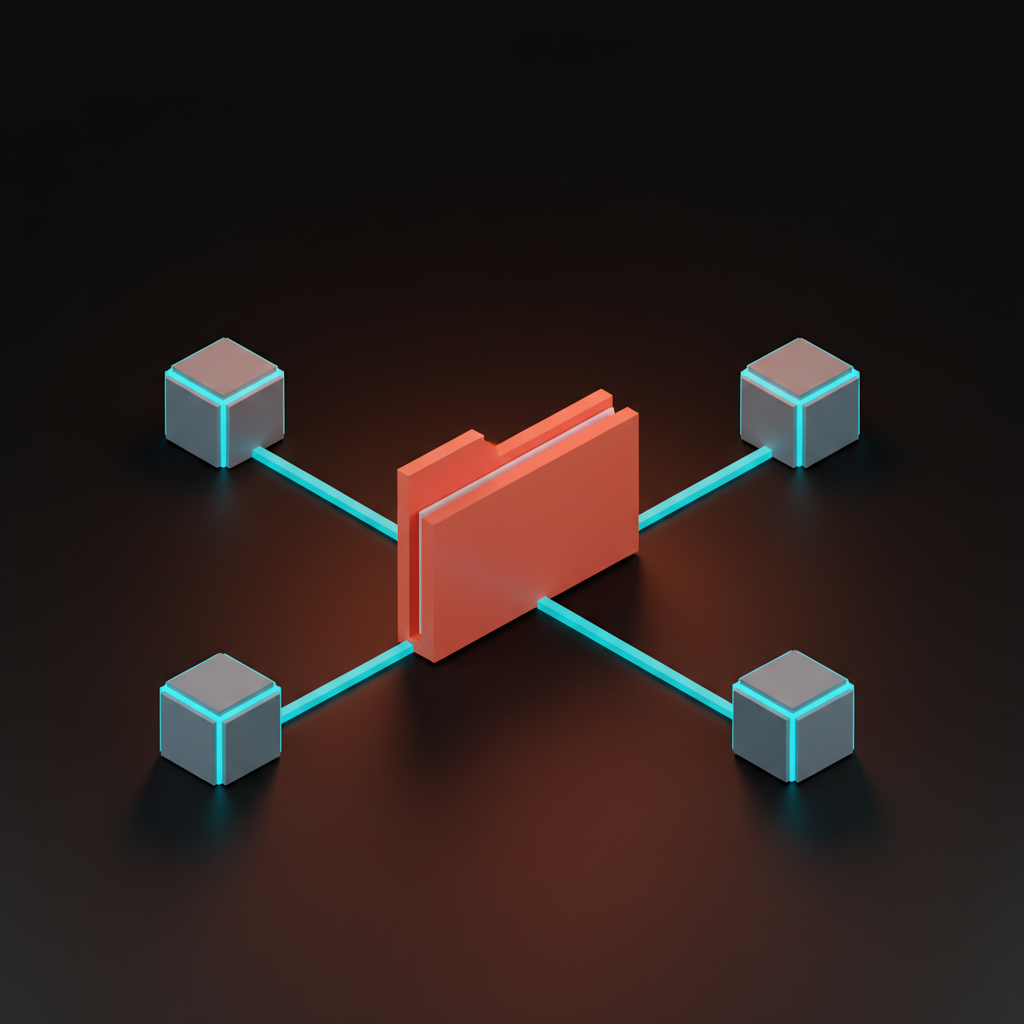
The wrong distribution pattern is "Slack the Skill folder around when someone asks." That guarantees drift. The right pattern is the same one any design team already uses for components: a Git repo, an owner, a versioning convention, and a release process.
Stand up a design-skills repo. Every Skill is a folder inside it. Every Skill has an OWNER file naming the maintainer. Every Skill has a CHANGELOG that records material edits. The repo gets cloned into ~/.claude/skills/ on every team member's machine, and updates pull through Git the same way design tokens do.
The release process is also the same. Someone proposes a new Skill or a change in a PR. The owner reviews the SKILL.md, runs the evaluation, and merges if the Skill passes. The team gets the update on the next pull. Skills that fail the evaluation never ship. Skills that drift get caught at review.
Two patterns make the distribution work in practice. First, treat the SKILL.md description as the single most important line in the file, because that is what determines whether the Skill triggers. A vague description is a Skill that never runs. A sharp description is a Skill that runs exactly when it should. Second, name Skills like you name components, with one short noun-phrase that describes the job (brand-audit, ux-critique, copy-qa) and never a verb-led name (run-brand-check, do-the-audit). The model triggers on description, but humans navigate the library by name.
The teams that get this right end up with twenty to forty Skills inside six months and an absurd amount of leverage from a tiny investment. The teams that do not end up with three abandoned Skills in a Notion page and a recurring belief that AI does not really work for design.
Where Skills stop earning their keep
Skills are not a substitute for taste, brand intuition, or a real designer's eye.
Use Skills for repeatable structural work. Brand consistency checks. UX heuristics walks. Naming conventions. Copy QA against a known voice guide. Token migrations against a documented mapping. The pattern is always the same: a clear input, a known rubric, a structured output.
Do not use Skills for taste calls. A Skill cannot decide whether a layout feels confident or thin. It cannot tell you whether your brand should sound playful or austere. It cannot pick the right photograph for a hero. It cannot tell whether the new logo lockup carries the brand mythology you have spent five years building. Those are jobs for a working designer, and trying to push them into a Skill produces hollow output that the team will resent.
The model is also bounded by its context window, which means a Skill that needs to load a forty-page brand book plus three reference files plus the artifact under review will start losing fidelity at the back half of the work. Keep Skill reference files lean. Use a Skill on the right size of input, not the largest possible input. The same context efficiency discipline that makes Claude Code agents work makes Skills work.
The other limit is judgment about when a Skill should not run at all. The model will load any Skill whose description matches the request, which is mostly what you want, but means a Skill description that is too broad will hijack work it has no business doing. Tighten descriptions until each Skill loads in exactly the cases it was built for and never the borderline ones.
FAQ
What is a Claude Skill?
A Claude Skill is a folder containing a SKILL.md file with a name, a description, and a body of instructions, plus optional reference files. Claude reads the description and decides whether to load the Skill on each request, the same way a developer might decide whether to load a library. Skills work in Claude Code, the Anthropic Console, and the Claude apps. They are the official Anthropic pattern for reusable Claude behaviors.
How is a Skill different from a custom GPT or a system prompt?
A custom GPT is a per-app artifact that lives inside one chat product. A system prompt is a per-session instruction that has to be set every time. A Skill is a portable folder the model loads automatically when the trigger description matches the request, available across every Claude surface a team uses. It is also versioned and distributable the same way a Git repo is, which makes team-wide consistency easy.
Do designers need to write code to build a Skill?
No. A Skill is Markdown with a YAML frontmatter at the top. Any working designer can write one in a text editor. The reference files are also Markdown or plain text. The whole library can be maintained by designers, with a developer involved only if the team wants to wire it into a Git repo for distribution, which is mostly file-copy work that any tech-comfortable designer can run.
Can a Skill use external data or APIs?
Skills as a primitive are instruction-only. They do not call APIs on their own. If you need API calls (pulling Figma frames, fetching a live brand asset, hitting a CMS), you combine a Skill with a tool or an MCP server. The Skill defines the behavior, the tool provides the data. For most design tasks (brand audits, copy QA, naming, critiques) the Skill alone is enough because the input is text the user pastes or files the model can already read.
How many Skills should a design team have?
Start with the five in this guide and add Skills as real recurring tasks reveal themselves. Most working teams stabilize at twenty to forty Skills inside six months, with two or three high-value Skills (brand audit, copy QA) running daily and the rest used episodically. The library should grow only when a real recurring task emerges, never on speculation. Skills you do not use rot, and rotted Skills make the library feel unreliable.
The shift Skills actually unlock
The point of a Skill is not to save time, it is to make the team's best designer reproducible.
Every design team has a person who runs the cleanest brand audit, the sharpest UX critique, the best naming session. That person spends a third of their time doing those tasks for other people, because nobody else can run them at the same quality. A Skill is the artifact that captures their judgment, encodes the rubric they use, and makes it loadable by anyone on the team at any time.
That is the shift. Not "AI does my work for me." That framing is wrong and a little sad. The right framing is "the team's best practitioner is now reproducible at scale." The senior designer stops being the bottleneck on brand audits and gets to spend their time on the actual hard work, which is taste, strategy, and the decisions that no Skill should ever make. The junior designers get to ship work at the senior level on the structural tasks, with the senior designer's rubric loaded into every output.
The Skill library becomes a piece of operational IP for the team. It encodes the way you work, the rubric you trust, the brand voice you ship. It survives turnover. It compounds across years. It is the closest thing a design team has to a memory that scales with the team rather than against it. The work to build it is small. The leverage it creates is the kind of leverage that changes what a design team can ship in a quarter.
If you want a Skill library installed without three months of trial-and-error, hire Brainy. We ship ClaudeBrainy as a Skill pack template plus five production-ready design Skills, run the evaluation routine, and set up the team rollout so the library actually compounds. The work pays for itself before the quarter is out.
Want a Skill library installed in your design team without burning a quarter on it? Brainy ships ClaudeBrainy as a Skill pack template plus five production-ready design Skills, and we run the rollout for teams that want to skip the trial-and-error.
Get StartedGet new papers by email
New Brainy papers in your inbox. Confirm once, unsubscribe anytime.





