

Cursor for Designers: The 2026 Guide to Actually Useful AI in Your Design Workflow
What Cursor actually does for designers in 2026, the real workflows that pay off (design system maintenance, prototype rewrites, MCP-driven Figma to code), and where it still falls short.
Cursor for Designers: The 2026 Guide to Actually Useful AI in Your Design Workflow
What Cursor is, in one paragraph
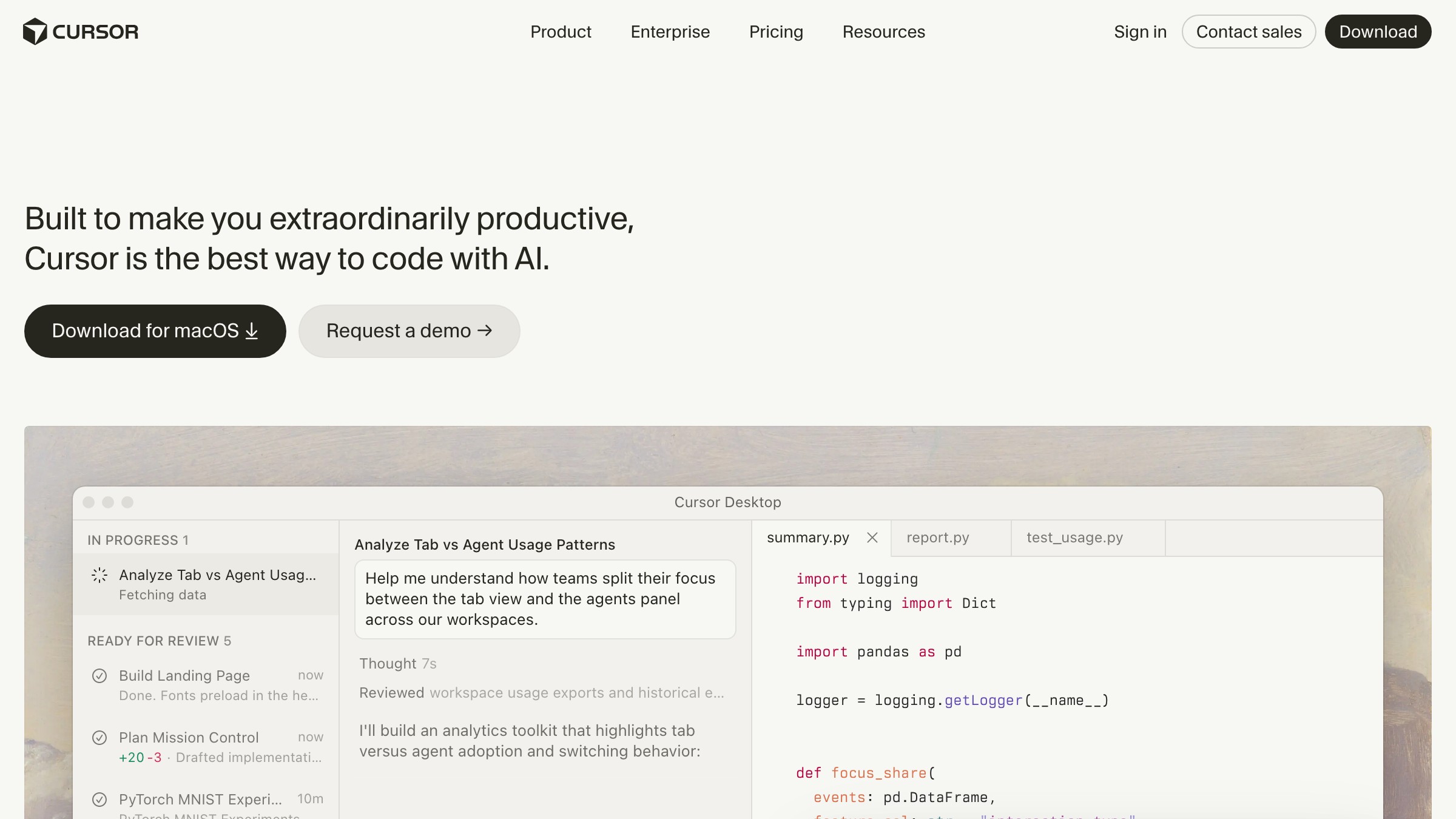
Cursor is a fork of VS Code with an AI layer built into the editor itself, not bolted on. The AI reads your entire codebase as context, suggests edits inline, and runs multi-step agent tasks that write files, install packages, and execute terminal commands on your behalf.
Free tier covers casual use. Pro is $20/month and unlocks the fast models and the request volume that makes real work possible.
Why designers are picking it up in 2026
The bottleneck was never ideas. It was translation: turning a precise visual intent into working code meant explaining it to an engineer, waiting, reviewing, correcting, repeating.
Cursor cuts that loop. If you can describe what you want and read the output to check it, you can ship changes without the round-trip.
View the portfolio on emilkowalski.com
The mental model most designers already have is Raycast. Raycast trained a generation of power users to expect that typing what you want is the fastest path to any action.
Cursor is that instinct applied to a codebase. The fluency required is reading code well enough to catch mistakes, not writing it from scratch.

The four workflows that actually pay off
Not every experiment designers try in Cursor sticks. These four do.
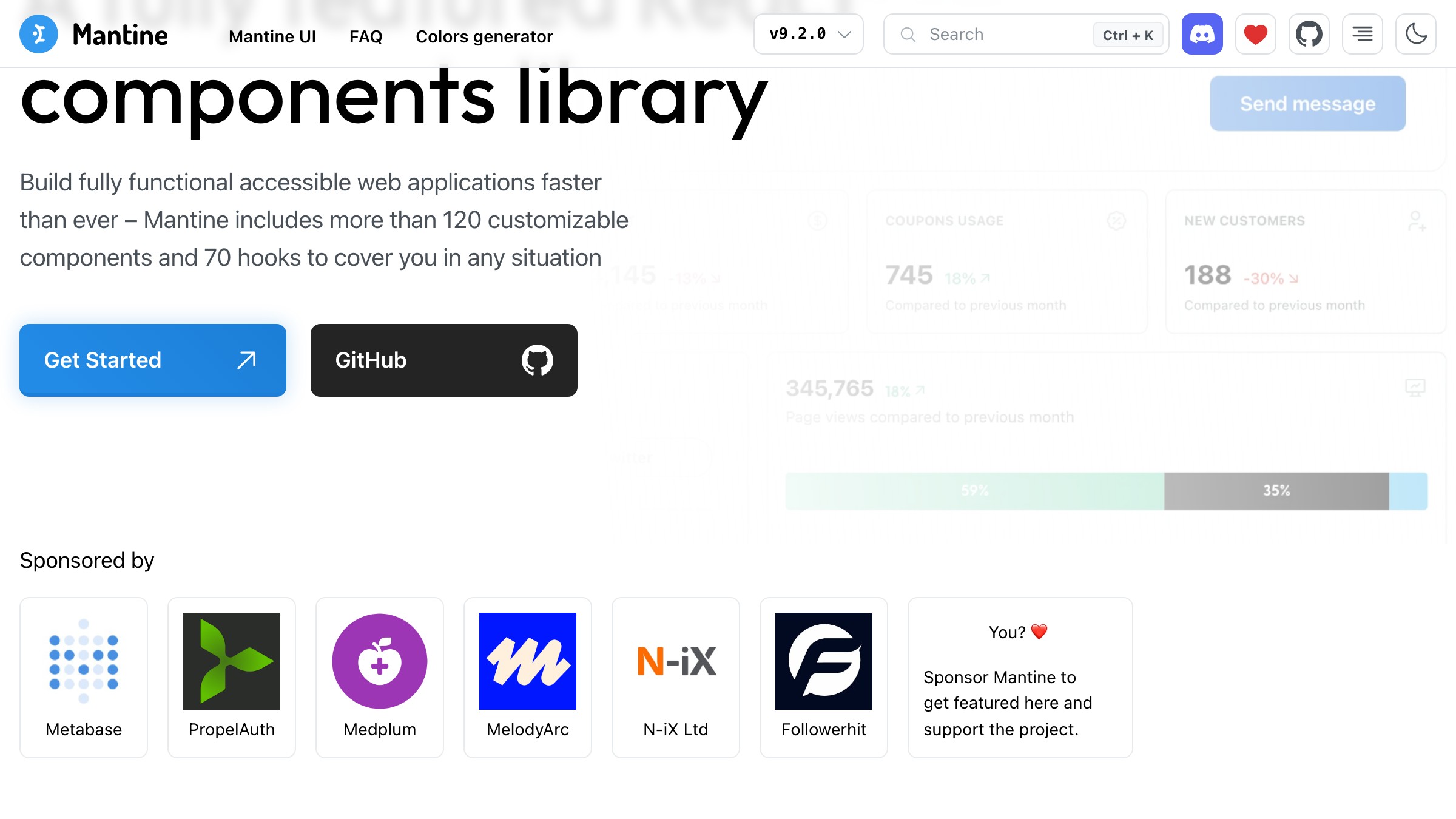
View the component docs on mantine.dev
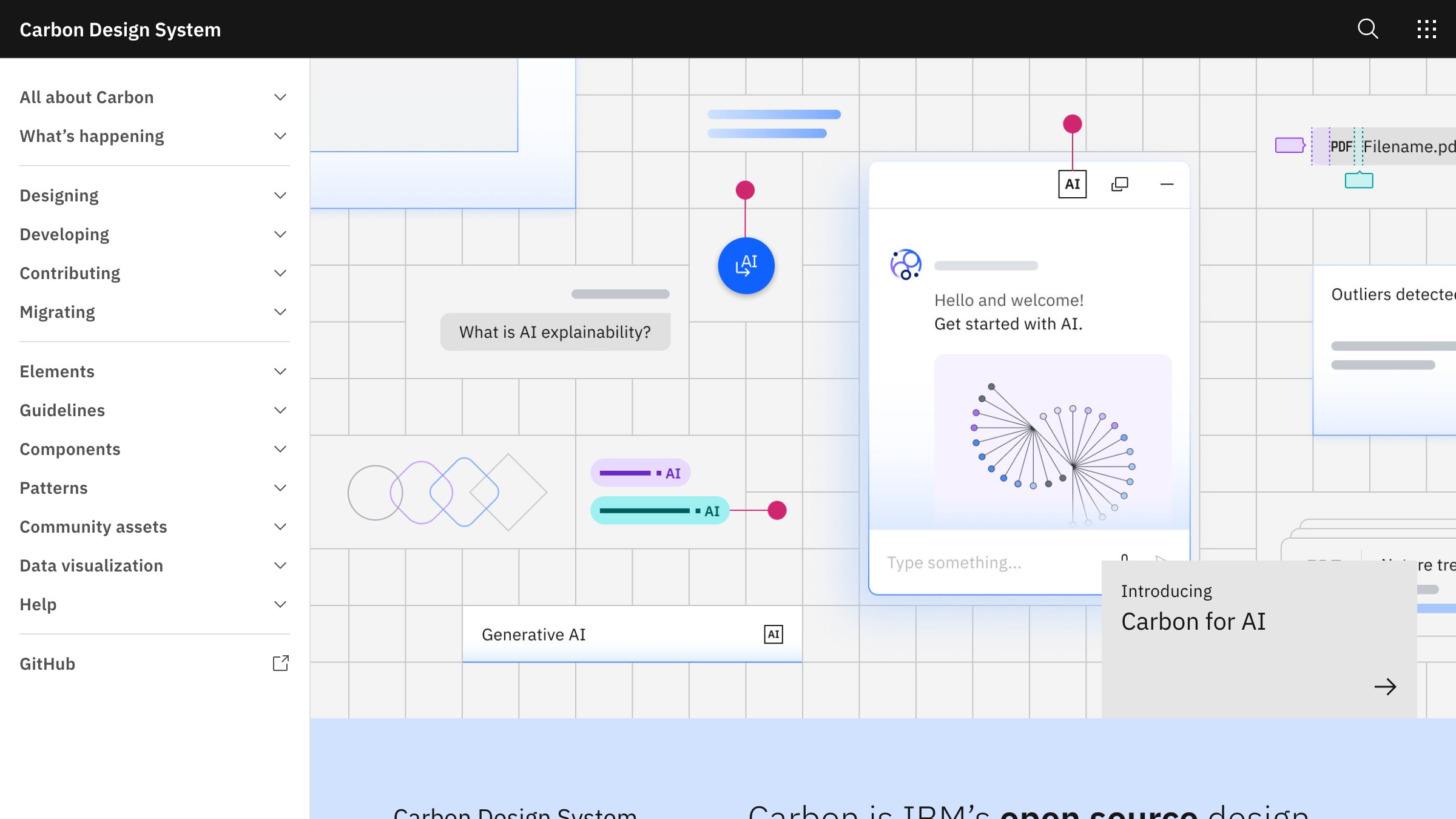
Browse the system at carbondesignsystem.com
-
Design system maintenance. Token renames, component prop updates, deprecated class sweeps across every file in the repo. This is the work that has always made designers reluctant to touch the codebase. Cursor runs it as one agent task and does not miss files the way find-and-replace does.
-
Prototype to production. A Figma prototype is a hypothesis. A designer who can read JSX can move a prototype into a working Next.js page in a day with Cursor, then let Motion handle the interaction layer.
-
Figma to code through MCP. Cursor reads the actual design file and generates code that matches the real tokens, spacing, and component hierarchy. The MCP section below covers the full setup.
-
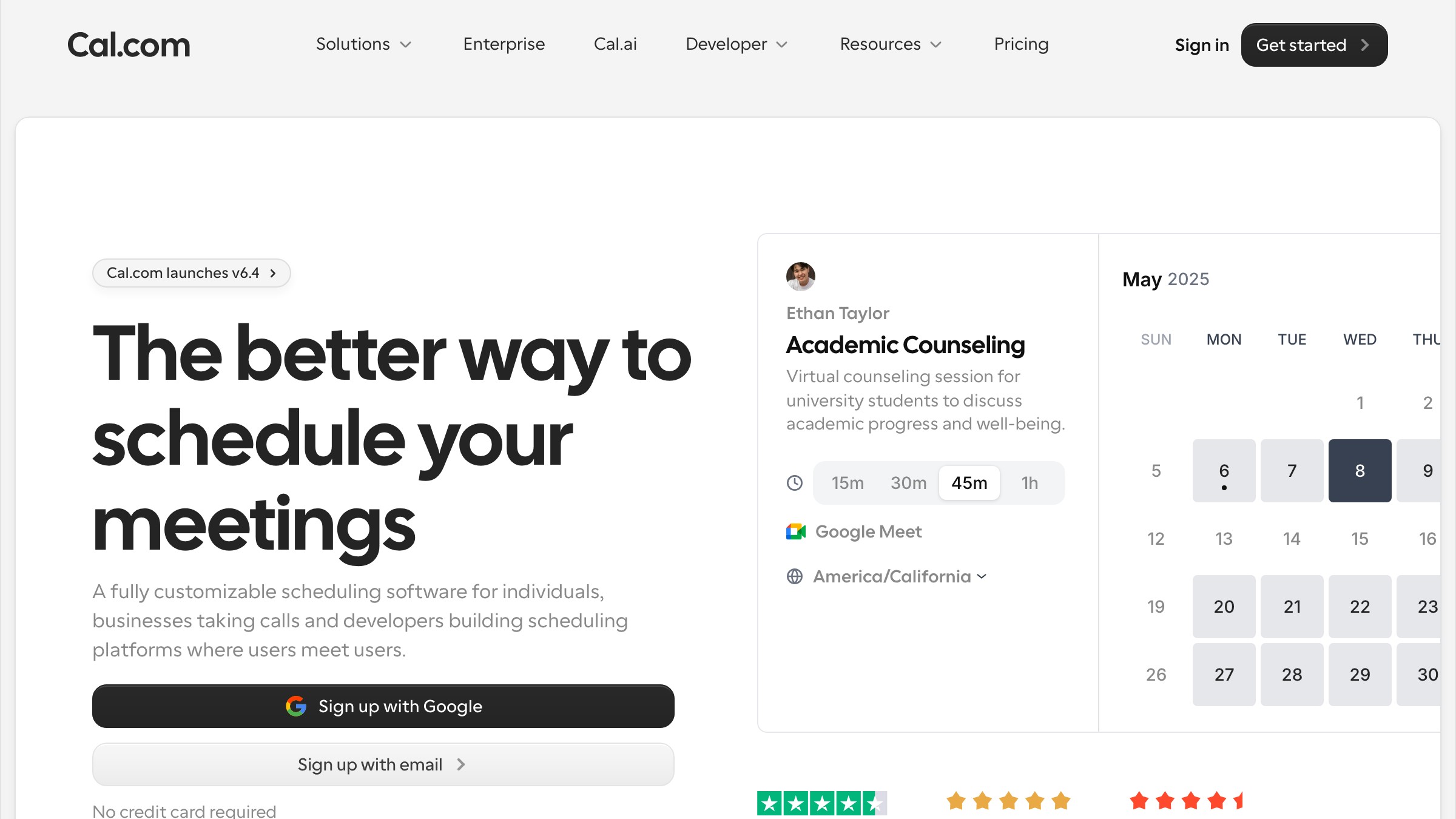
Copy and layout sweeps. Microcopy edits, spacing token changes, breakpoint adjustments across a feature. A Cal.com-style booking flow has a dozen text strings that move with every A/B test. Cursor updates all of them, runs the formatter, and commits in one pass.
Want the next designer essay in your inbox? Subscribe to Brainy Papers.
Setting it up in ten minutes
- Download Cursor at cursor.com. It imports your VS Code extensions on first launch, so the environment feels familiar immediately.
- Open your project folder. Cursor indexes it automatically.
- Set your model. Claude Sonnet 4 is the default recommendation for design work. It reads context well and does not invent imports that do not exist in the codebase.
- Open any component file, hit Cmd+K, and type what you want changed.
See AI commands on raycast.com
That is the baseline. The MCP setup below adds ten more minutes and materially changes what is possible.
The MCP move that changes everything
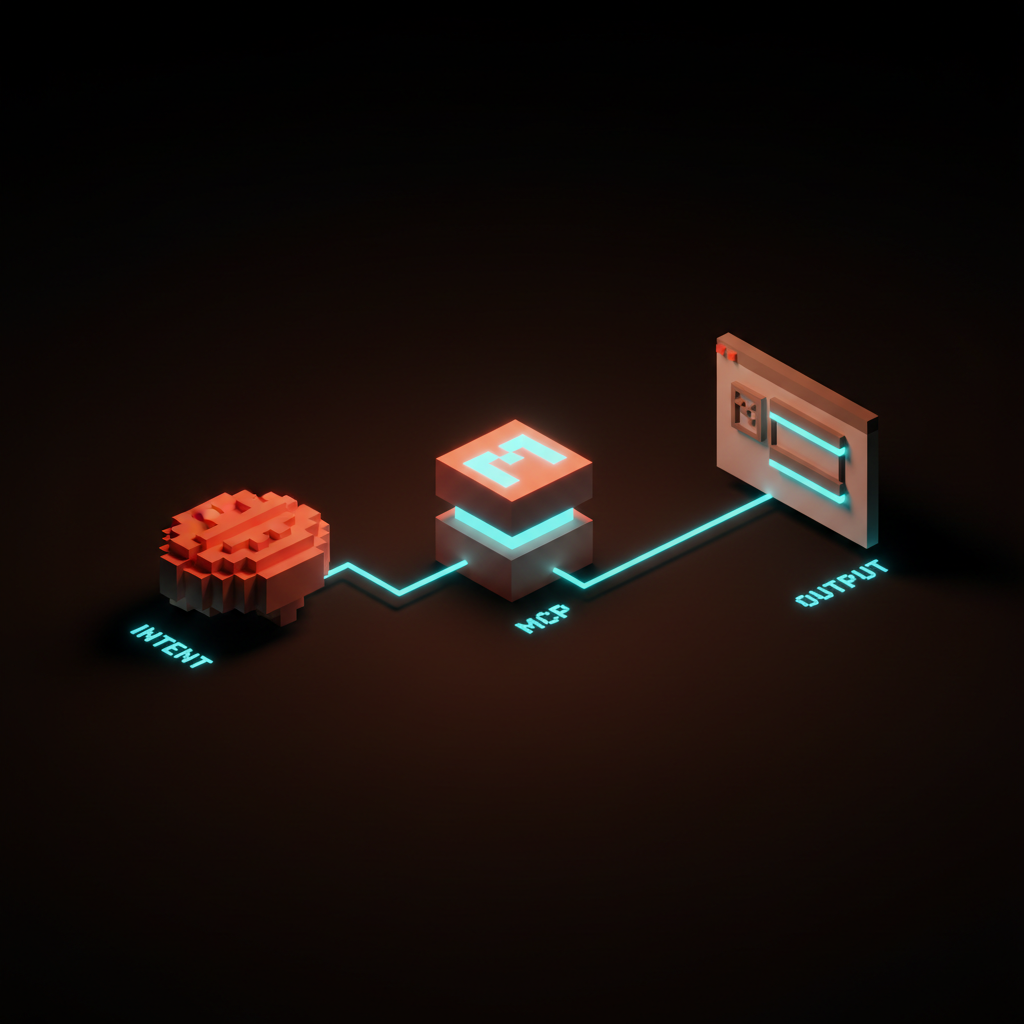
MCP (Model Context Protocol) is a standard that lets Cursor's AI talk directly to external tools, not through copy-paste. For designers, the MCP server that matters most right now is the Figma one.
With it wired up, Cursor reads your Figma file directly: the component structure, the design tokens, the real spacing values. The output matches the design because it is reading the design, not guessing from a screenshot.
View the portfolio on rauno.me
For a broader view of which MCP servers are worth your time, see MCP servers worth wiring up.
Drop this in .cursor/mcp.json in your project root:
{
  "mcpServers": {
    "figma": {
      "command": "npx",
      "args": ["-y", "@figma/mcp-server"],
      "env": {
        "FIGMA_ACCESS_TOKEN": "your-figma-personal-access-token"
      }
    }
  }
}
Get your Figma personal access token at figma.com under Settings, then "Personal access tokens." Paste it in, restart Cursor. Now when you reference a Figma frame URL in chat, Cursor reads the actual design data.
Cursor vs v0 vs Lovable, picked apart
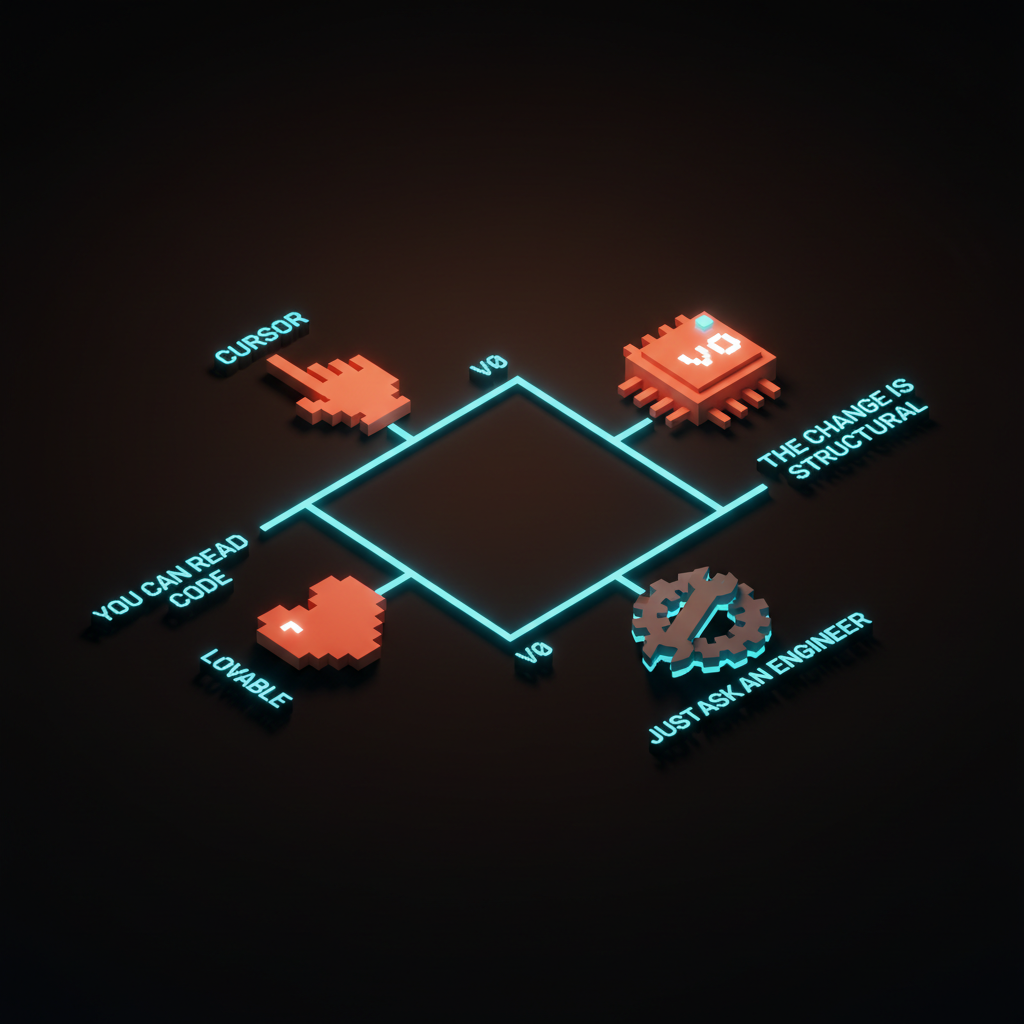
These are not interchangeable tools. They solve different problems at different stages.
| Tool | Best for | Requires code reading | Works on existing codebase | Figma MCP |
|---|---|---|---|---|
| Cursor | Editing and maintaining existing code | Yes | Yes | Yes |
| v0 | Generating net-new UI components from a prompt | No | No (export only) | No |
| Lovable | Full app scaffolding, visual editor, no code | No | Partial | No |
| Hand off to engineer | Structural architecture, complex logic | N/A | Yes | N/A |
The practical rule: if the change is additive and you need a starting point, v0 is faster. If you want a deployed app without touching code, Lovable fits.
Cursor is the only real option when the codebase already exists and you want to modify it precisely. AI-native tools like MagicPath are emerging as serious environments for a different surface problem, not a replacement for Cursor.
For where Cursor sits in the full AI editor landscape, see the AI editor landscape.
Where it still falls down
Four failure modes show up often enough to plan around.
- Context window limits on large codebases. When a design system has hundreds of components, Cursor sometimes loses track of what exists elsewhere in the repo and invents imports that are not there. Fix it explicitly by pointing Cursor at the exact files to read.
- No visual feedback loop. Cursor can write a transition but cannot tell you if it feels right at 60fps on a real device. The visual judgment is still yours, and testing on a live build is non-negotiable.
- Blank repo startup is messy. Cursor thrives in established codebases with consistent patterns. Start a brand new project in Cursor and you will spend more time correcting direction than shipping; start with v0 or Lovable instead, then open the scaffold in Cursor for ongoing work.
- Confident and wrong. Cursor's AI states things with conviction. If it says a component accepts a
sizeprop, verify the actual API before trusting the change.
A working designer's day in Cursor
Three real moments from a normal week, each one a job that used to leave the design org.
- Morning copy fix. The product team flagged that the onboarding modal needs new headline copy for the enterprise segment. Open the modal component, describe the change in chat, review the diff, approve it. Three minutes instead of a ticket.
- Afternoon token audit. The brand team updated the primary blue. Cursor sweeps all components, surfaces every hardcoded hex that missed the token change, and fixes them in a batch. Forty minutes of work that used to be a Friday afternoon.
- End-of-day component build. A new feature component needs to match a frame in Figma. The Figma MCP server pulls the design data and Cursor generates the component. The designer adjusts spacing on one breakpoint, commits, and the engineer reviews logic, not layout.

Browse the library on motion.dev
This is the loop in practice. Not a robot doing the job. A designer with a much shorter distance between intent and output. For what this shift means for positioning and rates, see what AI design work pays in 2026.
Want the next designer essay in your inbox? Subscribe to Brainy Papers.
FAQ
Do I need to know how to code to use Cursor?
Reading code is enough; writing it from scratch is not required. If you can look at a JSX component and understand what it does, you have the baseline.
Designers who cannot yet read JSX should spend a few hours on the basics first. The payoff scales directly with how confidently you can read the output.
Is Cursor better than GitHub Copilot for designers?
Cursor is materially more useful for design work; Copilot is best at single-file autocomplete.
| Dimension | GitHub Copilot | Cursor |
|---|---|---|
| Editing mode | Single-line completions | Multi-step agent edits |
| Cross-file changes | No | Yes |
| Figma MCP support | No | Yes |
| Best at | Predicting the next line of code | Token sweeps, component rewrites, Figma-to-code |
Can Cursor read my Figma file directly?
Yes, with the Figma MCP server configured as shown above. It reads the structure, tokens, and layout of any frame you point it at.
The flow is currently one-way: design into code. Writing back to Figma is in active development.
How much does Cursor cost?
The free tier covers 2,000 completions and 50 slow premium requests per month. Pro is $20/month for unlimited completions and 500 fast premium requests.
For any real volume of design system work, Pro pays back in the first week.
What is the difference between Cursor's chat and agent mode?
Chat gives you answers and suggests code. Agent mode makes actual edits: it writes to files, runs commands, and chains multiple steps together autonomously. Agent mode is what you want for design token sweeps and multi-file component work.
Should you bother
Yes, if you have ever filed a ticket for a copy change, a token rename, or a spacing tweak you could see perfectly in Figma but could not touch in the codebase. Cursor pays back its Pro cost in the first week of design system maintenance.
Reading code is the ceiling on usefulness. Push that skill up and Cursor scales with it, and the Figma MCP integration is closing the gap between design intent and shipped interface fast.
The translation tax was always the expensive part of the job. Cursor is how you stop paying it.
Need a design partner who already ships in Cursor? Brainy designs and builds the workflow with you.
Get StartedGet new papers by email
New Brainy papers in your inbox. Confirm once, unsubscribe anytime.





