

MCP Servers for Designers Worth Installing in 2026
The MCP servers worth installing if you work in Figma, Cursor, or Claude. What MCP is, which five servers ship real daily value, and how to wire them up.
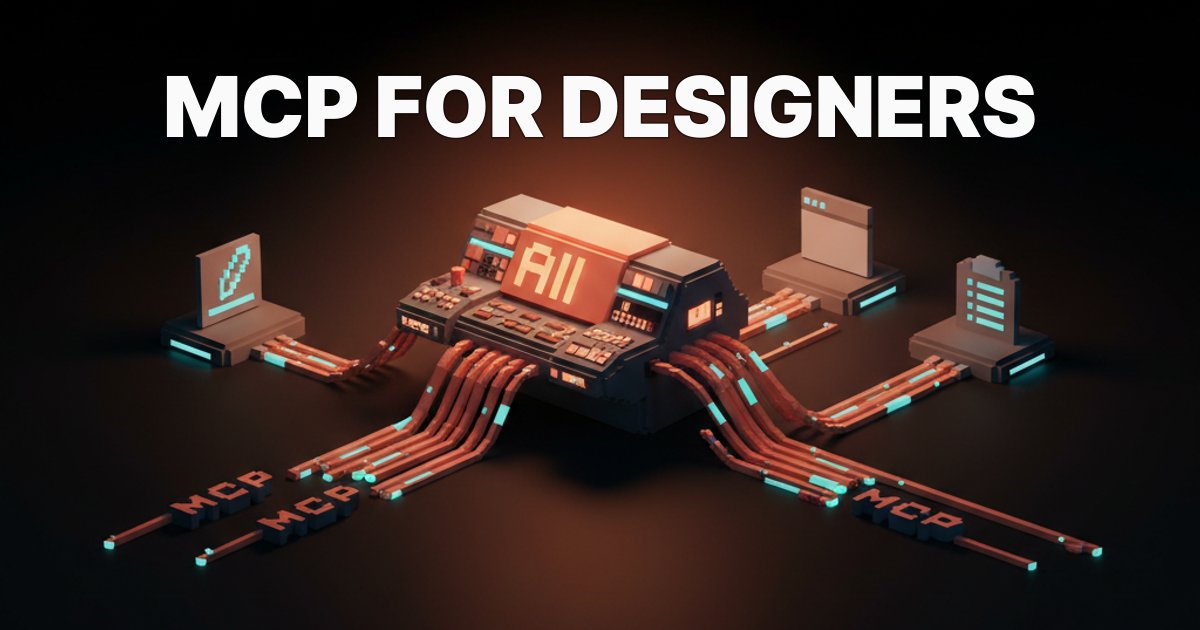
MCP turns the chatbot into a tool user. The day that lands is the day AI stops feeling like a parlor trick. If you have been pasting screenshots of your Figma file into Claude and describing what you see, there is a better architecture available right now, and it costs nothing but twenty minutes of config.
What MCP is, without the jargon
Read the announcement on anthropic.com
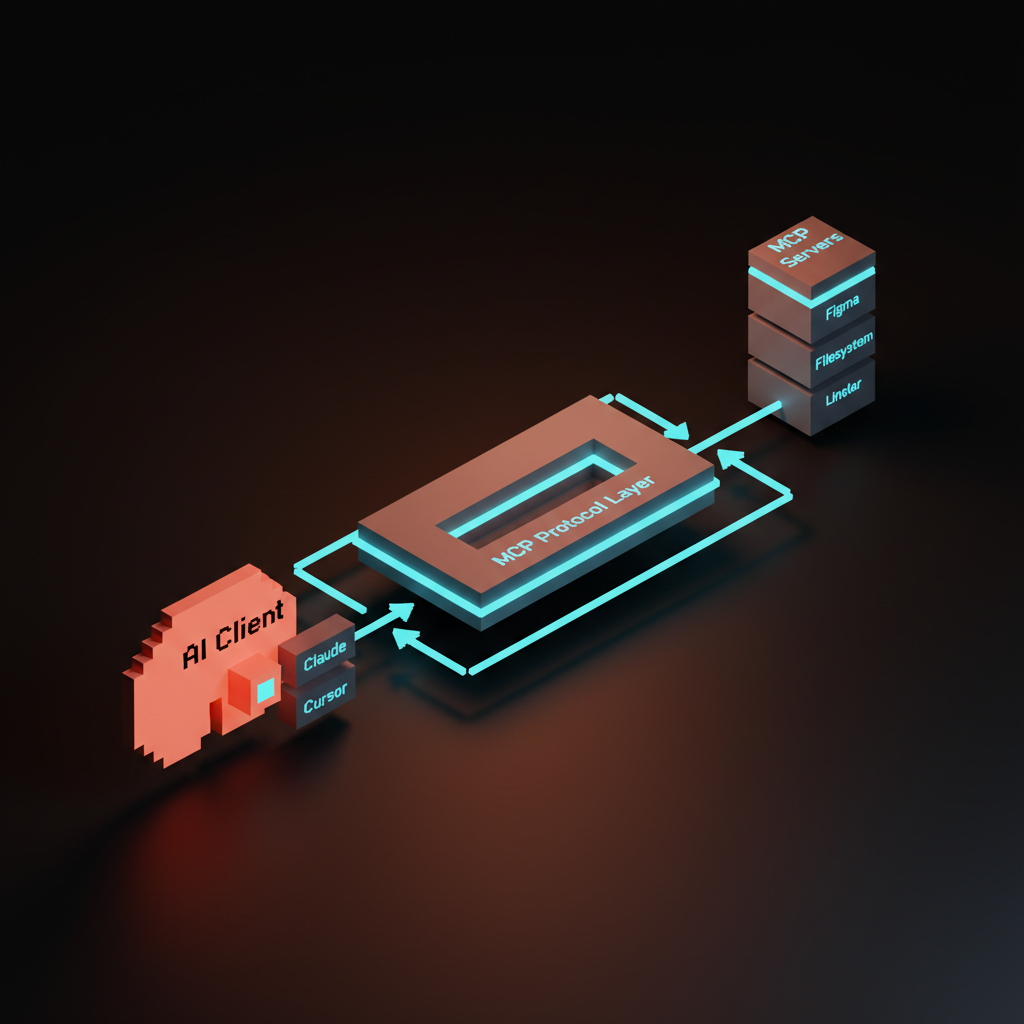
Model Context Protocol is an open standard Anthropic published in late 2024 that lets an AI client talk to external tools through a consistent interface. Think of it as USB for AI integrations: one plug shape, infinite devices.
Before MCP, every tool that wanted to connect to an AI model had to build a bespoke integration with no shared contract. After MCP, any tool that builds one server works with any MCP-compatible host.
The two sides of a connection are the host (Claude Desktop, Cursor, Replit, or any other MCP-capable client) and the server (a small program that exposes a tool, data source, or action).
The AI calls the server. The server does the thing. Results come back. You are not involved in the middle.
Why designers should care about a protocol named after "model context"
Manual bridging is the tax MCP eliminates. Every time you paste a screenshot of your Figma file into a chat window, you are doing the job of an MCP server by hand. That tax compounds across every session, every week.
MCP eliminates it for the tools designers actually live in:
- Design files
- Component libraries
- Version control
- Project management
- Browser
When those are wired, the AI for designers story stops being "AI that helps you think" and starts being "AI that acts inside your existing stack." The difference is not incremental. It changes what is worth delegating.
The current landscape of AI design workflow tooling is mostly add-ons bolted to the outside of existing apps. MCP is the first architectural pattern that goes inside.
The five MCP servers worth installing first
The ranking below is by realistic daily value to a working designer, not brand recognition.
| Rank | Server | What it does for you | Install effort |
|---|---|---|---|
| 1 | Figma MCP | Reads live file data: components, styles, layers, variants | Low |
| 2 | Filesystem MCP | Reads and writes local files: assets, exports, specs | Low |
| 3 | GitHub MCP | Branches, PRs, issues, code search | Low |
| 4 | Notion MCP | Project docs, briefs, design system notes | Medium |
| 5 | Browser Automation MCP | Screenshots, live page inspection | Medium |
Linear belongs on this list if your team runs design tickets there. Swap it in at position 4 and drop Notion if that is not your stack. The rest of the ranking holds regardless of team size or tool preference.
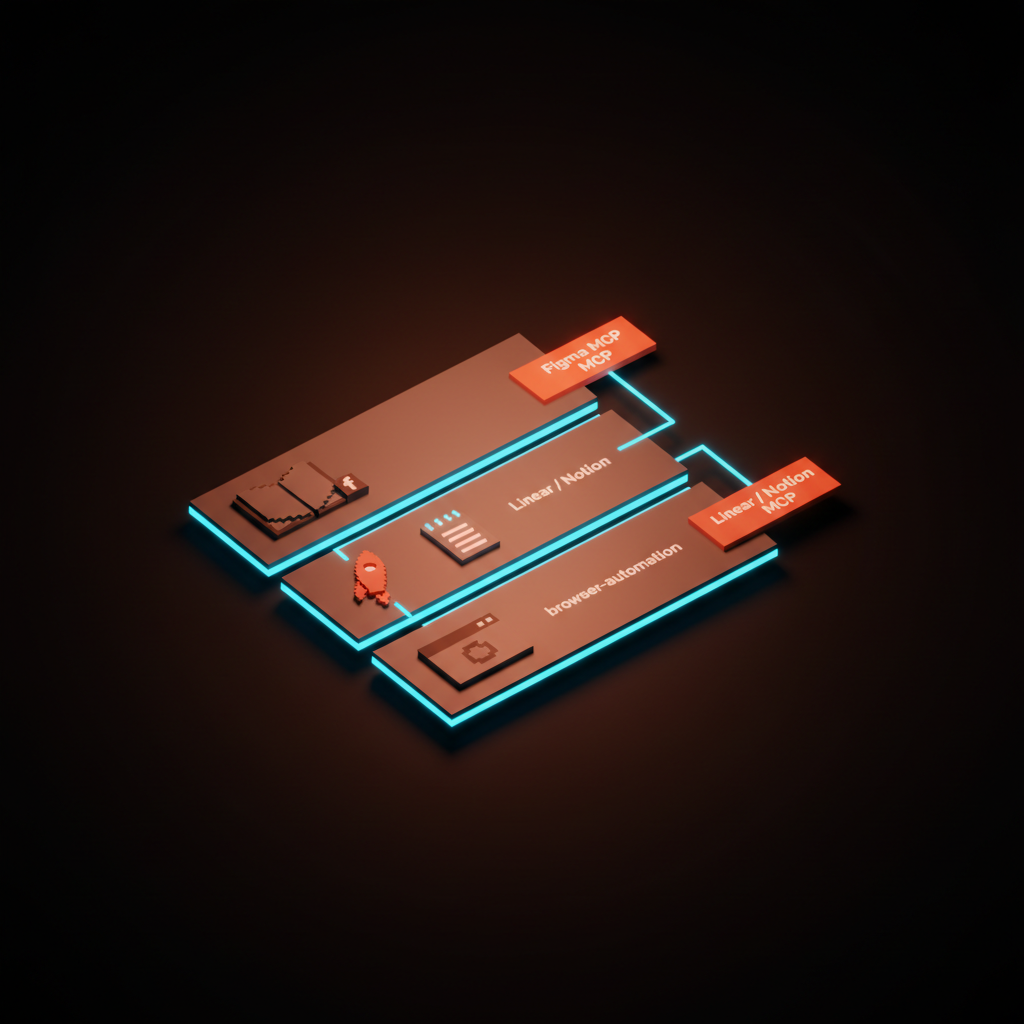
Figma's MCP server: what Claude can do
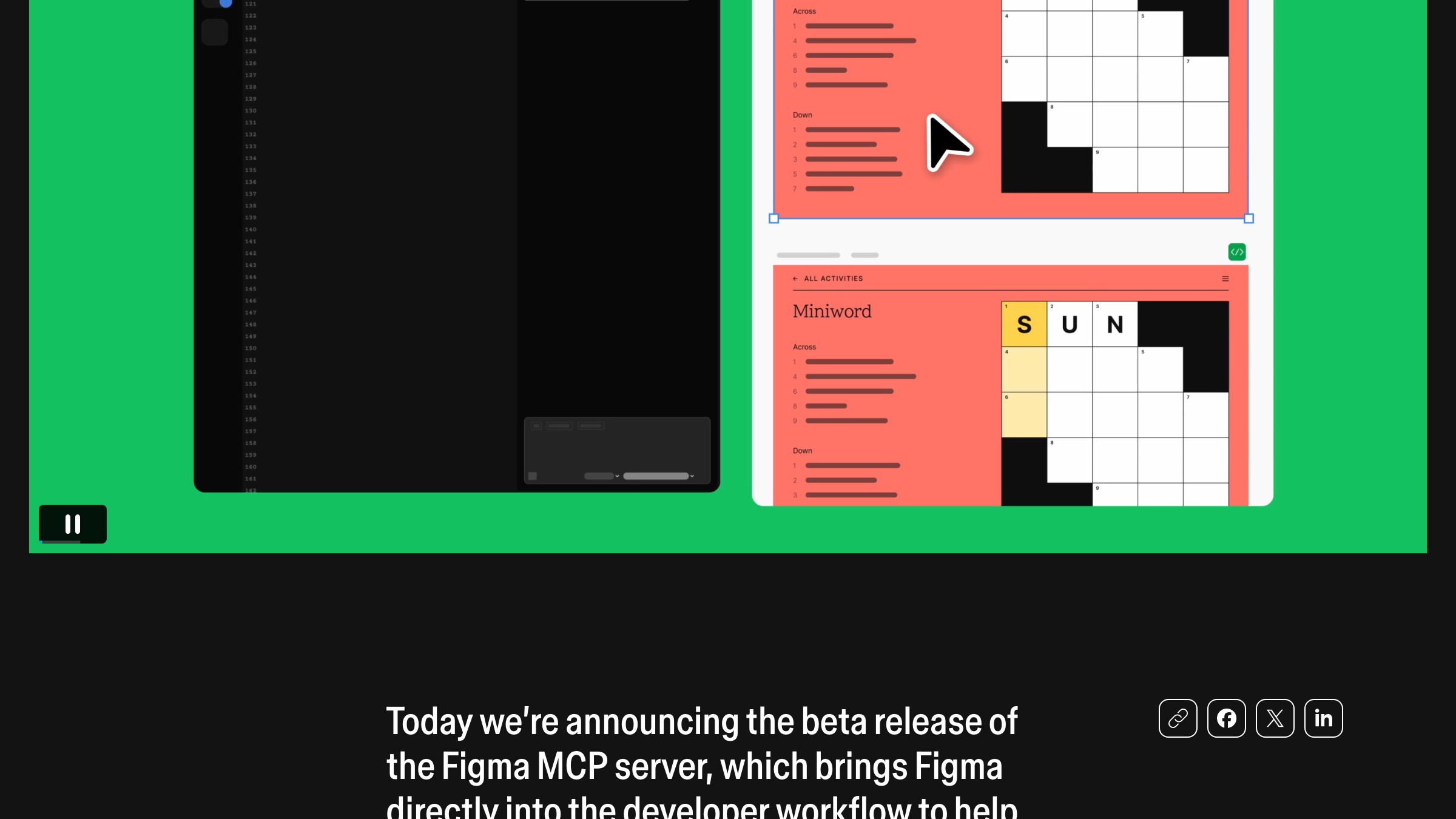
Read the launch post on figma.com
Figma shipped a Dev Mode MCP server in 2025. Point it at a file and Claude can read directly from the file, no copying required:
- Component names
- Style tokens
- Layer structure
- Variant properties
- Design specs
You ask "what tokens does the button component use?" and Claude reads the file directly, not your clipboard.
The practical payoff is handoff. Instead of a spec document that a developer may or may not follow correctly, you give the developer a Claude session with Figma MCP connected and the relevant frame selected. Claude reads the component, writes code against the actual tokens, and flags discrepancies in real time.
Figma Weave takes this further by enabling collaborative file editing through Claude. The Figma MCP server is the foundation that makes any of that possible. You cannot automate what the AI cannot see.
Filesystem and GitHub: the assets-and-version-control combo
The Filesystem MCP server is the most underestimated on this list. It gives Claude direct read and write access to local directories you specify, which means asset exports, design system documentation, spec files, and icon sets become queryable without copy-paste.
A concrete workflow: export a frame to your local assets folder, then ask Claude to audit it against design system tokens defined in a local Markdown file. Claude reads both. You get a real diff, not a guess based on a verbal description.
GitHub MCP closes the loop on the handoff side. When Claude can read your repo, create branches, and comment on pull requests, you have a review loop where the AI can compare live component code against the Figma spec and flag drift. That is the version of AI-assisted QA worth caring about in 2026.
Notion and Linear: closing the loop between design and the team
Designers do not work in isolation. Briefs come in through Notion. Tickets live in Linear.
If your AI assistant cannot see those, you are back to manual bridging: copy the brief, paste it in, re-explain the context from scratch every session.
Notion MCP gives Claude read and write access to your workspace. The flow:
- Claude pulls the brief from the Notion page.
- Drafts a design rationale against the brief content.
- Writes the rationale back to the same page.
One command, zero context-shuffling.
Linear MCP is the faster path if your team tracks work in tickets. The flow there:
- Read the ticket and its linked files.
- Update the status to in-review.
- Add a comment with the design decision.
If you are already working in an AI agent pattern, closing Linear tickets from the same session where you are building is a genuine time save.
Browser automation MCP: when you need a screenshot, not a vibes-check
The browser automation servers (Playwright MCP is the most stable option currently) let Claude open a URL, take a screenshot, and inspect the DOM. For designers, that means visual QA of shipped work without manually opening a browser and checking by eye.
Ask Claude to check whether the hero section on the pricing page matches the approved spacing spec. The browser-MCP flow:
- Claude opens the URL.
- Screenshots it at the requested viewport.
- Compares against the spec you gave it access to (Filesystem or Notion MCP).
- Reports the discrepancies back inline.
Not pixel-perfect, but dramatically faster than the alternative.
The same pattern works for competitive research. Ask Claude to screenshot three competitor landing pages and compare information hierarchy. That used to be a half-day task. With browser automation MCP, it is five minutes.
MCP setup in Claude Desktop and Cursor
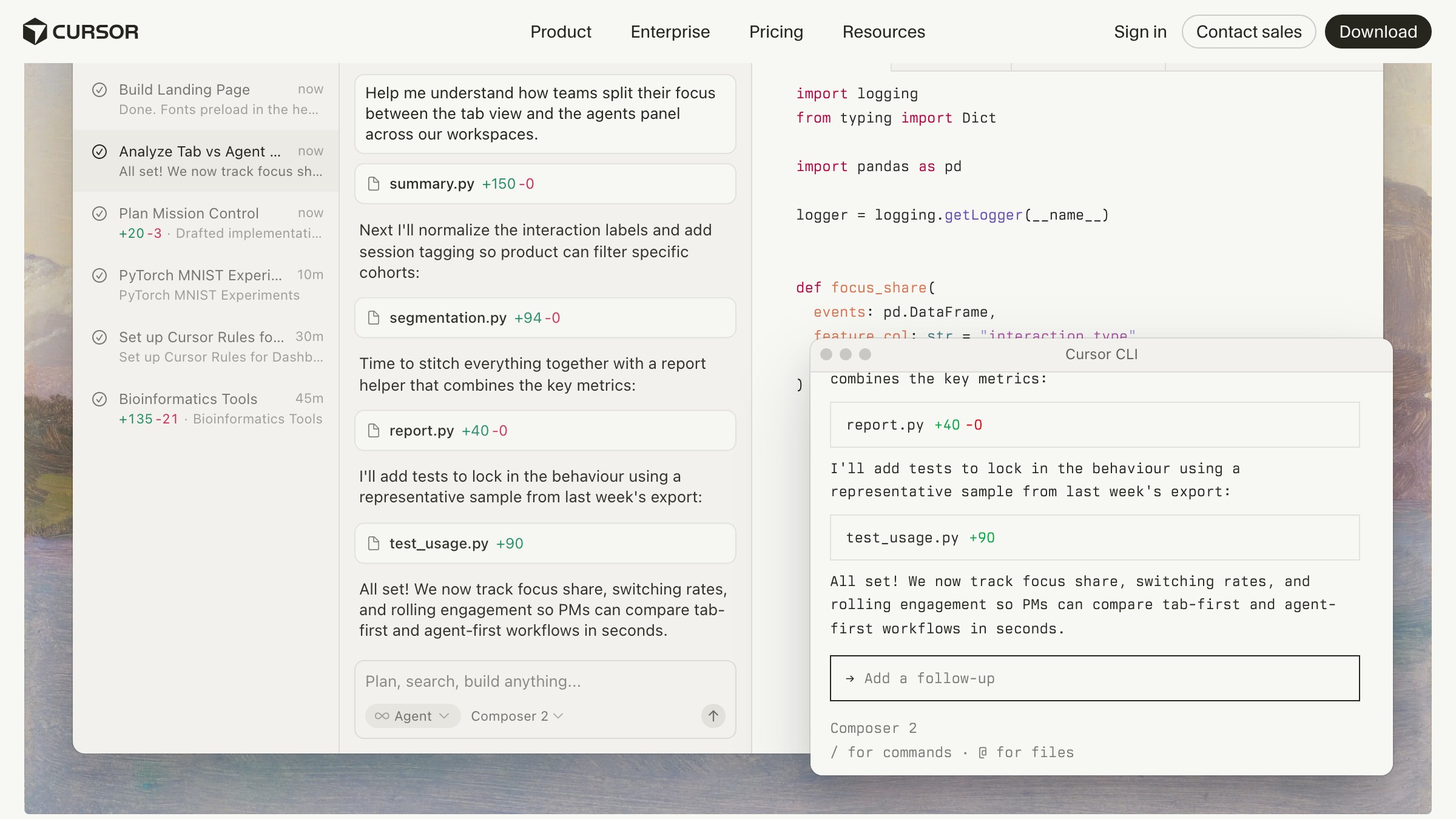
Claude Desktop and Cursor use the same config format. On Mac, Claude Desktop's config lives at ~/Library/Application Support/Claude/claude_desktop_config.json. Cursor stores it in its own settings panel but accepts the same JSON shape.
Replace the path placeholders with your actual directories and tokens, then restart the host.
{
  "mcpServers": {
    "filesystem": {
      "command": "npx",
      "args": ["-y", "@modelcontextprotocol/server-filesystem",
               "/Users/yourname/Desktop", "/Users/yourname/Documents"]
    },
    "github": {
      "command": "npx",
      "args": ["-y", "@modelcontextprotocol/server-github"],
      "env": {
        "GITHUB_PERSONAL_ACCESS_TOKEN": "your_token_here"
      }
    },
    "figma": {
      "command": "npx",
      "args": ["-y", "figma-developer-mcp",
               "--figma-api-key", "your_figma_token_here"]
    },
    "notion": {
      "command": "npx",
      "args": ["-y", "@notionhq/notion-mcp-server"],
      "env": {
        "OPENAPI_MCP_HEADERS": "{\"Authorization\": \"Bearer your_notion_token\"}"
      }
    },
    "playwright": {
      "command": "npx",
      "args": ["-y", "@playwright/mcp"]
    }
  }
}
Servers appear in Claude's tool panel when the connection is live. If a server does not show up after restart, the debugging section below has the checklist.
Want an AI-native design workflow wired into your existing tools instead of bolted on the side? Brainy designs and ships them.
When MCP silently fails: the debugging checklist
MCP servers fail silently more often than they throw visible errors. If a server is not showing up or commands return nothing, work through this list before reinstalling anything.
- Node.js is version 18 or higher (
node --version) - The config file is valid JSON (a missing comma breaks the entire file silently)
- API tokens have the correct scopes (Figma needs read access, GitHub needs repo access)
- Filesystem paths in the config actually exist on disk
- Claude Desktop was fully quit and relaunched, not just closed
- No duplicate server names in the config (duplicate keys in JSON, last one wins without warning)
- Check Claude Desktop logs at
~/Library/Logs/Claude/for process errors
Cursor shows an MCP connection status indicator in its settings panel. Red means the server process failed to start, which is almost always a Node version mismatch or an invalid file path.
FAQ
An MCP server is not a plugin
A plugin is a first-party integration built for one specific app. An MCP server is a generic tool that any MCP-compatible host can call. One server works in Claude Desktop, Cursor, and Replit without modification. Plugins do not cross that boundary.
Do I need to write code to use MCP servers?
No. Every server in this article installs via npx, which runs without writing code. You need to edit a JSON config file and generate API tokens from the relevant apps. That is copy-paste work, not programming.
Is MCP only for Claude?
MCP started at Anthropic but the spec is open. Cursor adopted it, Replit added support, and GitHub's MCP server works in any host. The ecosystem is expanding faster than any single vendor's roadmap.
Can MCP servers write to my Figma files?
The Figma MCP server is currently read-only. Filesystem MCP can write if you point it at a writable directory. GitHub MCP can create branches and add comments. Check each server's documentation before connecting anything you care about.
Will my Figma file data leave my machine?
When Claude reads your Figma file through the MCP server, the data passes through Claude's inference API. Review Anthropic's data usage policy before connecting client work. The MCP server process runs locally; the data goes to Claude's endpoint, not a third party.
What happens when an MCP server goes down mid-session?
Claude loses access to that tool but the session continues. Tool calls to that server return an error Claude surfaces in the chat. Your conversation and any other connected servers are not affected.
The bigger pattern: AI plugged into the same tools you live in
The prompt surfaces conversation in design always hits the same wall: the AI does not know what you know. It does not see your file, your ticket, your asset library, your version history. You spend half the session briefing it instead of working with it.
MCP is the architectural answer to that wall. The servers are young, the config is rough in places, and you will spend an hour on setup before you spend an hour being productive. That one-time cost buys you a workflow where the AI is present inside your tools rather than waiting outside for you to describe them.
Claude Code for designers is the logical extension of this pattern. Once the AI can read your files and act on your tools, the line between AI assistant and AI collaborator blurs in ways that change what you can ship.
MCP is the wiring that gets you there. Install it once, and stop being the bridge.
Want an AI-native design workflow wired into your existing tools instead of bolted on the side? Brainy designs and ships them.
Get StartedGet new papers by email
New Brainy papers in your inbox. Confirm once, unsubscribe anytime.





