Prompt Surfaces: The New UX Primitive
The prompt input is the new button. A working playbook for designing prompt surfaces as a first-class UX primitive, with anatomy, patterns, failure modes, and a pre-ship audit.
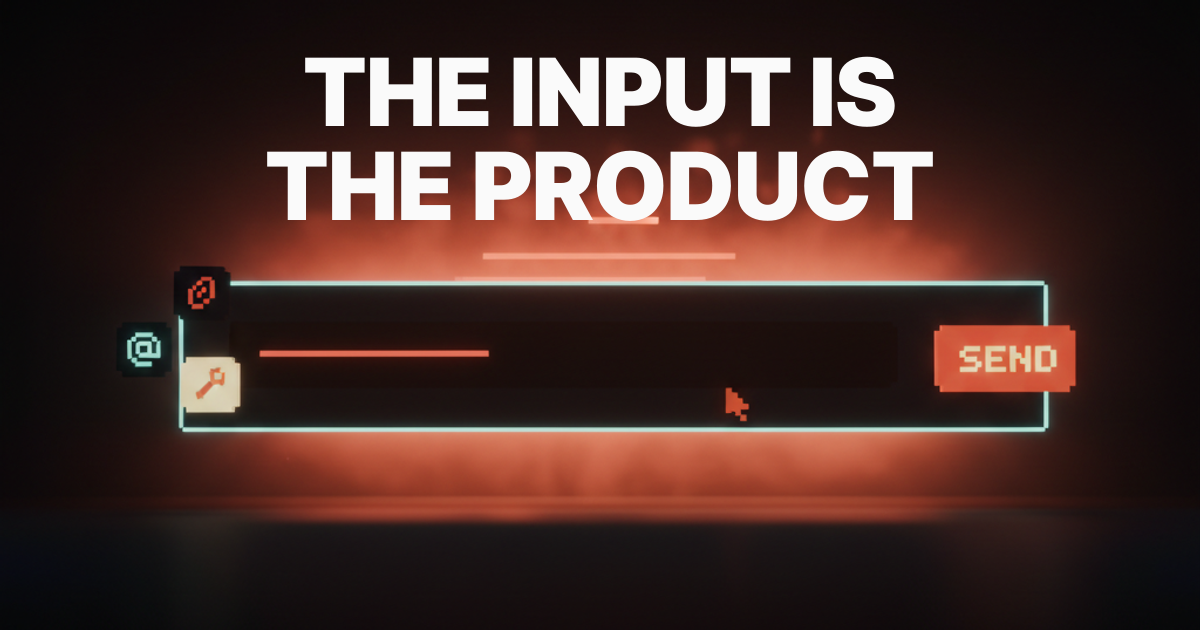
The prompt surface is the new button. A designer who treats it like a search bar is shipping a 2018 product in 2026. The text input has eaten the form, the wizard, and most of the settings panel, and the products that win are the ones that treat the input as a first-class UX primitive instead of a textarea with a paper-airplane icon.
Most teams still ship the textarea. A bare rectangle, a placeholder that says "Ask anything," a send button, and nothing else. That is a search bar with delusions. A real prompt surface is a component with anatomy, affordances, state, and a recovery path.
This piece is the operational version. What a prompt surface actually is, the eight parts every good one ships, six failure modes that kill them, six named patterns the best products are using right now, and a seven-question audit that tells you in three minutes whether your surface is a primitive or a placeholder.
A prompt surface is not a textarea
A prompt surface is the entire region the user types into, configures around, and reads back from. The input is the visible part. The component is everything bolted to it.
The input itself is one element. The empty state with suggestions, attachment slots, the model picker, tool toggles, the send affordance, the streaming output region, regenerate-edit-branch controls, and the history surface are the rest. A team that designs only the box has shipped the iceberg.
Cursor, Claude, Linear AI, v0, Lovable, Notion AI, Raycast AI, Vercel AI Playground. None of these treat the input as a textarea. Each ships a structured surface where the input is the entry point into a configurable, observable, reversible interaction. That is the bar.
The anatomy of a prompt surface that works
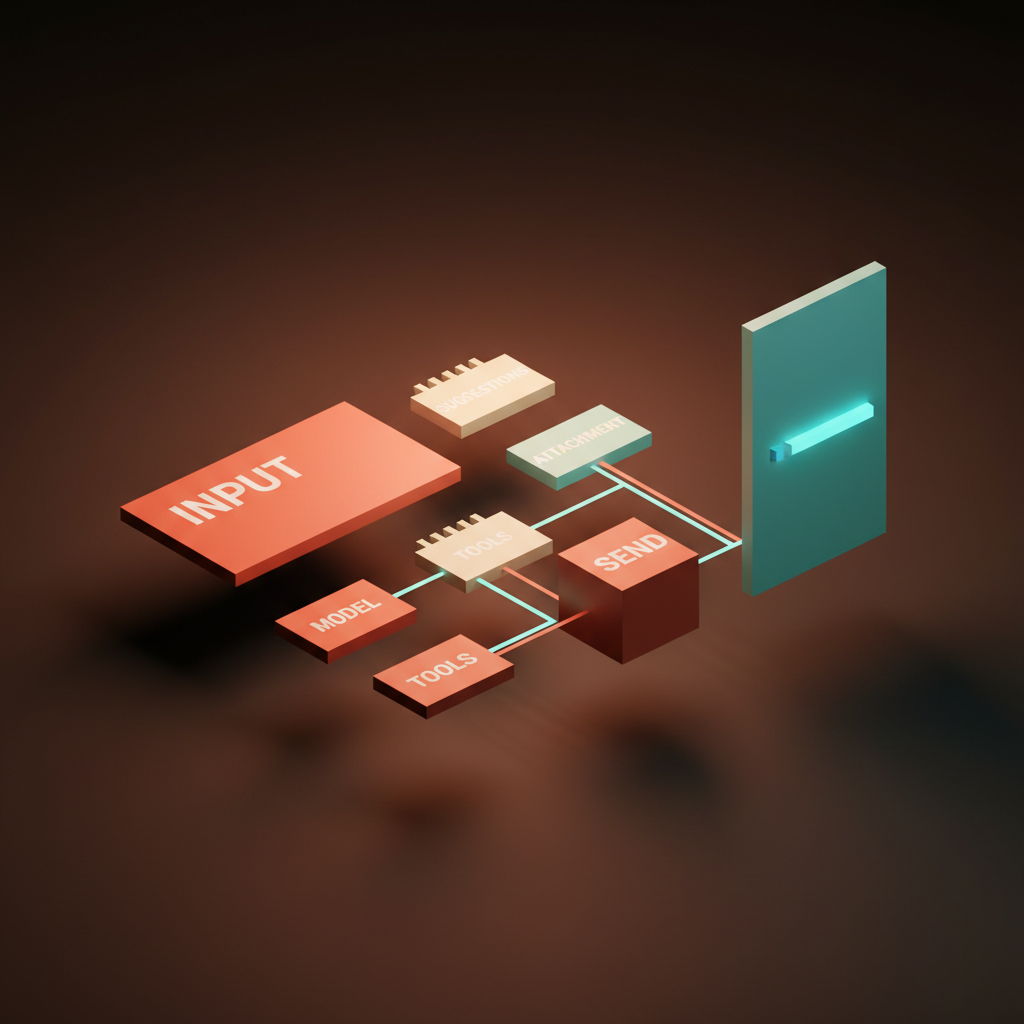
Eight parts. Empty state, suggestions, attachment slots, model picker, tool toggles, send affordance, streaming output region, revision controls. A prompt surface that ships fewer than six is incomplete.
The empty state has to teach the product without text-dumping. Cursor's command bar shows recent files and recent prompts. Notion AI's slash menu is the empty state, branched by intent. v0 ships a gallery of starter prompts that double as proof. "Ask anything" is the enemy. It demands the user invent the use case.
Suggestions meet the user halfway. Inline chip suggestions, recent-prompt history, context-aware completions. Cursor's @-mention picker is the textbook example, scoping the prompt to a file, a function, or a doc with a single keystroke.
Attachment slots make the input multimodal. v0 lets the user paste a screenshot and prompt against it. Claude accepts PDFs, images, and code files. Lovable accepts a Figma frame as context. The slot is the contract.
The model picker, tool toggles, and send affordance are the configuration layer. They tell the user what is about to happen before it happens. Vercel AI Playground exposes the model picker as the most prominent control. Cursor toggles agent mode versus inline edit before submitting. Hide configuration and the user is guessing.
The streaming output region and revision controls close the loop. Claude's artifact pane is one of the cleanest examples shipped. The output gets its own region, the prompt surface stays live, and the user can edit the prompt or regenerate the artifact without losing either side.
Trust signals are the load-bearing detail
The prompt surface is where the user decides whether to trust the model. Every visible signal either earns trust or burns it.
Trust comes from clarity. The model identity is visible. Tool calls are listed before they run, or streamed as they run. Streaming feedback is honest, not a fake spinner masquerading as work. The undo affordance is reachable in under a second. The error path names what failed and why. It is the same craft a good agent UI demands, scoped to the input.
The cheapest trust signal is the stop button. A streaming response without a visible stop is a hostile surface. The user is watching the model write something they already know is wrong, and the only escape is closing the tab. Claude, Cursor, and v0 all ship a visible stop. Most homegrown chat UIs forget it.
Six failure modes that kill prompt surfaces
Most prompt surfaces in production today ship at least one of these. The fixes are not subtle.
The empty rectangle. A textarea, a placeholder that says "How can I help," and nothing else. The user invents the use case from scratch. Fix: a structured empty state with three to five concrete starters tied to real product capabilities.
The no-suggestions input. The surface accepts a prompt but never proposes one. Power users learn the patterns. New users churn. Fix: recent prompts, scoped suggestions (Cursor's @-mention, v0's selection picker), and inline completions calibrated to the current context.
The dead-streaming spinner. A spinner runs while the model is silently doing ten tool calls in the background, and the user has no idea what it means. Fix: stream the actual work. Tool calls visible, file edits visible, intermediate output visible.
The unswitchable model. The product picks a model and hides the choice. Power users cannot route heavy tasks to a stronger model, and budget-conscious users cannot route light ones to a cheaper one. Fix: surface the picker, default it sensibly, persist the choice per task.
The amnesia surface. Each new prompt resets the context. The user re-pastes the file, the URL, the brief every turn. Fix: a memory chip, a pinned context slot, or a session-level scope the user can see and edit.
The destructive regenerate. The regen button overwrites the previous output with no version history. The user lost their best response and cannot get it back. Fix: regenerate as a branch, not an overwrite, the way Claude's history and v0's version stack already do.
A pattern library for prompt surfaces
Six named patterns separate the prompt surfaces that feel like primitives from the ones that feel like placeholders. Pull from this list before redesigning anything.
Scoped prompt. The input accepts a scope token that constrains what the model is allowed to touch. Cursor's @-mention picker is the canonical example. The user types @layout.tsx and the prompt is scoped to that file. v0 has a similar selection-driven scope, where the user clicks a region of the canvas and the prompt operates on that region. Scoping turns a vague prompt into a precise one without making the user write more.
Selection-driven prompt. The user selects something in the product and the prompt surface appears with the selection pre-bound as context. v0 does this on canvas selections. Notion AI does it on highlighted text. Linear's AI picks up the issue scope automatically. Do not make the user describe what they already pointed at.
Inline tool toggles. The surface exposes tool calls as toggles or chips on the input frame. Cursor toggles agent mode, edit mode, and tool sets. Raycast AI exposes commands. Vercel AI Playground exposes function-calling toggles. The user knows what tools are armed before send.
Memory chip. A persistent affordance that shows what the model already knows about the current session. ChatGPT and Claude both ship variants. The chip is editable, removable, and visible, which is the entire trick. Hidden memory is an exfiltration risk dressed up as a feature.
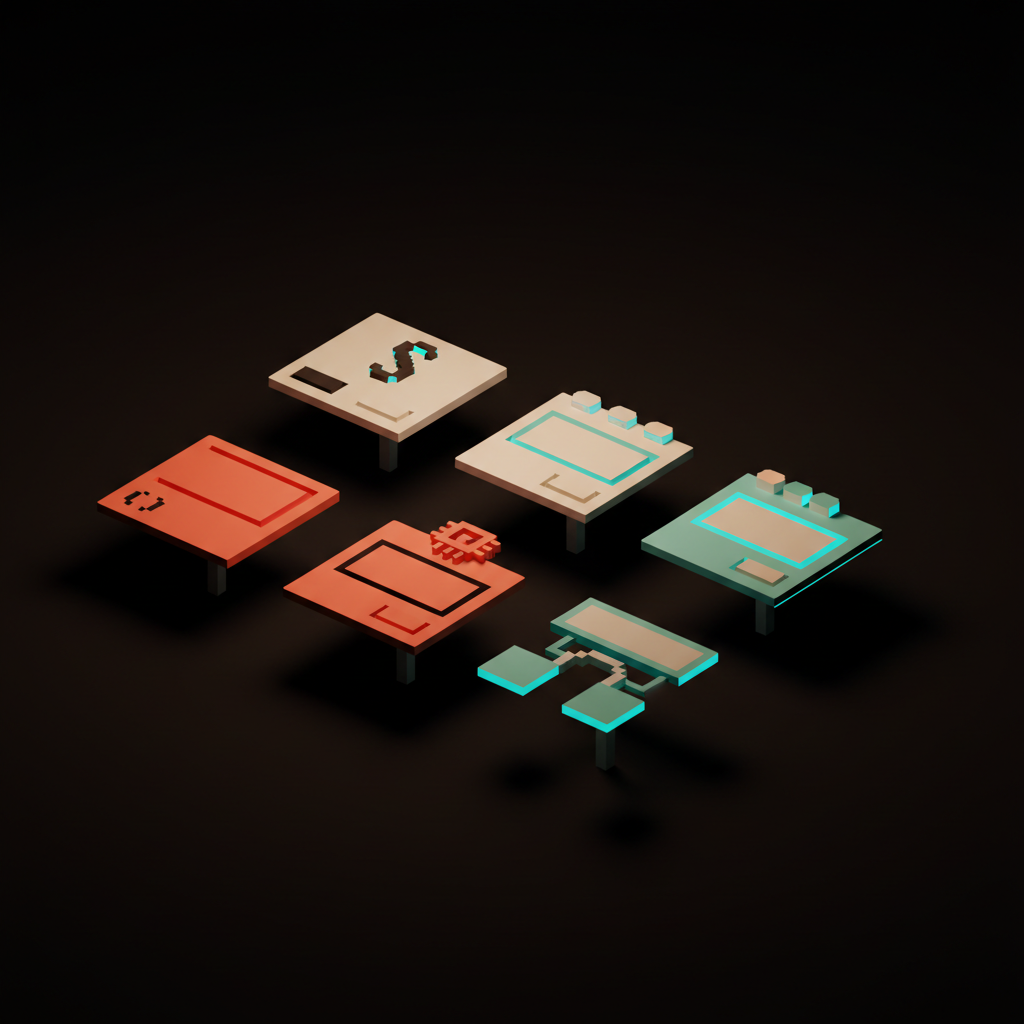
Branching prompt. Regenerate forks the conversation instead of overwriting it. Each branch is a saved state the user can return to. Claude's conversation history surfaces this, v0 keeps a version stack of generated UIs, Cursor's chat threads are branchable. Experimentation becomes a tree, not a casino spin.
Approval-gated tool call. The surface pauses before a destructive tool call and asks the user to approve, modify, or cancel. Cursor's composer gates risky shell commands. Claude Code gates destructive operations behind a permission system. ChatGPT Operator gates payment actions in the browser. Slow down the moment that cannot be undone, and make the action visible in plain text before it runs.
These patterns compose. A great prompt surface usually ships scoped, selection-driven, inline tools, and approval gates as a single coherent component. The patterns are not in tension, they are in concert.
The seven-question prompt-surface audit
Run this on any AI input before it ships. If it fails three or more, the surface is not ready.
- Empty state. Does the surface teach the user what to type, or does it dump a blank field on them?
- Suggestions. Does the surface propose the next prompt based on context, recent history, or selection?
- Scope. Can the user narrow the prompt to a file, a selection, a block, or a session without writing more?
- Configuration visibility. Are the model, the tools, and the autonomy level visible before send, not buried in a settings drawer?
- Streaming honesty. Does the streaming output show the actual work, or is it a spinner that means nothing?
- Stop and revise. Is there a visible stop button during streaming, and a non-destructive regenerate after?
- Memory transparency. Can the user see and edit what the model remembers across the session?
A surface that passes all seven feels like a primitive. A surface that fails three or more feels like a search bar. The gap between those two outcomes is what separates AI-native product design from AI-bolted-on.
The teams building the prompt surface as a real component are also the teams treating their prompts as components on the engineering side. The discipline pays back the same way.
FAQ
What is a prompt surface?
A prompt surface is the full UI region the user prompts into, configures around, and reads back from. It includes the input, the empty state, suggestions, attachment slots, the model picker, tool toggles, the send affordance, the streaming output region, and revision controls. Treating it as a textarea is the mistake. Treating it as a component is the bar.
How is a prompt surface different from a chat input?
A chat input is a turn-by-turn message box. A prompt surface is a configurable, observable, reversible interaction component. Chat UI optimizes for conversation. A prompt surface optimizes for goal clarity, model trust, and task throughput. The chat input is one possible expression of a prompt surface, not a synonym.
What are the most common prompt UI design mistakes?
Empty rectangles with no suggestions, dead-streaming spinners, unswitchable models, amnesia surfaces that forget context every prompt, destructive regenerate buttons that overwrite good output, and missing stop buttons during streaming. Each one is fixable with a small surface change. None of them are fixable with copy.
Which products have the best prompt surfaces in 2026?
Cursor for scoped prompts, Claude for branchable history and the artifact pane, v0 for selection-driven prompts, Linear AI for embedded prompts, Notion AI for the slash-menu empty state, Raycast AI for picker discipline, and Vercel AI Playground for configuration visibility. None ship every pattern at full strength, which is why the category is still wide open.
Build the input like it is the product
The prompt surface is the most important component in any AI-native product, and most teams are still designing it like an afterthought. A textarea, a send button, a placeholder, ship it. That stack rotted the day Cursor and Claude raised the bar.
Treat the input like a primitive. Ship the eight parts. Avoid the six failure modes. Compose the six patterns. Run the seven-question audit. The product that comes out the other side feels like 2026 instead of a 2022 chat sidebar with a new logo.
If you want a team that ships prompt surfaces as full components instead of textareas, hire Brainy. We design AI-native product UI end to end, from the empty state to the streaming output panel, with the trust signals built in before the first user ever types a word.
Want a prompt surface that earns the click instead of explaining itself? Brainy ships AI-native product UI end to end, from the empty state to the streaming output panel.
Get StartedGet new papers by email
New Brainy papers in your inbox. Confirm once, unsubscribe anytime.