Prompts as Components: How Designers Build Reusable Prompt Libraries in 2026
Components made design scalable in the 2010s. In 2026, prompts are the new components. A working playbook for designers building reusable prompt libraries: anatomy, variants, versioning, distribution, and the new prompt librarian role.
A senior designer in 2026 opens their prompt library the same way a senior designer in 2018 opened their component library. They pick the brand-audit prompt, version 2.4, trigger it on the new homepage variant. Output lands in fifteen seconds. The rubric scores it. The queue moves.
That motion is impossible without a real library underneath it. Most teams do not have one. They have a Notion page of pasted prompts, a Slack thread with three tweaks, a designer who keeps the good ones in their head. That stack rots the next time the model under it updates.
Prompts are the new components. They have anatomy, variants, versioning, composition, distribution, and a librarian on the hook. The teams compounding the fastest in 2026 stopped writing prompts as throwaway strings and started shipping them like a design system.
The working playbook: five-part anatomy, variant matrix, versioning rules, distribution surfaces, the role that owns it.
Prompts behave like components, treat them like components
A prompt is a reusable instruction unit a model loads to do a job. Same job description a component has. Reusable. Scoped. Configured at the call site. Owned. Versioned. Trusted because it has been used a thousand times.
A team that writes prompts as one-off strings ships strings. A team that writes prompts as components ships assets. Strings break silently when a model updates, a teammate joins, or the same task moves to a different surface. Components survive.
The mental shift is the whole game. Stop treating the prompt as the thing you wrote yesterday and forgot. Start treating it as the thing the team installs, configures, evaluates, and ships.
The five-part anatomy of a production prompt
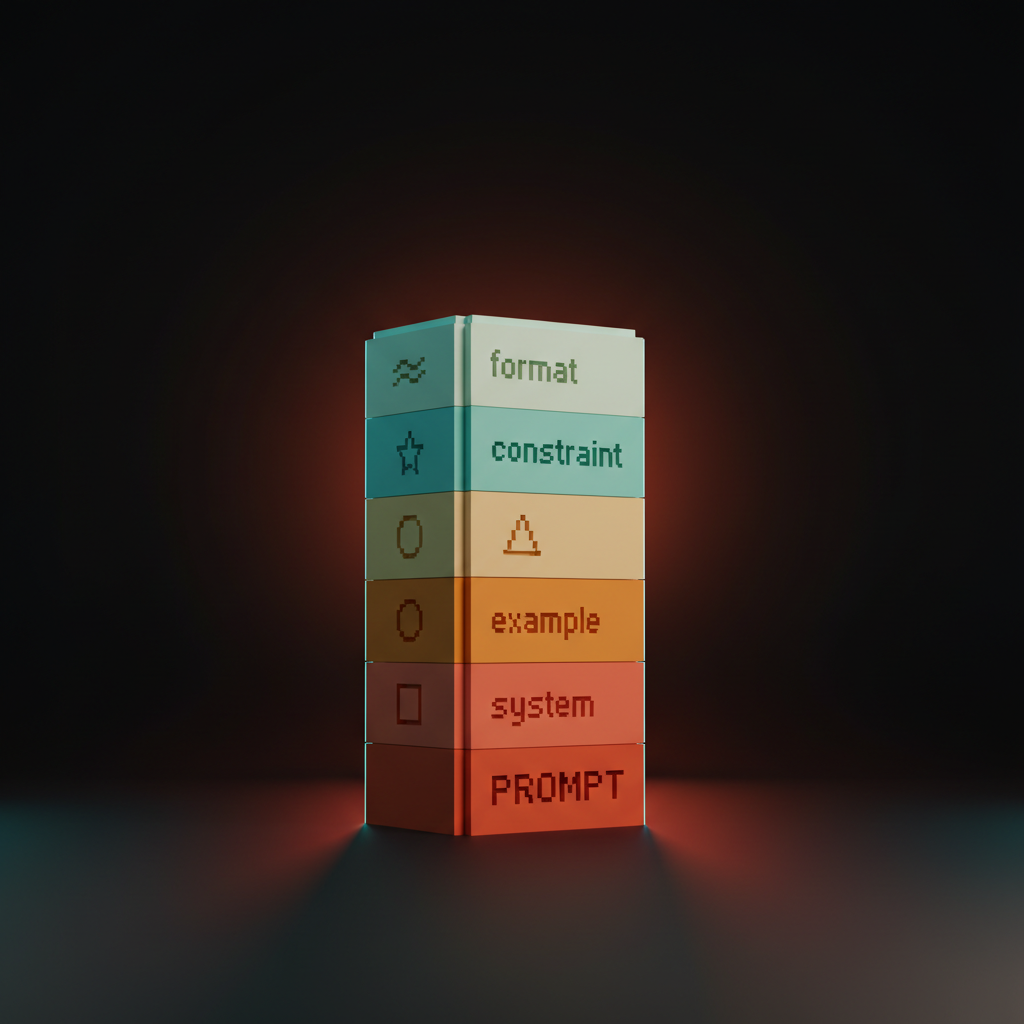
Every prompt that survives a model update has the same five parts. System, scope, examples, constraints, output format. Miss any of them and the prompt rots.
No system role, the prompt drifts when the model's default tone changes. No scope, the prompt answers questions it was never meant to touch. No examples, it gets the spec wrong on the fourth case. No constraints, it invents what it cannot infer. No output format, every downstream consumer breaks. Five parts, in order, every time.
System sets the role, scope sets the boundary
System prompt names who the model is. Scope names what the prompt is allowed to touch. Skip either and the prompt drifts into doing the wrong job confidently.
A working system block is one or two sentences. "You are a senior brand designer reviewing a homepage hero against the brand voice rubric." Not "You are a helpful assistant." Specific role, specific seniority, specific frame. The model leans into the role and the rest of the prompt becomes shorter.
Scope sets the boundary. "Review the hero copy only. Do not comment on layout, color, or imagery. Do not propose alternatives." Scope stops the model from wandering. Prompts that ship in production all have an explicit scope block. The ones that fail are usually missing it.
Examples teach more than instructions
Few-shot examples carry more weight per token than any instruction. The prompts that hold up under model swaps are the ones with three to five real examples baked into the body.
Tell the model "write tight, lead-first, no filler" and it tries. Show three before-and-after pairs and it locks in. The instruction is a suggestion. The example is a spec.
Keep the examples real, not invented. Pull three outputs the team approved last quarter, three the team rejected, pair them. The model learns the brand by reading the brand.
Constraints and output format make prompts machine-readable
Constraints kill failure modes the model would otherwise hand you confidently. A strict output format turns the prompt into an API the pipeline can trust.
Constraint blocks read like a checklist. "Never use em dashes. Never start with the word 'Imagine'. Never propose copy longer than nine words. Never invent product features that are not in the brief." Each line is a rule the model would otherwise break in a way that costs an hour to clean up. Worth the tokens every time.
Output format is the difference between prose and structured data the eval stack can score. JSON with a fixed schema, Markdown with a fixed heading order, YAML with named fields. Pick one, document it, downstream tools stop guessing.
Version prompts the way you version components
A prompt that nobody versions is a prompt nobody owns, and the first model update silently rewrites the team's quality floor.
Every prompt in the library lives in a git repo with a commit message that names the change. Semver works. Patch for wording fixes. Minor for new examples or a tightened constraint. Major for a changed output format or a swapped system role. The team shipping v1.4.2 of their brand-audit prompt knows when the rubric got tuned and why.
The harder rule is prompt evals on every change. Run the new version against the same fifty test cases as the old, score with an LLM-as-judge against the brand rubric, only merge if the new version scores higher or matches. Anthropic Workbench supports this natively. OpenAI prompt management does too. The custom path is a Claude API call wrapped in a script and run in CI. A prompt without evals is a prompt running on hope.
Compose parent and child prompts
Prompts nest the way components nest. A parent prompt sets the context. Child prompts handle a single sub-task.
A brand audit is a parent prompt. Inside it, hero-copy critique, CTA review, and navigation scan are child prompts. The parent loads the brand profile and the rubric. The children inherit the context and run their narrow scoring. Each child is independently versioned and evaluable. The parent is the only thing the user calls.
A page template is a parent. Buttons, cards, and navs inside it are children. Nobody writes the whole page from scratch every time. Composition is what makes the library more than a list of files. Stop writing one giant prompt that does everything. Compose a parent that loads context and children that each do one thing well.
Variants for prompts, the way Figma has them for buttons
Buttons have size, state, and role variants. The same shape applies to prompts the moment a team ships them across more than one surface.
Size variants are short and long forms of the same prompt. The short version runs in the IDE for a fast critique. The long version runs in the eval pipeline with full rubric and structured output. Same prompt, two sizes.
State variants are the prompt configured for different starting conditions. A brand-audit prompt has a "first pass" variant that is more lenient and a "ship review" variant that is strict. Same logic, different threshold.
Role variants flip the system block. A copy-review prompt has a "reviewer" role for QA and an "author" role for generation. Body, rubric, examples stay the same. The role swap turns the prompt into a different tool with the same brain.
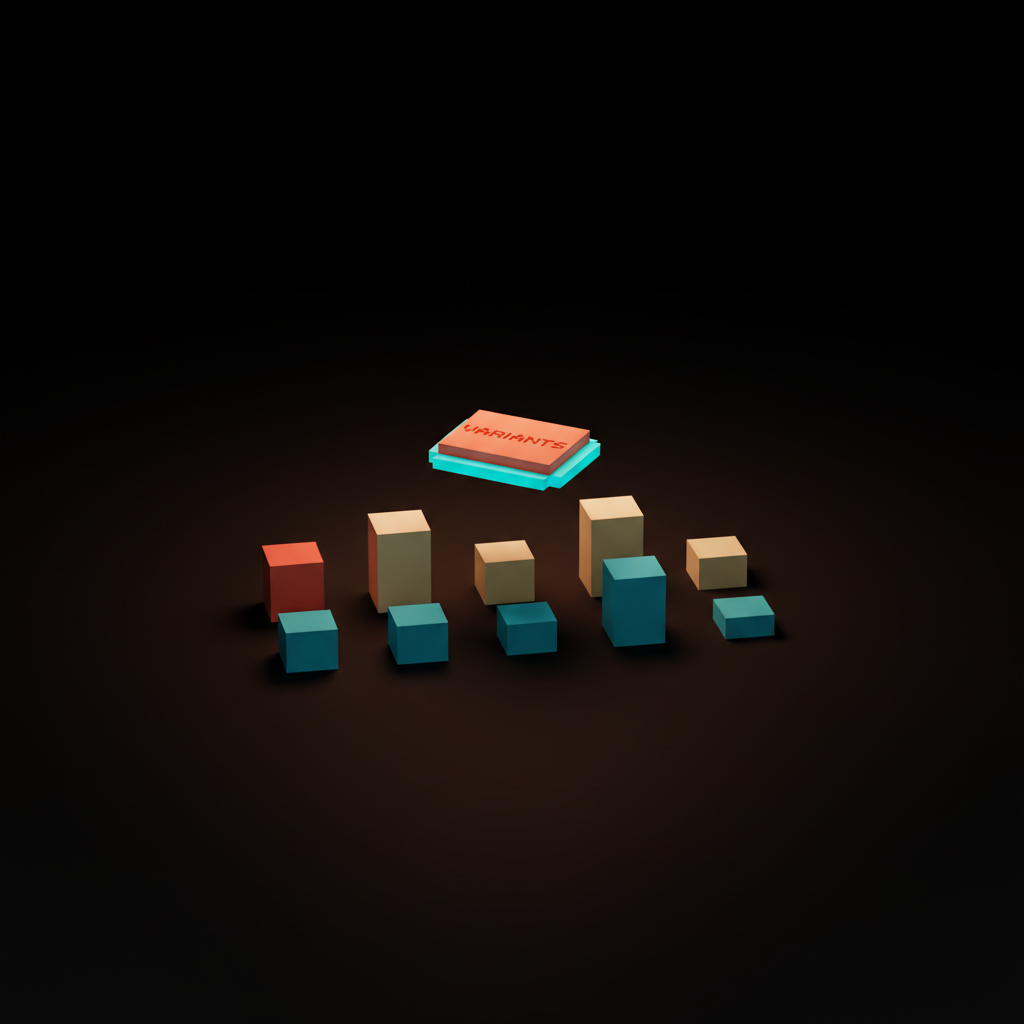
A working library exposes a variant matrix the way Figma does. Three rows, three columns, nine prompts that share a spine. The team learns the spine once, picks the variant, ships. New surface, add a column.
Distribute prompts as Skills, packs, and team libraries
A prompt that lives in one designer's notes is a private asset. Turning it into a team asset requires a distribution surface the rest of the team can install.
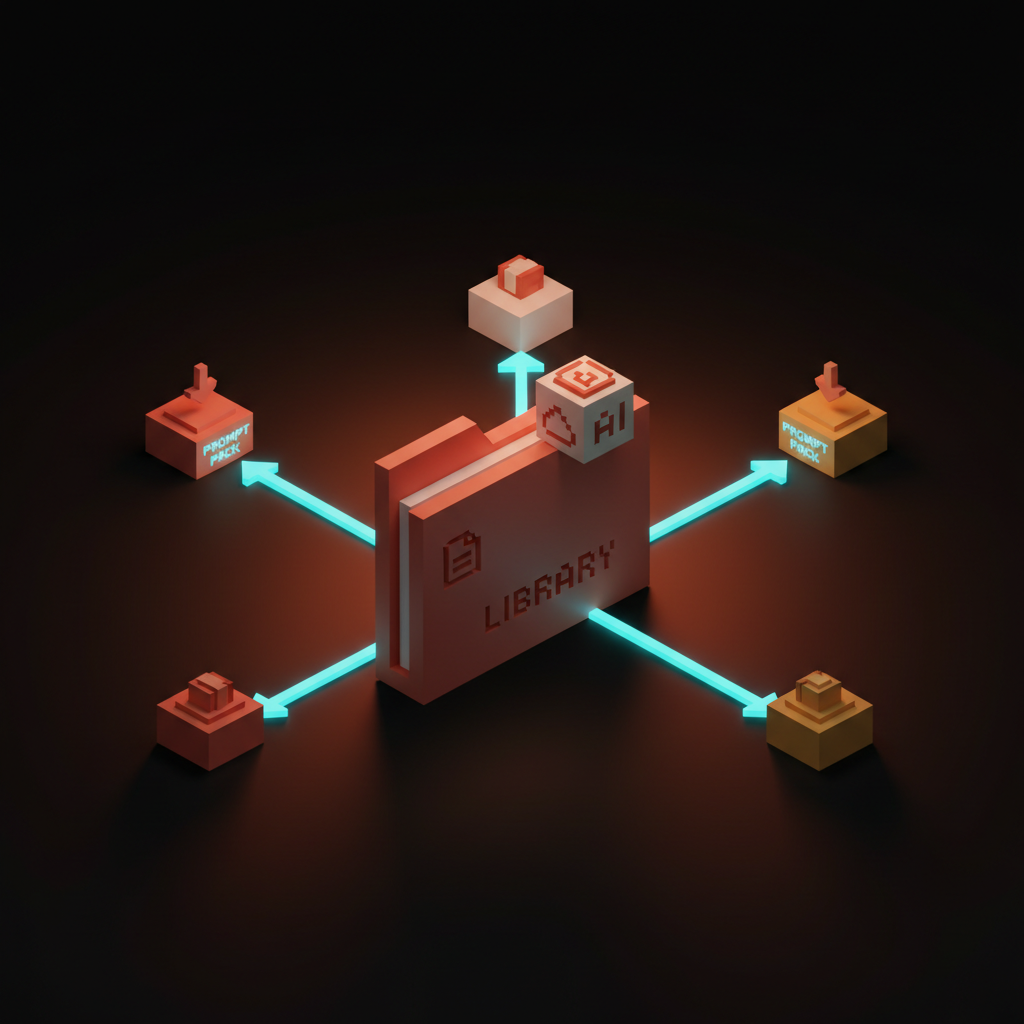
Five surfaces are real in 2026. Claude Skills ship as folders the model loads on demand, the strongest pattern for design teams on Claude. Anthropic Workbench ships hosted prompts with versioning and evals built in. Cursor .cursorrules ships prompts as a file in the repo every teammate's IDE picks up automatically. Continue.dev ships a similar pattern as .continuerc.json for teams on the open-source side. OpenAI prompt management ships hosted prompts for teams on GPT.
Pick the surface that matches the team's stack and standardize. The mistake is letting four surfaces run in parallel with different versions of the same prompt. The library compounds only when the surface is single, named, and owned.
A prompt pack is the next layer up, a bundle of related prompts shipped together with a versioning policy and an install path. Brainy ships ClaudeBrainy as a pack of design Skills with a documented variant matrix and an eval suite. The team installing the pack gets the rubric, the prompts, the variants, and the evals as one unit.
If you want help standing up a prompt library, hire Brainy. ClaudeBrainy ships Skill packs and prompt-library templates with versioning and evals. BrandBrainy ships the brand systems for AI generation every prompt scores against.
The new role, prompt librarian and eval owner
When prompts behave like components, somebody owns the library. The role emerging in 2026 looks like a prompt librarian who also runs the eval suite.
The prompt librarian curates. They review pull requests on the prompt repo, run evals, merge or reject, write the changelog, deprecate prompts that stopped earning their keep. They do for prompts what design system maintainers do for components. Less glamorous than shipping new work, more leverageable than anything else on the team.
The eval owner sits next to or inside the librarian role. They define rubrics, tune thresholds, audit drift quarterly, and feed conversion data back into the rubric the way the designer eval stack describes. Without the eval owner, the library is a museum of prompts nobody trusts.
The ladder reshapes. Juniors contribute prompts and run the queue. Mid-level designers ship variants and tune rubrics. Seniors own the spine and the eval policy. Leads own the loop between conversion data and library updates. "Do you have an eye" becomes "do you have an eye and can you encode it."
The cautionary tale, prompts as throwaway strings
Most teams treat prompts as throwaway strings. They watch them rot the first time the underlying model updates. The cleanup bill is paid in shipped quality.
The pattern is always the same. A designer writes a great prompt in February. Outputs are sharp. The team copy-pastes it into Notion, Slack, private Cursor configs. By July the prompt has eight versions in five places, all slightly different, none owned. August, the model updates. Four versions silently degrade. The team sees output quality drop but cannot trace it because no version is canonical and no version has an eval.
This is the most common AI-augmented design failure of 2026. Not bad prompts. Lost prompts. Drifted prompts. Unversioned prompts. The fix is not better writing, it is library hygiene. Treat every prompt as a component the moment it earns a second use, and the rot does not happen.
Teams that learned this in 2024 run twice as many AI-assisted briefs with half the cleanup. Teams that did not are reviewing the same eight prompts every Monday wondering why the output keeps slipping.
FAQ
What is a prompt component?
A prompt component is a reusable, versioned, scoped instruction unit shipped with the same discipline as a UI component. It has anatomy (system, scope, examples, constraints, output format), variants (size, state, role), versioning, evals, and a documented distribution surface. Teams treat it as an asset, not a string.
How is a prompt component different from a Claude Skill?
A Claude Skill is one of the strongest distribution surfaces for prompt components on Anthropic's stack. The component is the design pattern. The Skill is the package format and trigger system. A team can ship the same prompt component as a Skill on Claude, a .cursorrules block in Cursor, a hosted prompt in OpenAI prompt management, or all three.
How do you version a prompt?
Same way you version a component. Git repo, semver, commit messages that explain the change, and a prompt-eval suite that scores every change against the previous version on a fixed test set. Patch for wording fixes, minor for new examples or a tightened constraint, major for a changed output format or a swapped role.
What goes wrong when prompts are treated as throwaway strings?
They rot. They drift across copies. They silently degrade when the model updates. The team feels output quality drop but cannot trace it because no version is canonical and no version has an eval. The fix is library hygiene, not better writing.
Who owns the prompt library on a design team?
A prompt librarian. The role pairs with eval ownership. They curate the library, run the evals on every change, write the changelog, deprecate prompts that stopped earning their keep, and feed conversion data back into the rubrics. The ladder reshapes around this role in 2026.
Stand up the prompt library this week
Three moves. No platform purchase required.
First, name the spine. Pick the five prompts the team uses most. Rewrite each with the five-part anatomy. Drop them in a git repo with a README and a version tag. Friday.
Second, ship the eval suite. Pull twenty approved outputs and twenty rejected. Wrap as a test set. Write a Claude rubric. Run it on the spine. Tune on the failures.
Third, pick the distribution surface. Claude Skills, Cursor .cursorrules, Anthropic Workbench, Continue.dev, or OpenAI prompt management. One surface. Standardize.
If you want help wiring the prompt library into a working practice, hire Brainy. ClaudeBrainy ships Skill packs, prompt-library templates, and the variant matrix as a starter library. BrandBrainy ships the brand operating system every prompt scores against. The next generation of design quality is engineered into the prompt library, not retyped every Monday, and the teams that build the library first will operate the surface area three teams used to cover.
If you want help standing up a prompt library on your design team, ClaudeBrainy ships Skill packs and prompt-library templates with versioning and evals built in, and BrandBrainy ships the brand operating system every prompt in the library scores against.
Get StartedGet new papers by email
New Brainy papers in your inbox. Confirm once, unsubscribe anytime.