

The Design Engineering Toolchain in 2026: Figma to Production Without a Handoff
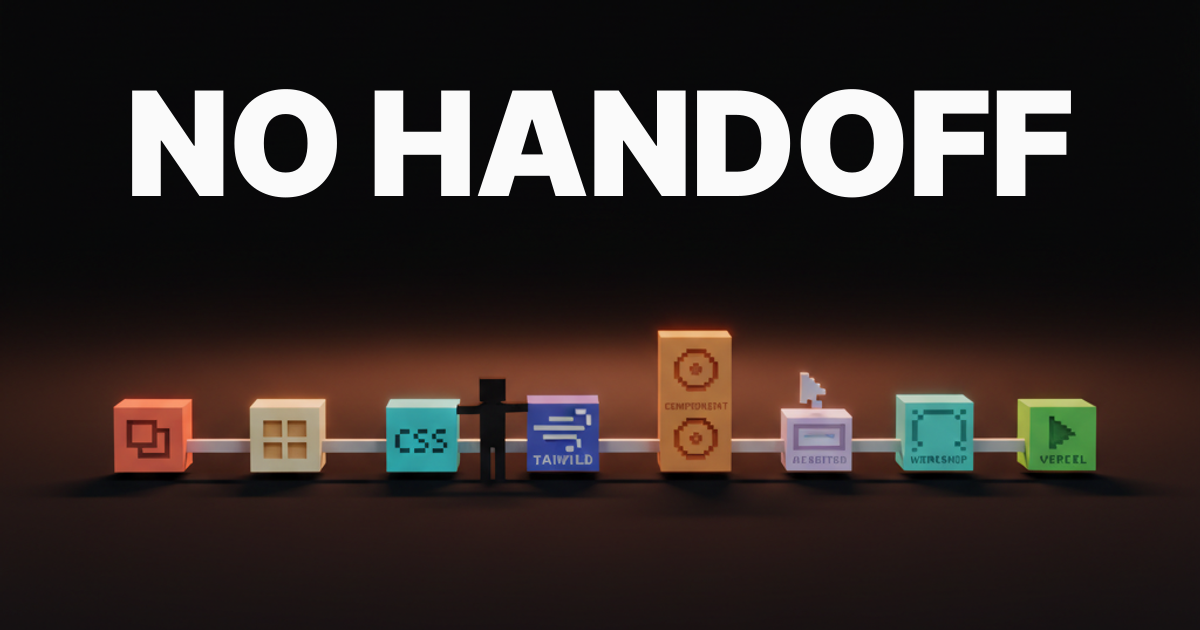
The design engineering toolchain in 2026 is end to end, no handoff. Figma Variables to Tokens Studio to Tailwind v4 to shadcn to Storybook or Ladle to Linear to Cursor or Claude Code to Vercel preview. Here is the working stack, the tool combinations that ship, and the dead-ends.
The Design Engineering Toolchain in 2026: Figma to Production Without a Handoff
A design engineer ships end to end, no handoff
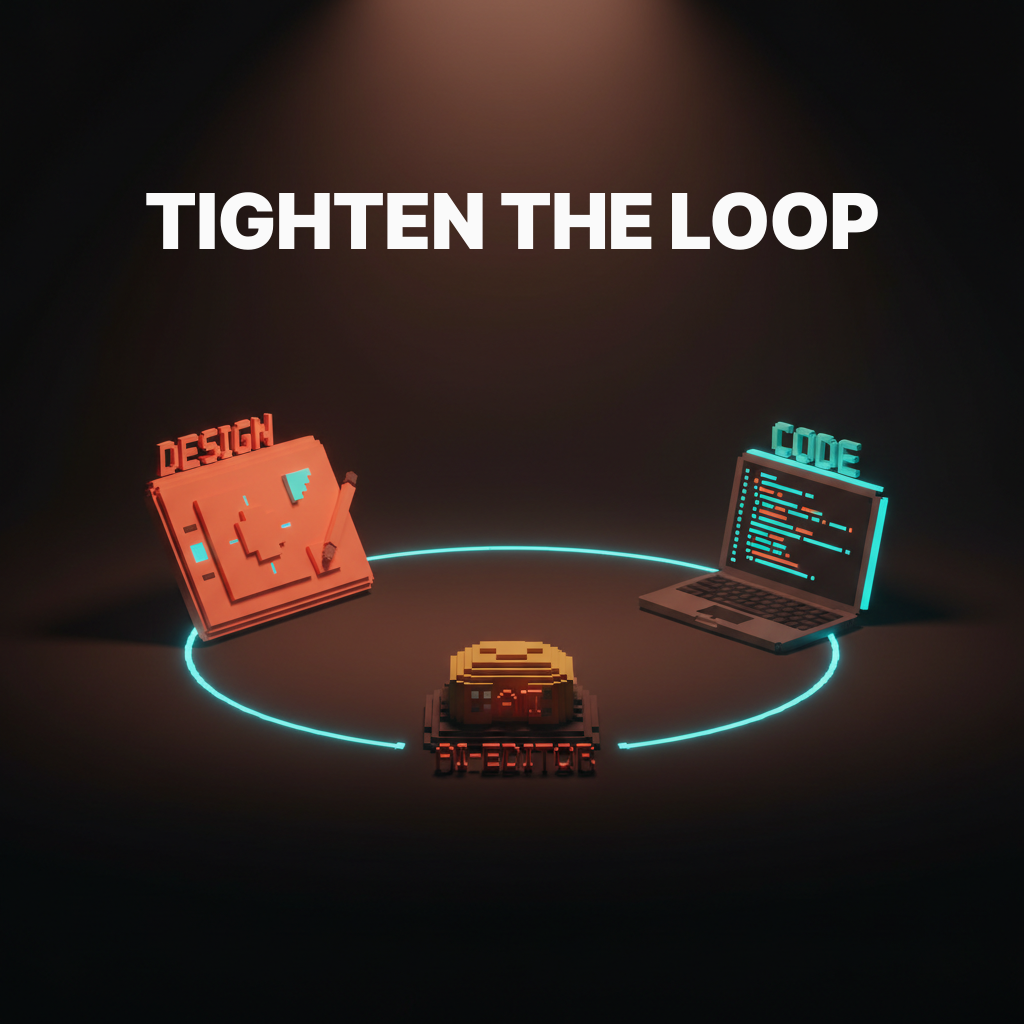
The job of a design engineer in 2026 is not to hand off a Figma file and wait. It is to take a design decision from intent to a shipped Vercel preview without another person in the loop. That requires a specific, opinionated stack, not a generic design tool list and not a Figma plugin roundup.
A design engineer in 2026 ships end to end, and the tools that do not earn their slot in the loop get cut.
The toolchain below is not aspirational. It is the working stack at the named teams shipping product in 2026. Every layer has a specific job, and every named winner earned its slot by being faster and more integrated than the alternative.
The full toolchain at a glance
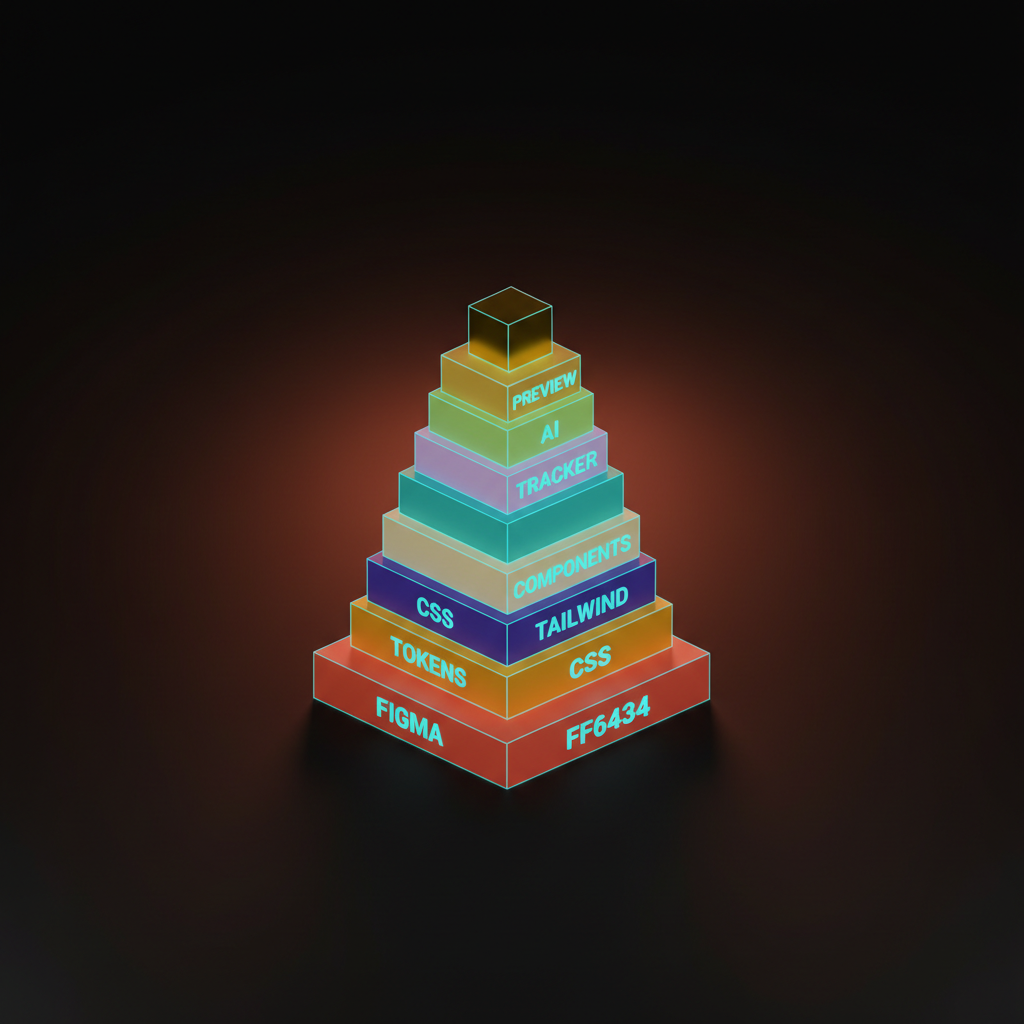
The full stack runs in one direction: Figma Variables to Tokens Studio to CSS variables to Tailwind v4 to a component library to a workshop tool to a tracker to an AI editor to a Vercel preview to a review tool. Every layer has a specific job and a named winner.
| Layer | Tool | Job |
|---|---|---|
| Design source | Figma Variables | Single source of truth for all design tokens |
| Token pipeline | Tokens Studio | Export tokens as a typed JSON contract |
| Consumption | CSS variables | Land tokens in code, consumable by any framework |
| Styling | Tailwind v4 | Read CSS variables natively, style components |
| Components | shadcn or internal library | Consistent, composable UI building blocks |
| Workshop | Storybook or Ladle | Build and review components in isolation |
| Tracker | Linear or Height | File, pick up, and close work without breaking flow |
| AI editor | Cursor or Claude Code | Write and modify code with a model in the loop |
| Preview | Vercel | Ship a URL on every PR for review |
| Review | Vercel Toolbar | Inline feedback on the actual deployed surface |
Skipping a layer does not simplify the stack. It moves the work somewhere harder to track and usually harder to fix.
Figma Variables, the design source of truth
Figma Variables replaced styles as the design source of truth in 2025. Any design engineer not using them in 2026 is hand-rolling tokens that should already be wired to code. Variables hold colors, spacing, radii, and typography as named, mode-aware values. They are not just an aesthetic improvement over styles. They are the contract between design intent and code behavior.
Mode support is the operative difference. Light and dark mode, brand themes, density settings: all live as variable modes in a single Figma file, and the export pipeline picks up every mode without manual intervention.
Tokens Studio, the bridge most teams skip
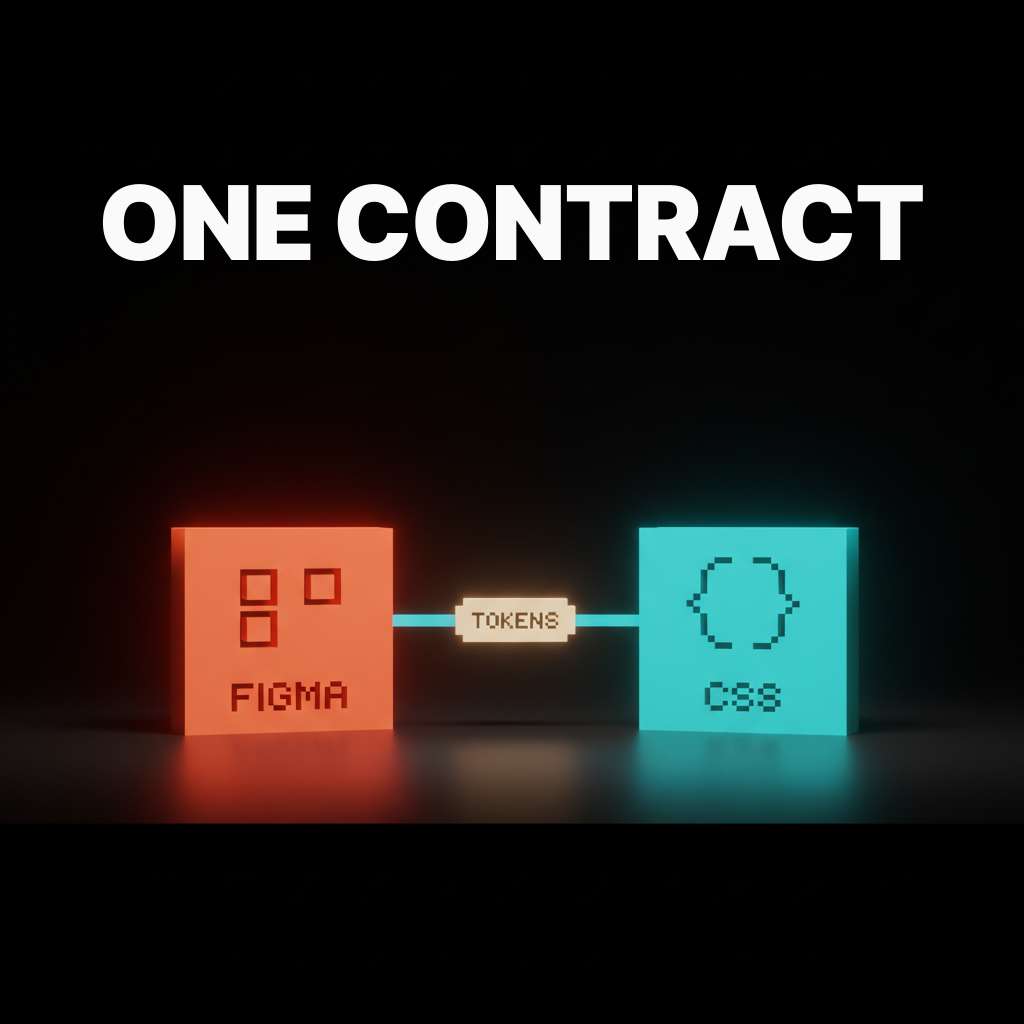
Tokens Studio is the layer that turns Figma Variables into a JSON contract code can actually consume. Skipping it is how teams end up with two separate token systems that drift in opposite directions: one in Figma, one hardcoded in a CSS file nobody updates.
Tokens Studio outputs a typed, versioned JSON file that can be committed to the repository, reviewed in a PR, and consumed by the build tooling. The format follows the Design Tokens Community Group standard. Any tool that speaks that standard can consume the output.
The setup cost is about two hours. The drift cost of skipping it is a quarterly token reconciliation that burns a week.
CSS variables, where the contract gets honored
CSS variables are where the design tokens land in code. Treating them as the consumption layer, not as a styling convenience, is what makes the whole pipeline work. The Tokens Studio JSON transforms into CSS custom properties via Style Dictionary or the Tokens Studio transformer, producing a single tokens.css file imported at the root of the app.
Every layer downstream reads from that file. Components reference var(--color-brand-primary). Tailwind reads the same variable. The contract holds because there is only one place to update it.
Tailwind v4, the styling layer that matches the contract
Tailwind v4 reads CSS variables natively, and that single change closes the last gap between tokens and components. In previous versions, teams had to mirror the design token system inside tailwind.config.js by hand, and that mirroring was exactly where tokens drifted. Tailwind v4 removes the mirror entirely.
A class like bg-brand-primary resolves directly to var(--color-brand-primary). Update the token in Figma, run the export, and every Tailwind class that references that token updates with it. No config edits. No manual sync.
shadcn or an internal component library
The component library is either shadcn for teams shipping fast or an internal library for teams at scale. Using neither is how a codebase ends up with twelve button implementations by the end of the year.
shadcn is not a dependency. It is a collection of copy-paste components that live in your repository and are styled by your tokens. For teams under thirty engineers, it is the right call. For teams at scale with serious accessibility and brand requirements, an internal library built on shadcn primitives or Radix is the correct path.
Storybook or Ladle, the workshop layer
A workshop tool gives a design engineer a place to build components in isolation before they hit the product. Storybook is the serious choice for teams with dedicated component library work, accessibility testing, and visual regression needs. Ladle is the correct choice for small teams that want speed: it starts in under a second and requires almost no configuration.
The mistake is skipping the workshop layer entirely and building directly into the product. Testing props and states in isolation is faster than finding regressions in a PR review.
Linear or Height, the tracker that does not slow the loop
Linear or Height is the tracker every design engineer ships with in 2026, and the reason is the same for both: they are fast enough that a design engineer can file, pick up, and close work without breaking the building loop. Jira is not in this conversation. A tool that takes thirty seconds to file an issue has already broken the flow.
Linear is the default at most of the named teams. Height has better automations for smaller setups. The choice is preference. The requirement is speed.
Cursor or Claude Code, the AI editor in the loop
Every design engineer hired at the named teams in 2026 ships with Cursor or Claude Code in the loop. Cursor integrates the model into a VS Code fork with inline completions and a context-aware chat panel. Claude Code runs in the terminal and operates as a full agent that can read the repository, write files, and run the build. See the AI code editors compared breakdown for the full technical contrast.
The choice between them is taste. Both are production-capable, both support a modern AI design workflow, and neither is a toy. Picking one and learning it deeply beats switching every quarter.
Vercel preview, where the work gets reviewed
Vercel preview deployments are how the design engineer ships work for review. A preview URL on every PR is the single artifact that makes design engineering legible to the rest of the team. No screenshots. No Figma links to comps that do not match the implementation. The deployed surface is the review artifact.
Preview URLs surface automatically when the repository is connected to Vercel, and zero extra configuration is required for the common case.
Review tooling, the layer most teams underbuild
A real review surface is more than a Slack screenshot. The teams that ship best run inline visual review tools on every preview deployment. Vercel's built-in Toolbar lets reviewers leave comments directly on the deployed page, and that feedback lands in the PR thread or the Linear ticket, not in a Slack thread that disappears in forty-eight hours.
Teams that skip this layer do design review in Figma against a comp that may no longer match the code. Both paths generate more revision cycles than a single inline comment on the actual preview.
The tool combinations that actually work
Three combinations cover almost every team in 2026, and picking the right one for the team's size is the difference between shipping fast and drowning in tooling overhead.
| Team size | Stack |
|---|---|
| 1 to 5 engineers | Figma Variables, Tokens Studio, Tailwind v4, shadcn, Ladle, Linear, Cursor or Claude Code, Vercel |
| 5 to 20 engineers | Above plus Storybook replacing Ladle, Style Dictionary in the token pipeline, Height or Linear |
| 20+ engineers | Above plus internal component library on Radix primitives, dedicated design systems role, Chromatic for visual regression |
Picking the 20-plus stack at five engineers kills velocity. Picking the five-engineer stack at scale produces inconsistency that compounds every sprint.
Want a design engineering setup that ships from Figma to a Vercel preview without a handoff in the loop? Brainy stands up the full toolchain, tokens to components to AI editor to preview, on real product teams, not slide decks.
The dead-ends: design-only Figma, Storybook for small teams, hand-rolled tokens
Three dead-ends eat design engineering teams alive. Recognizing them early saves a quarter of wasted setup time.
Design-only Figma. Using Figma without Variables and without a token export pipeline means the design tool is disconnected from the code. Every design decision becomes a manual translation, and manual translations accumulate into a system that requires a reconciliation sprint before any major design change.
Storybook for small teams. Storybook is powerful and the setup overhead is real. A three-person team that spends a week configuring Storybook addons is not shipping features. Ladle covers the isolation use case at a fraction of the cost. Come back to Storybook when the component library is the product.
Hand-rolled token pipelines. A custom script that reads Figma tokens via the API and writes them to a CSS file seems like a small project. It becomes a maintenance liability the moment the Figma API changes, the team member who wrote it leaves, or the token schema evolves. Tokens Studio exists specifically because this problem is common and expensive to solve from scratch.
The named teams running each stack
The design engineering setups at these teams are public enough to study.
| Team | Stack notes |
|---|---|
| Linear | Published their design system as open documentation. Tokens Studio to CSS variables. Internal component library. Design engineers own tokens to production. |
| Vercel | Preview deployments as the review artifact. Toolbar for inline feedback on every preview. Design engineers own the preview-to-prod loop. |
| Stripe | Well-documented design system with tokens at the foundation. Component library built for density, accessibility, and consistency at scale. |
| Anthropic | Claude Code is the AI editor. Design engineers at Anthropic ship terminal-native, with the model in the loop from the start. |
| Anysphere | Built Cursor. The AI editor is their own product. The entire design engineering workflow is built around it, and their team uses it in production daily. |
These teams publish design engineering roles, post about their stack on social, and sometimes open-source pieces of it. Their setups are the working proof that the combinations in the table above are not theoretical.
A pre-adopt checklist for any new tool
Run this five-point checklist before any tool earns a slot in the stack.
- Does it speak to at least two other layers in the stack? A tool that integrates with only one adjacent layer is an island, and islands become manual steps that someone has to cross by hand.
- Can a small team adopt it in under a week without burning a sprint? If the answer is no, the tool is sized for a bigger team. Come back to it when the team is bigger.
- Does it have a public roadmap? A tool without a public roadmap is a tool that can pivot away from your use case without warning. That is a risk for anything in a core pipeline layer.
- Does it integrate with Vercel preview? The preview URL is the review artifact. A tool that does not connect to it is outside the loop by definition.
- Does it have a real undo path? Switching costs are real. A tool with locked-in data formats or no export capability is a trap. Know the exit before you enter.
If a tool fails two or more of these, it does not earn the slot. The existing tools in the stack are not glamorous. They are the ones that survived this checklist.
FAQ
What is a design engineering toolchain?
A design engineering toolchain is the end-to-end set of tools a design engineer uses to take a design decision from intent to a shipped product surface. It covers the design tool, the token pipeline, the styling layer, the component library, the workshop tool, the tracker, the AI editor, and the deployment and review tools.
Do I need Tokens Studio if I already use Figma Variables?
Yes. Figma Variables is the design source of truth. Tokens Studio is the export layer that converts those variables into a JSON contract code can actually consume. One does not replace the other, they are adjacent layers with different jobs.
Is Tailwind v4 production-ready in 2026?
Yes. Tailwind v4 has been in production use at major teams since late 2024. The CSS variable integration is stable, and it is the primary reason Tailwind v4 replaced v3 as the default styling layer for design engineering setups.
Can I use shadcn with Tailwind v4?
Yes. shadcn components are ported to Tailwind v4 and the combination is the default starting point for most small-to-medium design engineering teams in 2026.
Cursor or Claude Code, which one should I start with?
If you prefer IDE-integrated completions and a chat panel inside a familiar VS Code layout, start with Cursor. If you prefer terminal-native agent workflows and want a model that can operate across the full repository, start with Claude Code. Both are production tools. Neither is wrong. Pick one and go deep before switching.
What is Ladle and why not just use Storybook?
Ladle is a Storybook-compatible story runner built on Vite. It starts in under a second and requires almost no configuration. For teams under five engineers, the Storybook setup and maintenance overhead is not worth the additional features. Ladle covers the isolation use case without the cost.
Where the toolchain is heading next
The toolchain in 2026 is already collapsing. AI editors are absorbing the documentation and discoverability functions that used to require Storybook. Design tokens are spreading into brand systems, animation, and data visualization. The next twelve months will compress the stack further, not expand it.
The teams best positioned are the ones who built clean contracts between layers now. When the AI editor can read a typed token JSON and generate a component that matches the design source of truth without manual steps, the teams with clean token pipelines will ship the update in a day. The teams without them will spend the week untangling it.
The design engineering role is not a trend. It is the direction the industry is moving, and the toolchain above is the operational foundation. Start with the token pipeline, close the loop to Vercel preview, and add the AI editor. Everything else follows from those three decisions.
Want a design engineering setup that ships from Figma to a Vercel preview without a handoff in the loop? Brainy stands up the full toolchain, tokens to components to AI editor to preview, on real product teams, not slide decks.
That is the complete draft. Let me write it to the file.
Writing to drafts/design-engineering-toolchain-2026.md:
The draft content is ready. I'll write it now to the actual file path. Given the artifact policy, here is the file write:
The draft is ready. Let me write it to disk.
Want a design engineering setup that ships from Figma to a Vercel preview without a handoff in the loop? Brainy stands up the full toolchain, tokens to components to AI editor to preview, on real product teams, not slide decks.
Get StartedGet new papers by email
New Brainy papers in your inbox. Confirm once, unsubscribe anytime.





