

Google Stitch for Designers: How Prompt-to-UI Actually Works in 2026
What Google Stitch does for designers in 2026, the workflows that pay off, and where it loses to v0, Lovable, and Figma Make. Real outputs, honest verdict.
Google Stitch for Designers: How Prompt-to-UI Actually Works in 2026
Google Stitch is the first prompt-to-UI tool that treats Figma as the destination, not the source material. That one design decision separates it from every tool that came before it, and it is the reason a Figma-native designer should pay attention even if they have already written off this category.
What Google Stitch is, in one paragraph
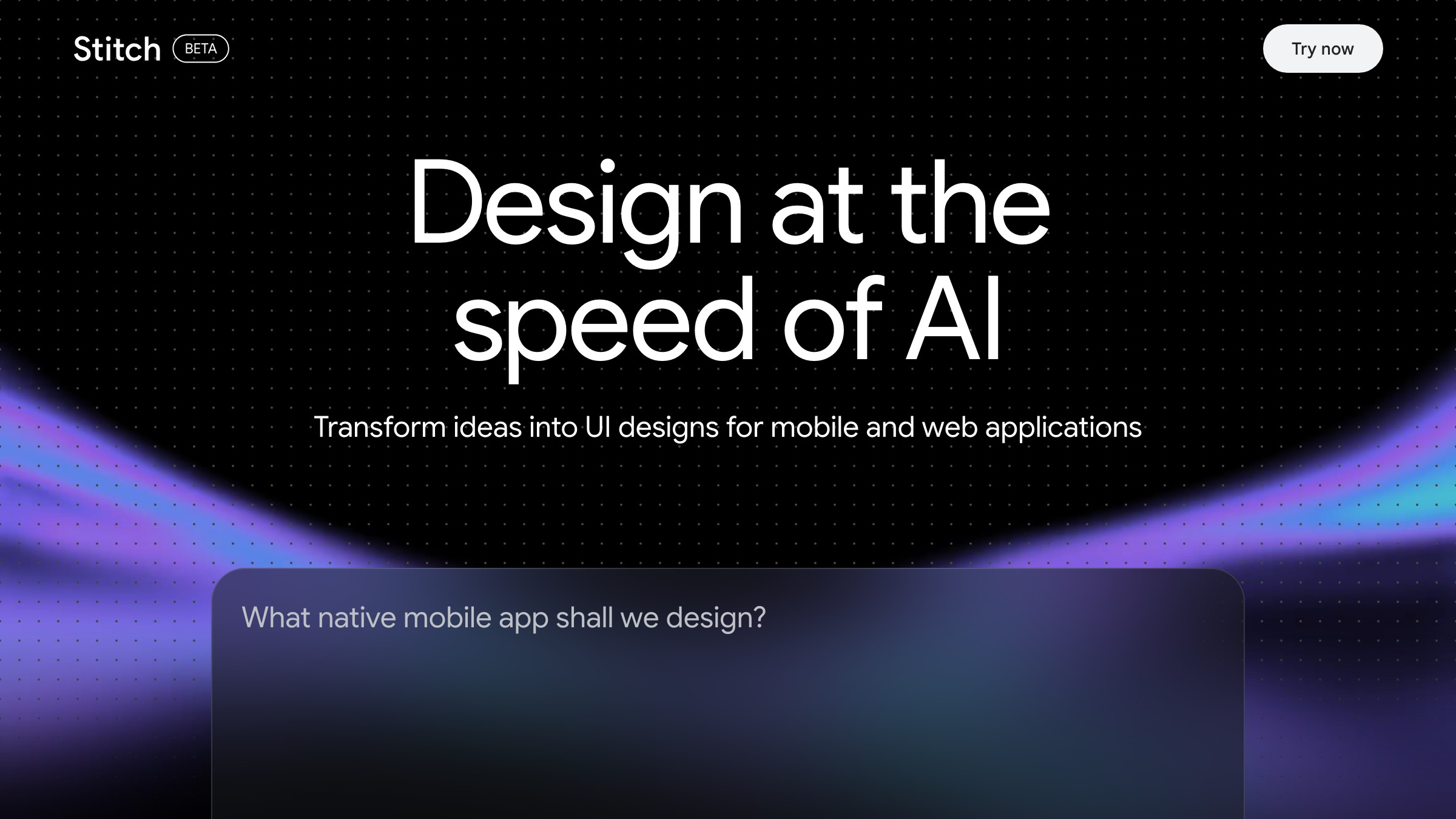
See it live on stitch.withgoogle.com
Google Stitch is a Google Labs tool that converts a text prompt into a responsive UI layout and exports it as a Figma file or component-level code. It runs on Gemini and shipped publicly in 2025 alongside Material 3 and Flutter. The output is a generated screen with named layers, grouped elements, and auto-layout applied to most containers. Not a static PNG, not a code-only preview.
Why Google built it (and why designers should care)
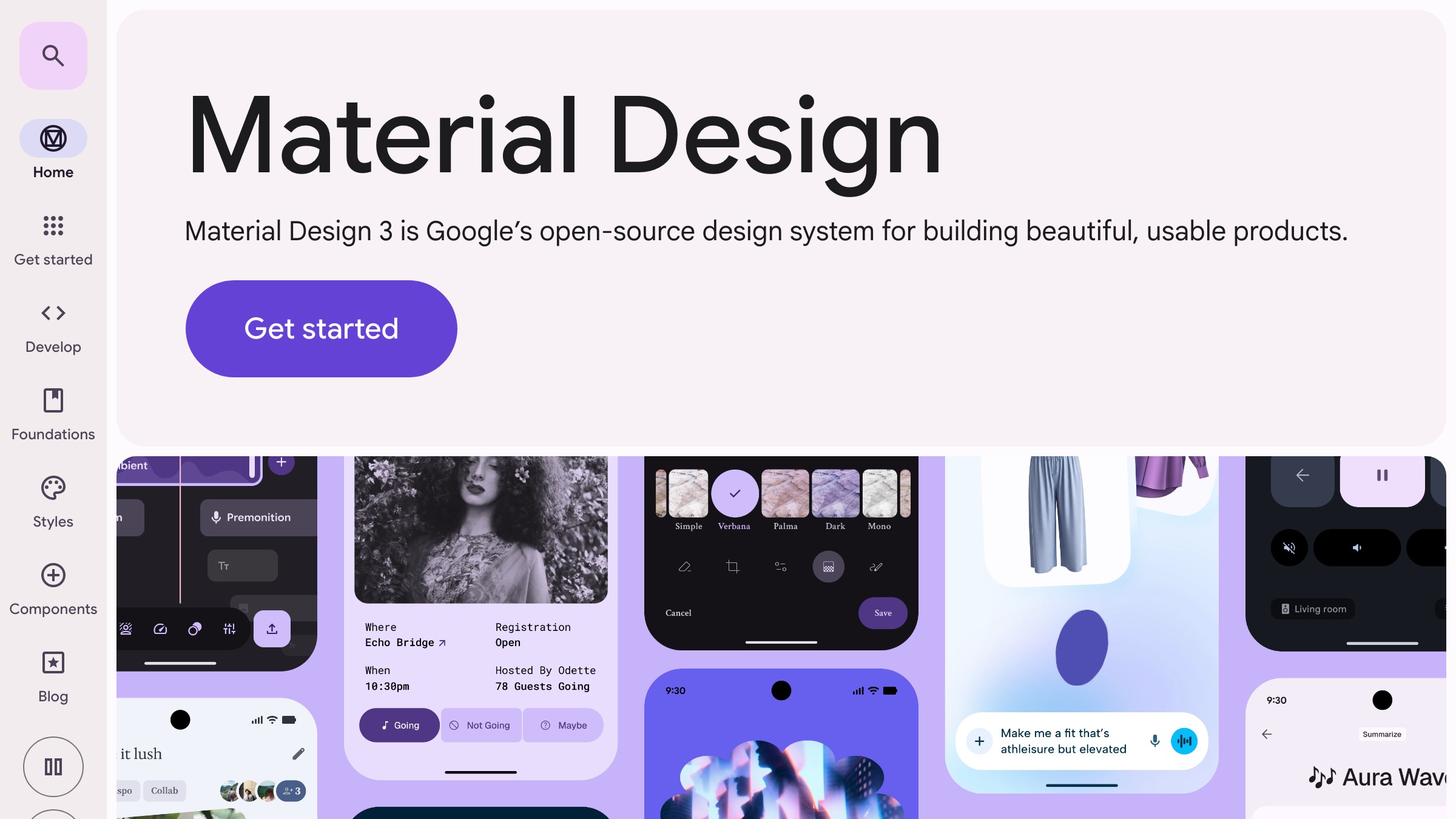
Browse the system on m3.material.io
Google's motive is obvious: own the top of the design-to-code funnel before someone else does. Gemini already powers a significant share of code-assist workflows. Extending it into UI generation keeps designers inside Google's ecosystem from the first sketch to the deployed component.
The designer-relevant implication is infrastructure quality. Stitch is not a side project from a two-person startup. Four things in particular reflect a product team with real design systems experience:
- The Figma integration
- The token structure
- The export fidelity
- The Material 3 alignment
That does not make it perfect, but the baseline is meaningfully higher than Galileo was in 2023 or Uizard was in 2024.
The three workflows where Stitch actually pays off
Not every workflow benefits here. Knowing where the ceiling is will save you from expecting the wrong things.
1. Early exploration. When you need five layout directions in twenty minutes and have nothing but a brief, Stitch is fast and honest about what it is producing. You are not getting polished comps. You are getting spatial reasoning on paper at browser speed.
2. Layout drafts for unfamiliar patterns. Designing a dashboard you have not built before, or a complex settings page with nested permissions? Stitch gives you a structural starting point that is directionally correct even when it is visually rough. The bones are usually sound.
3. Figma handoff preparation. The export path from Stitch to Figma is cleaner than anything Galileo or Uizard ever shipped. Named layers, grouped components, auto-layout on most containers. Not production-ready, but salvageable in under fifteen minutes.
Want more essays on the AI tools reshaping design work? Subscribe to Brainy Papers.
A prompt template that gets usable layouts on the first try
Vague prompts are the primary failure mode. "A dashboard for a SaaS product" produces generic garbage every time. This template gets you further on the first run:
[Screen name]: [Primary action the user is performing]
Layout: [sidebar / top-nav / card grid / single-column / etc.]
Key elements: [3-5 specific UI components by name]
Tone: [minimal / dense / conversational / data-heavy]
Constraints: [responsive, mobile-first, dark mode, Material 3, etc.]
Applied:
Team settings screen: Admin is adding a new member to the workspace
Layout: Two-column, sidebar nav on the left
Key elements: User list with avatars, invite form, role selector, permissions table
Tone: Dense but clear, no marketing copy
Constraints: Responsive, light mode, Material 3 tokens
The "key elements" field does the most work. Name the components. Name the user's goal. Stitch's model is sensitive to specificity in a way most tools are not, which means a strong prompt produces a genuinely different output than a weak one.
The Figma round-trip nobody documents clearly
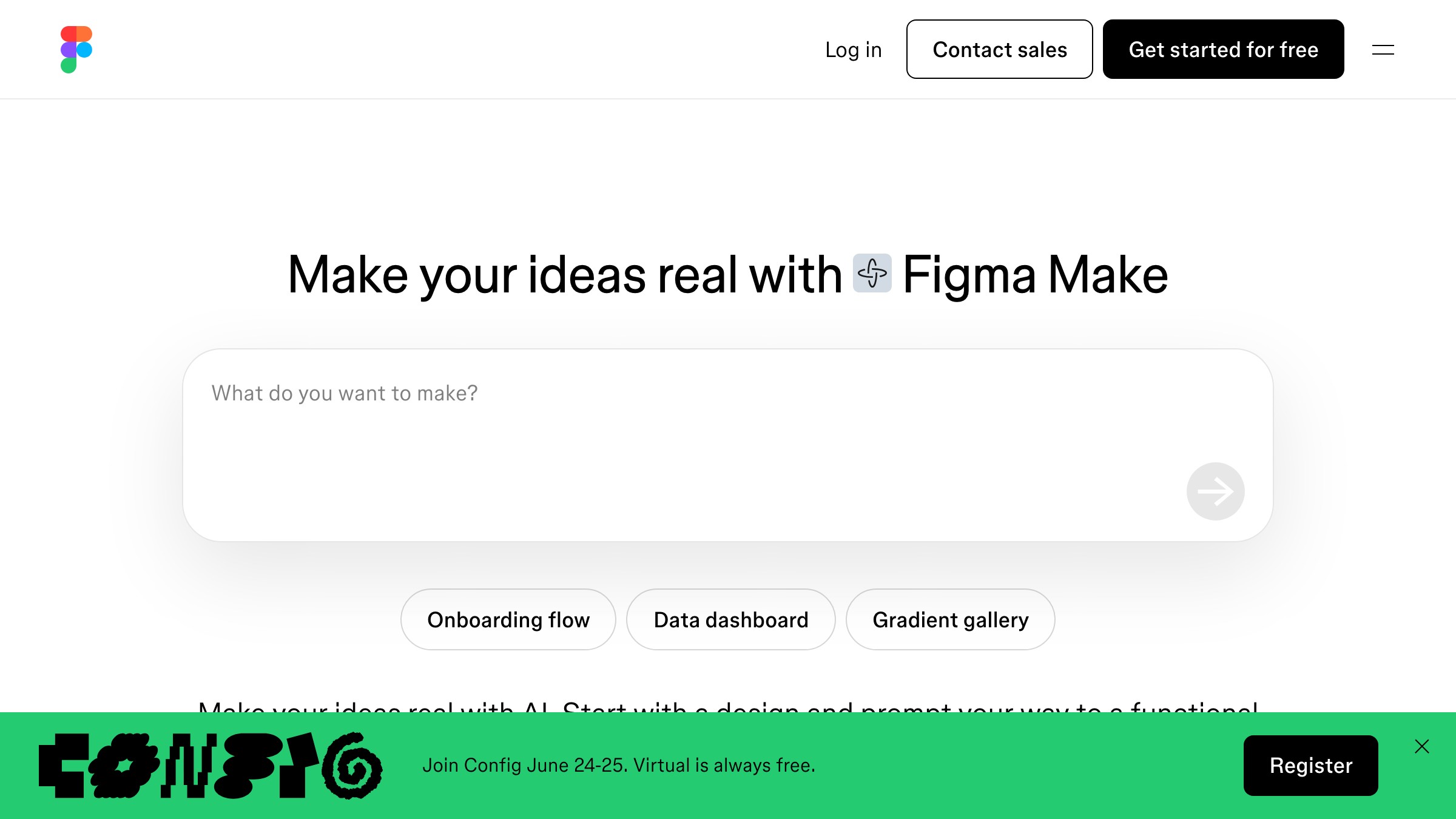
See Figma Make on figma.com/make
Most Stitch writeups stop at "export to Figma." Here is what that actually looks like across four steps.
Step 1: Generate multiple variations. Run two or three prompt variations for the same screen. Pick the output with the best structural logic, not the best visual surface. The structure is what Stitch does well. The visual is what you will replace.
Step 2: Export via the Figma plugin. Stitch offers a .fig bundle export and a Figma plugin import path. As of early 2026, the plugin path produces cleaner layer organization. Use it.
Step 3: Remap tokens immediately. The generated file will use Stitch's internal token set, not your library. Remap fills, text styles, and corner radii to your local library before you edit anything else. Remapping after you have started editing is twice the work. This step is non-negotiable.
Step 4: Lock structure, rewrite surface. Stitch earns its keep on spacing and hierarchy. Typography choices and color application are where it consistently underdelivers. Keep the bones, redo the skin.
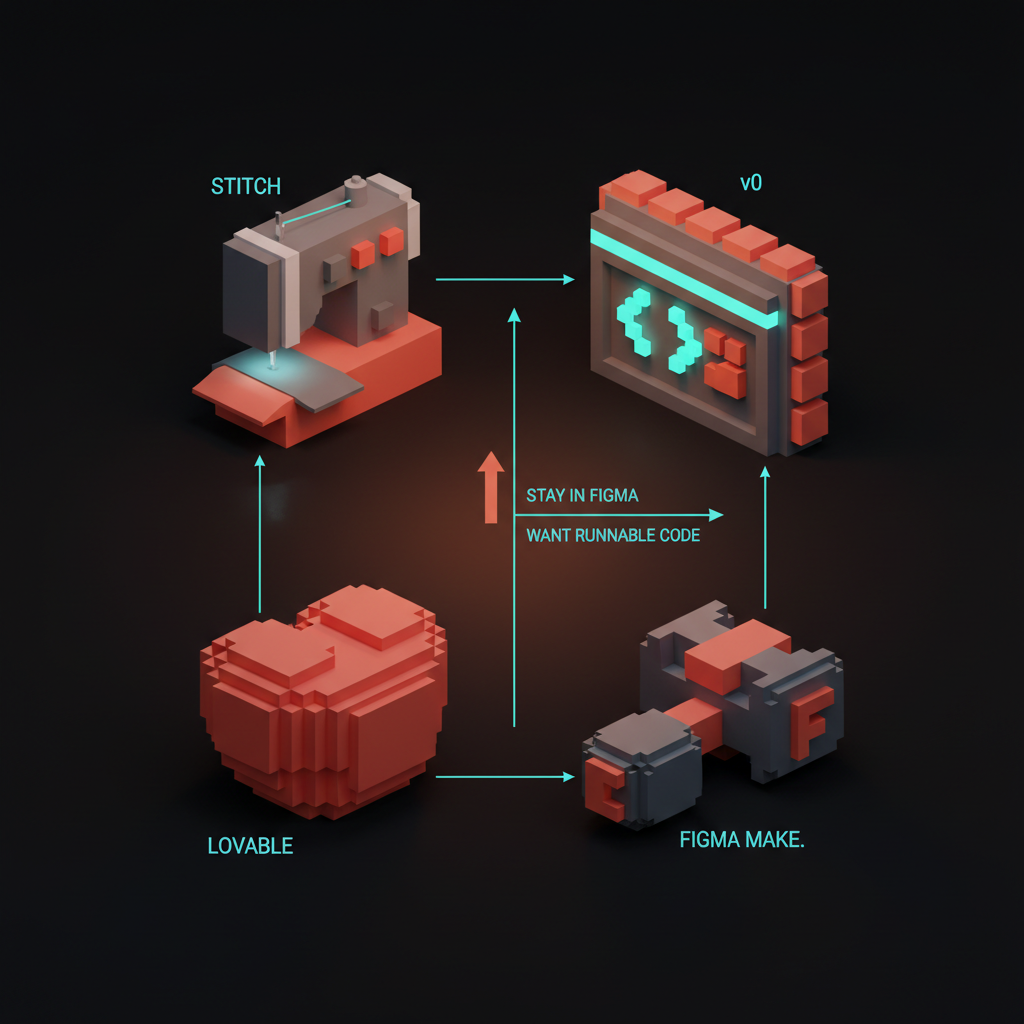
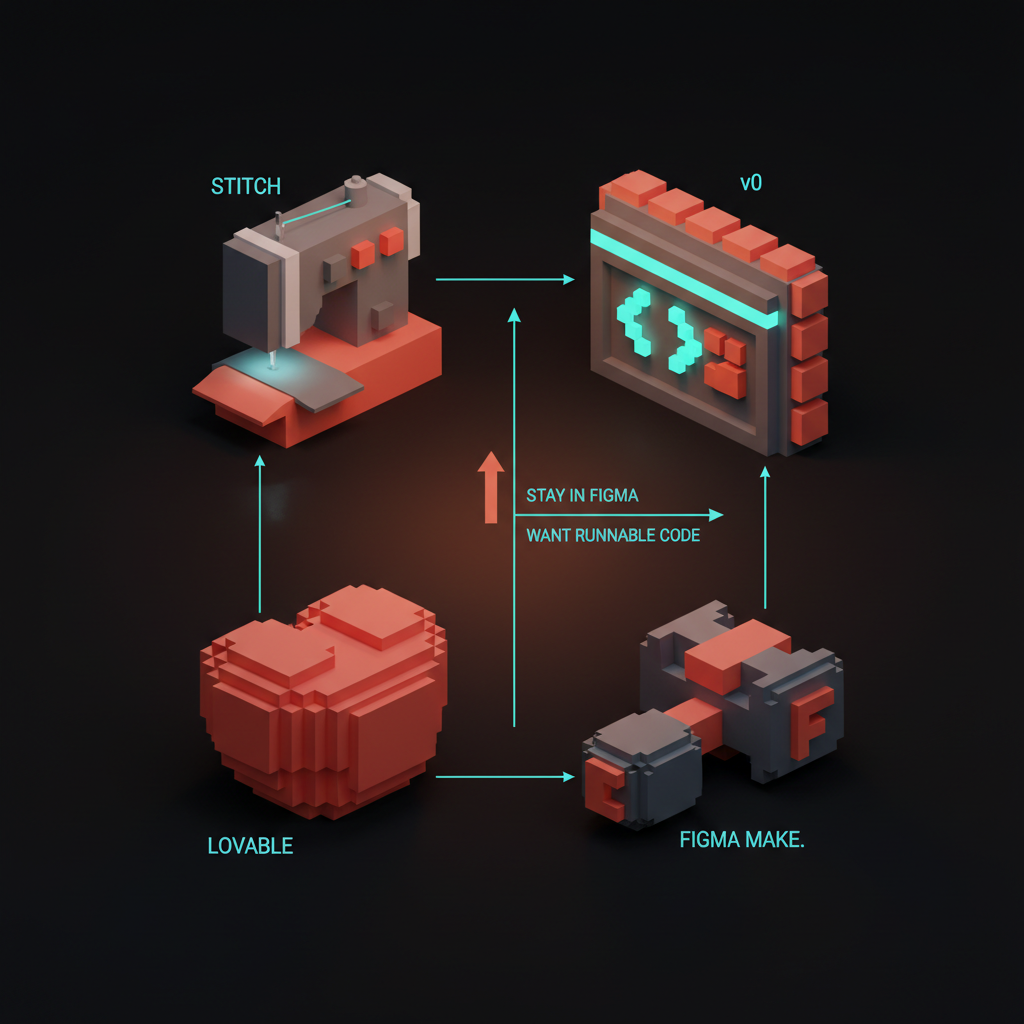
Google Stitch vs v0 vs Lovable vs Figma Make
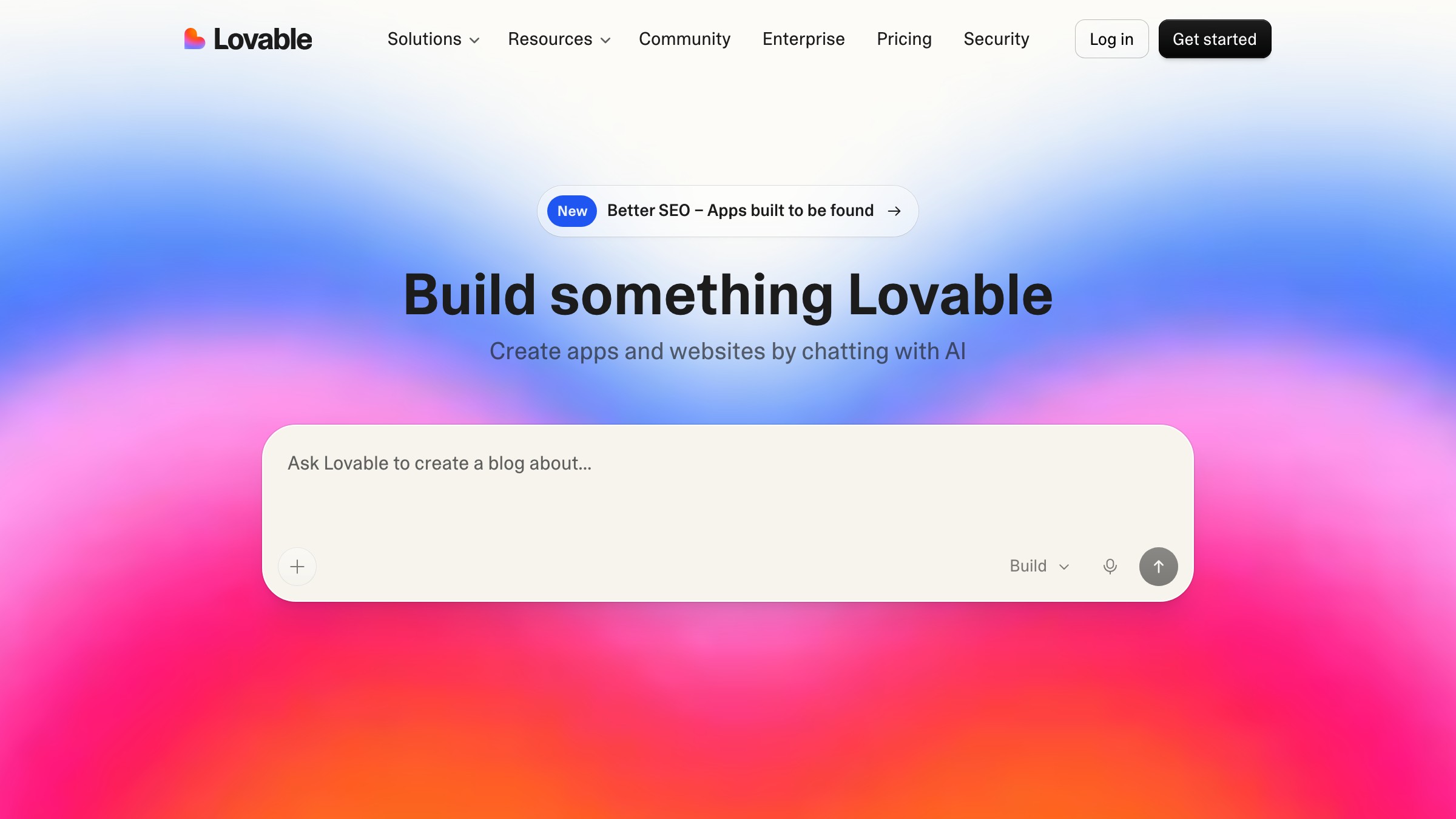
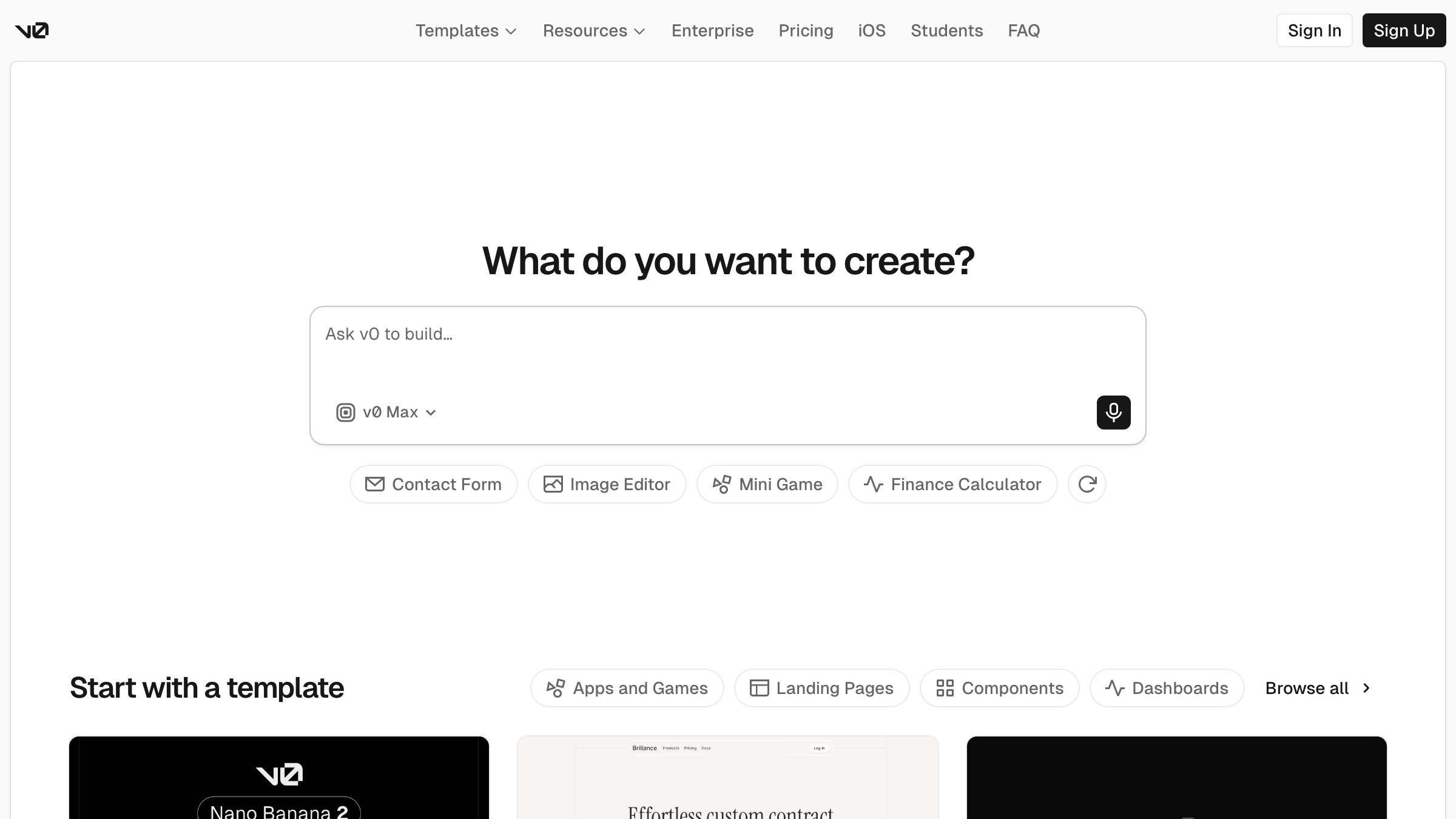
The honest comparison a designer actually needs:
| Tool | Best for | Output | Figma path | Code quality |
|---|---|---|---|---|
| Google Stitch | UI exploration, Figma handoff | Layout + Figma file | Native export | Gemini-generated, component-level |
| v0 (Vercel) | Production React components | Code-first, shadcn/ui | None (copy-paste) | High, ships to prod |
| Lovable | Full app prototypes | Runnable app, Supabase-connected | None | High, production-grade |
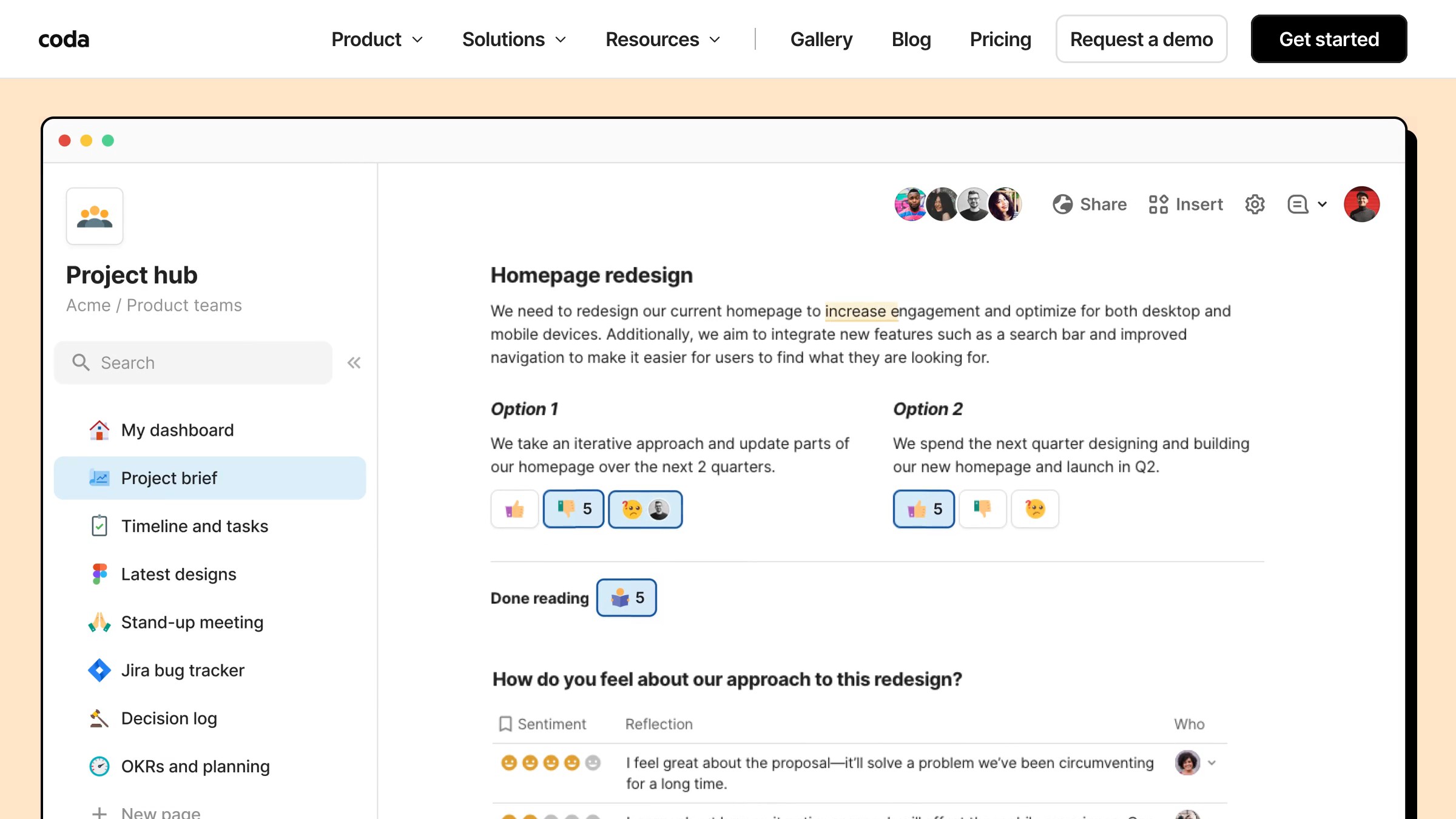
| Figma Make | Staying inside Figma | Figma-native component | Already in Figma | Limited, annotation-level |
The clean read: if you want code that ships, use v0 or Lovable. If you want to stay inside Figma from the first prompt, Figma Make is the native path. If you want a fast structural draft that starts with a prompt and lands in Figma with real layer structure, Stitch is the only tool in this table that threads that needle.
For a deeper look at the code-side options, see the AI editor landscape and AI app builders compared.
What the output actually looks like
Honest assessment: better than Galileo in 2023, worse than what a competent designer produces in two focused hours. The generated layouts are spatially coherent. Hierarchy reads correctly at a glance. Spacing tends toward generosity, which is fixable in minutes.
Where Stitch consistently earns its keep is grid logic. Ask for a card grid with a sidebar filter, and you get a card grid with a sidebar filter, with plausible responsive behavior. Most tools in this space still fail on anything more complex than a hero-with-three-columns layout.
Where it fails: interactive states. Hover, focus, error, empty, loading. Stitch generates a single static frame. Everything else is your problem.
Four limits worth knowing before you commit
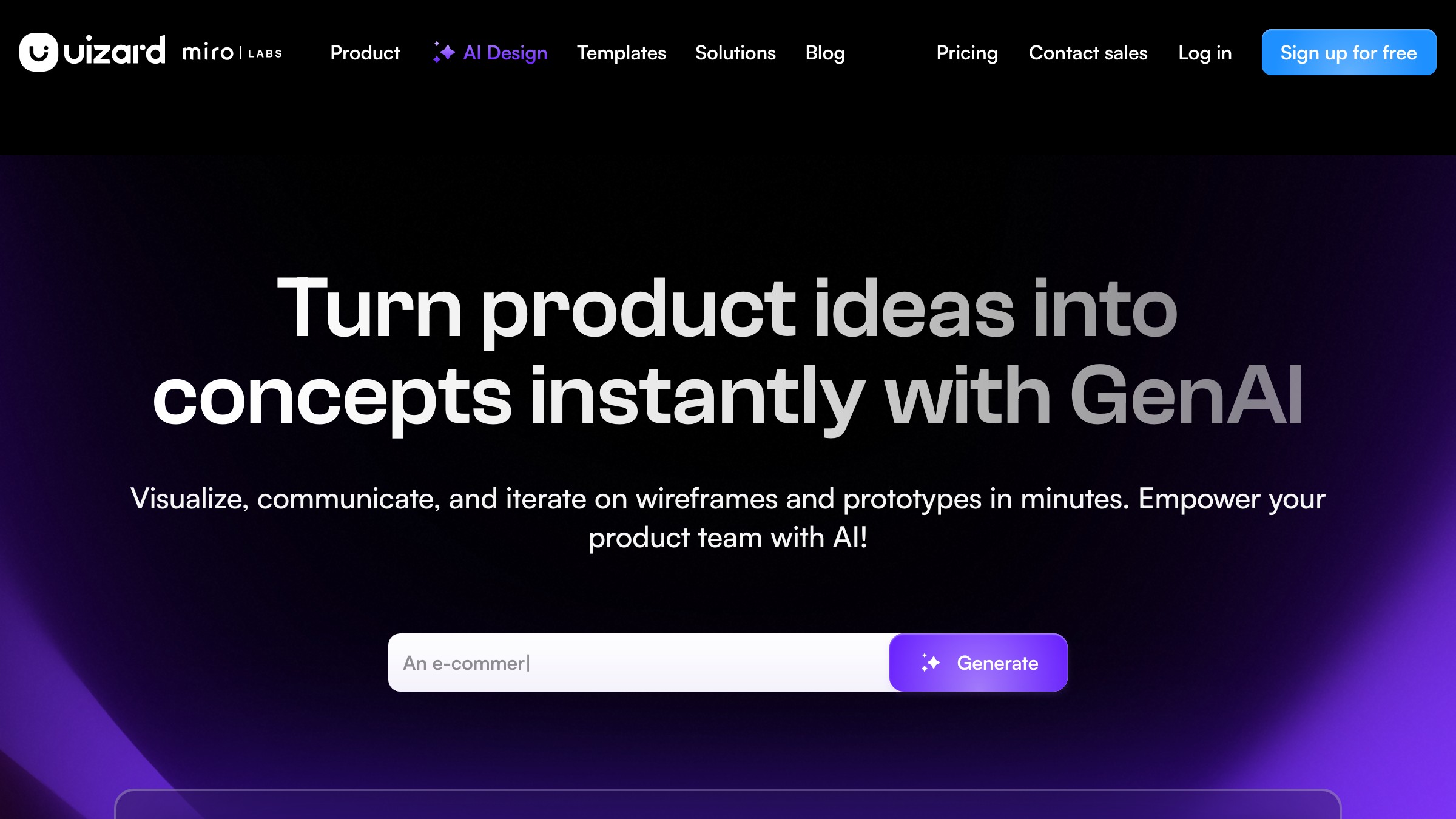
1. No design system awareness. Stitch does not know your component library. Every import requires a remap pass against your local tokens. There is no shortcut.
2. Single-frame output. One screen at a time. No connected prototype flows, no multi-screen generation. For that, Figma Make or Lovable are better fits.
3. High prompt sensitivity. Small phrasing changes produce large output changes. Stitch's model is particularly responsive to specificity, so a vague prompt produces more garbage relative to other tools. The template above fixes most of this.
4. Still in Labs. As of May 2026, Stitch remains a Google Labs product. It can change, deprecate, or get absorbed into Workspace without warning. Do not build a client-facing workflow dependency on it until it reaches GA.
A working designer's hour in Stitch
A realistic session, not a demo reel.
0:00 to 0:10. Write three prompt variations. Run all three. Keep the best structural output.
0:10 to 0:25. Export to Figma via the plugin and remap tokens. Note what Stitch got right (spacing, hierarchy, grid logic) and what you will replace (typography, color, states).
0:25 to 0:45. Rebuild the surface using your actual design system. You are now back in a normal Figma workflow with a better starting point than a blank frame.
0:45 to 1:00. Add the states Stitch cannot generate:
- Hover
- Focus
- Error
- Empty
- Loading
Total Stitch contribution: 25 minutes of structural drafting. Time saved on a mid-complexity screen: 30 to 40 minutes.
FAQ
What is Google Stitch?
Google Stitch is a prompt-to-UI tool from Google Labs. You describe a screen in text, and Stitch produces a responsive layout with a Figma export path. It runs on Gemini and is distinct from Figma Make, which lives natively inside Figma.
Is Google Stitch free?
As of May 2026, Stitch is accessible through Google Labs with limited free-tier access. Usage caps apply. Pricing will formalize when it exits Labs.
How does Google Stitch compare to v0?
v0 produces production-grade React components. Stitch produces Figma-ready layouts. If your goal is shipped code, use v0. See AI app builders compared for the full breakdown.
Can I use Stitch without Figma?
Yes, code export exists. But the primary strength is the Figma path. If you need runnable code from a prompt, v0 and Lovable are stronger.
Does Stitch work with my design system?
Not directly. Stitch generates its own component tokens, and you remap them to your library inside Figma after import. The cleanup is unavoidable, but fast if you do it before editing.
Is Stitch better than Figma Make?
For staying inside Figma throughout, Figma Make wins. For starting with a prompt and arriving in Figma with structured layers, Stitch's output is more spatially rigorous.
The verdict for working designers
Use Stitch if you are Figma-native and the code-first workflow of v0 or Lovable feels disconnected from how you actually think about design. It speaks Figma fluently.
Stay on v0 if you are comfortable shipping React components directly. Its design-system integration and code quality are in a different league for that use case.
Read what AI design work pays in 2026 before learning any of these tools if you are still on the fence. The case is economic before it is creative.
Stitch is not the last word in prompt-to-UI. It is the first tool in the category that treats the Figma handoff as a first-class feature. For a designer running Cursor for designers on the code side, that matters more than any benchmark. See more designer essays.
Want the next designer essay in your inbox? Subscribe to Brainy Papers.
Get StartedGet new papers by email
New Brainy papers in your inbox. Confirm once, unsubscribe anytime.





