
Why Your UI Colors Look Junior: 6 Fixes With Exact Codes
Six color mistakes that make an interface look junior, and the senior fix for each with the exact codes: one accent, color plus icon plus words, tinted areas, darker accent text, dark text on yellow, and a shade per state.
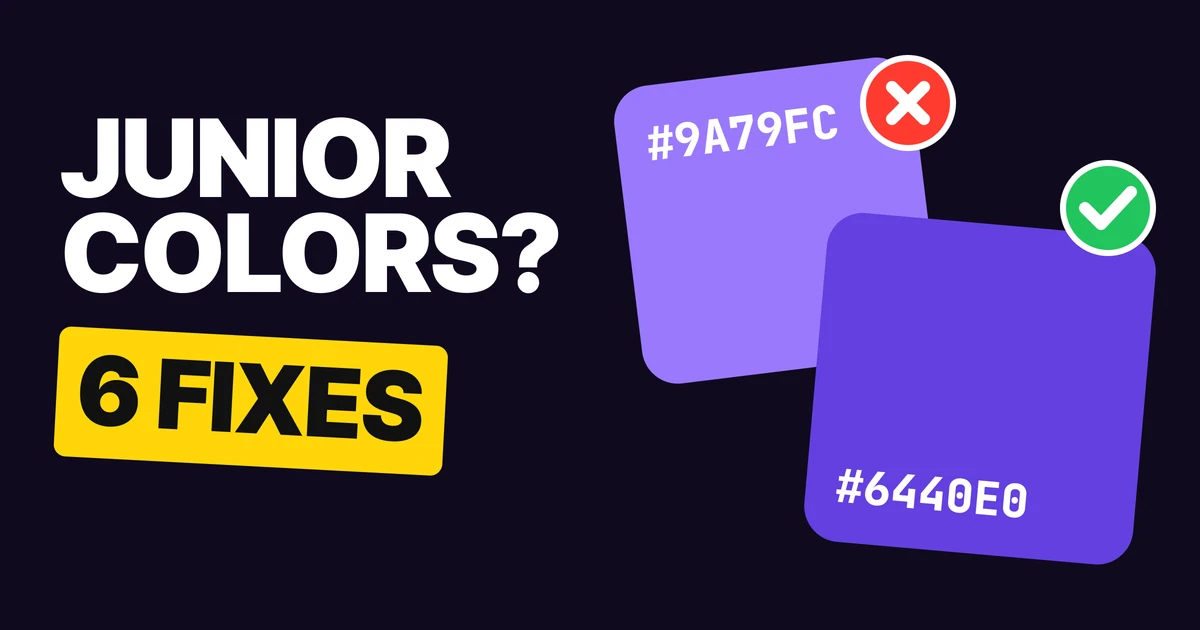
Junior color is rarely a clash. It is six small habits: too many accents, color doing a job alone, full-strength fills everywhere, a light brand color used for text, white on yellow, and one shade for every state. Senior color looks calm because each of those has a rule. Here are the six, with the codes.
1. One accent, for action
Red
Green
Amber
Violet
Neutral
Neutral
Neutral
Accent #6440E0
When every element has its own color, color stops meaning anything. The eye has no place to land, and the real action competes with decoration.
Pick one accent and spend it only on what people can act on: the main button, the selected tab, the link. Everything else goes neutral. If you can point to a colored element and say "that is not tappable", take its color away. The 60-30-10 rule is the same idea in proportions: the accent is the small ten.
2. Color, icon and words
✕ Junior: a red border and nothing else
Add the full address, like sam@mail.com.
✓ Senior: color, icon and words
✕ Junior: which field is wrong?
Add the full address, like sam@mail.com.
✓ Senior: still obvious
About 8 percent of men of Northern European descent have trouble telling red from green, the usual "1 in 12 men" figure. For them, and for anyone using a phone in sunlight, a red border is a gray border.
So a state needs three signals: a color, an icon in front, and words that say what to do. This is WCAG 1.4.1, use of color: color can support a message, never be the only way it is given. The full error palette is in our paper on error message color.
3. Tint big areas
Go Pro for $4
Offline maps, no ads, and trip sharing.
Upgrade✕ Junior: the whole card in full color
Go Pro for $4
Offline maps, no ads, and trip sharing.
Upgrade✓ Senior: a tint, and full color on the button
A big block of full-strength color is loud, and it uses up your accent. Then the button inside it has nothing left to stand out with, because everything around it is already the same color.
Tint the large area instead, and keep full color for the part that does the work. Here the card sits on #E6DDFF, a pale step of the same violet, and the button is the full #6440E0. Use the same move for banners, selected rows and highlight sections. Our paper on brand color palettes shows how to build the tint steps from one hue.
4. Darken accent text
Light violet on white
Darker violet on white
A light brand color is fine as a fill and weak as text. #9A79FC looks friendly on a button and falls apart as a 14 px link on white. The fix keeps the hue and drops the lightness: #6440E0 is the same violet, deep enough to read.
For the person defending the choice: #9A79FC on white is 3.22 to 1, under the 4.5 to 1 that WCAG asks of text, and #6440E0 is 6.27 to 1. Our paper on accessible color contrast explains the numbers and how to check them.
Keep two versions of every brand color: the bright one for fills and illustration, and the deeper one for text and thin icons.
5. Dark text on yellow
White on yellow
Dark on yellow
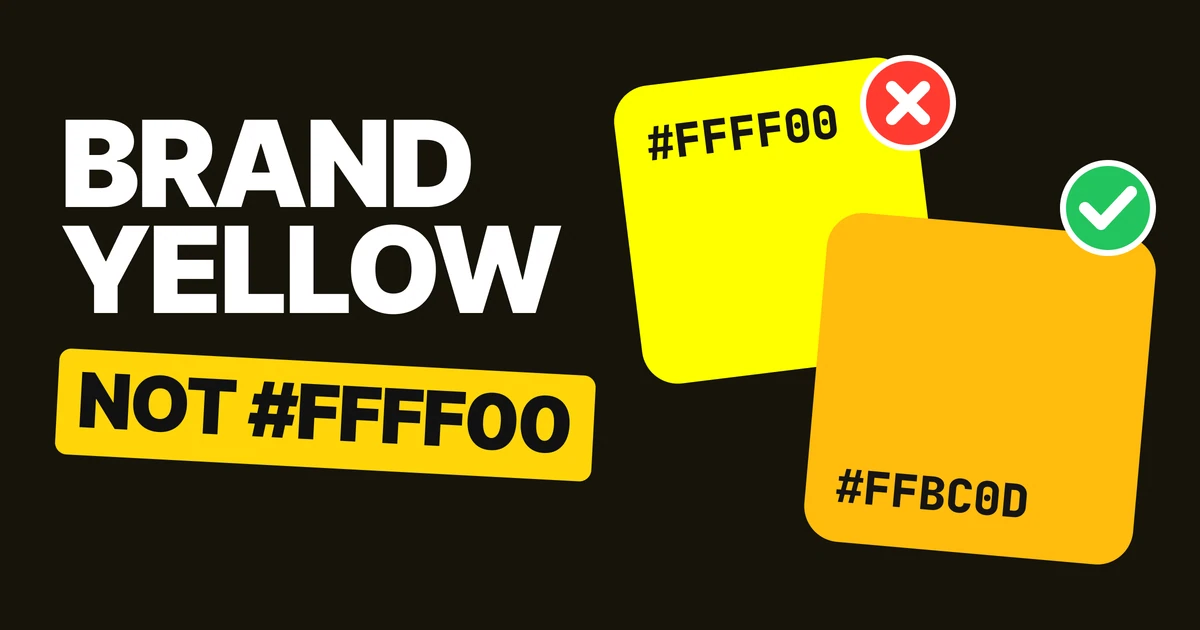
Yellow and light colors are bright by nature, so white on them has almost no difference in brightness. White on #FED480 is 1.41 to 1. A near-black like #161513 on the same yellow is 12.99 to 1.
The rule holds for every light fill: pale yellow, mint, sky blue, peach. If the background is light, the text is dark. It feels backwards for a designer who is used to white on a brand color, and it is one of the quickest ways to make a button look professional.
6. A shade per state
Default
Pressed
Disabled
A button that looks the same pressed as it does resting gives no feedback, and a disabled button painted the same color as an active one looks broken. Give each state its own shade of the same hue: #6440E0 by default, #4422B2 when pressed, and a pale tint such as #E6DDFF with a readable #9A79FC label when disabled.
Disabled is the one state where low contrast is acceptable, and WCAG exempts it, but the label should still be legible enough that people understand what the button would do. The same set of three shades works for links, tabs and toggles.
The six fixes on one table
| Junior | Senior | The value |
|---|---|---|
| Many accents | One accent, for action | #6440E0 on the one thing to tap |
| Color alone | Color, icon and words | Never the only signal |
| Full-color areas | Tinted areas | #E6DDFF behind, #6440E0 on the button |
| Light brand color as text | Darker accent text | #6440E0, not #9A79FC |
| White on yellow | Dark text on yellow | #161513 on #FED480 |
| One shade for all states | A shade per state | #6440E0, #4422B2, #E6DDFF with #9A79FC label |
FAQ
What makes a UI color palette look amateur?
Too many accents, color used alone to carry meaning, full-strength fills on big areas, and light brand colors used for text. Fixing those four usually matters more than changing the palette itself.
How many accent colors should a UI have?
One. Use it only for what people can tap or act on, and keep everything else neutral. Status colors such as red for errors are separate, and always come with an icon and words.
What text color goes on a yellow background?
A dark one. #161513 on #FED480 is about 13 to 1, while white on the same yellow is about 1.4 to 1. The same applies to any light background.
How do I make a light brand color readable as text?
Keep the hue and lower the lightness. #9A79FC is about 3.2 to 1 on white, and #6440E0, the same violet, is about 6.3 to 1.
What color should a pressed button be?
A darker shade of the default, such as #4422B2 against #6440E0. It gives people feedback that the tap registered, without changing the hue.
Should disabled buttons meet contrast requirements?
WCAG exempts disabled controls from the contrast minimum, but keep the label legible so people can tell what the button does.
Sources
- WCAG 2.2, 1.4.3 Contrast (Minimum) (4.5 to 1 for text, disabled components exempt) and 1.4.1 Use of Color.
- Ratios computed with the WCAG relative luminance formula: #9A79FC on #FFFFFF 3.22 to 1, #6440E0 on #FFFFFF 6.27 to 1 (both hue about 254 degrees), #FFFFFF on #FED480 1.41 to 1, #161513 on #FED480 12.99 to 1.
- Red-green color vision deficiency affects about 8 percent of men of Northern European descent, per the National Eye Institute.
- The state shades (#4422B2 pressed, #E6DDFF with a #9A79FC label disabled) are our own palette. The filter colors in section 1 are illustrative.
- First published as a carousel on UX Brainy.
Want a palette that guides the eye across your whole product? Our team designs and builds UI and design systems with color decided once.
Get StartedGet new papers by email
New Brainy papers in your inbox. Confirm once, unsubscribe anytime.