The Pricing Page Problem
Most pricing pages are conversion theater built by growth teams who never had to design anything else. The pricing page is the most honest screen on the site. Here is what the clear ones get right and what the bloated ones get wrong.
The pricing page is the page where the team admits it could not decide what to charge for. Four tiers, eight columns of checkmarks, a "Talk to sales" gate in the middle, a yearly toggle hidden in the corner. The growth team called it a conversion experiment and shipped it. The visitor scrolls once, tabs back, and never tells you why they left.
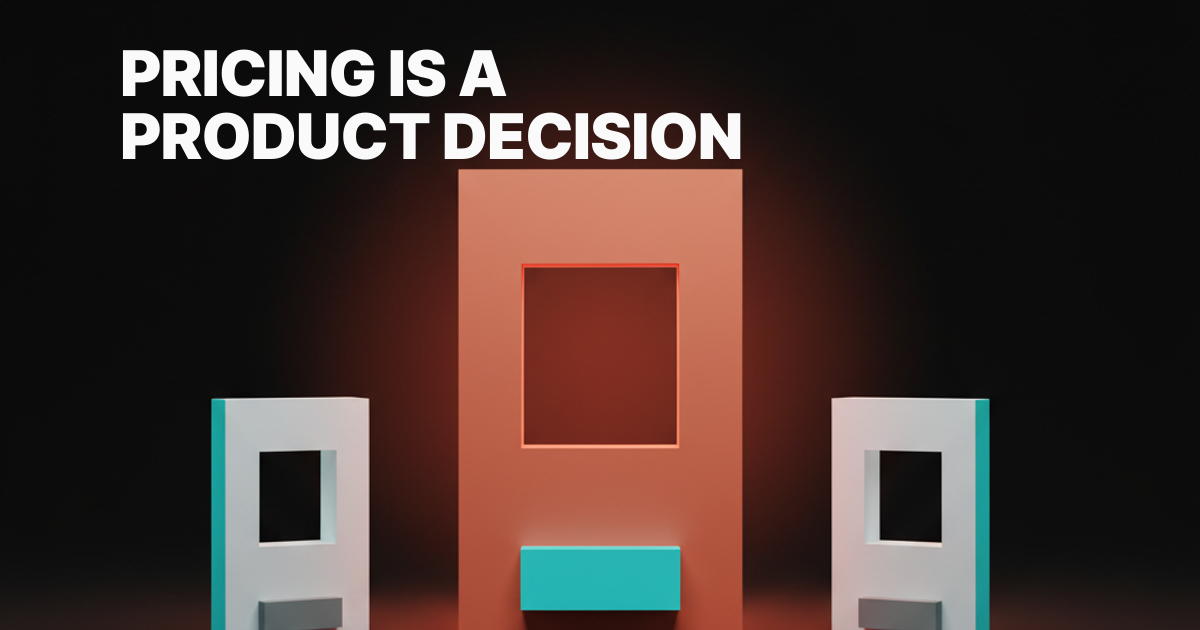
If a user cannot tell which tier they belong in by reading the headline, the product is the problem, not the layout. Pricing is a product decision rendered as design. Most pricing pages run a layout to compensate for an opinion the team never finished forming.
The pricing page is the most honest screen on the site
A pricing page exposes whether the team knows who pays them and why. Every other marketing page can hide behind copy. This one cannot.
A homepage sells a vibe. A features page sells a list. A pricing page has to commit: tiers, numbers, who they are for, what changes between them. Every ambiguity elsewhere shows up here as a fourth column or a footnote.
Teams that get this right pick a side before they pick a layout. Teams that do not run an A/B test on the layout and call it strategy. "Test 7 variants" is a substitute for product clarity, and the customer can feel the difference even if they cannot name it.
The five failure modes
Every weak pricing page fails in one of five recognizable ways. All five ship in production right now.

The four-tier wall. Hobby, Pro, Team, Enterprise, all four columns the same height with overlapping feature lists. Four tiers usually means the team could not commit to three and could not justify two. A hedge dressed up as choice.
The feature checkmark sea. Eight columns, forty rows, every cell a green check or a faint dash. Power users do not need it. Casual buyers cannot read it. The visitor's eye drops out at row four.
The calculator-page-as-pricing. A slider for seats, a toggle for usage, a multiplier for region. The user is now designing the tiers for the company. Calculators work when the unit is the calculator. They fail when the team reaches for one to dodge a pricing decision.
The "Talk to sales" middle gate. Three tiers visible, the middle one a button with a question mark instead of a number. The user came to qualify themselves and the page just disqualified them. The pattern signals the team is selling on calls because they cannot articulate value on a page.
The comparison table no one reads. An expanded matrix below the cards, marketed as "transparency." It is not. It is the spec doc the product team could not turn into pricing. Real transparency is a clear opinion.
Pricing is a product decision rendered as design
The clearest pricing pages reflect a clear product opinion about who the user is and what they pay for. The page is short because the opinion is short.
A pricing page is the hero section of the conversion path. Whatever you say is the offer. The visitor reads the page as the product, the same way a landing page is read as the brand.
Most pricing pages get heavier every quarter because the team adds tiers instead of removing them. Every new segment becomes a column. Every sales objection becomes an asterisk. Two years in, the page is a museum of internal disagreements in checkmarks.
Examples that earned the screen
Real names, real surface details.

Linear. Free, Standard, Plus, Enterprise. Per-seat math, real numbers above the fold, a short comparison table where the columns actually mean different things. Opinionated about who Plus is for, no detour into "marketing landing page" territory.
Vercel. Hobby, Pro, Enterprise. Per-seat is honest, bandwidth and build-minute numbers are visible, the calculator only shows up where it maps to the unit. Hobby free, Pro twenty per seat, Enterprise is the call. Three decisions, three buttons, no middle gate.
Stripe. The rare case where the calculator is the pricing. Per-transaction is the unit, so the calculator is the product. 2.9% plus 30 cents is the benchmark the industry quotes from memory.
Cursor. Per-seat, simple, the AI plan positioned as default. Free is a real tier, not a rehab program. Pro has a number on it, no asterisk. Business is for teams that need SSO.
GitHub. Free, Team, Enterprise. The model has barely changed in a decade and still works. Solo pays nothing. Team gets shared private repos. Enterprise gets SAML, SCIM, audit logs. Each tier maps to a real organizational state.
Superhuman. Thirty dollars a month and they mean it. No free plan, no decoy tier, no "starter" hedge. You either need the product at that price or you do not.
Figma. Seat with role. Editors pay, viewers do not. Dev Mode is a chip on the side, not a fourth tier shoved between Professional and Organization.
Notion. Per-seat with an AI add-on as a separate line. That call tells the buyer the AI is a real cost and a real feature, not a bundled price increase.
Anthropic. Two splits, developers and businesses, usage tiers inside each. The split is the opinion. A solo dev on the API is not the same buyer as a team on Claude for Work.
Framer. The counter-example most readers will recognize. Tier sprawl has produced a page that asks more questions than it answers. The product is excellent, the pricing page reads like the team has not finished deciding what it is.
The unnamed counter: the SaaS pricing page with 27 features per tier that loses the buyer at row four. You closed that tab. So has every prospect.
Five rules for a pricing page that ships an opinion
These rules compound. Hit four and the page works. Hit two and you have the four-tier wall.

Rule 1: One product opinion, stated above the fold
The page leads with a sentence about who the product is for. Not the homepage tagline. A sentence the buyer can use to qualify themselves in three seconds. Linear leads with team and workflow. Vercel leads with developer and deploy. Superhuman leads with the price and the promise.
Rule 2: One decision per tier
Each tier corresponds to one decision the buyer is making. Solo versus team. Five seats versus fifty. Self-serve versus contract. If two tiers exist for the same decision, you have two tiers too many. Tier names should describe the decision, not gemstones.
Rule 3: Real numbers above the fold
A pricing page without a number above the fold is a lead-gen form in costume. The price is the most important pixel on the screen. If the page hides the number under a "See pricing" CTA, the team is selling something other than the product.
Rule 4: No calculator unless the unit is the calculator
Stripe earns a calculator because the unit is per-transaction. AWS earns one because the unit is per-second. Per-seat math does not. If the team is reaching for a calculator to dodge a tier decision, the calculator is making the page worse. The designing friction on purpose breakdown covers when friction earns its keep. Pricing-page friction almost never does.
Rule 5: No "Contact sales" before the user can self-qualify
Enterprise gets a contact button. Fine. Putting "Contact sales" in the middle tier is a tax on the buyer's time. If the team needs the call to price, the team has not finished pricing.
Anti-patterns to delete on sight
Five patterns that ship in nearly every pricing audit. Each one is a tell that the team is hiding behind layout.
The faux-modal "request a quote" deflection. A button that opens a form instead of showing a number. The user fills out a form for the privilege of being qualified by a sales rep.
The hidden annual-billing toggle. A small toggle in the corner that flips every price between monthly and yearly, defaulted to whichever number screenshots better. The progressive disclosure principle covers when to hide things. This is the opposite.
The dark-pattern strikethrough. "Was $99, now $79." Permanently. The strikethrough has not pointed at a real prior price in two years. The buyer knows. The trust is gone.
The "Most Popular" badge on the tier the team wants to sell. Real popularity badges based on real data are fine. Badges painted onto whichever tier has the best margin are theater, and buyers reverse-engineer the move. The empty states are the product breakdown applies: the voice on selling screens has to match the voice on honest ones.
Tiers named after gemstones. Bronze, Silver, Gold, Platinum. The names tell the buyer nothing about who the tier is for. They waste the only chance the page had to qualify the visitor at a glance.
The pricing page audit
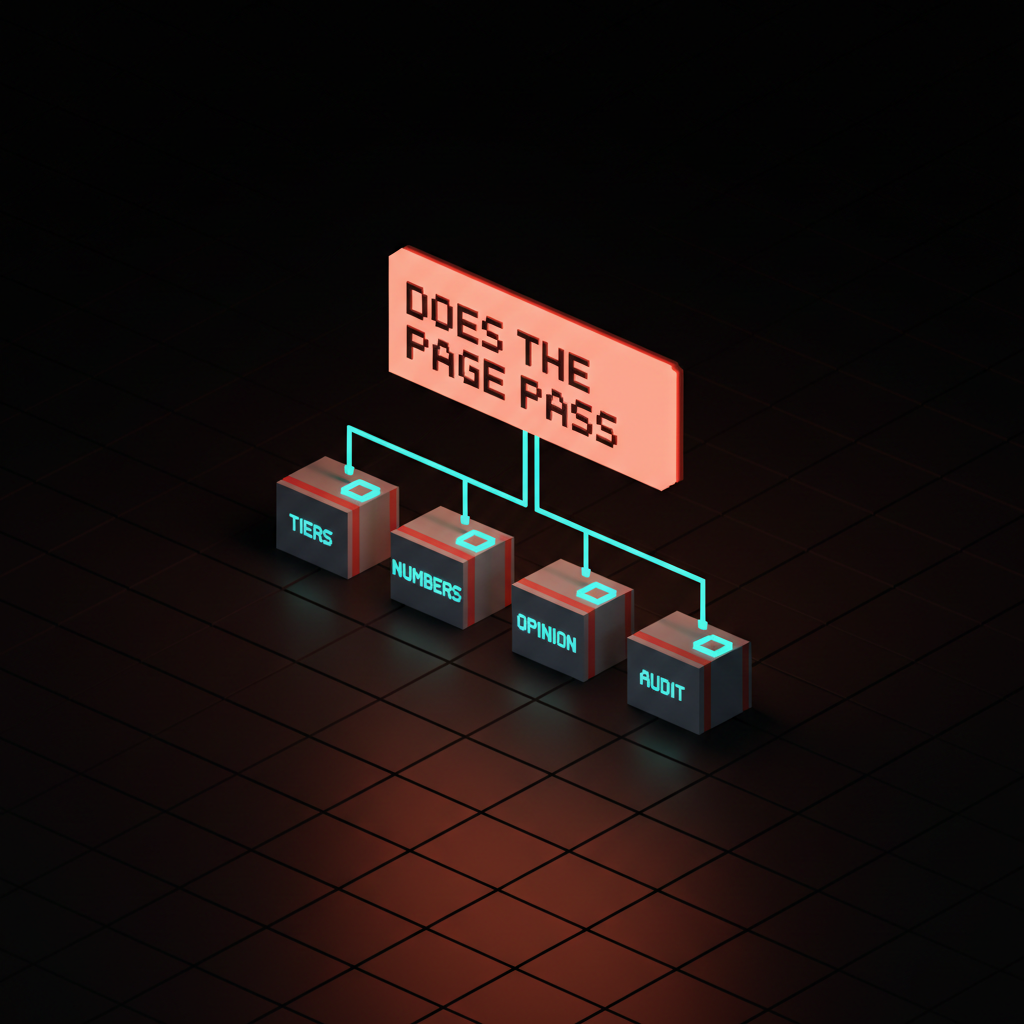
Run any pricing page through these seven questions. If you cannot answer each with a clear yes, the page is not done.
- Can a first-time visitor pick their tier in under ten seconds? No tour, no scroll, no matrix. Headline plus three cards should be enough. If they need the table, the cards failed.
- Is there a real dollar number above the fold for at least one tier? "Contact us" everywhere is a contact page in costume, not a pricing page.
- Does each tier name describe the decision, not the metal? "Solo," "Team," "Enterprise" beat "Bronze," "Silver," "Gold." If your tier names could be swapped without changing meaning, they are not doing work.
- Is the comparison table short enough to read in one screen? If it scrolls, it lost. Buyer tolerance is one screen, one second per row.
- Does the page work without the toggle? Annual versus monthly should be a clear choice, not hide-and-seek. Default to the price the team is willing to defend in writing.
- Is the "Most Popular" badge defensible? If the team cannot point to data behind it, the badge is theater and the buyer is one step from spotting it.
- Is "Contact sales" reserved for Enterprise? Anywhere else, it is friction the page does not need.
A page that passes those seven is one the buyer trusts. A page that fails any of them is the one the buyer left without telling you why. The the anti-dashboard breakdown applies the same discipline to product surfaces, and the web design principles piece covers how the rest of the marketing site follows.
Speed is part of the page
A pricing page that takes three seconds to render lost the visitor before the cards painted. Performance is part of the pricing decision, not a separate engineering task. The speed is the brand breakdown covers why load time is a brand attribute. Pricing pages punish slowness more than any other surface on the site.
The cleanest pricing pages render fast because they do less. Three cards, a short table, a CTA. No logo marquee, no autoplaying video. The opinion is the page, and the page weighs less because of it.
Frequently asked questions
How many pricing tiers should a SaaS have?
Three for most, two for some, four only if each tier represents a clearly different decision. Past four, every column dilutes the rest of the page. A fifth tier usually means the team has not committed to which buyer the product is for.
Should a pricing page show real prices or hide them behind "Contact sales"?
Show real prices for every tier the buyer can self-serve into. Reserve "Contact sales" for true enterprise, where the deal requires a contract, procurement, and a custom integration. Hiding self-serve pricing behind a sales gate signals the team is not confident in the price.
Does the "Most Popular" badge actually convert better?
Sometimes, but only when the badge reflects real customer behavior. Badges painted onto whichever tier has the best margin train the buyer to mistrust the page. The brand identity design and pricing connection matters: a dishonest badge costs more in trust than it gains in conversion.
Pick the opinion, then ship the page
Most pricing pages do not fail because the layout is wrong. They fail because the team has not finished deciding what the product is for. The page is downstream of the product opinion. No amount of variant testing closes that gap.
The pages that work in 2026 are short, opinionated, and obvious. Linear, Vercel, Stripe, Cursor, GitHub, Superhuman, Figma, Notion. None ship a four-tier wall. None hide the number. None ask the buyer to design their own tier. They picked a side, and the page carries the side.
If you want a team that designs the pricing page as a product decision instead of a growth experiment, hire Brainy. We ship pricing surfaces that match the brand and qualify the buyer in under ten seconds.
Want a pricing page that ships an opinion instead of four indecisive tiers? Brainy designs pricing pages as a product decision, not a growth experiment.
Get StartedGet new papers by email
New Brainy papers in your inbox. Confirm once, unsubscribe anytime.