The Logo Design Process: From Brief to Final Files in 7 Steps
The end-to-end logo design process a working designer actually uses. Brief, research, concept, sketch, vector, variants, handoff. Real template and delivery checklist inside.
A good logo looks inevitable. Like it could not have been anything else. That inevitability is the output of a process run seven times in a row by a designer who refused to skip steps.
Most bad logos are not bad because of taste. They are bad because the designer started in Illustrator on day one, skipped the brief, skipped the research, skipped the sketching, skipped the variant system, and skipped the handoff. This paper walks the process a working designer actually uses, with a real brief template and a delivery checklist inside.
The process is the deliverable
The logo is the visible output. The process is what makes it survive outside the pitch deck.
A logo designed in an afternoon looks like a logo designed in an afternoon. It lives on a landing page header at 1x and dies at a 16px favicon, a black t-shirt, or an embroidered hat. The seven steps compound. Each one narrows the next. Skip any step and the one after it runs without the constraint it needed, which is why "quick logos" feel unresolved six months later.
Step 1: The brief you can actually use
The brief is the contract. If the brief is vague, the logo will be vague, and no amount of sketching will fix it.
Most briefs fail because they are either a marketing questionnaire or a vibes document ("clean but also bold but also approachable but also premium"). Neither one narrows anything. A working brief forces specific answers to five questions on one page. Use the template below as is, filled out by the client before the kickoff call.
| Section | Question | Answer format |
|---|---|---|
| 1. The business | In one sentence, what does the business do? | One sentence. Not a mission statement. |
| 2. The audience | Who is the single best customer you have had? Describe them in 2 sentences. | Real person, not a persona. |
| 3. The competitors | Name three. What should your logo NOT look like? | Links to three logos you are avoiding. |
| 4. The application | Where will the logo appear most? | Top three surfaces, ranked. |
| 5. The feeling | Pick three words from this list that describe the brand. Pick three that do not. | From a shared vocabulary list. |
The feeling question is the one most designers skip. Provide a vocabulary list of 25 to 40 adjectives (bold, restrained, playful, serious, warm, clinical, classic, contemporary, technical, human, soft, sharp). Force three picks and three anti-picks. The anti-picks are worth more than the picks. "Not clinical" narrows more than "warm" does.
For the bigger brand context around this step, see how to create a brand identity, which covers the discovery layer a logo sits inside. The brief here is the compressed version for a logo-only scope. You do not open Figma until the brief is signed. Revisions to the brief are cheap. Revisions to the logo are not.
Step 2: Research that earns an opinion
Research is where most of the real thinking happens. The logo has not been drawn yet, and that is the point.
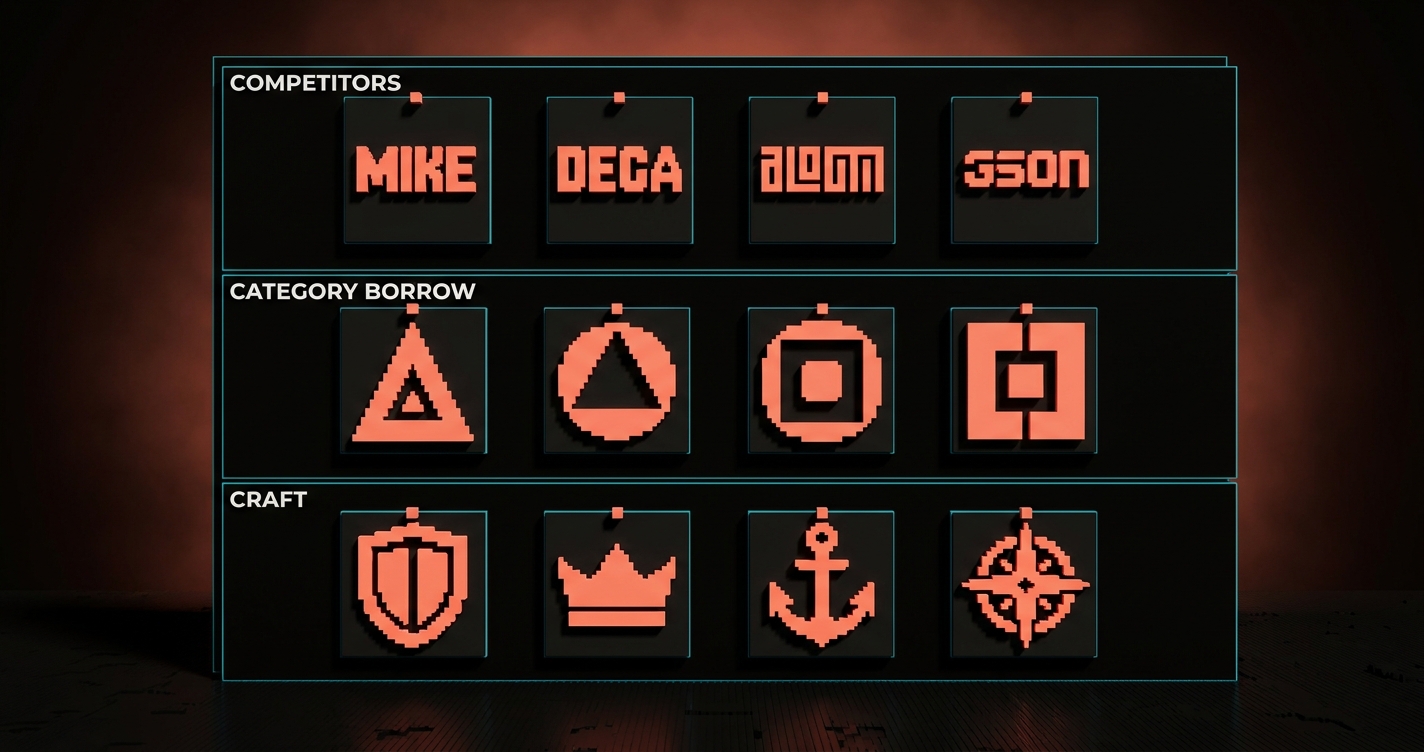
Research has three passes, in order. Skip the order and you bias the concept before you earn the right to have one.
Competitor pass. Pull every competitor and adjacent-category logo into one audit board. Group them by color family, mark style (wordmark, lettermark, symbol, combination), era, and level of craft. The board is evidence for what the category already looks like, which tells you what you must not look like.
Category pass. Pull logos from adjacent categories the brand wants to borrow from. A fintech that wants to feel like a design tool pulls Linear and Vercel, not PayPal. A coffee shop that wants to feel like a hardware brand pulls Braun and Muji, not Starbucks. The borrow direction is often where the good ideas come from.
Craft pass. Pull 20 to 40 logos you personally respect. Do not constrain by category. This is where you remember what good logos feel like, so you do not default to the first shape your hand draws.
Research ends when you can write three sentences: what the category looks like now, what the brand should borrow from outside it, and what one thing the logo will earn that no competitor has.
Step 3: Concept before pixels
Concept is where you decide what the logo is doing before you decide what it looks like. Two designers can use the same brief and produce radically different logos because their concepts differ.
A concept is one sentence describing what the mark should communicate and how it should feel. Not what shapes it should use, not what color it should be. Examples:
- "The mark should feel like a quiet confidence that does not need to raise its voice."
- "The mark should feel like a single continuous motion, like the product itself."
- "The mark should feel like a piece of type so well-drawn that the brand name is the entire logo."
Three concepts is the right number to explore. One is a commitment you have not earned yet. Ten is a refusal to commit. Three forces you to pick defensible directions and kill the bad ones before sketching.
Present the three concepts to the client as words, not images. You are pitching the idea, not the execution. If the client cannot pick a direction from three sentences, the brief was not specific enough and you go back to step 1.
Step 4: Sketching by hand
Sketching is where the concept becomes a shape. It happens on paper, not in Figma. There is a specific reason for this.
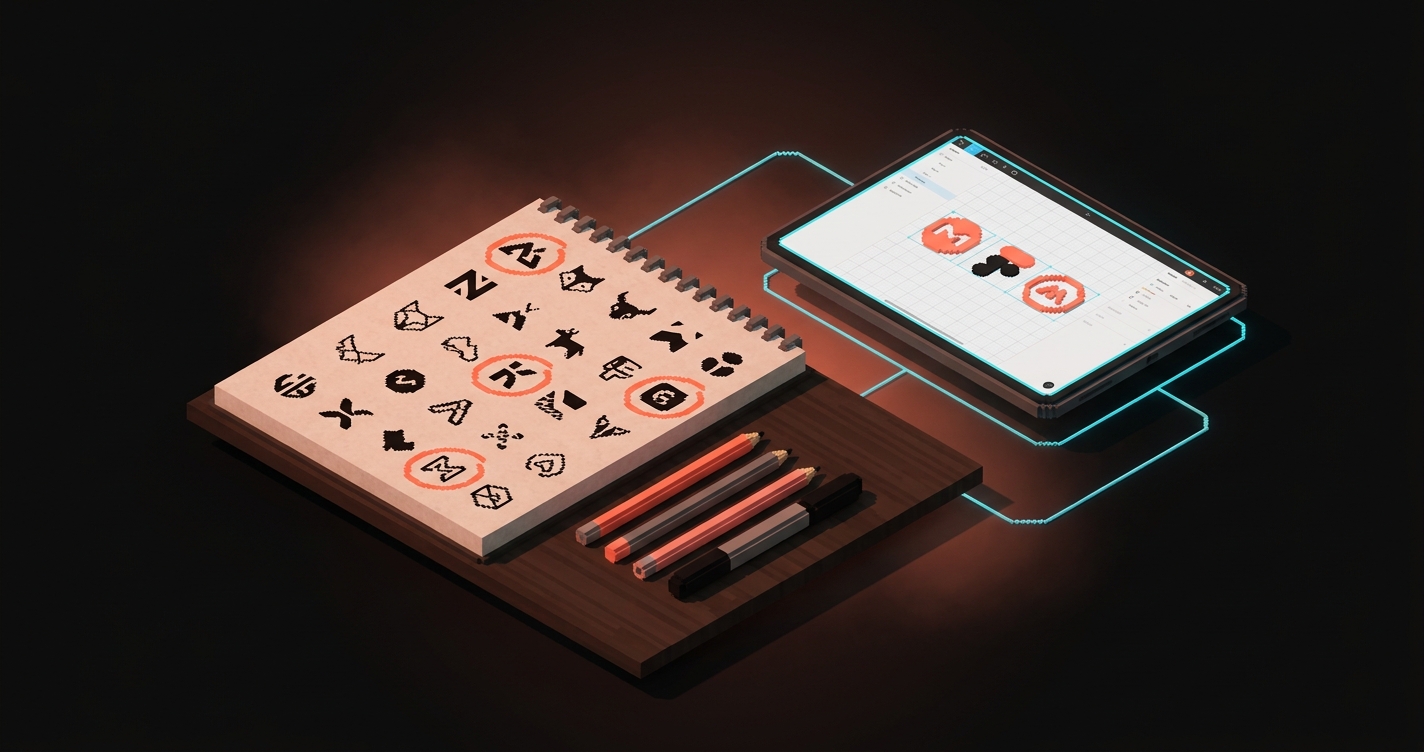
Digital tools polish everything equally. Every line smooth, every curve clean, every corner even. That smoothness is a trap early on because it makes every idea look equally finished and you lose the ability to tell a good idea from a polished bad one. Paper is uneven. Paper forces you to draw the same mark 40 times in 20 minutes, and by the 35th time, you see which version has the structural bones that matter.
A good sketching session produces 30 to 80 thumbnails per concept direction, small and fast and ugly, no erasing and no judging. Then circle the 5 to 10 worth scanning, pull them into Figma at small size, and look at them as a group. The 2 to 3 that still feel right are your candidates for vectoring.
Step 5: Vectoring the few that survived
Vectoring is craft work. Every curve, every corner, every optical correction gets made with intent. This is where quality is decided.
Three things matter, and most junior designers only do the first one.
Construction. Decide whether the logo is built on a strict geometric grid, a loose optical grid, or freehand curves refined post-hoc. Strict grids feel engineered, loose optical grids feel human, and freehand feels crafted. Pick one and hold the discipline across every letter and shape.
Optical correction. Mathematical precision and visual precision are not the same thing. A perfectly circular O looks smaller than a square of the same height, so overshoot round forms by 1 to 2 percent and give vertical strokes slightly more mass than horizontal ones. A mark that is geometrically correct but optically wrong looks off, and no client will be able to tell you why. This is the line between amateur and professional vector work.
Reduction. At every stage, ask what can come out. Remove a curve, a serif, a detail. If the mark still reads, the detail was decoration, not structure. The negative space logo design approach is one flavor of this discipline applied to the space between forms.
The vector stage ends when the mark reads clearly at 24px, holds up at 240px, and breaks if you remove any single element.
Step 6: Variants and the system around the mark
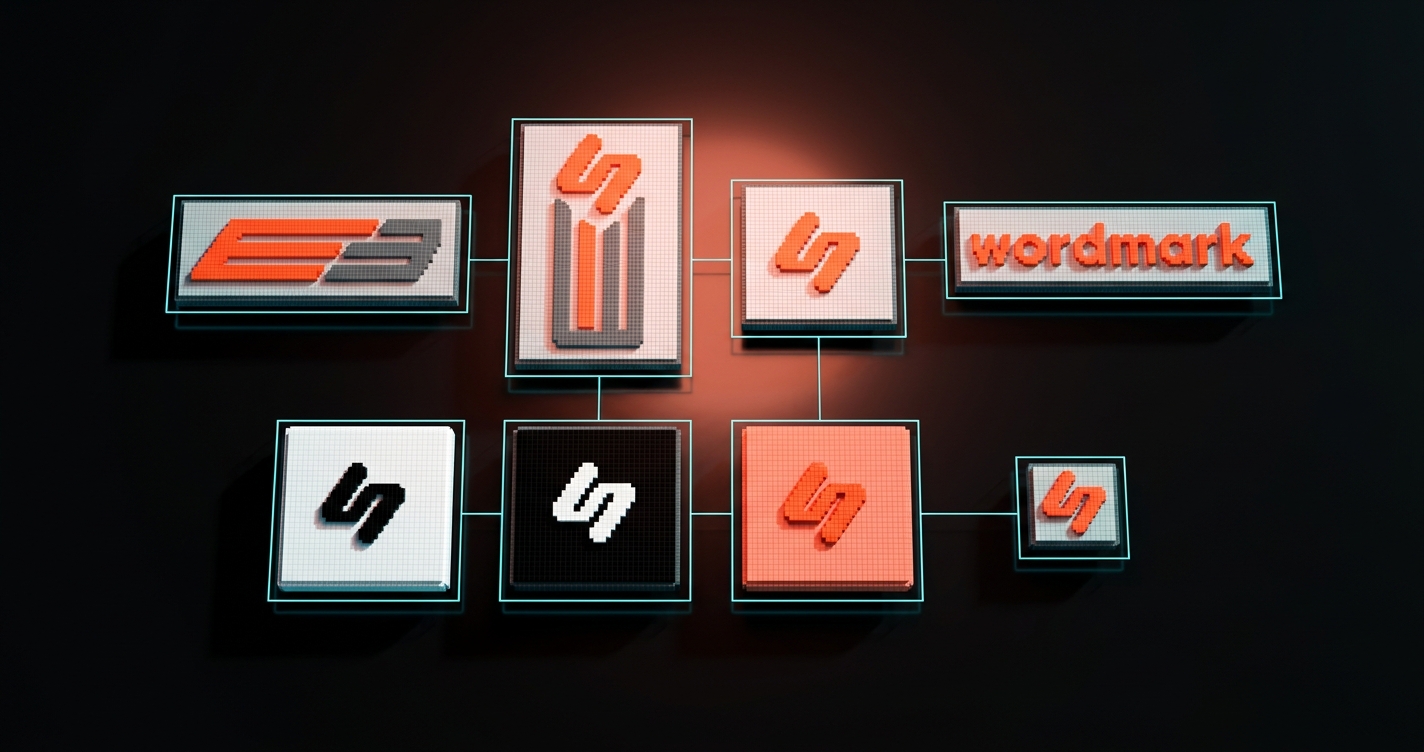
A single file is a mark. A system of variants is a logo. The distinction separates a logo you can deliver from one that only works in the hero of the pitch deck.
A working logo ships as a variant system with, at minimum:
| Variant | Used for |
|---|---|
| Primary lockup | The full logo, usually wordmark plus mark |
| Horizontal lockup | Page headers, email signatures, footer strips |
| Vertical lockup | Profile avatars, app icons, business card backs |
| Mark only | Favicons, app icons, social avatars |
| Wordmark only | Contexts where the mark would be too small |
| Monochrome | Pure black, white, and single-color brand ink for print and merchandise |
| On-light and on-dark | Paired clear space and contrast rules |
| Minimum size rules | When the lockup breaks and the mark-only takes over |
The variant system is also where color decisions get made in production. The brand color palette guide covers the layered approach, and the typography system work is the same discipline applied to type.
Step 7: The handoff pack
The handoff is where the logo becomes property. Most freelancers ship a ZIP with three PNGs and call it done. That is a file transfer, not a handoff.
A real handoff pack includes everything the client's internal team and outside partners will need over the next 5 to 10 years. Build it once, deliver it once, never hear about it again. Use this as the delivery checklist.
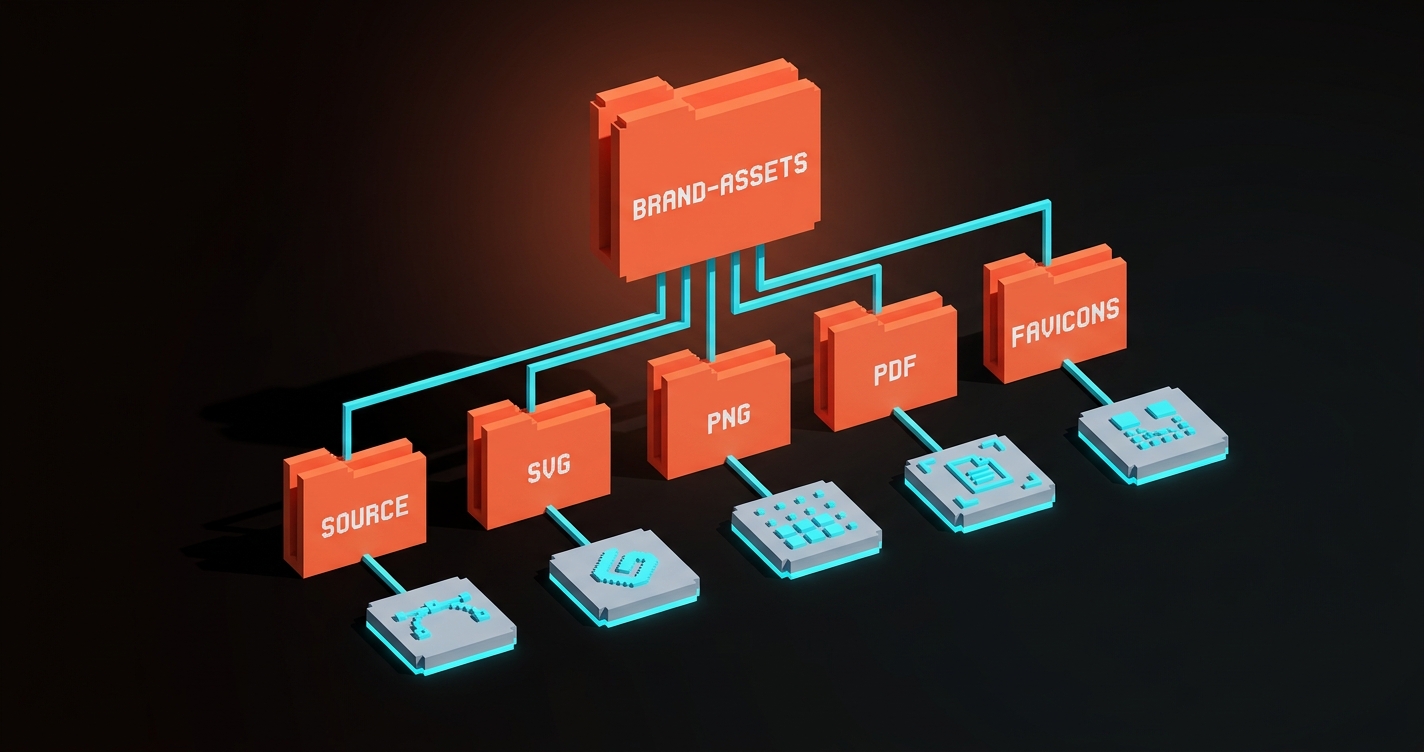
Source files
- Master vector file (AI or SVG), editable, layers named
- Separate files per variant (horizontal, vertical, mark, wordmark, monochrome)
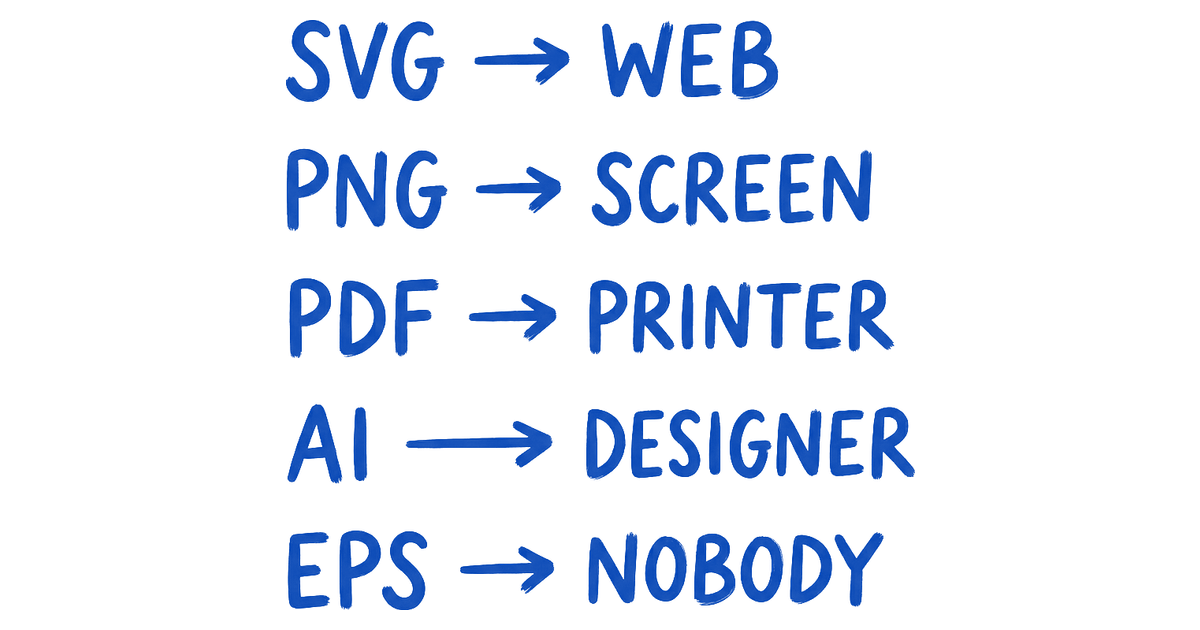
- SVG exports, optimized, web-ready
- PNG exports at multiple sizes, transparent background
- PDF exports for print (CMYK, with bleed if needed)
- Favicon set (16x16, 32x32, 180x180, 512x512)
Spec documentation
- Clear space rules, diagrammed
- Minimum size rules, diagrammed
- Color tokens (hex, RGB, CMYK, Pantone if print relevant)
- Typography pairing, with primary and fallback typefaces named
- Usage do's and don'ts, shown visually
Applications and license
- Logo on brand-color and photography backgrounds, approved
- Social avatar at 400x400 and 1024x1024
- Email signature composition, presentation title slide template
- Signed ownership transfer, typography licenses listed if commercial fonts are used
- Contact for brand questions for 6 months post-launch
Zip the whole thing with a readme that explains the folder structure. The handoff pack is the moment the client stops feeling like they hired someone and starts feeling like they own something.
The realistic project timeline
Here are the seven steps as a working schedule for a solo designer or small studio.
| Step | Working days | Deliverable |
|---|---|---|
| 1. Brief | 1-2 | One-page signed brief |
| 2. Research | 2-3 | Three-sentence audit summary |
| 3. Concept | 1-2 | Three written concept directions |
| 4. Sketching | 2-4 | Scanned thumbnails, 2-3 candidates |
| 5. Vector | 3-5 | Refined vector marks |
| 6. Variants | 2-4 | Full variant system |
| 7. Handoff | 1-2 | Complete handoff pack |
| Total | 12-22 days |
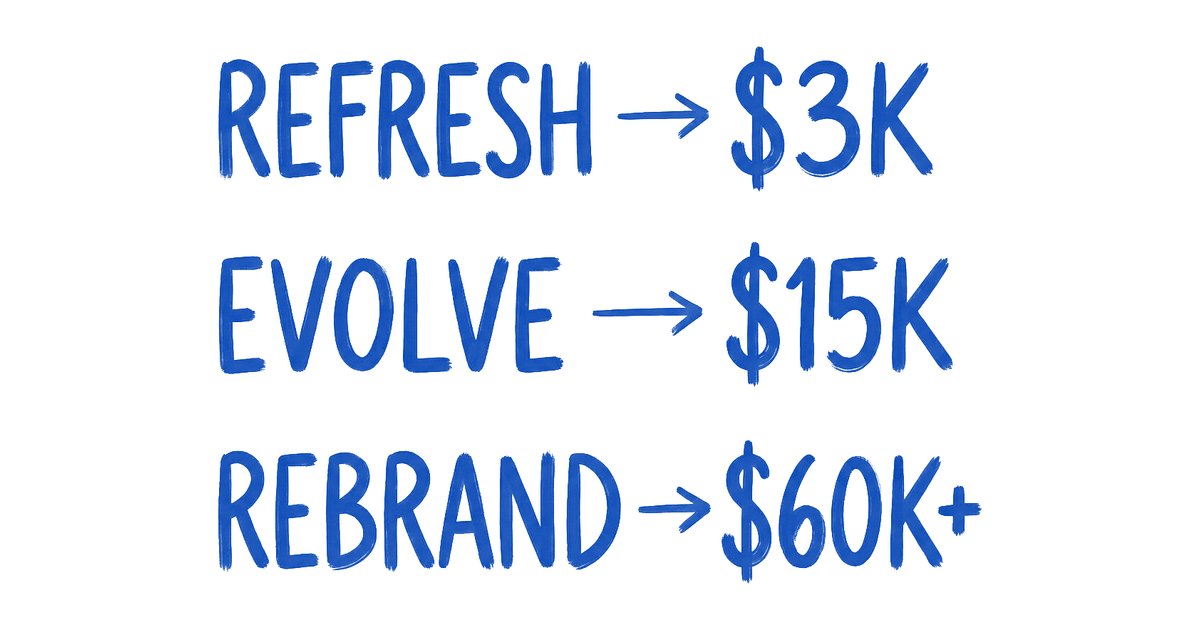
Realistic calendar time is 4 to 8 weeks for a solo designer. Pricing maps to scope: freelance logo-only runs 2,000 to 15,000 dollars for small businesses, 15,000 to 40,000 for mid-sized. Studios charge 25,000 to 100,000 for the same scope with deeper craft. Below 2,000 dollars you are getting a wordmark in a template font, not a logo process.
The three mistakes that kill logo projects
After watching this go wrong a hundred times, three patterns kill logo work more reliably than anything else.
Starting in Figma. Every designer is tempted to skip the brief, the research, and the sketching, and just move shapes around. The logo that comes out looks like whatever shape the designer already knew how to make. It will not survive the third revision round. Paper first, always.
Showing one logo instead of variants. Clients reject single-file logos because they cannot see how it works on their business card, their avatar, or their favicon. Variants are how a client visualizes the logo as a system they can operate.
Skipping the handoff pack. The client gets a PNG, cannot find the source file six months later, asks a new agency to remake the logo, and the mark you spent three weeks on gets redrawn by someone who never saw your brief. The handoff pack is what protects the work after you are gone.
FAQ
How long does the logo design process take?
Solo designer running the full seven steps: 12 to 22 working days, which is 4 to 8 calendar weeks with client review. Studio engagement: 3 to 6 weeks with a larger team. Anything promised in under 2 weeks is skipping the brief, the research, or the variant system.
What should a logo design brief include?
Five sections, one page, filled out by the client before kickoff: what the business does in one sentence, who the single best customer is, three competitors and what the logo must not look like, the top three surfaces it will appear on, and three adjectives from a shared vocabulary list that describe the brand plus three that do not. The anti-adjectives matter more than the adjectives.
Do I really need to sketch on paper?
Yes, and the reason is structural. Digital tools polish everything equally, which hides which ideas have real bones. Paper forces you to draw the same mark many times, and the repetition surfaces the structural ideas you would miss on screen. Most designers who skip paper produce logos that are technically clean but feel generic.
Ship logos that earn their inevitability
The seven steps are not bureaucracy, they are compounding. Brief narrows research, research narrows concept, concept narrows sketch, sketch narrows vector, vector narrows variants, variants narrow handoff. By the time the logo ships, it has been through six filters, and what comes out is the only version that could have existed given the brief. That is the quality that makes a logo feel inevitable, not genius and not taste, but a process that removed every option that was not the right one.
Run the seven steps. Use the brief template. Ship the variant system. Deliver the handoff pack. The logo will still be working on the client's business long after they have stopped remembering your name.
Need a logo that survives every surface it lands on? Brainy runs the full seven-step logo process with the brief, the variants, and the delivery pack included.
Get StartedGet new papers by email
New Brainy papers in your inbox. Confirm once, unsubscribe anytime.