
Claude Design vs Figma AI: What Designers Should Use
Claude Design turns a prompt into visuals for non-designers. Figma stays the pro canvas, reloaded at Config 2026. Here is who should use which in 2026.
The short answer
These two tools are not fighting for the same seat. Claude Design gets a non-designer from nothing to a credible first draft. Figma is where a real designer turns that draft into a shipped product.
Claude Design gets you to a first draft. Figma is where that draft becomes something you can ship. Pick based on where you sit in that gap, not on which tool is "better."
What Claude Design actually is
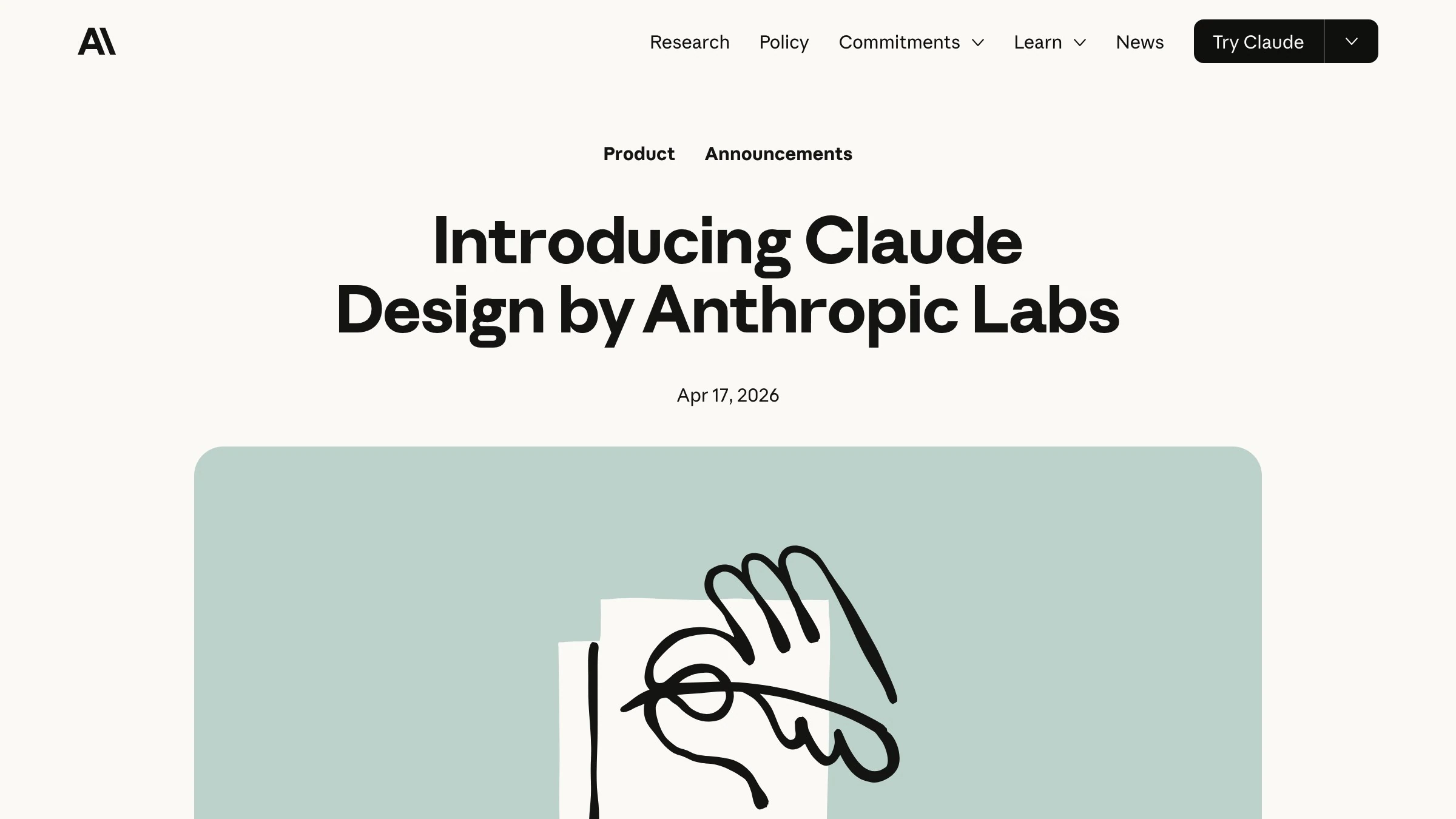
Claude Design launched around April 17, 2026 as an Anthropic Labs product, powered by Claude Opus 4.7, shipped as a research preview for Pro, Max, Team, and Enterprise users, per Anthropic.
It turns natural language prompts into clickable HTML and JS prototypes. Analyses published right after launch on Eigent describe it generating interactive prototypes, with chat-based refinement and exports to PDF, PPTX, and Canva.
The part designers should actually care about is the design-system read. According to Lenny's Newsletter, Claude Design ingests a design system from a codebase or files at onboarding, then applies your existing tokens, components, and typography to new work without you rebuilding a library by hand. In one example covered there, it imported Lenny's Newsletter's own design system to structure components and variables.
What Figma's AI actually does in 2026
Figma did not sit still. Its 2026 AI suite centers on Figma Make. According to Figma's own pages, you prompt inside the canvas and it can:
- Generate prototypes, wireframes, layouts, and remixes
- Refine with point-and-edit
- Take attachments and voice input
- Integrate a local codebase, in beta
The naming shifted too. First Draft, formerly Make Designs, is Figma's prompt-to-layout entry, and per Figma the Figma agent became the First Draft entry point on May 20, 2026.
The point of all of it: the work stays native to Figma's vectors, components, auto-layout, collaboration, and dev handoff. You are accelerating inside the canvas, not generating output beside it.
The real split: zero-to-one vs the pro canvas
Here is the cleanest framing in the coverage. The MindStudio analysis put it bluntly: "Figma AI is for accelerating professional design work; Claude is for generating design output without a professional tool."
That is the whole comparison. One tool gets you from a blank prompt to something real. The other refines something real into something you can ship.
| Claude Design | Figma AI | |
|---|---|---|
| Core job | Zero to first draft | Draft to shipped product |
| Starts from | A natural language prompt | An existing canvas or a prompt |
| Output | HTML/JS prototypes, slides, one-pagers | Native Figma layers, prototypes, code |
| Strongest for | Non-designers, founders, early ideas | Pro designers, teams, production |
| Where it lives | Beside your design tool | Inside your design tool |

Where Claude Design wins
Speed and access. Eigent's comparison concludes Claude Design leads on design-system fidelity and mixed visual outputs like slides and prototypes, which is exactly the messy early stuff most tools fumble.
It is strongest for non-designers, founders, and early-stage work: landing pages, pitch decks, one-pagers, quick mocks. XDA's review credits the near-zero learning curve and speed, and notes it beats a blank-canvas start when the idea is still vague. The blank file is the hardest part of design for someone who does not design, and this tool deletes it.
Then there is cost. According to a widely shared X post from @lagerskoy, Claude Design comes bundled in Claude Pro at roughly $20 a month, against Figma at $192 per editor per year. For a solo operator, that math is loud.
Where Figma still wins
Everything that happens after the draft. The MindStudio comparison and others are consistent that Figma wins for:
- Precision
- Real-time collaboration
- Version history
- Complex multi-screen flows
- Accessibility
- Direct dev handoff via Dev Mode
The honest catch on Claude Design output is cleanup. XDA's review reports it lacks pixel nudging and the full auto-layout and constraints of Figma, and that generations often need refactoring before they are production-ready. A first draft that nobody can collaborate on, version, or hand to engineering is still a first draft.
Config 2026 was Figma's answer
Three days before Claude Design, Figma lost a board member. Mike Krieger, Anthropic's chief product officer and Instagram co-founder, resigned from Figma's board on April 14, 2026, after The Information reported the competing tool. Figma shares dipped on launch, according to reactions tracked across Hacker News and X.
Config 2026, Figma's conference, was the public answer. On June 24, per Figma's Config announcements, the company added:
- Code layers
- Native motion and timeline editing
- Shader fills and effects
- Generative plugins
- An updated agent
Read that as Figma planting a flag on production. Motion, code, and craft are the work that happens after a draft exists, and that is the ground a prompt tool does not own.
Who should use which
Match the tool to who you are and what you are making, not to the launch-day drama.
| Who you are and what you are making | Reach for |
|---|---|
| Founder with no design tool, need a landing page or deck today | Claude Design |
| Marketer turning a brief into a one-pager or pitch deck | Claude Design |
| PM prototyping a concept to test before spending engineering time | Claude Design |
| Designer chasing a vague idea past the blank canvas | Claude Design first, then Figma |
| UI designer building a multi-screen production flow | Figma |
| Team that needs version history and real-time collaboration | Figma |
| Anyone handing off to engineering through Dev Mode | Figma |
| Anyone shipping accessible, responsive production UI | Figma |
A tool gets you a draft. Shipping a brand or product still takes a team. Brainy runs both of these tools daily and delivers the finished work. If you would rather have Brainy run the tools and ship the work, that is the door.
Why most teams will run both
Because the reviews keep landing in the same place. Eigent's verdict: "Claude Design leads on design-system fidelity and mixed visual outputs. Figma Make leads on Figma-native workflows and point-and-edit refinement." Both were still in beta or preview in mid-2026, and the consistent recommendation is to test both as complementary, not to pick one.
The workflow is one line: generate in Claude Design, then refine and ship in Figma.
The temptation for some solo operators is to go further and drop other tools once Claude covers the basics. That holds only when nobody downstream needs a real handoff. The moment a team and engineering enter, Figma comes back.
If you want what Opus means for designers or design systems machines can read, those go deeper on the parts that make Claude Design's system read actually work.
FAQ
Is Claude Design free?
No. According to @lagerskoy on X, it is bundled into Claude Pro at roughly $20 a month, and it launched as a research preview for Pro, Max, Team, and Enterprise users, per Anthropic.
Does Claude Design replace Figma?
Not for production. XDA's reviewer kept Figma for the critical work and used Claude Design for early-stage speed. The output needs cleanup, accessibility checks, and refactoring before it ships.
What model powers Claude Design?
Claude Opus 4.7, per Anthropic's launch framing.
What did Figma ship at Config 2026?
Per Figma, on June 24 it added code layers, native motion and timeline editing, shader fills and effects, generative plugins, and an updated agent.
Can I use both together?
Yes, and most teams will. Generate the first draft in Claude Design, then refine, collaborate, and hand off in Figma.
Tools are not the work
A tool gets you a draft. Shipping a brand or product still takes a team. Brainy runs both of these tools daily and delivers the finished work.
Claude Design gets you to a first draft. Figma is where that draft becomes something you can ship. Choose by where you sit in that gap, and if you would rather skip the choosing, have Brainy run the tools and ship the work. For more design and AI tool breakdowns, keep reading.
A tool gets you a draft. Shipping a brand or product still takes a team. Brainy runs both of these tools daily and delivers the finished work.
Get StartedGet new papers by email
New Brainy papers in your inbox. Confirm once, unsubscribe anytime.