
What Claude Opus 4.8 Means for Designers
A designer's teardown of Claude Opus 4.8. The 1M context window, fast mode in Claude Code, the long-horizon reliability gains, and the four design workflows it actually changes. Plus an honest list of what Opus 4.8 still cannot do for you.
What Claude Opus 4.8 Means for Designers
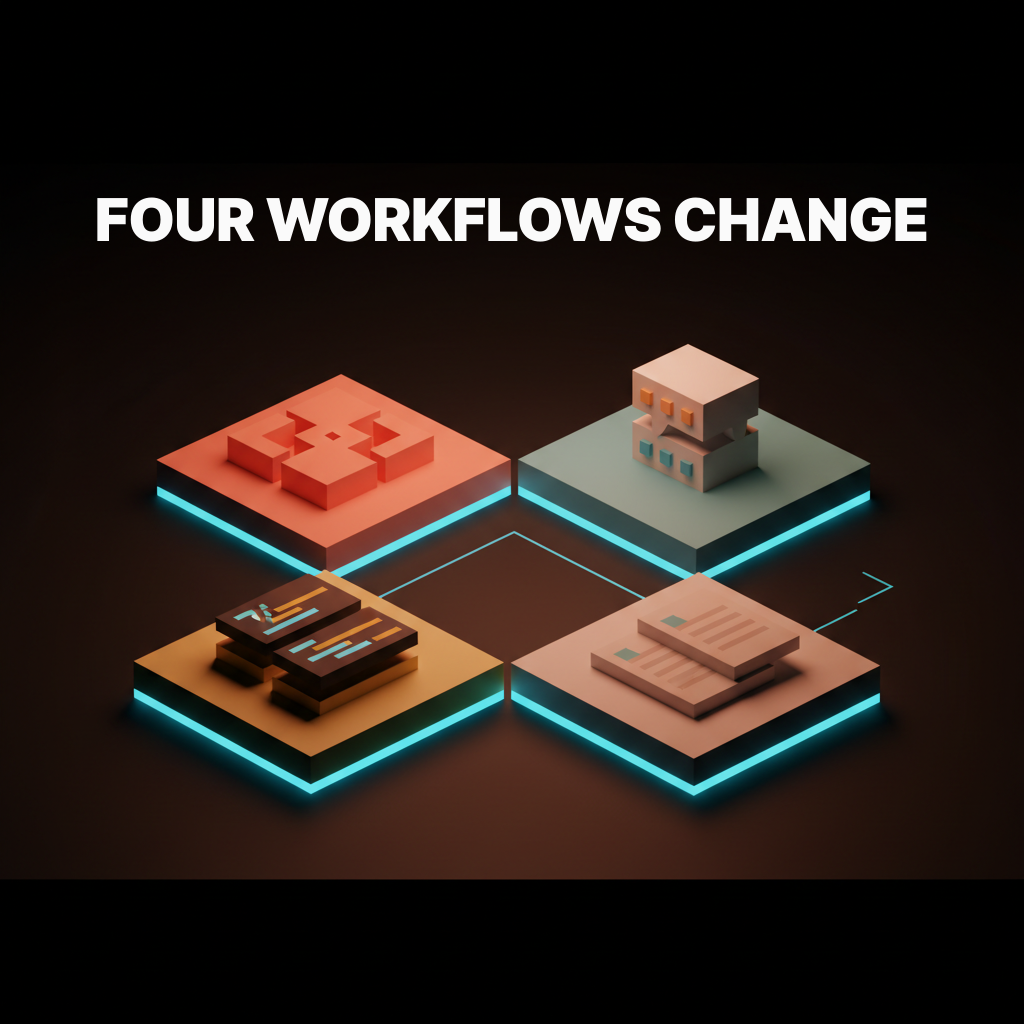
Claude Opus 4.8 can hold your entire design system in a single session, and that matters more to designers than any benchmark in the launch notes. Opus 4.8 reshapes four design workflows in particular:
- Design-system migration, mapped in one pass instead of file by file.
- Brand voice and copy, written on-brand across a full set of screens.
- Design-to-code handoff that uses your real components, not invented ones.
- Research synthesis across an entire study, not a sampled handful of transcripts.
Here is what shifts, and what to keep doing yourself.
The 1M context window is the feature that matters most for designers
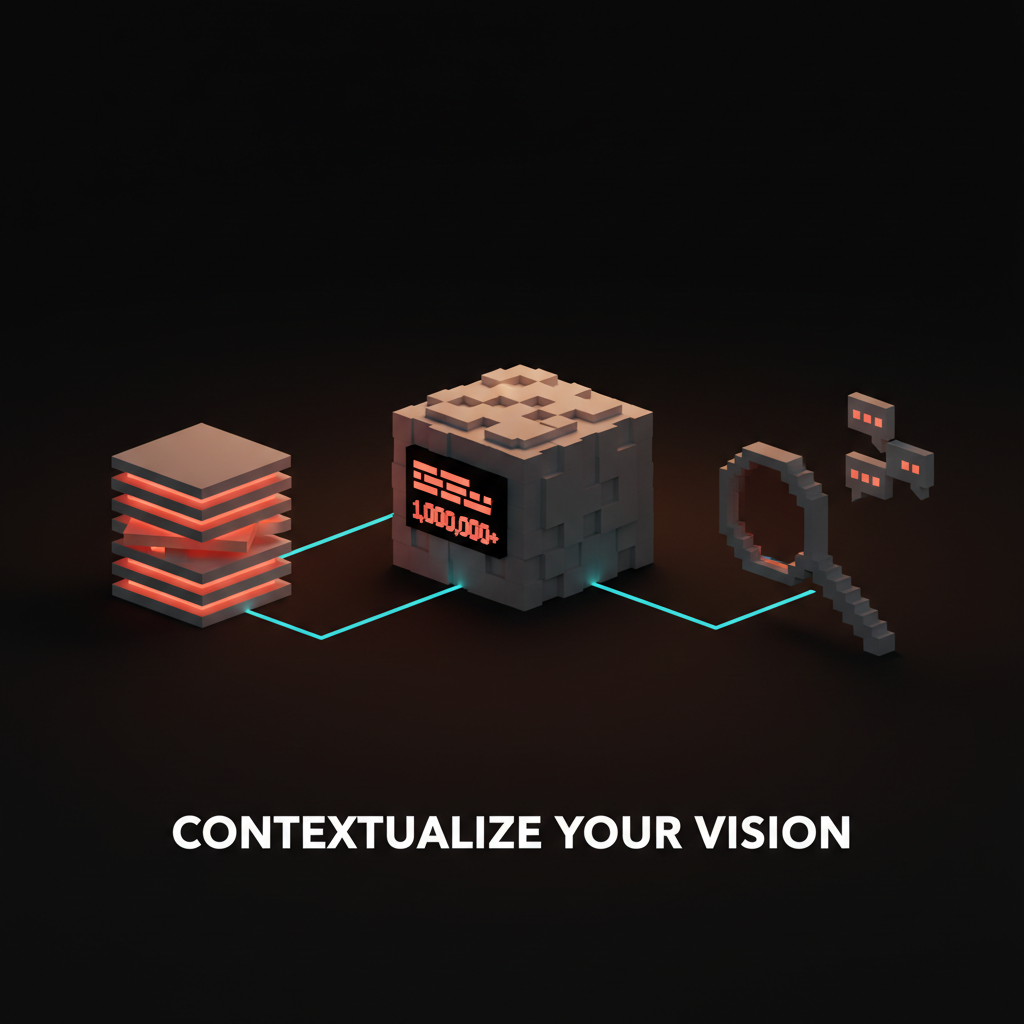
Claude Opus 4.8 carries the same one million token context window the Opus class has had since 4.7. For design work, that window is the feature that matters most: the model holds your entire design system, brand guide, and component library at once, in a single session.
Smaller models force you to choose: paste the brand guidelines or the component spec, but not both. At a 200K window you work with a sampled slice of your design context, then patch in what the model missed. A million tokens removes that ceiling. You load the whole thing.
What one million tokens actually fits
A million tokens is abstract until you map it to design artifacts. In one session it holds a full Figma export, a brand book, a component library doc, and several months of design-review threads, a realistic working context for a mid-size product team.
Most models top out around 200K, enough for a design sprint, not a design system. A million tokens is the difference between the two. The Opus class has shipped 1M since 4.7, so this is table stakes for Opus now, not a new trick. See how context windows work for the underlying mechanics.
What actually changed from Opus 4.7 to 4.8 is not the window, it is the speed and the ceiling on capability:
| Opus 4.7 | Opus 4.8 | |
|---|---|---|
| Context window | 1M tokens | 1M tokens (unchanged) |
| Fast mode in Claude Code | No | Yes: Opus quality, shorter wait |
| Long-horizon capability | Strong | Anthropic's most capable Opus to date |
The 1M window already let you load a whole system in 4.7. What 4.8 adds is the speed and consistency to work inside that window all day, not just run a one-off batch job.
Fast mode keeps Opus quality without the wait
Fast mode in Claude Code runs Opus 4.8 with faster output and does not drop to a smaller model, which removes the old tax where you traded the best model for a usable response time.
Before fast mode, the choice was simple and bad. Wait for Opus quality, or get a quick answer from a weaker model. For design work that tradeoff mattered, because a weaker model misses your token naming conventions and hallucinates component names that do not exist in your library. Fast mode collapses the choice, so you get the most capable model at a pace that fits an active working session.
Long-horizon work that does not drift
The quieter Opus 4.8 gain is stability across a long session. A full design-system audit or a multi-screen build runs end to end without the model losing the thread halfway through.
Earlier models would start strong and drift. By screen 15 of a 20-screen audit, they would do three things:
- forget constraints set on screen one,
- reintroduce components you had already flagged,
- switch naming conventions mid-session.
That drift compounds fast.
See the Claude 4.7 builder teardown for how the same 1M window played out on the code side.
Design-system migration in one pass
The first workflow Opus 4.8 changes is design-system migration. The model can now read the old system and the new tokens together and rewrite the mapping in one pass instead of file by file.
The old way meant exporting tokens, pasting a chunk, mapping them, then repeating 50 times. With a 1M context window, you load the full Figma token export and your new design system spec together, then ask for the complete mapping in one shot. The model sees every old and new token at once, so it catches conflicts you would not have noticed until QA.
Brand voice and copy work at real scale
The second workflow is verbal identity. Holding the full brand voice guide in context means the model writes on-brand copy across fifty screens without you re-pasting the guidelines every prompt.
Load your brand book, your approved copy, and the new screens all at once. The model does not need reminding on screen three that your brand avoids hedging language. It holds the full voice reference for the whole session.
This is where the AI design workflow shift gets real for brand designers, not just engineers.
A real product launch with 50 marketing screens in Figma used to require a copywriter babysitting the model prompt by prompt. With Opus 4.8, you set the brand context once and run the batch.
Design-to-code handoff that holds context
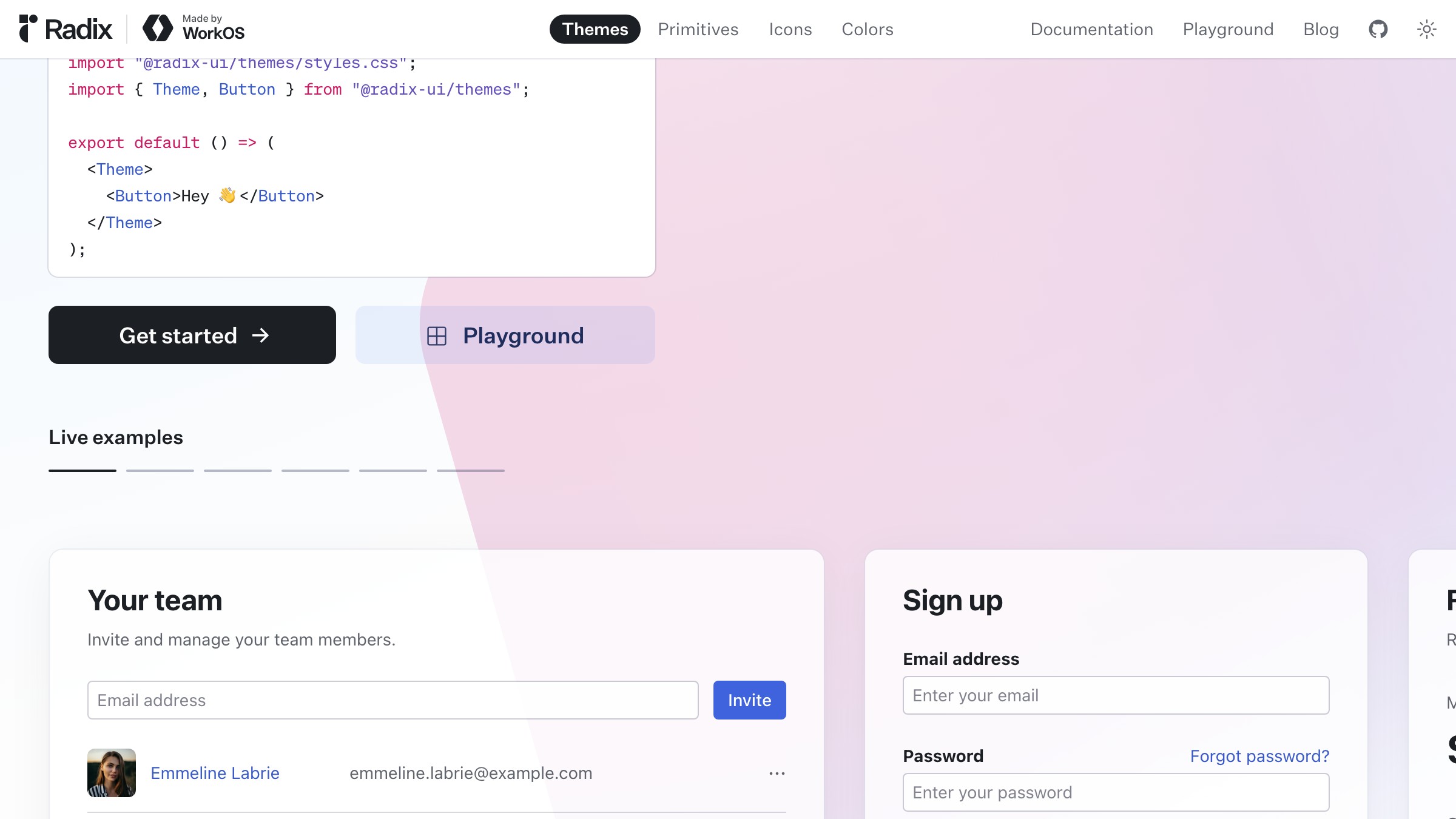
The third workflow is handoff. Opus 4.8 reading the component library and the new screen together produces code that uses your existing components instead of inventing new ones.
Browse components on radix-ui.com
Every previous handoff attempt failed the same way, because the model could not hold the component library and the design file at once. The generated code would:
- invent component names that were not in your library,
- use inline styles instead of your design tokens,
- ignore your grid system in the layout.
Load both now and the output uses your real Figma component names, your token set, and your spacing scale. It is not perfect, but it lands in the right design system from the start.
This is also where Claude Code for designers becomes the practical tool, not just a developer utility.
Research synthesis across a whole study
The fourth workflow is research. A million tokens swallows an entire round of user interviews so the synthesis sees every transcript at once rather than a sampled handful.
The old ceiling was low. You could paste three or four transcripts before hitting the limit, then generalize from a small sample. That is not synthesis.
Now you load all 20 transcripts, the screener data, and your persona docs in one session. The model synthesizes the full picture instead of a slice.
Research synthesis was always manual because no tool could hold the full study. That ceiling is gone.
Want to wire Claude Opus 4.8 into your real design process without a month of trial and error? Brainy ships ClaudeBrainy as a prompt library and Skill pack tuned for design-system, brand-voice, and handoff work, plus AppBrainy for teams that want full product builds running on the new model layer. Hire Brainy to get your team set up.
Where Opus 4.8 still loses for designers
Opus 4.8 is not a clean sweep for design work. The honest list of weaknesses is what you need before you wire it into your process.
- Visual taste and craft judgment. The model cannot tell you whether a layout feels right or whether your type hierarchy is doing its job. It processes visual descriptions, it does not evaluate them as a designer would.
- Pixel-level layout decisions. Ask it to adjust spacing by 4px or tighten leading and you get reasoning about principles, not a precise visual answer. It thinks in structure and system, not the fine-grain spatial calls that define craft.
- More context is not good design direction. Loading your whole system gives the model more to work with, but it does not replace the judgment behind deciding what the system should do. The model executes in context, it does not set direction.
- Generated code still needs review. The handoff workflow produces better output than before, but you still read it before shipping. Opus 4.8 is faster and more accurate, not infallible.
How to actually start using it this week
The fastest way in is Claude Code with fast mode for system and code work, and the Claude app for copy and research.
For design-system and handoff work, set up Claude Code like this:
- Open Claude Code and enable fast mode.
- Load your Figma token export and component library doc at the start of the session.
- Set the context once, then work from it for the whole session.
For brand voice and research synthesis, use the Claude app instead:
- Paste your brand book and the work to be done together in the first message.
- Keep it in one message where you can, since splitting context across messages loses the coherence advantage.
- Ask for the full batch, then review, rather than going screen by screen.
One practical note: check your AI design workflow setup before loading large context. Session management matters at this scale.
Anthropic's own walkthrough of Claude Design shows the AI-in-the-workflow idea in motion:
FAQ
What is Claude Opus 4.8?
Claude Opus 4.8 is Anthropic's most capable Claude model as of this writing. It ships with a one million token context window and is available via the Anthropic API, the Console, and the Claude app.
What does the 1M token context window mean for designers?
It means you can load a full Figma export, a brand guide, and a component library into one session and work from all of them at once. Earlier models forced you to choose which context to include.
What is fast mode in Claude Code?
Fast mode runs Opus 4.8 with faster output without switching to a smaller model. It is available in Claude Code and removes the latency that made Opus impractical for iterative work.
How does Opus 4.8 compare to Opus 4.7 for designers?
The differences that matter for design work: Opus 4.8 adds fast mode in Claude Code (Opus quality at a faster pace) and is Anthropic's most capable Opus to date for long-horizon work. The 1M context window is unchanged, both 4.7 and 4.8 have it, and it is what makes system-level design work practical on either one.
Can Opus 4.8 evaluate visual design?
No. Opus 4.8 is a text model. It can process image descriptions and discuss design principles. It cannot make visual craft judgments, evaluate whether a layout feels right, or replace a designer's eye.
Is Claude Opus 4.8 worth it for a solo designer?
If your work involves design systems, brand voice at scale, or design-to-code handoff, yes. If your work is primarily visual craft and pixel-level decisions, the gains are smaller.
The shift Opus 4.8 unlocks for design
A million-token window lets the model hold the entire context of a design decision, and Opus 4.8 pairs that with the speed and consistency to actually work in it. Together they change which parts of the job are worth handing over.
The system-level work, the translation work, the synthesis work, all of it gets better when the model stops working from a sampled slice and starts working from the whole. Not smarter reasoning in a vacuum, but reasoning grounded in the full design context you actually work with, from your Figma library to your brand book.
The visual craft, the taste calls, the directional decisions, those stay yours. That is the right division. If you want to build toward it properly, hire Brainy to set up the ClaudeBrainy layer without the trial and error.
Want to wire Claude Opus 4.8 into your real design process without a month of trial and error? Brainy ships ClaudeBrainy as a prompt library and Skill pack tuned for design-system, brand-voice, and handoff work, plus AppBrainy for teams that want full product builds running on the new model layer.
Get StartedGet new papers by email
New Brainy papers in your inbox. Confirm once, unsubscribe anytime.