The Loading State Is the Product
Loading states are the most-watched screen you ship. Five archetypes, real examples from Linear, Vercel, Stripe, Cursor, Claude, and Figma, plus a six-question audit you can run today.
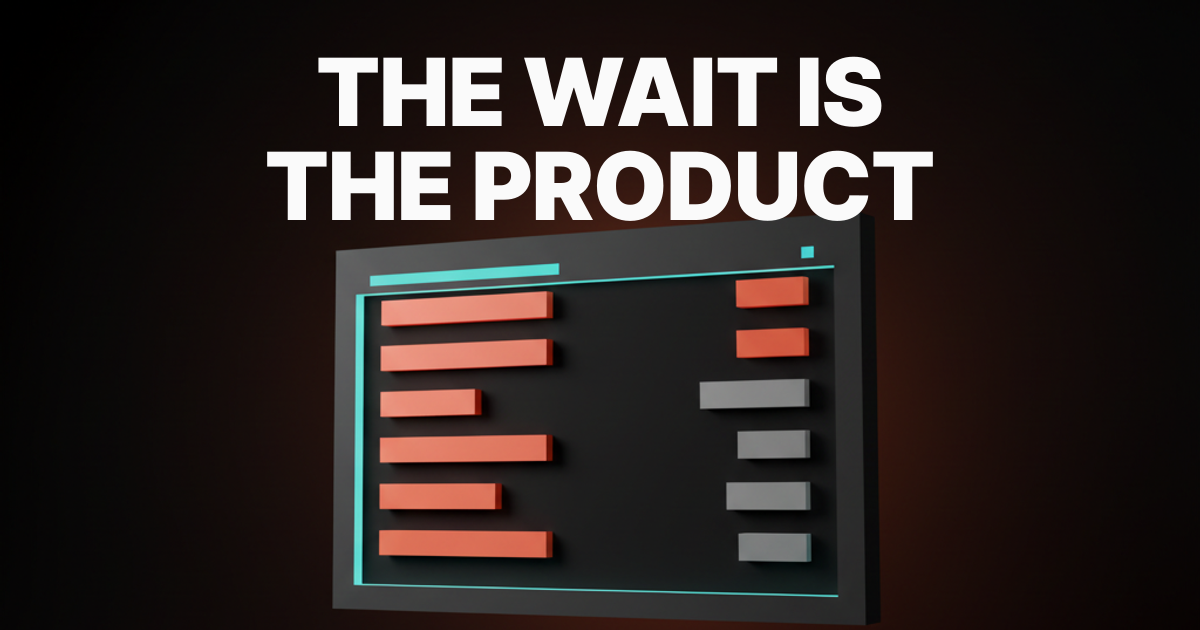
Add up every loading state your product shows in a year. Every user, every session, every refresh. That number, in user-hours, is the most-watched screen you ship. Most teams treat it like nobody is looking.
The dashboard gets a design review. The empty state, if you have read empty states are the product, gets a design review. The loading state gets a 16-pixel spinner from a 2012 stylesheet and a prayer. It is the one screen the user always sees, and the one nobody designs.
The loading state is a brand impression
Every loading state is a trust contract. The product is telling the user "I am working, I have not crashed, the wait is on purpose." Whatever the screen says next becomes how the brand handles pressure.
Linear's loading states feel like Linear. Skeleton rows shaped like the issue list, inline create that commits before the server confirms, branded transitions with a deliberate cadence. Stripe's feel like Stripe. The pay-button shimmer, the card-shaped skeletons in the dashboard, the receipt resolving into final state. Both treat the wait as the product.
The bad version is the legacy spinning gif on a white background. No content shape, no progress signal, no brand. The user is being told "we got busy and forgot you were here." That is a brand impression. It just is not the one the team meant to ship.
The five archetypes of loading state
Most teams treat "loading state" as one design problem. It is five. Each one fits a different kind of wait and fails for a different reason.
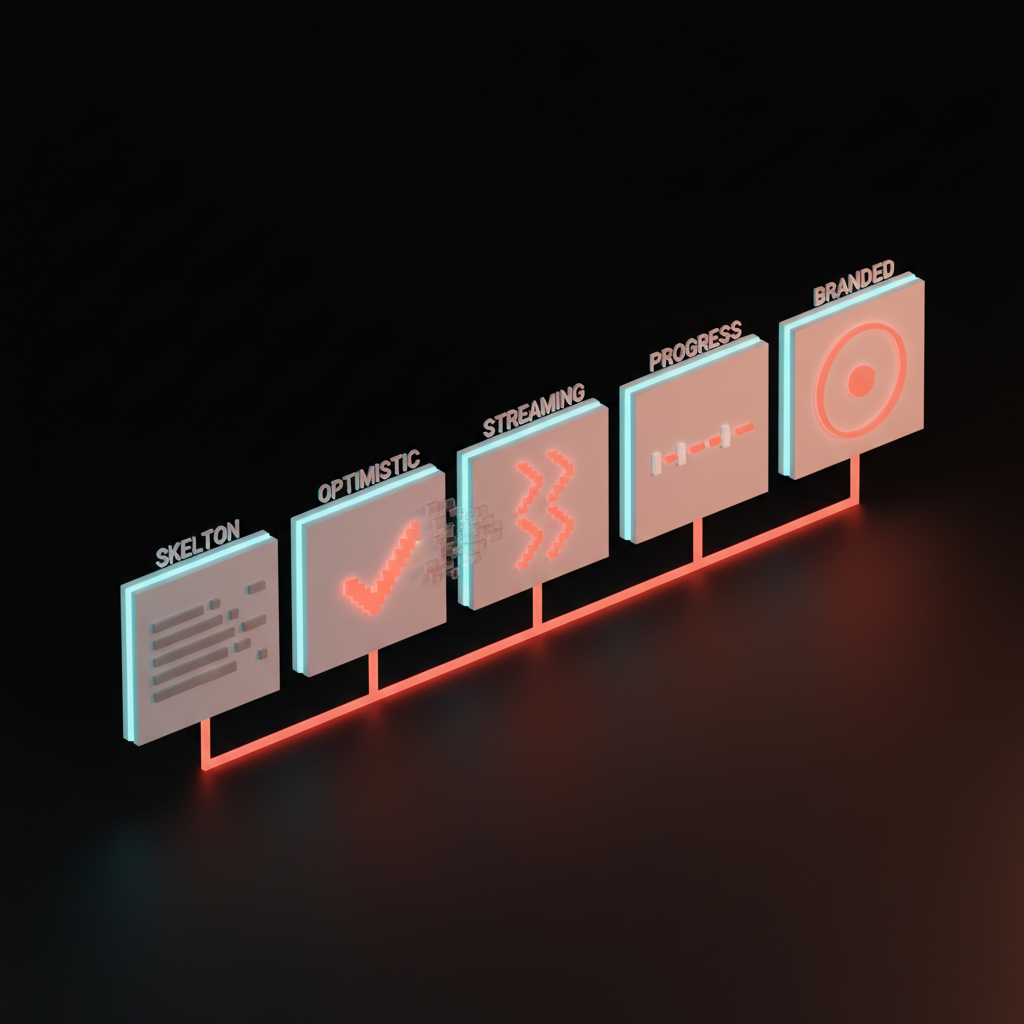
1. Skeleton screen
A placeholder layout that mirrors the shape of the final content. Rows where rows will be, cards where cards will be. The eye locks onto structure before content arrives, and the wait reads as resolving, not starting.
Linear's issue list ships row-shaped skeletons that match the final list to the pixel. Stripe Dashboard ships card-shaped skeletons in the metrics section that resolve into the populated cards. Notion ships block-shaped placeholders that turn into actual blocks when the doc loads. Same promise: the loading shape predicts the final shape.
Use when the structure is known. Skip when the layout is dynamic enough that the skeleton would lie about what comes next.
2. Optimistic UI
Render the user's action immediately, before the server confirms. Reconcile in the background. If the server agrees, the UI does not flicker. If it disagrees, the UI rolls back with a visible undo path.
Linear's inline issue creation is the gold standard. Press C, type a title, hit enter, the issue is in the list before the round-trip resolves. Figma's cursor and selection moves are optimistic across the entire multiplayer session. The user never feels the network.
Use when failure is rare and reversible. Skip when the action is destructive or the user needs the server's answer before moving on.
3. Streaming partial
Render the first chunk while the rest is still on the wire. The wait disappears into the output because the user is already consuming the result.
Claude's token stream is the cleanest example shipped, with a smoothed cadence that reads at human speed. Cursor streams the diff token by token, so the user is reading code before the model has finished writing. Vercel streams the deploy log live, so the user is watching the build, not waiting for it. The piece on designing for AI latency covers the broader latency strategy.
Use when the result has a natural cadence. Skip when the chunks are not useful on their own.
4. Progress as content
The wait itself is the value. The deploy log, the build pipeline, the agent reasoning trace. The user is not waiting for the result. They are reading the result.
Vercel's deploy view is the canonical example. The deploy log is the loading state, and the most-shipped screen on the platform. GitHub Actions does the same with step-by-step run output. Cursor's agent panel shows the reasoning trace as it works, so a multi-minute task feels purposeful instead of stalled. v0 and Lovable ship this on prompt-to-app surfaces, where build-streaming is the loading state and the preview is the reward.
Use when the wait is the value. Skip when the steps are not useful to a user who only cares about the final state.
5. Branded spinner
The micro-pulse, the gradient, the shimmer. The moment the product earns a personality token. Stripe's pay-button shimmer, Vercel's gradient progress bar, Linear's micro-pulse on transitional waits. None of them are doing the work alone. They ride on top of one of the first four patterns, adding brand polish to a wait that already has structure.
Use when the wait is short and the surface is high-stakes. Skip when there is no skeleton or stream behind it. A branded spinner without one of the first four patterns underneath is a 1996 spinner with a hex code from 2026.
Skeletons beat spinners almost every time
A skeleton predicts the shape of what is coming. A spinner only signals that something is happening somewhere. Same wait, two different experiences.
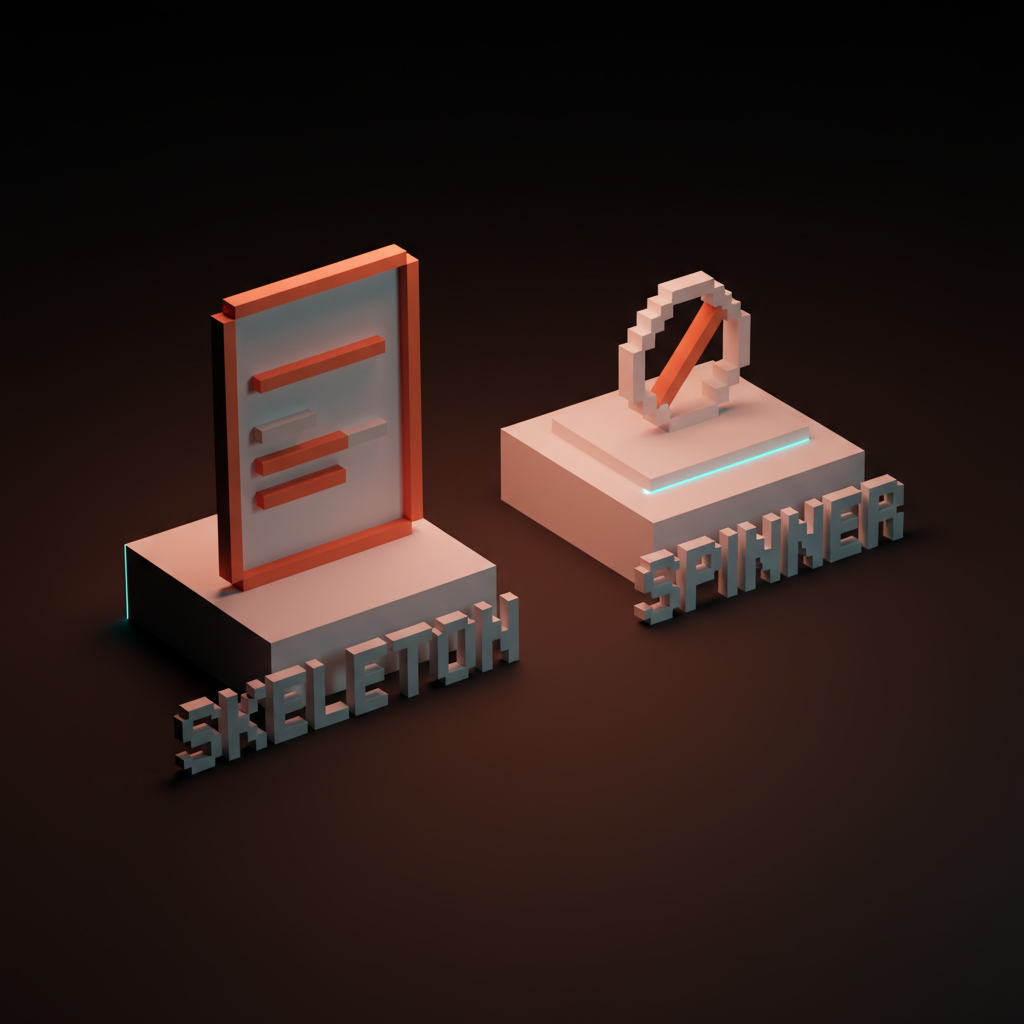
Stripe's dashboard skeleton is barely faster on the clock than a spinner version, but the perceived speed gap is much larger. The user sees a card-shaped layout and starts orienting before the data arrives. By the time the metrics resolve, the eye is already in position. With a spinner, the user is staring at the center of the screen waiting for permission to look anywhere else. If you can predict the layout, ship a skeleton. If you cannot, ship a status line.
Optimistic UI is the cheat code
The wait becomes invisible because the action commits before the wait starts.
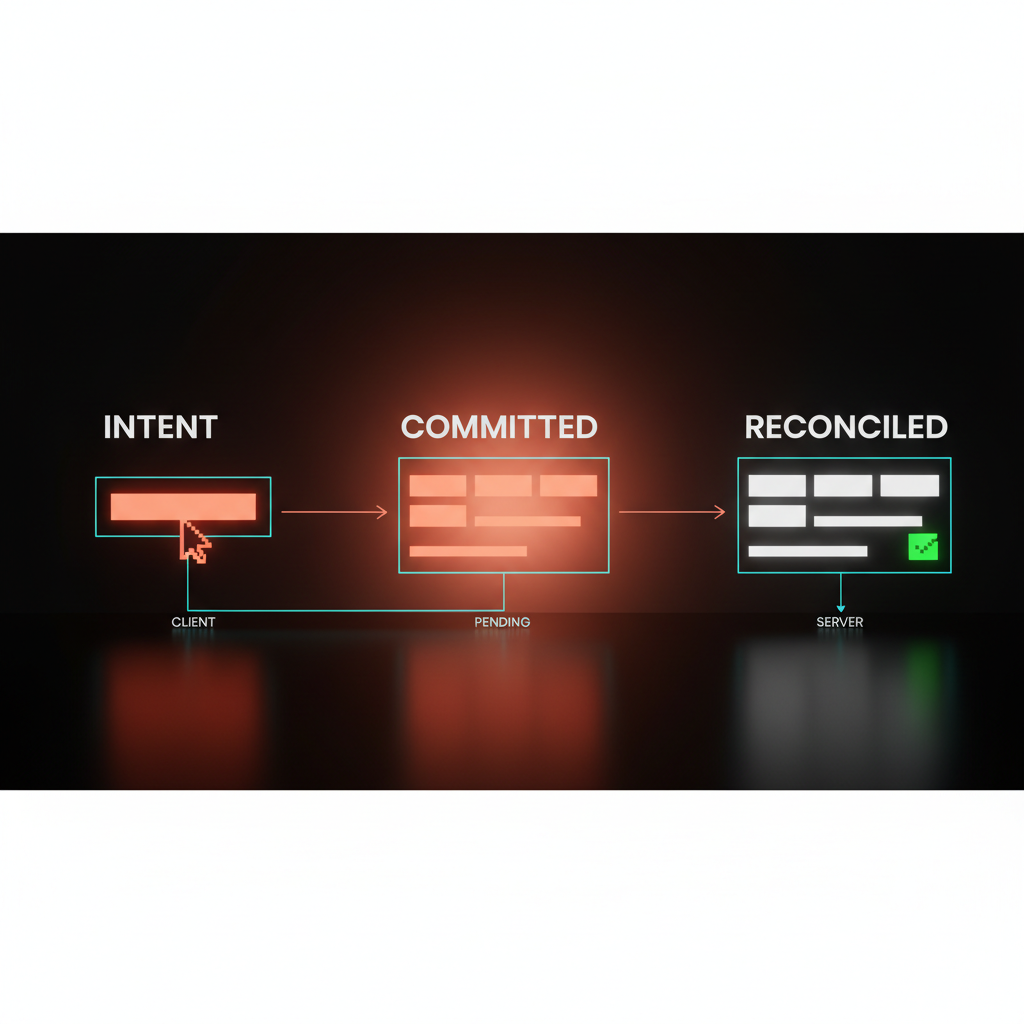
Linear shipped optimistic everywhere. Issue create, status change, assignee swap, label add, cycle move. Each one writes to the local store on intent and reconciles after the server responds. Figma multiplayer is optimistic on cursor moves, selection, and most edits. Notion is optimistic on doc edits. Each product feels like local software because the network has been hidden under the optimistic layer.
Two things make this work. Failure has to be rare and reversible, or the UI flickers and the user stops trusting it. And errors have to be visible. An optimistic action that silently swallows a server error is worse than no optimism, because it teaches the user the action worked when it did not. Every optimistic write needs an undo, a toast, or a rollback the user can see.
Five rules for great loading states
Hit four of five and the wait reads as designed. Hit three and the loading state starts feeling like an afterthought.
- The loading shape predicts the final shape. Skeleton rows for rows, skeleton cards for cards. No layout jump when the content resolves.
- The wait is given content where possible. Stream the tokens, ship the log, render the partial. A user reading is not waiting.
- Every wait over 800ms gets feedback. Under 800ms a clean transition is fine. Over 800ms the user needs a signal that the system is alive, even if it is just a progressive disclosure of structure first, then content.
- Optimistic actions need a visible undo path. A toast, a rollback, a clear error state. Optimism without recovery is gaslighting.
- No spinner without a brand reason. Branded spinners ride on top of one of the first four patterns, never replace them. If the only thing on the screen is the spinner, the design is not done.
The deeper context sits inside the broader web design principles breakdown and the way core web vitals treat layout shift as a perceived-performance failure.
Anti-patterns that kill loading states
Six failure modes ship more often than they should. Each one is fixable, and each one is currently in production somewhere.
The indefinite spinner with no progress. A spinner that has been running for fifteen seconds with no signal. The user does not know if the request is alive, dead, or stuck. Replace it with a status line, a progress bar, or a streaming surface.
The page-blocking modal that cannot be dismissed. A loading modal that hijacks the entire screen and refuses to let the user scroll, copy, or read the rest of the product. The wait becomes a hostage situation.
The layout that jumps when the skeleton resolves. A skeleton that does not match the real layout. Rows shift, cards reflow, the header moves. The skeleton is not a different design, it is the same design without content.
The "Loading..." text loop forever. Three rotating dots, no progress, no status. The user learns within two sessions to ignore it, which kills the channel for any real status the surface ships next.
The optimistic UI that silently swallows errors. The action commits in the UI, the server fails, the product never tells the user. Fix is a visible toast, an undo button, or a rollback.
Branded spinners on a 100ms wait. A shimmer for a wait that ends before the user notices it. Pure overhead. Fast surfaces deserve a fade. Slow surfaces deserve a structure.
Designing friction on purpose covers the rare cases where a wait should be visible deliberately. Loading states are not those. They are the waits that should be invisible, designed, or made into content.
The loading state audit
Six questions. Run every loading surface through them before the next release.
- Does the loading shape predict the final shape? Skeletons for predictable layouts, status lines for unpredictable ones. No layout jump on resolve.
- Is the wait carrying information? A skeleton, a stream, a progress log, a status line. Any wait over 800ms with nothing on it is a leak.
- Is there a single primary message per wait? "Loading dashboard" beats four overlapping signals. One signal, visual hierarchy doing the work.
- Does the loading state match the brand voice? Read the loading copy next to the populated screen. If the tone shifts, the loading state is wearing a different brand.
- Are optimistic actions reversible and visible on failure? Every optimistic write has an undo, a toast, or a rollback. No silent failures.
- Would the loading screen sell the product to a stranger? If the only screen they ever saw was the loading state, would it feel like the product they signed up for? If no, the most-watched screen in your app is also the worst-designed.
A product where every loading state passes those six feels fast even on a slow network.
Pick the pattern, then ship the wait
Loading states are not the polish layer. They are the brand layer, the trust layer, and the perceived-performance layer compressed into the screen the user sees more than any other. Every wait is a design choice, whether the team made one on purpose or not.
Skeleton where the structure is known. Optimistic where failure is reversible. Streaming where the result has cadence. Progress as content where the wait is the value. Branded spinner only when the first four are already doing their job. The landing page design principles breakdown is the marketing-page version of this discipline.
Stop treating the loading state like an apology for being slow. Cumulatively, it is the product. Make the wait worth their time.
FAQ
What is the difference between a skeleton screen and a loading spinner?
A skeleton predicts the shape of the final content with placeholder layout, so the user starts orienting before the data arrives. A spinner only signals that something is happening, with no shape, no structure, no preview. Skeletons collapse perceived wait. Spinners do not.
When should I use optimistic UI versus a streaming response?
Optimistic UI when the user's action is the work, like adding an issue, toggling a status, or moving a card. Streaming when the server is doing the work and the result has natural cadence, like text generation, log output, or a deploy pipeline. The two compose.
Is it ever okay to ship a plain spinner?
Only as a fallback under one second, only when the layout is genuinely unpredictable, and only with a brand reason. A skeleton, a status line, or a streaming surface beats the spinner on every perceived-performance metric. Default to spinner-last.
Design the wait, ship the product
The wait is the screen the user sees most. The brand impression they get most often, the trust signal they read most often, and the perceived-performance test they run on every page load. A team that designs the dashboard for six weeks and the loading state for an afternoon is shipping the wrong proportion of work to where the user actually lives.
If you want a team that designs loading states as part of the product instead of the last sprint before launch, hire Brainy. We ship products where the wait is part of the brand and the perceived performance beats the literal performance.
Want a product where the loading states sell instead of apologize? Brainy designs perceived-performance systems and loading surfaces as part of the product, not as the last sprint before launch.
Get StartedGet new papers by email
New Brainy papers in your inbox. Confirm once, unsubscribe anytime.