

Framer vs Webflow vs Next.js in 2026: Which Stack Wins for Which Site
A real comparison of Framer, Webflow, and Next.js for marketing sites in 2026. The five use cases each one wins, the pricing math, the migration cost when you outgrow the choice, and the decision framework for picking.
Framer vs Webflow vs Next.js in 2026: Which Stack Wins for Which Site
The three stacks are three different bets
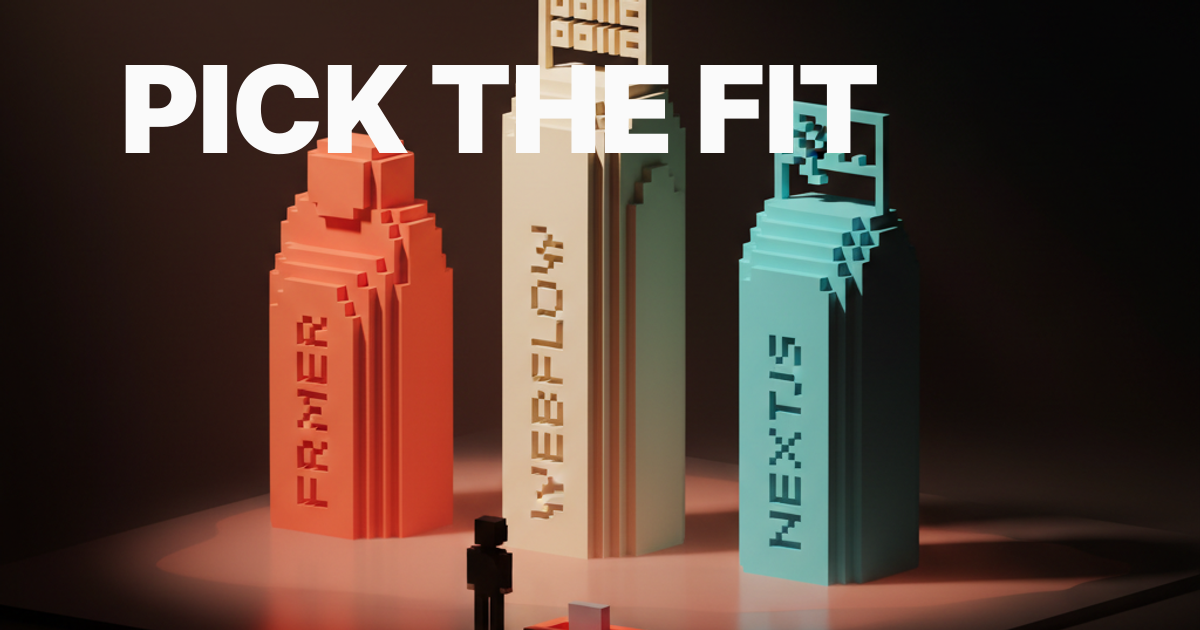
Framer, Webflow, and Next.js are not interchangeable tools for building the same thing. They are three different bets about who controls the site over its life, how much that person knows about code, and what the site needs to do as the business scales. Picking the wrong one does not cost you the launch. It costs you the redesign you did not budget for when you hit the wall twelve months later.
Framer is a designer's bet: you own the visual layer completely, and the tool stays out of your way as long as you stay inside its assumptions. Webflow is a content team's bet: the CMS is the strongest visual CMS shipping today, and it hands non-technical editors real control. Next.js is an engineering team's bet: the ceiling is unlimited, and so is the time cost.
Framer wins design-led launches
Framer is the fastest path from Figma to live site. A solo designer or a small studio shipping a portfolio, a product launch page, or a brand campaign site under 50 pages will build faster on Framer than on anything else available in 2026. The component system maps closely to how designers already work, the animations handle 80 percent of use cases without custom code, and the publish flow is genuinely fast.
The honest limitation is the CMS. Framer's CMS works for blogs and simple content collections, but it strains once you need complex field relationships, custom field types, or an editorial workflow with multiple contributors. If your site is more than 60 percent content and less than 40 percent designed layout, the friction starts showing. The ceiling on variable fonts in production and fine-grained typographic control is also tighter than what code gives you.
Webflow wins CMS-heavy marketing sites
Webflow's CMS is still the best visual CMS for marketing sites in 2026. A content team that does not write code can publish, update, and manage a 200-page site without touching a developer. Reference fields, multi-image fields, rich text, and custom collection pages give marketing teams the flexibility they actually need, not the flexibility that looks good in a demo.
The Designer has matured. Complex grid layouts and scroll-triggered animations that used to require custom code are now achievable in Webflow's native interface. Webflow Localization is live and competitive for multi-language sites. The tradeoff is price: Webflow's CMS plans scale steeply as the site grows, and per-seat costs for content editors add up faster than most teams plan for. Apply solid web design principles and you can get genuinely polished work out of Webflow without touching the custom code panel.
Next.js wins product-adjacent and high-traffic sites
Next.js wins when the marketing site shares a codebase with the product, when SEO traffic is the primary business model, or when the site needs custom features no visual builder ships. The framework is the industry standard for React-based marketing sites in 2026. Vercel's deploy infrastructure, incremental static regeneration, and the App Router give you render performance that neither Framer nor Webflow can match at scale.
The honest cost is time. Every hour a designer spends in Framer or Webflow is a fraction of the time that same work takes in Next.js with a CMS like Sanity or Contentful bolted on. The CMS integration work alone, including schema design, querying, and front-end rendering, adds a sprint to any project. Next.js is the right bet for teams with a developer on staff, a plan to keep the same site for three or more years, and a genuine performance or integration need.
The five use cases head-to-head
Every comparison article lists features. This one lists verdicts.
| Use Case | Winner | Why |
|---|---|---|
| Solo portfolio | Framer | Fastest from design to live, cheapest at this size, handles the animation use cases designers actually want |
| Brand launch page | Framer | Design fidelity, fast iteration, CMS is good enough for a launch blog |
| Content-heavy marketing site | Webflow | CMS depth, visual editing for content teams, solid for 50 to 500 pages |
| Product-adjacent marketing | Next.js | Shared codebase, custom logic, performance parity with the product |
| SEO-driven content site | Next.js | Static site generation, ISR, no CMS pricing cliff at scale |
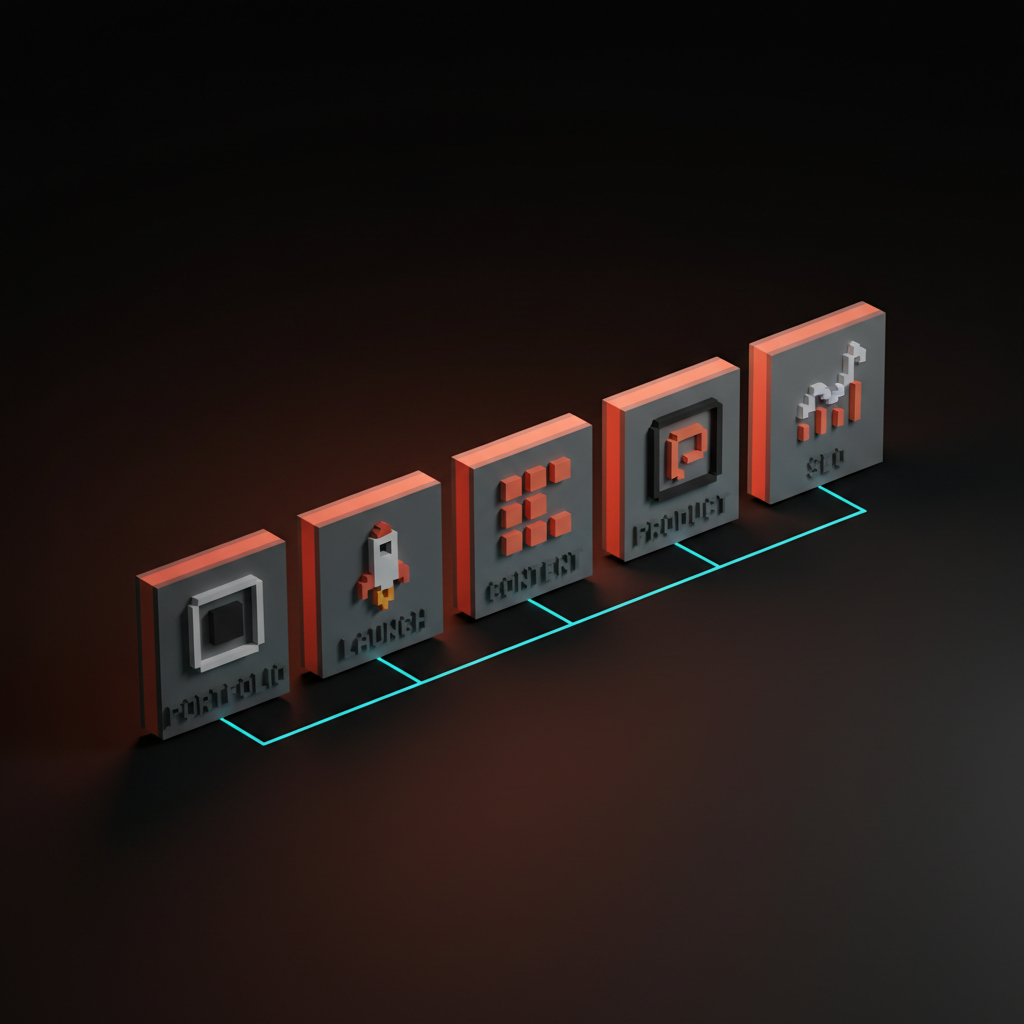
The only use case where Webflow and Framer genuinely compete is the 30-to-60-page marketing site with modest content needs. If your site lives in that range and your team is design-led, Framer wins. If your team is marketing-led and publishes weekly, Webflow wins.
The pricing math at three sizes
Pricing on each stack does not run parallel. The curves diverge sharply as the site scales, and the cheapest option at launch is often not the cheapest option two years later.
Solo portfolio pricing
At portfolio scale, Framer wins on price and time. Webflow is overkill. Next.js is free in dollars and expensive in hours.
| Stack | Monthly Cost | Setup Time |
|---|---|---|
| Framer (Mini or Basic) | $10 to $25/mo | 1 to 3 days |
| Webflow (Basic or CMS) | $18 to $29/mo | 3 to 7 days |
| Next.js + Vercel (Hobby or Pro) | $0 to $20/mo | 5 to 15 days |
The time cost for Next.js at portfolio scale only makes sense if you are a developer who learns by building, or if you are reusing an established component library.
Marketing site pricing
At 100 pages with a small content team, the math shifts. Webflow becomes competitive because the CMS plan is built for this size. Framer's CMS starts requiring workarounds. Next.js needs a paid CMS integration.
| Stack | Monthly Cost | Hidden Cost |
|---|---|---|
| Framer (CMS plan) | $35 to $85/mo | CMS limitations force workarounds past 80 pages |
| Webflow CMS + editor seats | $29 to $49/mo base | Editor seats at $9/mo each add up with a real team |
| Next.js + Sanity or Contentful | $20 to $100/mo | Developer time on every content schema change |
SEO content site pricing
At 1,000 pages and serious traffic, Next.js wins on cost per render and performance headroom. Webflow's enterprise pricing becomes genuinely painful. Framer is not a serious option at this scale.
| Stack | Monthly Cost at Scale | Performance Ceiling |
|---|---|---|
| Framer | Not recommended | CMS is not built for 1,000+ pages |
| Webflow Enterprise | $400+/mo | No ISR; render performance is limited |
| Next.js + Contentful or Sanity | $50 to $200/mo | Static generation, ISR, no architectural ceiling |
The engineering investment for Next.js pays back on content sites above 300 pages. Below that threshold, Webflow is usually faster to market and cheaper to maintain when you account for total team time.
Want a marketing stack picked by fit, not features, and shipped without redoing it next year? Brainy builds marketing sites on Framer, Webflow, and Next.js and will tell you which one your site actually needs before you sign a single contract. Hire Brainy.

Migration cost when you outgrow the stack
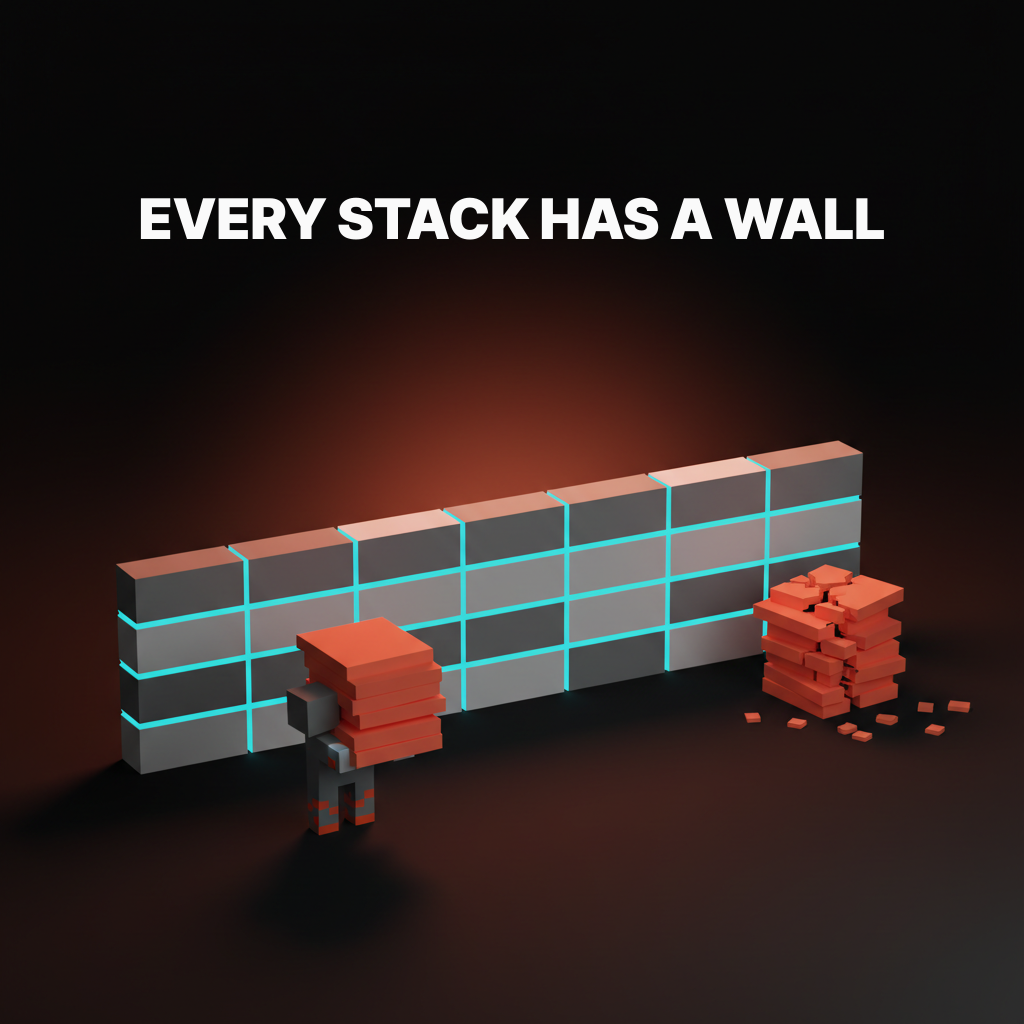
Every stack has a wall. The migration cost depends on what you built, not just where you built it.
| From | Wall You Hit | Migration Cost | Target |
|---|---|---|---|
| Framer | CMS complexity or page count crossing 50 | Low to Medium: design exports cleanly, page count is usually still manageable | Webflow or Next.js |
| Webflow | Pricing cliff or custom logic requirement | Medium to High: CMS content migrates, but layout requires a full rebuild | Next.js + headless CMS |
| Next.js | Rarely hits a hard wall | Low: usually a refactor or version upgrade, not a platform migration | Next.js v15+ or a new framework |
The most expensive migration is Webflow to Next.js at scale. Webflow's CSS output is dense and component-specific. Rebuilding 200 custom collection pages in React with a new CMS schema is a full project, not a task. Plan for six to ten weeks of developer time in that scenario.
Framer migrations are easier because the page count is usually lower when you decide to migrate, and the design component structure is cleaner. The Figma variables architecture you used in the original design often transfers cleanly to the new build, which saves meaningful time on the design handoff.
The seven decisions that pick the stack
Run these seven questions and the stack picks itself. If you genuinely tie, the answer is Webflow.
- Who edits the site? Developers only: Next.js. A mix of designers and marketers: Webflow. One designer: Framer.
- How many pages? Under 30: Framer. 30 to 500: Webflow. 500 and above: Next.js.
- How much custom logic? None: Framer or Webflow. Some, with workarounds: Webflow. Heavy or product-specific: Next.js only.
- Is the site integrated with the product? Yes: Next.js. No: Framer or Webflow.
- What is the team's skill mix? Design-heavy: Framer. Mixed or marketing-heavy: Webflow. Engineering-heavy: Next.js.
- What is the SEO bet? Moderate traffic: any stack works. High-volume content at scale: Next.js with ISR.
- How long do you keep this site? Under two years: Framer or Webflow. Three or more years: Next.js amortizes the build cost.
Score each question. The stack with the most answers wins. If two stacks tie, the tiebreaker is question one: who controls the site day-to-day determines everything else.
The honest verdict for 2026
For a designer learning their first marketing-site stack in 2026, Framer is the right starter. It matches your existing mental model, the tooling is fast, and the portfolio and launch use cases are real and frequent. You will hit the CMS ceiling. That is fine. That ceiling teaches you exactly why Webflow exists.
Webflow is the right second tool. Once you have shipped a Framer site and run into the CMS ceiling, Webflow's depth becomes obvious rather than overwhelming. The Designer is mature, the CMS is genuinely powerful, and the client handoff story is better than anything else in the no-code space. Most design studios doing client marketing work should be on Webflow.
Next.js is the long-game investment. It is the right choice when the business justifies it, the team has the engineering capacity, and the site needs to live for three or more years. It is not the default, and it is not a flex. It is a tool for a specific set of conditions.
The industry in 2026 has settled into a predictable arc. Startups launch on Framer, graduate to Webflow when they hire a marketing team, and move to Next.js when the site and the product need to share a codebase. Following that arc deliberately, with a clear understanding of the exit cost at each stage, is better than picking Next.js on day one because it feels more serious.
FAQ
Is Framer better than Webflow in 2026?
For portfolios, launch pages, and design-heavy marketing sites under 50 pages, yes. For anything with a real content team or complex CMS needs, Webflow wins. They are not in the same category once the page count and team size cross the threshold where content operations become the daily reality.
Can you use Next.js for a marketing site without a developer?
No. Next.js requires a developer for setup, CMS integration, and ongoing maintenance. Visual editing tools like Sanity's Presentation mode reduce the daily editing burden, but the initial build and every structural change need code. Anyone telling you otherwise is selling a course.
What is the cheapest stack for a startup's first marketing site?
Framer, at around $10 to $25 per month for a site under 30 pages. If you already have Webflow experience, the Basic plan at $18/mo is competitive. Next.js on Vercel's hobby tier is technically free, but the developer time makes it the most expensive option for most early-stage teams.
When should you migrate from Webflow to Next.js?
When you have three or more of these conditions simultaneously: you need custom functionality that Webflow's custom code panel cannot cleanly support, your site is over 500 pages and the pricing tier is genuinely painful, your marketing site needs to share state or components with your product, or your SEO strategy requires render performance Webflow cannot match.
Does Webflow still have vendor lock-in?
Yes, more than Framer. Webflow's CMS content is exportable, but the layout, interactions, and custom code are not portable to another visual builder. Migrating away from Webflow to Next.js is a full rebuild. Treat Webflow as a long-term commitment, not a stepping stone, and your expectations will be calibrated correctly.
Does OKLCH color work in Framer and Webflow?
Framer supports OKLCH through custom CSS properties with some friction. Webflow's native color picker does not support OKLCH as of 2026, though you can use it via CSS variables in the custom code panel. Next.js has no restriction since you write the stylesheet directly.
The trap of picking on features instead of fit
Every stack will demo well. Framer's animations look great in the pitch. Webflow's CMS editor impresses content teams on the first walkthrough. Next.js performance benchmarks make engineers nod. None of that matters if the stack does not fit the team, the page count, and the two-year plan for the site.
Picking a stack on its demo is how you sign up for a redesign you did not budget for. The demo shows the best case. The migration table shows the worst case. The seven questions show the honest case. Run the questions, look at the migration cost, and pick the stack that fits the site you are actually building, not the site you imagine building someday.
If you get this right, you ship faster, edit more easily, and migrate less. If you get it wrong, you get a redesign project on the calendar roughly fourteen months from now. The framework exists so you do not have to learn this the expensive way.
Hire Brainy to get the stack decision right and skip the expensive lesson.
Want a marketing stack picked by fit, not features, and shipped without redoing it next year? Brainy builds marketing sites on Framer, Webflow, and Next.js and will tell you which one your site actually needs before you sign a single contract.
Get StartedGet new papers by email
New Brainy papers in your inbox. Confirm once, unsubscribe anytime.





