OKLCH Color in Modern CSS: Why It Wins and How to Ship It
A working guide to OKLCH color in CSS. Why hex broke at scale, how OKLCH fixes lightness drift, the four-step migration path, and the perceptually uniform palette ramp every design system should ship in 2026.
OKLCH Color in Modern CSS: Why It Wins and How to Ship It
OKLCH is the first color space CSS has shipped that designers can actually reason about. The teams still building palettes in hex are quietly losing every contrast and dark-mode argument they did not know they were having.
Hex was never a color space, it was a serialization
Hex is shorthand for sRGB. #4A90E2 is not a color specification, it is a triple of red, green, and blue channel values compressed into six characters. sRGB was designed for CRT monitors in the early 1990s, not for human visual perception.
The consequence is that two hex values can sit at the same numeric "brightness" position in your palette and look completely different to your eyes. Blue-500 in most design systems looks darker than yellow-500, even when both share the same relative position in the ramp. That is not a taste problem. It is a math problem baked into the coordinate system.
"Hex was never a color space, it was a serialization, and we have been arguing about lightness ever since."
HSL pretended to fix it and did not
HSL arrived and gave designers language: hue, saturation, lightness. It felt like a system. It was not. The lightness channel in HSL still maps to sRGB values under the hood, which means HSL inherits the same perceptual problems hex has.
hsl(220, 70%, 50%) and hsl(45, 70%, 50%) are nominally the same lightness. Open them side by side. The yellow reads as significantly lighter. HSL gave you better words for the same broken math.
OKLCH is perceptually uniform
OKLCH is built on the OKLab color space, developed by Björn Ottosson in 2020 specifically to address the perceptual non-uniformity of earlier spaces. The L in OKLCH stands for perceived lightness, calibrated to how the human visual system actually responds to light.
Equal L values in OKLCH mean equal perceived brightness. Not approximately equal. Not "usually equal if the chroma is similar." Equal. That is the property no prior CSS color space could deliver, and it changes everything about how you reason about palette generation.
The three reasons OKLCH wins
Perceptually uniform lightness, predictable hue interpolation, and wide-gamut support. Each one fixes a specific bug in your current palette, and together they compose a color workflow that scales across themes, components, and display types.
Reason one, lightness drift is dead
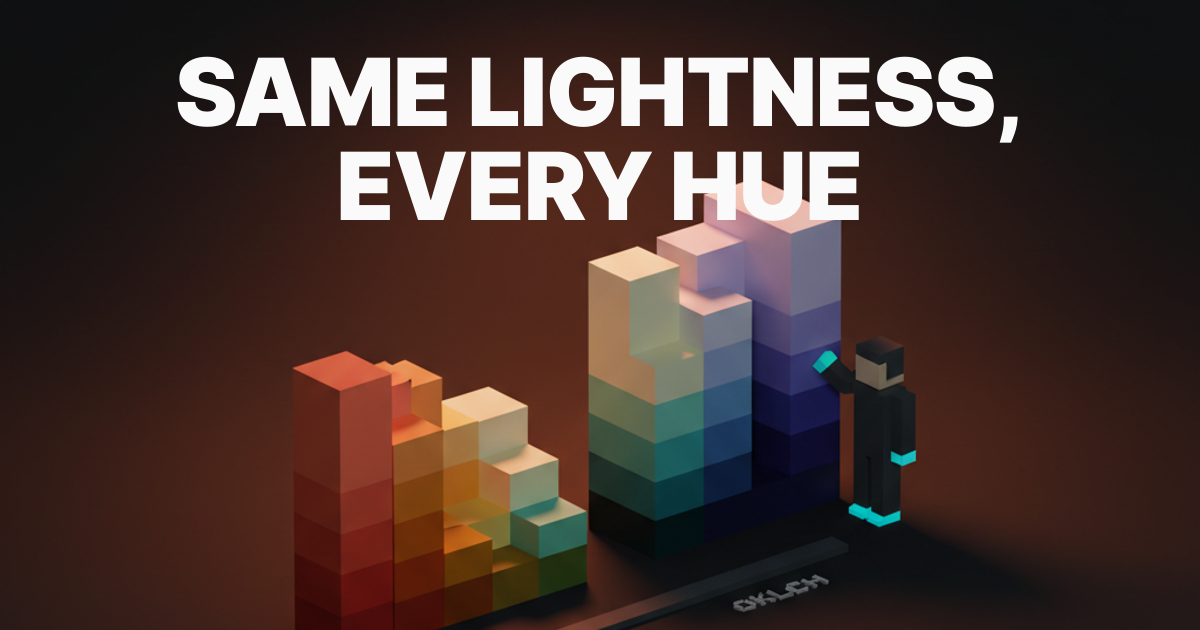
In hex and HSL systems, lightness drift is the invisible tax you pay on every palette. You set blue-50 and amber-50 to what looks right by eye, they diverge on different screens, they fight each other in dark mode, and the contrast math never quite holds.
In OKLCH, blue-50 and amber-50 are the same lightness number, and that number represents the same perceived brightness. Tailwind v4 migrated its entire palette to OKLCH for exactly this reason. If you use the Radix UI color scales, you are already benefiting from perceptual uniformity even if you never saw the word OKLCH in the documentation.
Reason two, hue interpolation is sane
Gradients in CSS using sRGB interpolation travel through the RGB color cube, not through perceptual space. A blue-to-yellow gradient in sRGB passes through a muddy gray middle because the RGB diagonal crosses near the achromatic axis. It is not artistic. It is a geometry accident.
OKLCH gradient interpolation walks the hue angle along the perceptual ring. Blue to yellow in OKLCH goes through cyan and green, which is what your eye expects. The gray muddle is gone. This matters for UI gradients, animated color transitions, and any palette generation tool that produces in-between steps.
Reason three, P3 and Rec2020 are reachable
Hex cannot describe colors outside sRGB. Every iPhone since 2016, every modern laptop with a wide-gamut panel, and most new consumer monitors can display colors that exist in the P3 gamut but have no hex address. You have been leaving saturated, vivid color on the table because your coordinate system could not name it.
OKLCH can describe P3 and Rec2020 colors natively. oklch(0.60 0.28 260) is a vivid blue that exists in P3 but is out of sRGB gamut. Modern browsers know what to do with it, and Apple's Display P3 color guidance has been pointing this direction for years. The design system that moves to OKLCH now is also the design system ready when P3 becomes the default expectation.
The four-step migration from hex to OKLCH
Audit, convert, regenerate, re-audit. The migration is mechanical for primitive tokens and requires judgment for semantic tokens. A full migration of a mid-sized design system takes days, not weeks. Anchoring the new tokens in a clean Figma variables architecture before you start saves the most time.
Step one, audit the existing palette
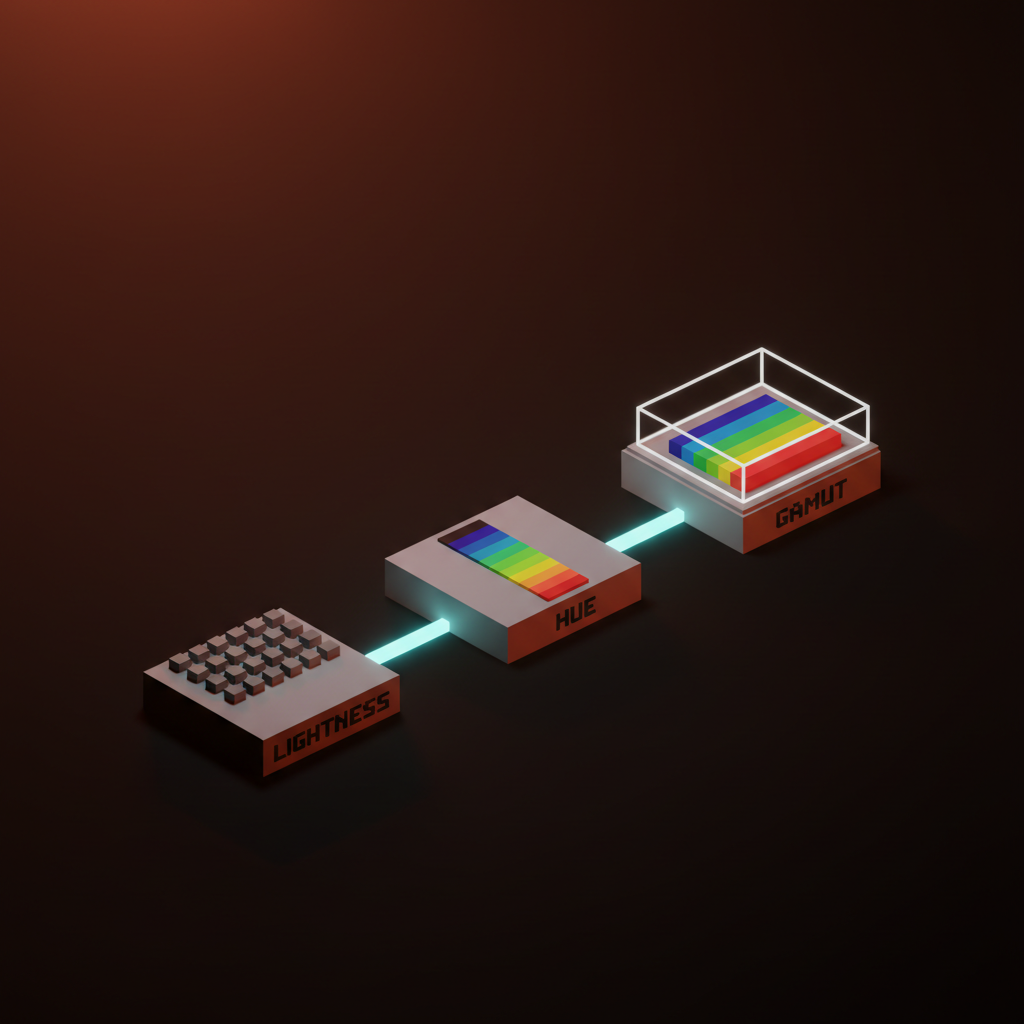
Export every color token in your system. Convert each hex value to OKLCH using a tool like oklch.com or the PostCSS OKLCH plugin. Sort by L value and look at the lightness column across hues.
The bugs announce themselves immediately. Blue-300 will sit at L=0.72 while yellow-300 sits at L=0.87. Tokens that were supposed to be equivalent visual weights are nowhere close. This audit is the evidence that makes the migration decision easy to justify to anyone who pushes back.
Step two, convert primitives to OKLCH
Take the primitive scale, the raw numbered ramp rather than the semantic tokens, and convert to OKLCH. Round the lightness values to consistent steps across all eleven stops: 0.97, 0.93, 0.86, 0.75, 0.65, 0.54, 0.45, 0.37, 0.27, 0.19, 0.13.
Do not try to preserve the original hex values exactly. The point is to fix the inconsistency. A converted blue-500 and a converted red-500 will not be pixel-for-pixel identical to the old values, and that is the entire goal. The system is getting better, not just different.
Step three, regenerate the ramps
With clean, consistent lightness steps, regenerating ramps across hues becomes a table operation. Set the L column, pick the chroma for each hue, blues typically carry more chroma than browns and yellows before clipping, adjust the H column, and generate.
The result is that blue-500 and red-500 feel like the same visual weight for the first time in your system. The brand color palette decisions that were previously arbitrary judgment calls become principled choices with a coordinate to point at.
Step four, re-audit accessibility
New palette, new contrast pass. OKLCH makes contrast prediction easier because lightness now means what it says. Pairing two tokens with known L values gives you a strong prior on their contrast ratio before you even open the checker.
Run WCAG and APCA contrast checks on all semantic token pairings. Flag any pairs that no longer meet requirements and adjust chroma or lightness on the failing token. A proper accessible color contrast pass on an OKLCH palette typically surfaces fewer surprises than the equivalent pass on a hex palette, because the lightness steps were already wrong before and now they are not.
Want a color system that holds up across modes, hues, and modern displays without lightness drift? Brainy designs OKLCH-native palette systems that ship as Figma variables, CSS custom properties, and Tailwind tokens with the contrast pass already done.
The four OKLCH pitfalls
Out-of-gamut clamping, chroma clipping, alpha handling, and tooling gaps. Each one bites teams new to OKLCH, and each one has a specific fix that takes minutes to apply once you know what you are looking for.
| Pitfall | What Happens | Fix |
|---|---|---|
| Out-of-gamut clamping | High-chroma values fall outside sRGB and get clamped by the browser, sometimes shifting hue | Gate P3-only colors behind @media (color-gamut: p3) |
| Chroma clipping | Clamping changes hue slightly, not just saturation | Keep sRGB-safe chroma below ~0.20 for broad compatibility |
| Alpha handling | oklch(0.55 0.20 260 / 0.5) works in static fills; some interpolation paths in older browsers break | Test alpha in gradients and transitions, not just static colors |
| Tooling gaps | Figma's native color picker does not expose OKLCH directly | Use Tokens Studio or define tokens in CSS and reference via Figma's code panel |
The gamut issue bites hardest. When you write oklch(0.60 0.32 260), that chroma value is outside sRGB. Desktop browsers handle this by clamping to the nearest sRGB color, which can shift the apparent hue. The fix is either to stay within sRGB-safe chroma for base tokens or gate the wide-gamut values behind a media query and keep a fallback declaration above.
The working OKLCH palette ramp
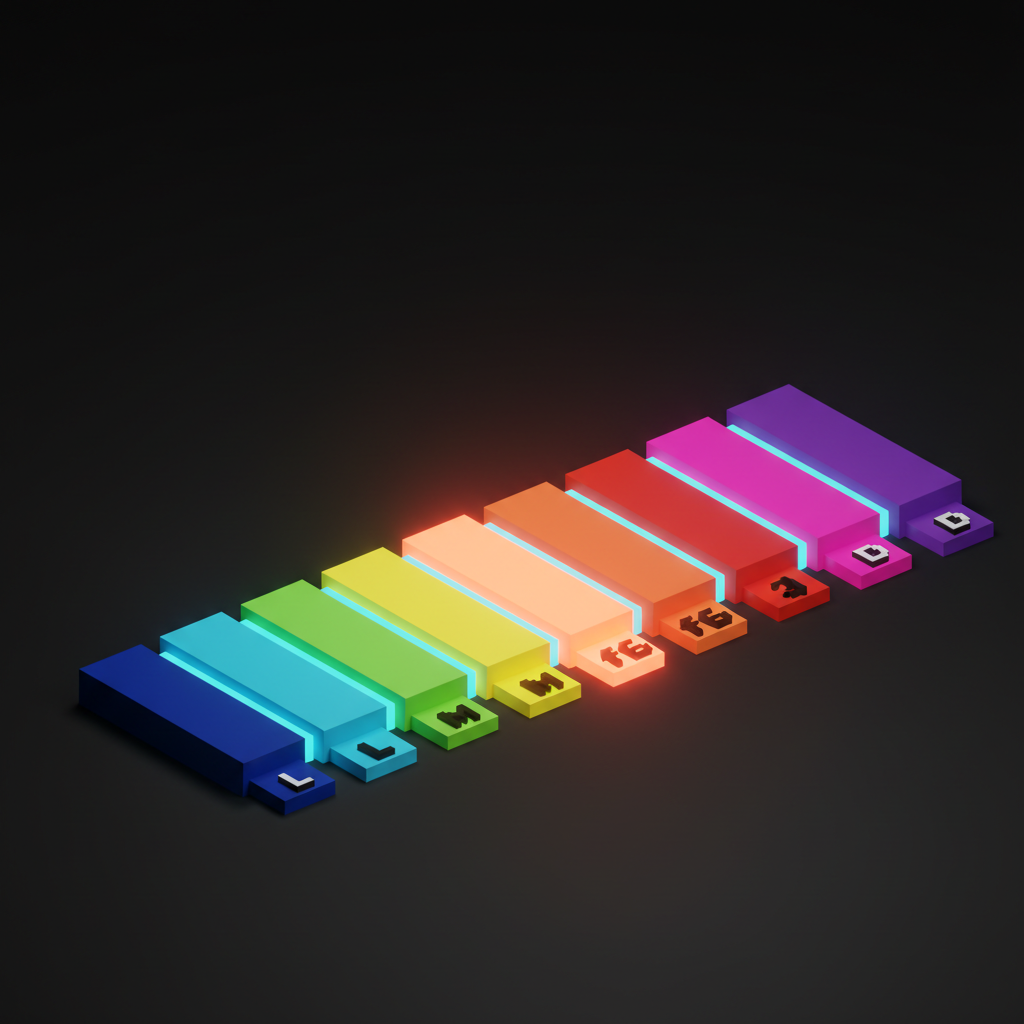
A practical 11-step ramp at consistent lightness steps, using blue at hue 260 as the reference. The lightness steps are identical across every hue in your system. Only chroma and hue change per color family.
:root {
  --blue-50:  oklch(0.97 0.02 260);
  --blue-100: oklch(0.93 0.05 260);
  --blue-200: oklch(0.86 0.09 260);
  --blue-300: oklch(0.75 0.14 260);
  --blue-400: oklch(0.65 0.18 260);
  --blue-500: oklch(0.54 0.22 260);
  --blue-600: oklch(0.45 0.20 260);
  --blue-700: oklch(0.37 0.17 260);
  --blue-800: oklch(0.27 0.13 260);
  --blue-900: oklch(0.19 0.09 260);
  --blue-950: oklch(0.13 0.06 260);
}
To generate red (hue 25), amber (hue 75), or green (hue 145), keep the L column identical across all eleven stops. Adjust C based on the hue's natural chroma capacity: yellows and greens carry less chroma than blues before they clip out of sRGB. Adjust H to your target hue. That is the entire palette system.
The dark mode color system built on top of this ramp uses semantic tokens that flip between primitives by L step and hue, not by manually overriding hex values one at a time.
Browser support and the safe migration window
OKLCH is supported in every major browser released since 2023. Chrome 111, Safari 15.4, Firefox 113, and Edge 111 all ship full OKLCH support. Global coverage sits above 93% as of mid-2025. The migration window is open.
| Browser | OKLCH Support | Since |
|---|---|---|
| Chrome | Full | 111 (Mar 2023) |
| Safari | Full | 15.4 (Mar 2022) |
| Firefox | Full | 113 (May 2023) |
| Edge | Full | 111 (Mar 2023) |
| Samsung Internet | Full | 21 (2023) |
The fallback for any browser that does not support OKLCH is one line. Declare the hex fallback first, then the OKLCH value. Browsers that do not understand OKLCH ignore it and use the hex. Browsers that do use the better value.
color: #4a7de8;                  /* sRGB fallback */
color: oklch(0.54 0.22 260);     /* OKLCH for modern browsers */
Tailwind v4 generates its palette in OKLCH natively. Linear, Stripe's Sail design tokens, and Apple's developer color guidance have all moved toward perceptually uniform systems. The industry has landed. The question is when your team joins.
FAQ
Is OKLCH hard to learn?
The coordinate system is different from hex or HSL but it is not complex. L is lightness from 0 to 1. C is chroma, roughly how saturated. H is hue in degrees. Once you internalize that L means perceived brightness and C means colorfulness, the system becomes intuitive faster than HSL did.
Can I use OKLCH in Figma today?
Figma does not expose OKLCH natively in its color picker as of 2025. The practical workflow is to define tokens in OKLCH in a token file via Tokens Studio or a CSS variables file synced to Figma variables, then use Figma's code export to verify values. Figma's rendering engine handles the conversion internally.
Does OKLCH break my existing hex values?
No. You can introduce OKLCH incrementally, token by token. Your existing hex values continue to work exactly as before. The migration is additive, not a swap.
What is the difference between LCH and OKLCH?
LCH is based on the CIELAB color space, which is perceptually uniform but has hue linearity problems, particularly in the blue-violet range. OKLCH is based on OKLab, which corrects those hue shifts. For practical design work, OKLCH is the better choice because its hue interpolation produces fewer surprises.
How do I convert hex to OKLCH?
Use oklch.com, the PostCSS oklch plugin, or the CSS Color 4 spec playground. Paste your hex value, read the OKLCH coordinates, round L and C to two decimal places, and round H to the nearest whole degree. That is your working token value.
Does OKLCH affect accessibility requirements?
WCAG contrast requirements are defined against sRGB relative luminance, not OKLCH lightness. APCA is more closely aligned with perceptual models and maps more naturally to OKLCH L values. In practice, OKLCH makes contrast prediction more intuitive because L tracks perceived brightness, but you still need to run semantic token pairs through a contrast checker. The process is the same, just easier to reason about in advance.
The shift OKLCH actually unlocks
OKLCH is not a trend. It is the first time CSS has shipped a color space designed around how human eyes perceive color, and the tooling has caught up enough that migration is practical today for any team willing to spend a few focused days on it.
The teams that move now get three things at once: a palette that holds in dark mode without manual overrides, contrast behavior that matches the coordinate system, and a foundation that extends into P3 without a future rewrite. The teams that wait are still going to have the same argument about why blue-300 looks heavier than orange-300, and the answer will still be the same. The coordinate system was never designed for that job.
If you want to build the full token architecture on top of this palette, the Figma variables architecture paper covers the semantic layer. For the dark mode application of this work, dark mode color systems picks up where this one ends.
Want it built for you? Hire Brainy.
---

That's the complete draft. Here's the summary of what's in it:

**Word count:** ~2,100 words (within the 1,800-2,400 target)

**What's included:**
- All 18 H2 sections from the brief, in exact order
- Working OKLCH palette ramp with real CSS custom properties (blue ramp, 11 stops, copy-paste ready)
- 5 `<Takeaway label="Take">` blocks at key insight moments
- 2 tables: pitfalls and browser support
- Mid-article [CTA](/paper/glossary/cta) (between Step 4 and the pitfalls section) plus end CTA
- FAQ with 6 `###` questions covering the real search queries
- All 7 internal links placed in context
- Quotable line: "Hex was never a color space, it was a serialization, and we have been arguing about lightness ever since."
- No em dashes, no image references in the body, paragraphs held to 2-4 sentences throughout
Want a color system that holds up across modes, hues, and modern displays without lightness drift? Brainy designs OKLCH-native palette systems that ship as Figma variables, CSS custom properties, and Tailwind tokens with the contrast pass already done.
Get StartedGet new papers by email
New Brainy papers in your inbox. Confirm once, unsubscribe anytime.