
Figma Make Just Became a Real Design-to-Code Tool
Figma Make now exports React wired to your real design tokens and Code Connect mappings instead of throwaway markup. Here is what changed on June 18, where it still needs a human, and a workflow you can run this week.
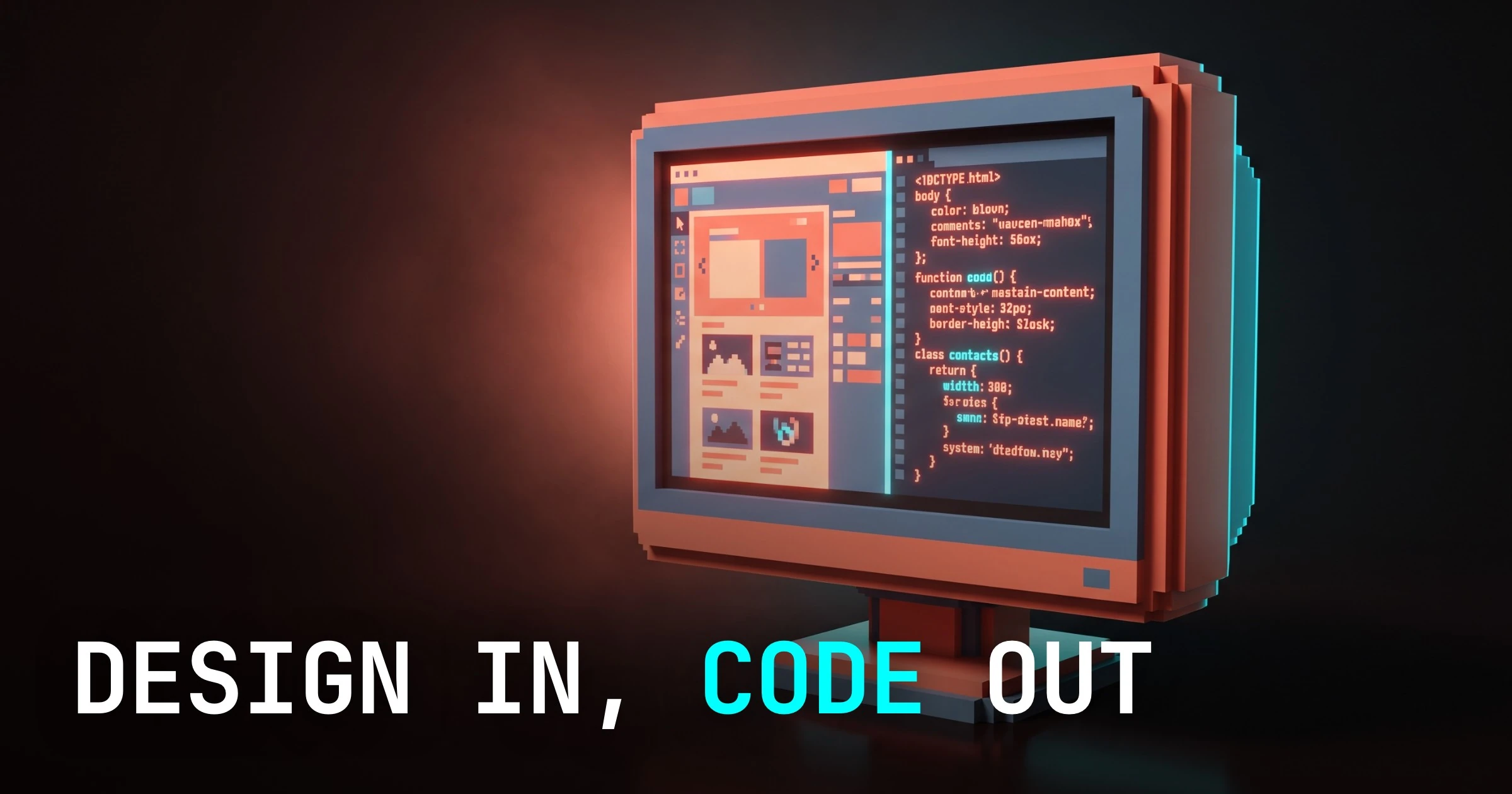
The short version: Figma Make now hands you code a front-end engineer would not immediately delete. That is the entire reason designers are talking about it, and it is a bigger deal than another speed bump.
On June 18, Figma shipped a production-grade Make update. The headline is not "it is faster." The headline is fidelity. Make now exports components wired to your real design tokens and Code Connect mappings instead of the loose, one-off markup the export used to produce.
That difference is the line between a party trick and a tool. Throwaway code gets thrown away. Code that references your system gets merged.
The diffs everyone is posting
This update broke containment because people are showing receipts. The @figma announcement thread crossed roughly 9.2k reposts within days, and the replies filled up with side-by-side Figma-to-React diffs from teams running it against their own systems.
That is the tell worth noticing. The loudest signal is not Figma's marketing copy, it is engineers posting before-and-after diffs and not hating the result. When the skeptics go quiet, something shifted.
Designers have heard "design to code" promises for a decade. The promise always died on contact with a real codebase, because the output ignored the system the codebase was built on. This time the diffs survive the encounter.
What actually changed (tokens and Code Connect, not raw hex and markup)
Old Make read a frame and described what it saw. It saw a blue button and wrote #2D7FF9. It saw padding and wrote a pixel value. The result looked right and connected to nothing.
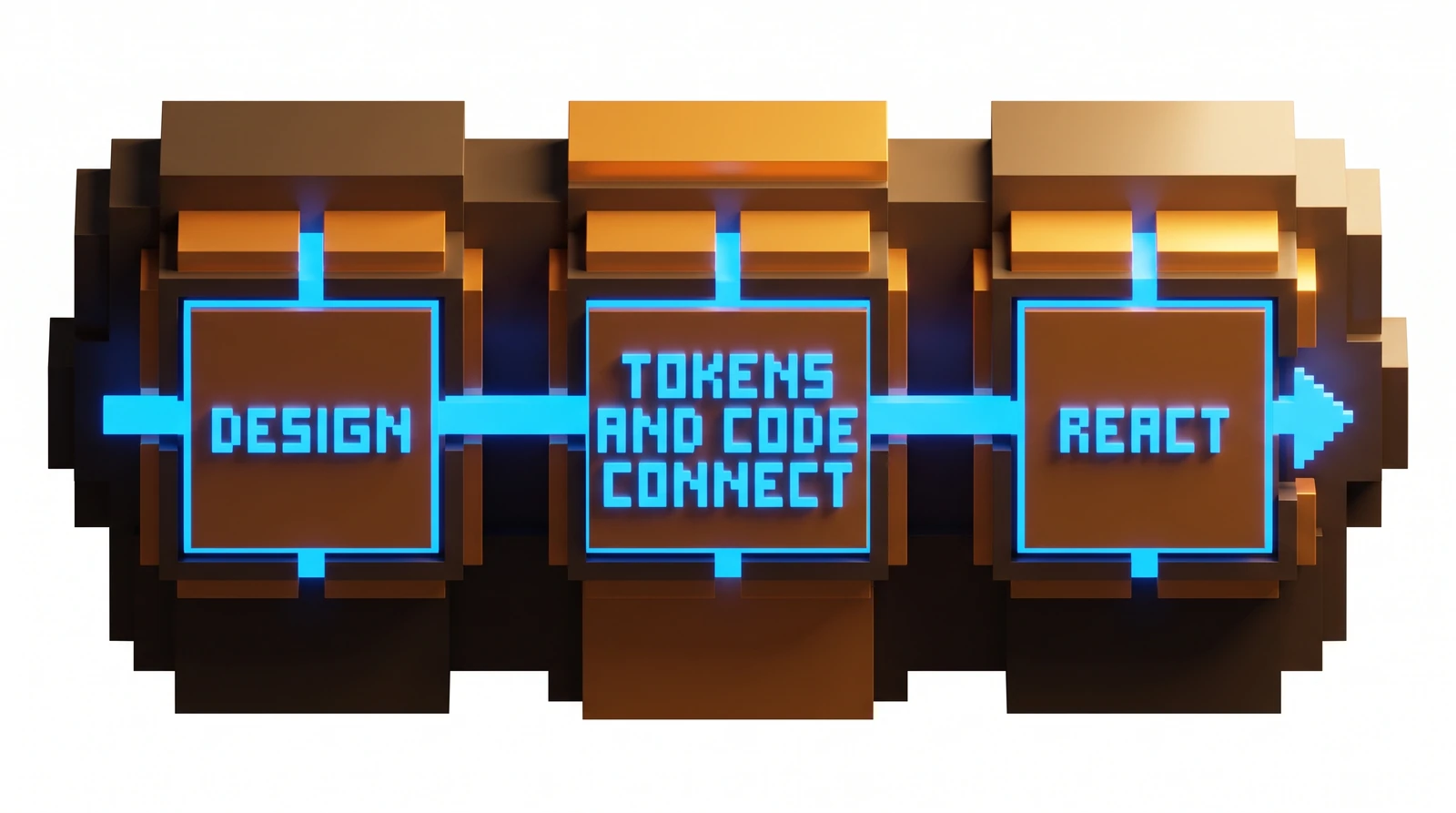
New Make reads the same frame and resolves it against your system. The blue button compiles to a token reference, not a frozen hex value. The component compiles to your actual Code Connect mapping, so it points at the real component in your codebase instead of inventing a fresh one.
That is the whole shift in one sentence. The export stopped describing pixels and started referencing your source of truth.
Why it matters in practice: token references mean your code inherits theme changes for free. Change the token, every export tracks it. Code Connect mappings mean the export reuses the Button your team already maintains instead of spawning a near-duplicate that drifts the moment someone touches it.
Old Make output vs. the June 18 update
Here is the comparison, because the comparison is the argument.
| Dimension | Last year's Make / export | June 18 update |
|---|---|---|
| Color values | Raw hex baked into the component | Token references that inherit theme changes |
| Spacing | One-off pixel values | Token-mapped spacing |
| Components | Fresh markup invented per frame | Code Connect mapping to your existing component |
| Relationship to your system | None, output stood alone | Wired to your tokens and component library |
| Engineer's first move | Delete it and rewrite | Read it, keep the structure, refine |
| Honest label | Demo | Tool |
The right column is the only one that earns a place in a pull request. The left column is why nobody trusted "design to code" until now.
Where it still needs you
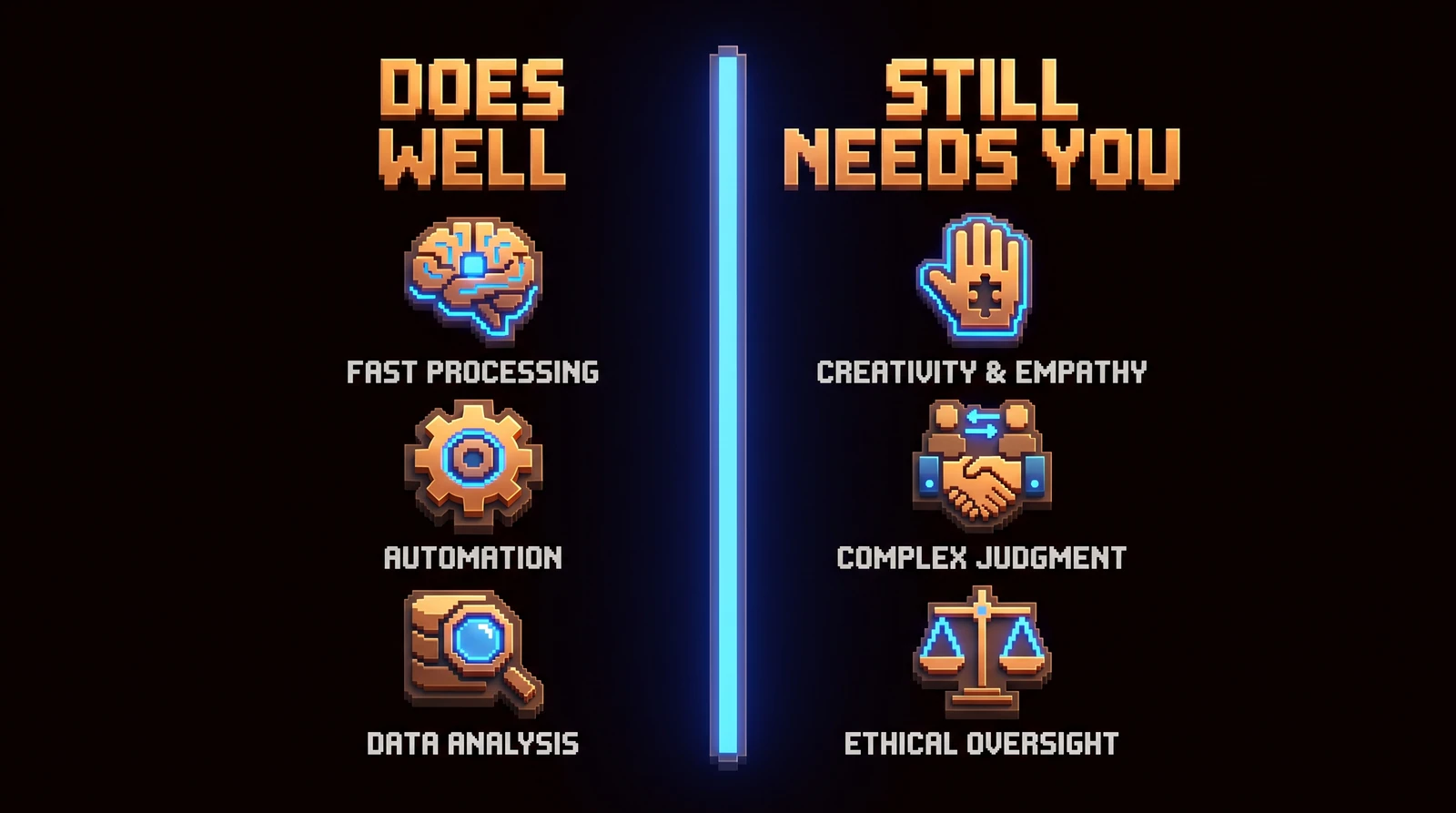
Make builds the body, not the brain. Overselling that line helps nobody, so here is the honest limit of what the June 18 update does for you.
Layout, tokens, and static component scaffolds come out clean. Everything that requires a decision still requires you. The export does not know what a loading state should feel like, what happens on error, or whether your empty state should nudge or apologize.
| Make does this well | This still needs you |
|---|---|
| Layout and structure | State logic (loading, error, empty, success) |
| Token-mapped styling | Interaction and motion behavior |
| Static component scaffolds | Accessibility beyond the obvious (focus order, ARIA intent, live regions) |
| Faithful spacing and hierarchy | Real data, edge cases, long strings, missing fields |
| First-pass React structure | System decisions: when to reuse vs. create a new component |
Accessibility deserves its own line. Make can stamp alt attributes and semantic-ish tags, but it cannot decide focus order, announce a live region, or understand that your modal needs to trap focus and return it. Those are judgment calls about how a human moves through your interface, and judgment is not in the export.
Real data is the other quiet killer. A frame shows one perfect row. Production shows the user whose name is 40 characters, the price that is null, the list that is empty on day one.
Make scaffolds the happy path. You handle reality.
A sane Figma-Make-in-the-loop workflow this week
You do not need to rebuild your process. You need to slot Make in at the right point and keep a human on the seams. Here is a version you can run on a real component this week.
- Get your tokens and Code Connect actually mapped first. This is the unglamorous prerequisite. Make is only as good as the system it references, so if your tokens are half-named and your Code Connect coverage is thin, fix that before you blame the export.
- Run Make on one well-built component, not a whole screen. Pick something with clear structure and a clean token story. You are testing fidelity, not asking for a miracle.
- Read the diff like a code reviewer, not a fan. Confirm it resolved to token references and mapped to your real component. If it invented a hex value or a duplicate component, that frame was not system-clean. Fix the source.
- Hand the scaffold to the engineer with the state, data, and accessibility work clearly flagged as theirs. The export is the starting structure. The decisions are the job.
- Feed what you learn back into the system. Every place Make guessed is a place your tokens or Code Connect mappings were ambiguous. Tightening them makes the next export better. The system compounds.
The pattern is human-in-the-loop, not human-out-of-the-job. Make removes the tedious translation step. It does not remove the thinking.
What this does to your deliverable
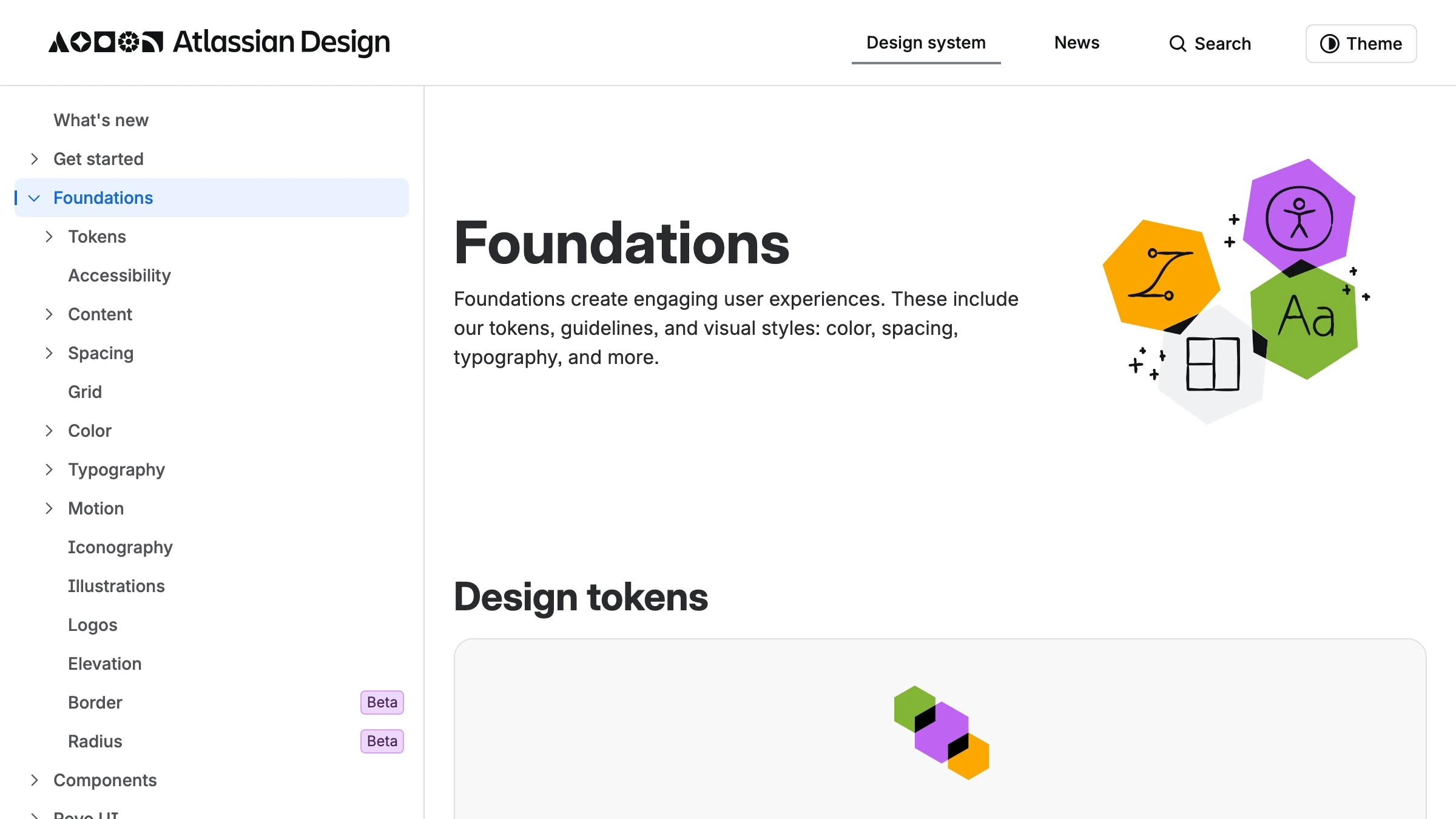
See it live on atlassian.design
This quietly changes what "done" means for a designer. For years the deliverable was a pixel-perfect frame and a polite hope that engineering matched it. The match was always lossy.
Now the frame is closer to the contract. If your design references real tokens and your components map through Code Connect, the export carries your intent into code with less drift. The handoff stops being a translation and starts being a transfer.
That raises the value of system work and lowers the value of pretty screenshots. The designers who win the next year are the ones whose files are structured enough that Make produces clean output. A messy file produces messy code faster, while a disciplined system produces inheritable code.
So the real upgrade is not the AI. It is the pressure to finally name your tokens properly and map your components. Make just made that discipline pay off immediately instead of eventually.
FAQ
The June 18 update changes the real answers to the questions designers ask most about Figma Make.
Does Figma Make write production-ready React now?
Closer, but not on its own. The update produces React wired to your real tokens and Code Connect mappings, which is sound and worth keeping. It still leaves state, accessibility, and real data to you. Treat it as a strong first draft, not a finished feature.
What is Code Connect and why does it matter for the export?
Code Connect maps a component in your Figma file to the real one in your codebase. It is the difference between Make inventing a fresh button and Make reusing the Button your team already maintains, so the export points at your source of truth instead of spawning a duplicate.
Does Make use my design tokens or invent its own values?
It uses your tokens, the core of the June 18 change. Old exports baked raw hex straight into the markup. The update resolves values to token references, so your code inherits theme changes instead of freezing a snapshot. A raw hex in the output means that frame was never mapped to a token.
Where does Make still fall short?
Five places still need a human, the same ones the table above lists:
- State logic: loading, error, empty, success
- Interaction and motion behavior
- Accessibility beyond the obvious
- Real data, edge cases, and long strings
- When to reuse a component versus create one
Make handles layout, token-mapped styling, and static scaffolds. The judgment calls are where the real work lives.
Should I change my workflow this week?
Yes, in one small way. Run Make on a single clean component, review the diff like an engineer, and use what it reveals to tighten your tokens and Code Connect coverage. Do not flip your whole team to AI handoff overnight.
The takeaway
Figma Make crossed the line from demo to tool on June 18. The proof is not the roughly 9.2k reposts on the @figma announcement thread, it is the production diffs engineers posted under it and did not delete.
The mechanism is simple. Make stopped describing pixels with raw hex and one-off markup, and started referencing your real tokens and Code Connect mappings. That is the difference between code you throw away and code you merge.
Do not oversell it to your team. Make builds the skeleton. State, interaction, accessibility, and edge cases are still your job, and they always will be. The smartest move this week is to use the update as a reason to finally get your tokens and Code Connect right, because a clean system is what turns this feature from a toy into a tool you can actually ship with.
Need a design system your code actually inherits? We build them.
Get StartedGet new papers by email
New Brainy papers in your inbox. Confirm once, unsubscribe anytime.