Designing Trust: How AI Products Win or Lose User Confidence in the First 5 Minutes
A working playbook for designing trust into AI products. Real teardowns of Claude.ai, Cursor, Granola, Perplexity, Linear AI, ChatGPT, and Notion AI. Six trust patterns that earn confidence in the first five minutes, four anti-patterns that destroy it, and a five-bullet checklist any designer can run on an AI surface tomorrow.
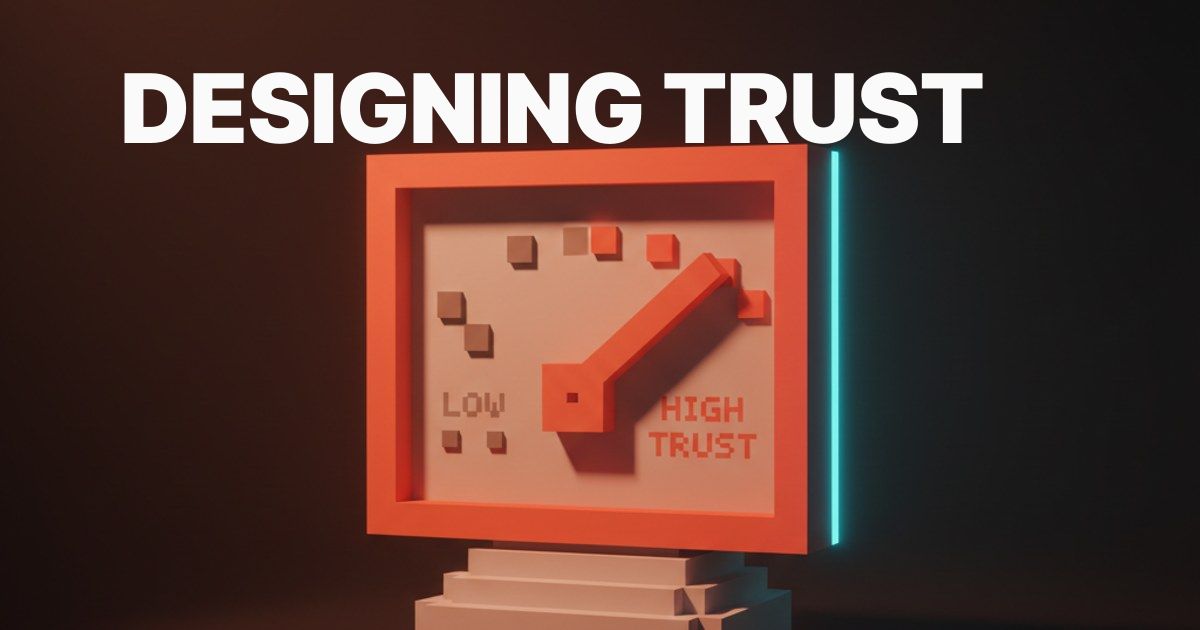
Trust is the only currency that matters in AI products. Most teams design as if users will hand it over for free. The first five minutes is the entire negotiation, and most products lose the user before they realize the negotiation was happening.
This is the working playbook. Six trust patterns, four anti-patterns, seven teardowns, three cautionary tales, and a five-bullet checklist any designer can run on an AI surface tomorrow.
Trust is the only currency in AI products
AI products live and die on trust because the user cannot verify the output without doing the work themselves. A spreadsheet error is visible. A hallucinated meeting summary is not. The user extends belief to a non-deterministic system, and that belief is the entire transaction.
Most teams treat trust as a marketing problem. Security badge in the footer, privacy modal at signup, sentence about responsible AI on the about page. None of it changes what happens in the surface where the user is reading the output. Trust is a UX problem with concrete patterns.
The first five minutes is the entire negotiation
The window where a user decides to trust an AI product is short. Around five minutes, sometimes less. Inside it, they are silently testing every output for hallucinations, caveats, and sources. Pass and they start using the product as a tool. Fail and they remember it as another AI gimmick.
The negotiation has rules. Reasoning beats confidence. Sources beat prose. Soft refusals beat confident wrong answers. Reversibility beats safety theater.
The six trust patterns that work
Six patterns separate AI products that earn trust from products that pretend to. Reasoning before answer. Model with limits. Citation surfaces. Confidence signals. Reversibility. Human-in-the-loop.
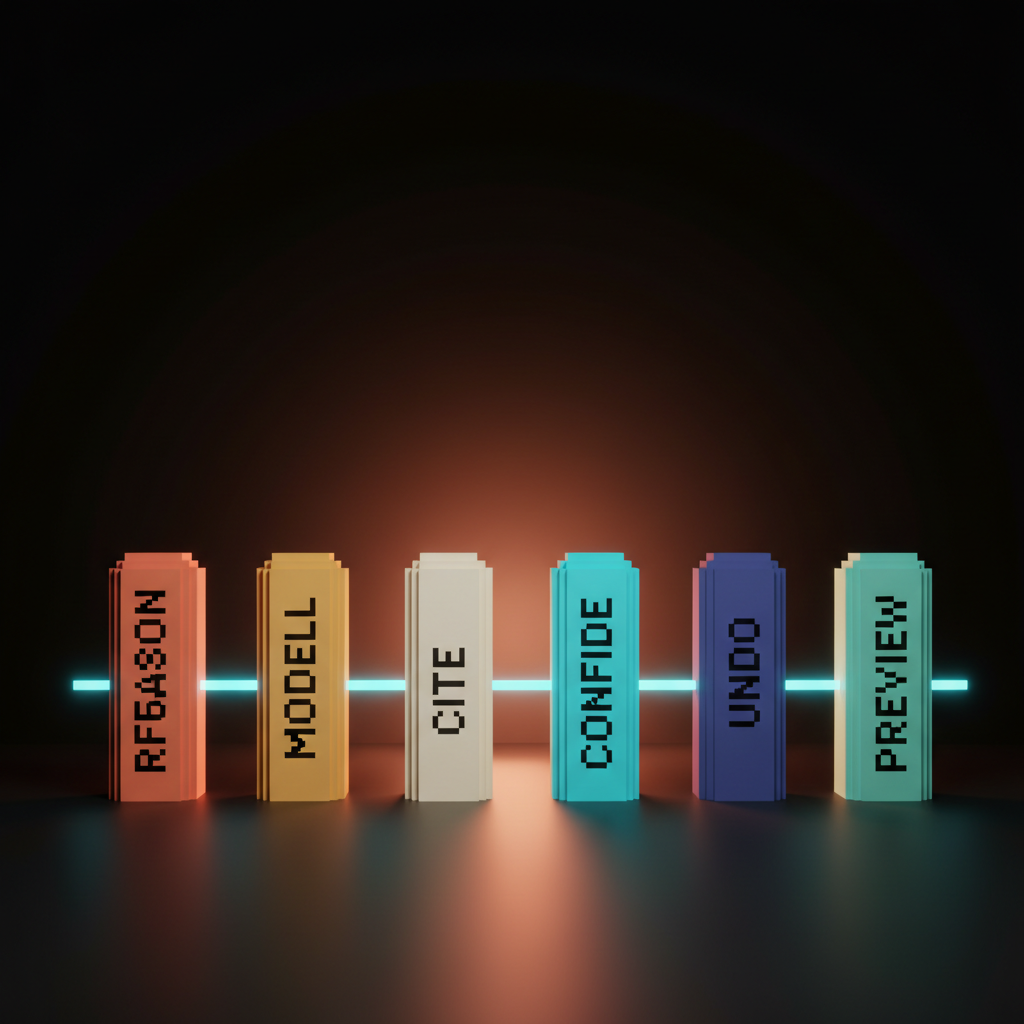
Pick three and the user notices the missing three. Pick all six and the product feels like a teammate. Every AI product needs a verdict on each before it ships.
Show the reasoning before the answer
The first pattern is showing the model's working before the answer arrives. Users trust an answer they watched form more than one that materialized. A blank spinner followed by confident prose is the worst first impression an AI product can give.
Claude.ai's extended thinking does this well. The user sees the model reasoning out loud, dropping ideas, ruling them out, narrowing in. By the time the answer lands, the user has watched the work and reads it as a conclusion instead of a pronouncement. Perplexity uses a softer version, streaming sources before the synthesis. Either way, the user gets a receipt before the verdict.
Name the model and its limits
The second pattern is being explicit about which model is talking and what it can do. Anonymous AI is the same as anonymous advice. Granola tells the user it just heard the meeting. Cursor tells the user which model wrote the diff. Notion AI shows the model name and the scope it is reading from.
Naming the model costs nothing and earns trust on every interaction. The user knows whether they are talking to a fast cheap model or a slow careful one, whether the model has access to a specific document or the public web. Hiding it behind a generic AI badge is the lazy choice.
Citation surfaces beat plausible prose
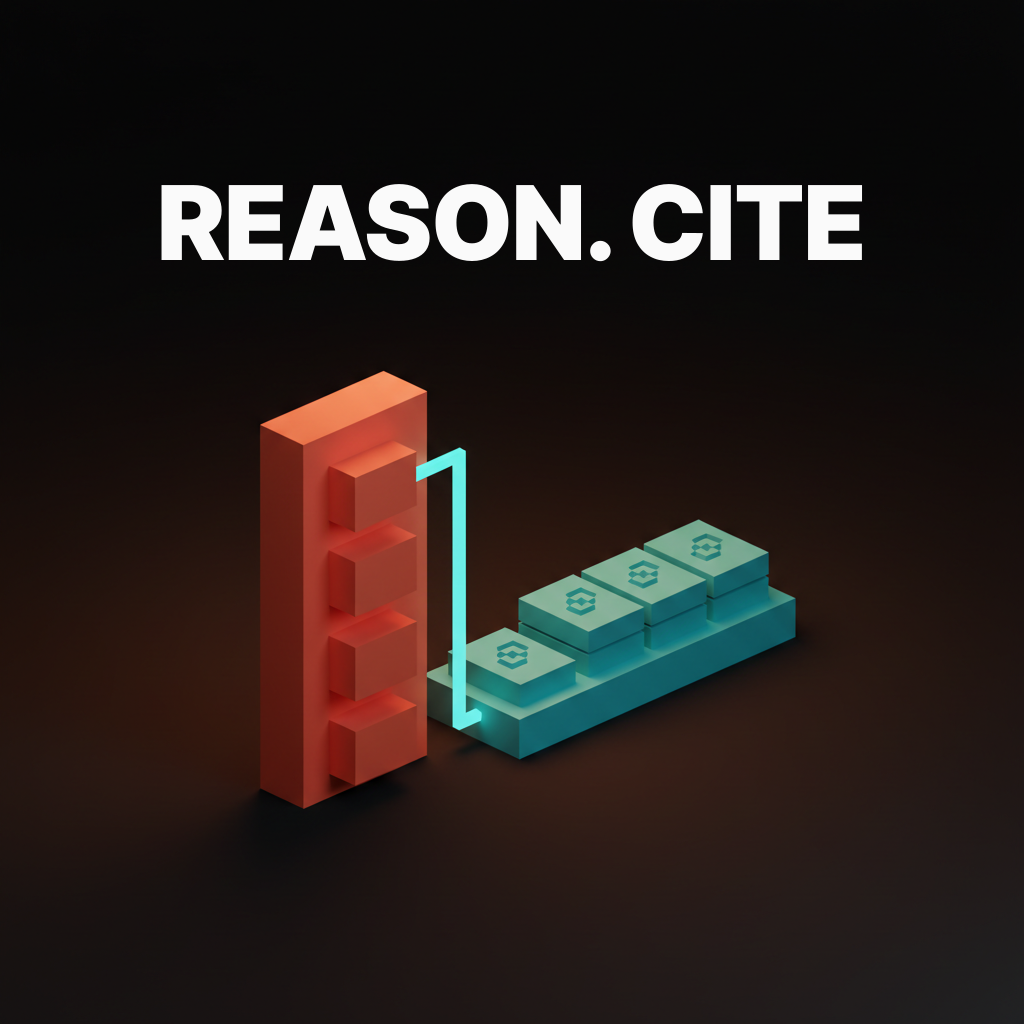
The third pattern is exposing the sources behind every claim. Plausible prose without attribution is the fastest way to look like a hallucination factory, even when the model is right. Citations turn the AI from an oracle into a librarian, and users trust a librarian by default.
Perplexity citations live next to every sentence with hoverable snippets. Granola citations are timestamped transcript lines under every summary point. Cursor citations are file references with line numbers in the diff. The shape depends on the data, but every surface needs one.
Confidence signals and graceful refusals
The fourth pattern is the AI knowing when it does not know. A product that says "I am not sure" earns more trust than one that confidently asserts the wrong thing. The graceful refusal is a feature, and products burying it under a confident hallucination are losing trust fastest.
ChatGPT does this with the steady drumbeat of "I might be wrong" caveats and browse-with-caution warnings. Claude.ai will say "I do not have access to that" instead of guessing. The product that learns to say no on the right questions earns the right to say yes on the rest.
Reversibility makes mistakes survivable
The fifth pattern is the undo, the regenerate, the rollback. AI is going to be wrong, and the only way to keep using it is to make wrong cheap. Every action needs a path back, every output needs a regenerate button.
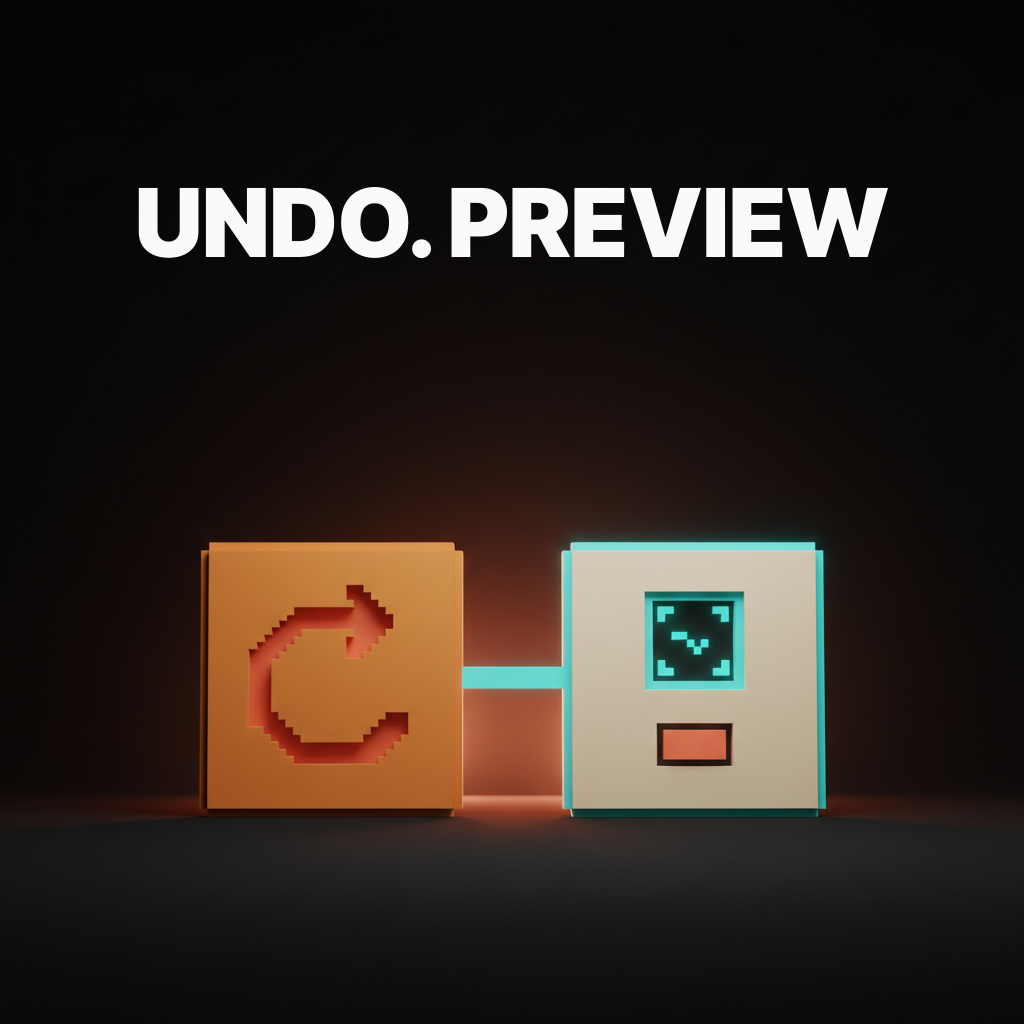
Cursor never writes a line without a diff the user can reject. Linear AI never edits an issue without a preview. Notion AI never rewrites a paragraph without an undo. AI proposes, user disposes, disposal is one click.
Human-in-the-loop, preview before commit
The sixth pattern is the preview gate before any destructive AI action. The difference between an assistant and a liability is whether the user gets to see the change before it lands. Every agent that writes to a database, sends a message, or edits a document needs a preview surface that is readable, editable, and rejectable.
Cursor's diff preview is the gold standard for code. Linear AI's proposed-change view is the gold standard for embedded product AI. ChatGPT Operator runs in a sandboxed browser the user can pause and take over. Removing the preview gate to feel more agentic is how teams ship features the user disables in week two.
Seven AI products that earn trust
The patterns only matter if they survive contact with shipped products. Seven surfaces earning user confidence in the first five minutes today.
Claude.ai, extended thinking as the receipt
Claude.ai's extended thinking shows the model working before it answers. The user watches it frame the question, list candidate paths, rule out the weak ones, and converge. By the time the answer lands, the user has read the math. The user does not need to read every line, just to know the work happened.
Cursor, diff preview as the contract
Cursor never writes code without showing the diff first. The agent's authority ends at the green and red lines the user has to accept. Every change is a proposal, not a fait accompli. The diff is the contract, and the contract is what makes the agent feel like a tool instead of a colleague who edits your repo while you are at lunch.
Granola, transcript with citations under every claim
Granola tells the user it just heard the meeting and shows the timestamped transcript line under every summary point. If the AI says the team decided to ship next Friday, the user can click the line and hear the exact moment. For audio the citation is a timestamp. For documents it is a page. For code it is a line number.
Perplexity, source streaming in real time
Perplexity streams its sources before its answer. Citations appear before the synthesis, which teaches the user the answer is grounded in something they can click into. Sources before answer is more trust-earning than answer with footnotes.
Linear AI, preview before commit on every action
Linear AI never edits an issue without showing the proposed change first. The user sees the suggested title, description, or label as a draft and accepts or rejects with one click. Without that gate the AI feels like a leak. With it the AI feels like a teammate.
Want an AI product that earns trust in the first five minutes? Hire Brainy. UXBrainy ships trust audits and first-run redesigns, AppBrainy ships full AI product delivery with reasoning, citations, and reversibility built in, and ClaudeBrainy ships the prompt and Skill layer that makes confidence signals and graceful refusals cheap. Pair it with AI product onboarding and AI agent UI design patterns for the full first-run craft level.
ChatGPT, browse with caution and graceful refusals
ChatGPT ships visible warnings on browse mode, soft refusals on uncertain queries, and a steady drumbeat of "I might be wrong" caveats. The product is willing to look uncertain, which is what trust-earning AI looks like. The one that admits its limits keeps the user past the first wrong answer. The one that performs confidence loses them.
Notion AI, named model and visible scope
Notion AI tells the user which model is answering and which page or database the AI is reading from. The scope chip on every prompt is the right pattern for embedded AI operating inside the user's data. The user trusts an AI that says "I read these three pages" more than one that says nothing about what it saw.
Four anti-patterns that destroy trust
Most AI products that struggle with retention ship some combination of four trust-killers. Hallucinated confidence. Opaque actions. Missing reversibility. Zero attribution. Each turns a single bad output into a permanent loss of credibility.
Hallucinated confidence with no caveats
The first anti-pattern is the AI asserting shaky outputs with the same authoritative tone as confirmed facts. A wrong date, a fabricated citation, a confident misreading of the user's data, with no hedge and no soft refusal. The user catches it once and starts verifying every output by hand. AI without confidence calibration is faster typing, not assistance.
Opaque actions the user cannot inspect
The second anti-pattern is the agent doing something the user cannot see, read, or verify. The AI writes to a doc, edits a Jira ticket, or sends an email, and the user finds out about it later, if at all. Without an action log, every AI action is an act of faith. Ship a visible log, every action timestamped, attributed, and reversible.
Missing reversibility on irreversible writes
The third anti-pattern is letting the agent write to a database, send a message, or close a ticket with no undo. The user finds out about the irreversibility the moment something goes wrong, and that moment is also the last moment they trust the product. Every write needs a preview, an undo, or a confirmation gate.
Zero attribution on confident claims
The fourth anti-pattern is shipping a paragraph of plausible prose with no source, no link, no file reference. The user reads it, asks "where did that come from," and finds nothing. The next paragraph reads as fiction by association. Every claim needs a source.
Three cautionary tales from real AI deployments
For every AI product earning trust, there is one that burned it. The enterprise AI assistant that confidently cited a wrong date for a contract renewal and forced legal to verify every future output by hand. The customer-service bot with no escalation path that locked frustrated users in a polite confidence loop until they churned. The summarization tool that stripped attribution from every quote and turned internal reports into unverifiable prose.
The pattern in all three is the same. The product chose the appearance of confidence over the substance of trust. The fix is the same. Show the work, name the model, cite the source, ship the undo.
The five-bullet checklist for any AI surface
Run this on any AI product surface tomorrow.
- Reasoning is visible before the answer, or the answer is short enough that reasoning is not needed.
- The model and its scope are named on the surface, not buried in a settings page.
- Every claim has a source the user can click, hover, or replay.
- Every destructive action has a preview, an undo, or a confirmation gate before it lands.
- The product can say "I do not know" and refuses gracefully on uncertain queries instead of confidently guessing.
Five bullets. Print them. Pin them to the wall. Run them on every AI surface before it ships.
FAQ
How long do I have to earn user trust in an AI product?
About five minutes from first arrival, sometimes less. Inside that window, the user is silently testing every output for hallucinations, caveats, and sources. Pass and you keep them. Fail and they remember the product as another AI gimmick.
Is showing the model's reasoning slower than just answering?
It feels faster, not slower, because the user reads it as progress. A streaming reasoning trace lands sooner than a blank spinner followed by a finished paragraph.
Should AI products always cite their sources?
Yes, when making factual claims about specific data. The shape depends on the data, a timestamp for audio, a page for documents, a line for code. Plausible prose without attribution is the fastest way to look like a hallucination factory.
What is the right way to handle AI uncertainty?
Show it. A confident wrong answer costs more trust than an honest "I am not sure." Soft refusals and visible confidence signals are trust-earning, not trust-eroding.
Does every AI agent action need an undo?
Yes for any destructive action. Database writes, message sends, ticket closes, document edits. The cost of the gate is one click. The cost of skipping it is the entire product.
The shift trust-by-design actually unlocks
An AI product that earns trust is not one with better disclaimers. It is one that designed reasoning, attribution, and reversibility as first-class surfaces. The products winning right now treat trust as the primary design problem, not the legal team's problem.
Most teams still design as if users will hand trust over for free. The teams pulling ahead show their work, name their model, cite their sources, ship the undo, and learn to say "I do not know" on the questions that deserve it. Pair this with AI-native product design so the trust patterns sit on a product where the model is the surface, and reach for designing for AI latency so the wait between trust signals does not break the negotiation.
If you want an AI product that earns trust in five minutes instead of losing it in two, hire Brainy. UXBrainy ships trust audits and first-run redesigns, AppBrainy ships full AI product delivery with reasoning, citations, and reversibility built in, and ClaudeBrainy ships the prompt and Skill layer that makes confidence signals and graceful refusals cheap.
Want an AI product that earns trust in the first five minutes, not the tenth session? Brainy ships UXBrainy as trust audits and first-run redesigns, AppBrainy as full AI product delivery with reasoning, citations, and reversibility built in, and ClaudeBrainy as the prompt and Skill layer that makes confidence signals and graceful refusals cheap to ship.
Get StartedGet new papers by email
New Brainy papers in your inbox. Confirm once, unsubscribe anytime.