The Computer Use Era: When AI Agents Can Actually Run Your Software
A working playbook on AI computer use heading into mid-2026. What Anthropic Computer Use, OpenAI Operator, and browser-native agents actually do, where they ship, where they still break, and the design and dev decisions every team needs to make before the agents start using their product.
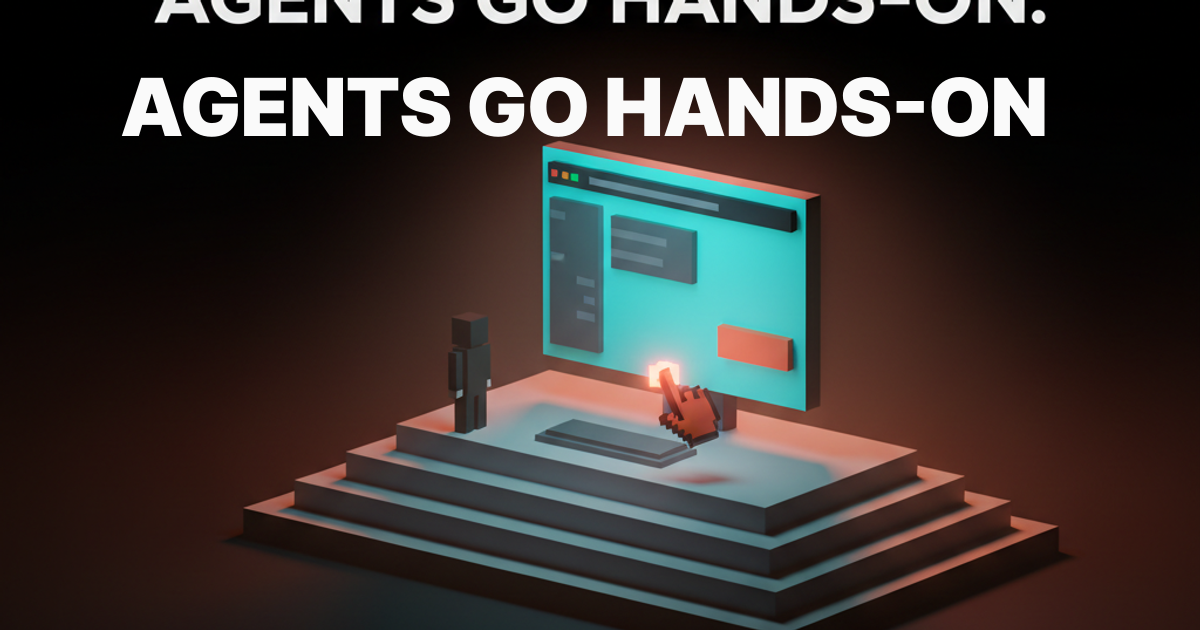
2025 promised autonomous agents and shipped chat. 2026 actually delivered. The capability that moved the needle is computer use. The model sees a screen, controls mouse and keyboard, navigates software like a human. Anthropic shipped it as a public API. OpenAI shipped Operator. Browserbase, Multi-On, and Lutra shipped the infrastructure that makes it production-viable.
A working playbook for designers and builders. What computer use is, where it ships, where it falls apart, what your UI needs to be agent-friendly, and the dev decisions that separate a real agent from another demo.
Computer use is the capability that ended the chat era
Chat was a UI for AI. Computer use is a body. The model sees pixels, decides where to click, sends a tool call, waits for the next screenshot. That single primitive unlocks every workflow without a clean API. Filling a vendor portal. Pulling data from a dashboard with no export. Scheduling across two web apps. AI did not get smarter. AI grew hands.
What computer use actually does
The loop is mechanical. The model gets a screenshot and a goal. It returns a structured action: click coordinates, type a string, press a key, scroll, wait. The host runs the action and sends back the next screenshot. Repeat until done or stuck.
No magic. The model is a vision-augmented reasoner driving a remote desktop. It works because multimodal models are now good enough at reading UI to act on it. It is hard because real software is messy, and pixel-perfect plans rarely survive the first wrong assumption.
The three flavors shipping in 2026
Computer use ships in three shapes today, each one betting on a different layer of the stack. Anthropic Computer Use is the raw capability, exposed as an API. OpenAI Operator is the supervised consumer agent, hosted in OpenAI's browser. Browserbase, Multi-On, and Lutra are the serverless infrastructure layer for teams shipping their own agent products.
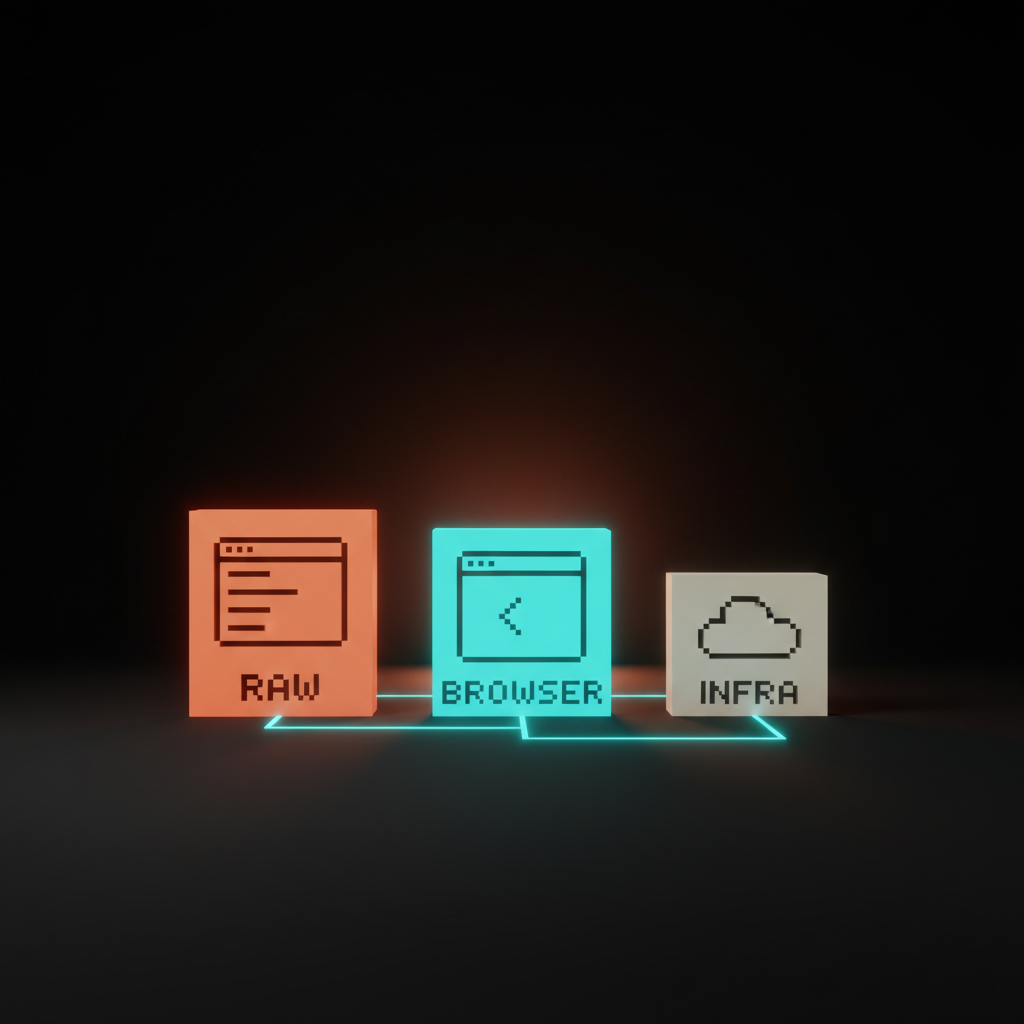
The choice is not a feature comparison. It is a decision about how much of the stack you want to own.
Anthropic Computer Use, the raw capability
Anthropic Computer Use is the lowest-level offering, a model that sees a virtual desktop and controls mouse and keyboard. You spin up a sandbox, point the model at it, and write the host code that takes actions and feeds back screenshots. Replit Agent and Devin run this pattern for the heaviest agentic work, and it is the right pick when the agent needs to drive desktop apps, not just a browser.
Where it leaves money. You own the sandbox, security model, action loop, retry logic, and cost meter. Token use is high since every step ships a screenshot. Latency is two to six seconds per step. General capability, non-trivial operations work.
OpenAI Operator, the supervised browser agent
OpenAI Operator is a hosted browser agent the user watches in real time. The pitch is consumer. Give it a goal in natural language, it opens a browser tab, and you can pause, take over, or kill the run any moment. Shopping, scheduling, form filling, doc retrieval, lightweight research. That is the sweet spot.
Where it leaves money. Operator is sandboxed inside OpenAI's environment, so you do not get the agent into your own product. Authenticated flows require user-handover for sign-in. Sites with aggressive anti-bot measures break it. Custom JS apps with non-standard events are a coin flip. For end users, the smoothest computer use experience shipping today. For builders, a competitor, not a tool.
Browserbase and the serverless browser agents
Browserbase, Multi-On, and Lutra ship the infrastructure that makes browser agents production-viable. Browserbase is a serverless hosted Chromium fleet your agent code can drive. Multi-On is a browser agent with a developer API. Lutra builds workflow agents on the same primitive. The bet is most agent work is browser-bound, and a desktop sandbox is overkill.
For a team building an agent product, this layer is usually the right starting point. Hosted browser, session persistence, screenshot capture, concurrency without running your own fleet. The cost is a thinner abstraction than the full Anthropic stack, with less control over auth and storage.
Where computer use ships in production today
Computer use works on a narrow but useful set of tasks. Browser-bound research, scheduling, form filling, doc retrieval from systems with no API, lightweight QA, vendor portal automation, data extraction from dashboards that refuse to export. The teams shipping it stopped pitching general intelligence and started pitching a specific tool for a specific job.
The pattern that works. Narrow scope, supervised execution, clear success criteria, fast handoff to a human when stuck. Replit Agent uses it for deploy dashboards. Devin navigates vendor consoles inside long engineering tasks. Operator handles consumer shopping and travel. Multi-On runs vertical workflows for sales and ops. None are general agents. All are good products.
Where computer use still falls apart
Computer use breaks on real-time judgment, complex multi-app workflows, and anything authenticated past basic login. Demos that gloss over those edges are the demos to ignore. Adept's ACT-1 was the original cautionary tale, a beautiful demo that never converted to a sustainable product, and the team eventually pivoted.
What does not work. Tasks where the agent has to read a graph and make a judgment call. Workflows spanning four or five apps with state passed between them. Sites with heavy custom JS, dynamic IDs, or aggressive anti-bot measures. Flows requiring MFA, OAuth refresh, or session tokens the user will not share. Long-horizon tasks above twenty steps fail at compounding error rates. Computer use covers maybe ten to fifteen percent of workflows you would want to automate. The products winning picked the right ten percent.
The design implications for agent-friendly UI
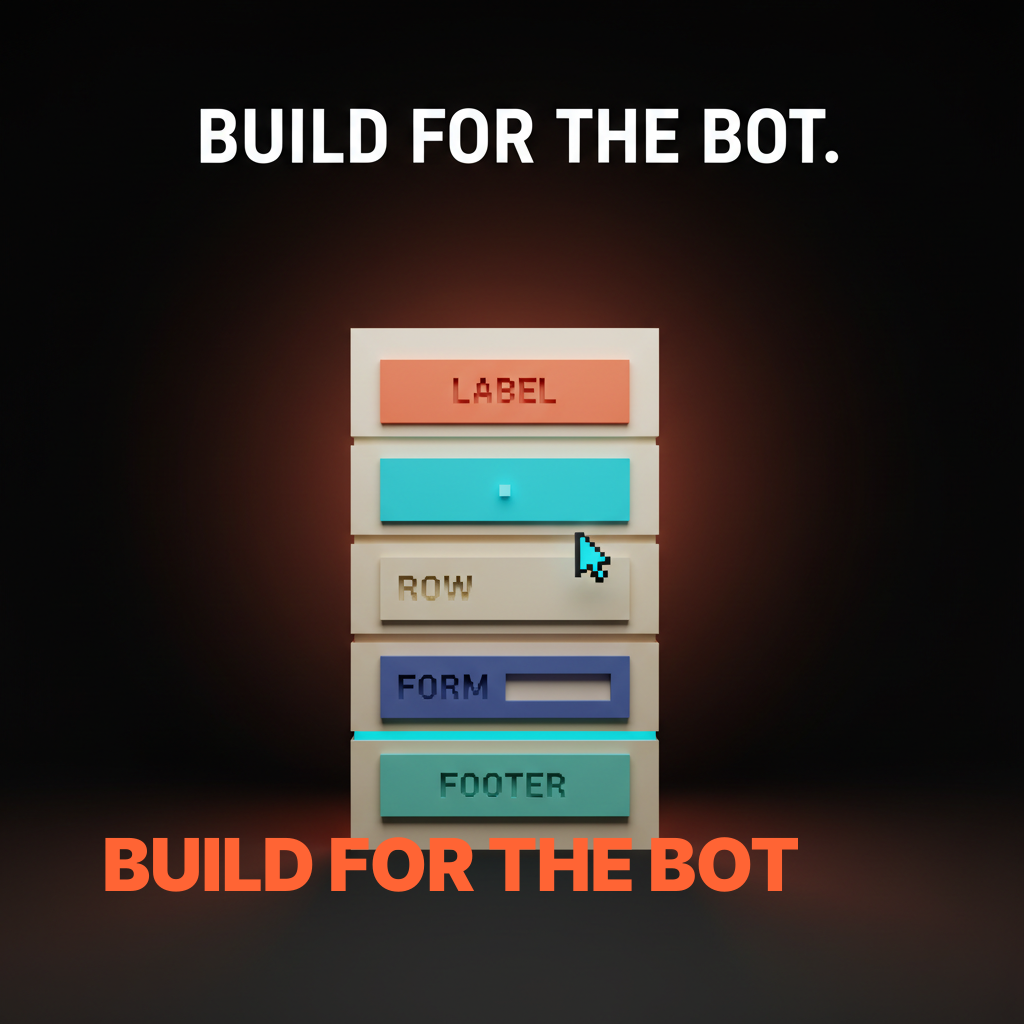
If your product wants to be useful to a computer use agent, the UI has to be readable to one. Most current product UI is not. The agent reads pixels. It needs visible structure, predictable patterns, and unambiguous labels. Everything that makes a UI agent-friendly also makes it accessible. The same hygiene checklist serves both.
This is the moment where accessibility stops being optional. Teams that have shipped clean agent UI patterns and accessible component libraries already win this round. Teams built on hover-only triggers, custom canvas widgets, and ambiguous icon-only buttons are about to find out their product is invisible to the next wave of users.
The agent-friendly UI checklist
Run this on any product surface that wants agent traffic. Short on purpose.
First. Semantic HTML. Real buttons, real inputs, real headings, real labels. Custom div-soup that looks right but reads as nothing to assistive tech reads as nothing to agents either.
Second. Predictable patterns. The same action lives in the same place across every page. Primary CTAs in consistent positions. Forms with a single layout. Navigation that does not reshuffle.
Third. Accessible labels. Every interactive element has a clear, human-readable label. Icon-only buttons get aria-labels. Form fields have explicit, visible labels, not just placeholders.
Fourth. Clear visual hierarchy. The agent has to read the page from a screenshot. Strong contrast, clear sectioning, consistent type scale. Scannable to a human is scannable to a model.
Fifth. No hover-only triggers. Anything important must be reachable without a hover state. Hover-only menus, hover-only tooltips, hover-only delete affordances are dead in an agent world. The agent does not hover.
The dev implications, tool-use vs computer use vs hybrid
Computer use is the capability of last resort. Tool-use APIs win on cost, latency, and reliability for everything with a clean API surface. The hybrid pattern is what most production systems land on.
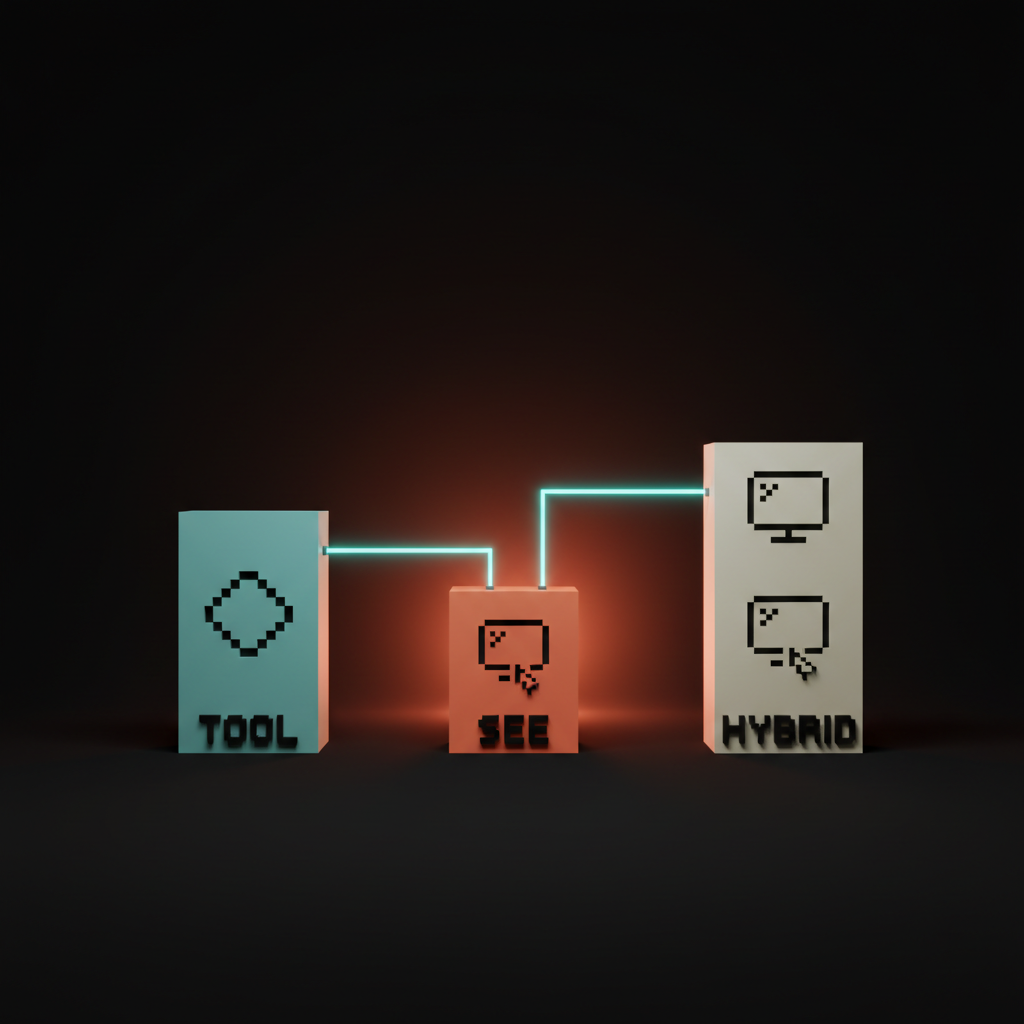
Tool-use is direct. The agent calls a function, the function returns structured data. Cost low, latency fast, reliability high. The Model Context Protocol and major tool-use APIs cover this lane. Use it for anything you can wrap in an API. Computer use is the fallback when the system has no API, refuses to expose one, or hides the action behind a third-party UI you do not own.
The hybrid pattern wins. Tool-use for everything you can, fall back to computer use for the long tail. Tool calls are cents. Computer use steps are dimes. Ninety percent tool-use, ten percent computer use ships at one tenth the cost of a pure computer use agent.
Want help shipping a product the next wave of agents can actually use, or wiring computer use into your stack without burning a quarter on demoware? Hire Brainy. ClaudeBrainy ships Claude Skills as a Skill pack plus prompt libraries that get the model layer right, and AppBrainy ships full product builds for teams that want their agents to do real work, not screenshots.
Real products shipping computer use in 2026
Replit Agent runs Claude Computer Use for deploy and infra steps with no clean API. Devin navigates vendor consoles, dashboards, and admin panels inside long engineering tasks. Operator handles consumer shopping, scheduling, and form filling. Browserbase powers a long list of vertical agent startups. Multi-On ships browser-native workflow automation for sales and ops. Lutra is the workflow builder on top.
The pattern they share. Narrow scope, fast handoff, observable state, generous error recovery, real cost accounting. They treat computer use the way good engineering teams treat any flaky dependency. Wrap, bound, instrument, plan for failure.
Four failure modes every team hits
First. The general-agent trap. A team picks computer use for a workflow that would have been a tool-use call, the agent spends thirty seconds and fifty cents doing what an API call could have done in a hundred milliseconds. Fix: tool-use first, computer use only for the long tail.
Second. The supervision-skip trap. Unsupervised agent on a workflow that mutates real data, mistake at step seventeen, data is gone. Fix: supervised execution for anything destructive, confirmation gates on writes, dry-run by default.
Third. The brittle-selector trap. Prompts depend on specific UI states, the target site updates, the agent breaks silently. Fix: build prompts on intent, not pixel coordinates. Test against real sites weekly.
Fourth. The cost-blindness trap. Ship the feature, bill arrives, unit economics do not work. Fix: model cost per task before launch. Under fifty cents per run is usually viable. Over five dollars per run rarely is.
The decision matrix for designers and builders
Designer, frontend developer, backend developer, founder. Each role has a different first move.
| Role | First move | Why |
|---|---|---|
| Designer | Run the agent-friendly UI checklist | Most current UI is invisible to agents. Fix that first. |
| Frontend developer | Ship semantic HTML, ARIA labels, predictable component patterns | The same work that ships AI product onboarding ships agent compatibility. |
| Backend developer | Build a tool-use API surface for every action your product exposes | Tool-use wins on cost and reliability. Computer use is the fallback. |
| Founder | Pick the smallest agent workflow that delivers real value | Narrow wins. General agents lose. |
The work is unevenly distributed. Designers and frontend developers carry agent-readability. Backend developers carry tool-use. Founders pick the lane.
FAQ
What is AI computer use?
Computer use is the capability that lets an AI model see a screen, control a mouse and keyboard, and navigate software like a human. Anthropic Computer Use, OpenAI Operator, and browser-native agents from Browserbase, Multi-On, and Lutra are the production-grade implementations in 2026. The model takes a screenshot, picks an action, sends a tool call, waits for the next screenshot.
Is Anthropic Computer Use better than OpenAI Operator?
Different shapes of better. Anthropic Computer Use is the raw capability for builders. Operator is a hosted consumer product. Builders pick Anthropic Computer Use or a Browserbase-style infra layer. End users pick Operator. They are different jobs, not direct competitors.
Can a browser agent run my whole company?
No, and the products promising that are not the products to bet on. Computer use covers maybe ten to fifteen percent of workflows in a typical team. The winning pattern is narrow agents on specific workflows with fast handoff to humans. Adept's ACT-1 is what general-agent ambition looks like at scale.
Do I need to redesign my product for AI agents?
If you ship accessible UI with semantic HTML, predictable patterns, and clear labels, you are mostly there. If your product runs on hover-only menus, custom canvas widgets, and unlabeled icon buttons, yes. Accessible is agent-friendly.
When should I pick computer use over a tool-use API?
Almost never first. Tool-use APIs win on cost, latency, and reliability whenever an API exists. Computer use is the fallback for systems with no API. Most production agents in 2026 are hybrid, ninety percent tool-use, ten percent computer use.
The shift computer use actually unlocks
Computer use is not a smarter chatbot. It is the first time AI can hold a tool the way a human holds a tool. That is a different category of product, and the teams designing for it from the wireframe up will own the next twelve months.
Most teams still treat agents as a chat feature with autonomy bolted on. The teams pulling ahead treat the agent as a coworker that uses the same software the team uses. The first ships another chat tab. The second ships a product that does work. The AI code editor comparison covers the dev side of the same shift.
If your product gets touched by an agent in the next year, and most will, the design decisions you make this quarter decide whether the agent helps your users or skips you entirely. Run the checklist. Pick the workflow. Ship the narrow win.
If you want help shipping a product the next wave of agents can actually use, or wiring computer use into your stack without burning a quarter on demoware, hire Brainy. ClaudeBrainy ships Skill packs and prompt libraries. AppBrainy ships full product builds for teams that want their agents to do real work, not screenshots.
Want help shipping a product the next wave of agents can actually use, or wiring computer use into your stack without burning a quarter on demoware? Brainy ships ClaudeBrainy as a Skill pack and prompt library, and AppBrainy ships full product builds for teams that want their agents to do real work, not screenshots.
Get StartedGet new papers by email
New Brainy papers in your inbox. Confirm once, unsubscribe anytime.