
Figma का सत्य-स्रोत बदल गया है: Figma अब Documentation है
अब अधिक teams codebase को एकमात्र सत्य-स्रोत और Figma को उसे describe करने वाली documentation मानती हैं। यहाँ जानें क्या बदला, Figma अभी भी किस काम का है, और बिना team खोए code-first design system कैसे चलाएं।
Codebase अब सत्य-स्रोत है, और Figma उसे describe करने वाली documentation है। यह वह बदलाव है जो 2026 में बढ़ती हुई product teams ने किया, और यह anti-Figma नहीं है। यह तीन चीज़ों के एक साथ mature होने का तार्किक अंत है।
यह एक repositioning है, अंतिम संस्कार नहीं। Figma उस जगह से हट रहा है जहाँ सच रहता था, और उस जगह जा रहा है जहाँ teams explore और document करती हैं। यह एक demotion है, और किसी को इसके इर्द-गिर्द reorganize करने से पहले इसे समझना ज़रूरी है।
"सत्य-स्रोत" का असली मतलब
Source of truth वह नहीं है "जहाँ design सबसे सुंदर है।" यह वह artifact है जो दो versions के बीच असहमति होने पर जीतता है। अगर Figma file एक radius कहती है और shipped component दूसरी, तो source of truth वह है जिसे match करने के लिए आप दूसरे को fix करते हैं।
सालों तक यह Figma था। Designers values define करते थे, engineers उन्हें translate करते थे, और जब production drift करती थी, तो Figma file वह reference था जिस पर वापस correct किया जाता था।
समस्या हमेशा translation step में थी। एक design file ship नहीं हो सकती। Code ship होता है। इसलिए "Figma source of truth है" का मतलब वास्तव में था "Figma तब तक source of truth है जब तक कोई engineer उसे reinterpret न करे," जो यह कहने का एक विनम्र तरीका है कि हर handoff में सच हाथ बदलता था और gap का मालिक कोई नहीं था।
बदलाव: Figma को documentation बनाकर code-first
Code-first default को पलट देता है। Values, components, और shipped UI repo में define होते हैं। Figma उस system को define करने की बजाय describe करता है।
Designer के दिन में यहाँ कुछ भी बुरा नहीं होना चाहिए। आप अभी भी Figma में design करते हैं। आप अभी भी वहाँ explore, branch, critique, और prototype करते हैं। जो बदलता है वह authority की दिशा है: repo अब file के पीछे नहीं भागती, file repo को reference करती है।
जब आप यह flip ईमानदारी से करते हैं, तो प्रत्येक layer का ownership यह रहता है।
| Layer | अब क्या own करता है | अब क्या own नहीं करता |
|---|---|---|
| Codebase / repo | Token values, component behavior, actual shipped UI | कुछ नहीं जो उसने छोड़ा; उसने values हासिल कीं |
| Figma | Exploration, flows, prototypes, specs, documentation, design review | Canonical values और "correct" component |
| Designers | Intent, hierarchy, interaction design, system की दिशा | Production से विरोधाभासी pixel पर अंतिम फैसला |
| Engineers | Code में defined tokens और components को implement करना | हर बार static file को हाथ से reinterpret करना |
Repo को सत्य-स्रोत किसने बनाया
तीन चीज़ें एक साथ mature हुईं। उनमें से कोई भी "AI ने designers की जगह ले ली" नहीं है। ये सब boring infrastructure का आखिरकार land करना है।
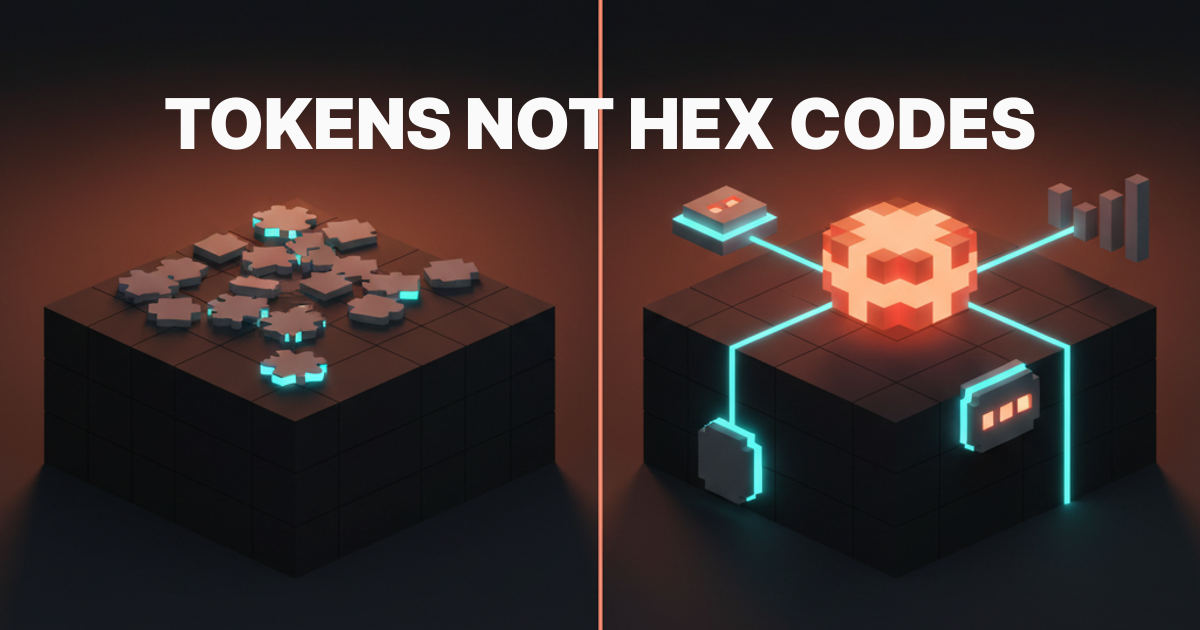
Tokens code में आ गए। Design tokens raw values हैं: color, spacing, radius, type scale। Style Dictionary जैसे tools पर built token pipelines के साथ, वे values एक बार code में define होती हैं और हर platform पर sync होती हैं। जिस पल canonical color एक repo में रहता है और Figma उसे read करता है, तो repo color का source बन जाता है। बाकी values उसके पीछे आती हैं।
Design और code जुड़ गए। Figma के अपने Dev Mode और Code Connect एक Figma component को repo में real coded component की ओर point करने देते हैं। यही वह हिस्सा है जिसे लोग skip कर देते हैं। Figma इस बदलाव से नहीं लड़ रहा, उसने वह feature ship किया जो code को binding target बनाता है।
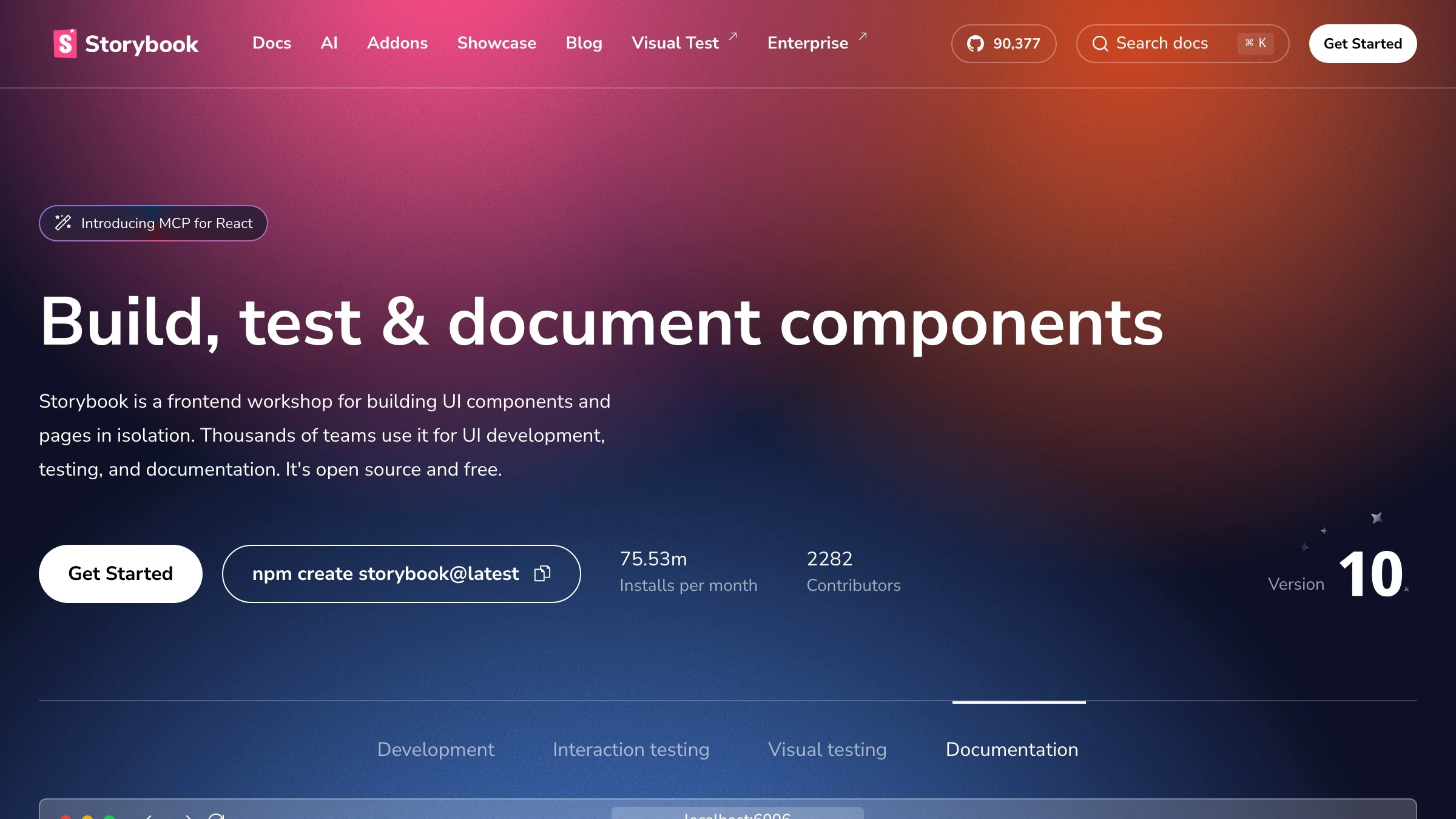
इस बीच Storybook एक coded component को एक living home देता है जिसे आप देख और test कर सकते हैं, और shadcn/ui components को real code के रूप में distribute करता है जिसे आप अपने repo में copy करते हैं, न कि एक layer जिसे आप redraw करते हैं। जब "कौन सा सही है" का सवाल आखिरकार एक deterministic जवाब पाता है, तो जवाब code है।
AI repo में build करता है, canvas में नहीं। UI generation की वर्तमान generation code पढ़ती और लिखती है। यह आपके Figma layers नहीं पढ़ती और न ही उन्हें वापस लिखती है। इसलिए build loop अब repo में शुरू और खत्म होता है, जो चुपचाप repo को वह जगह बना देता है जहाँ काम वास्तव में जमा होता है।
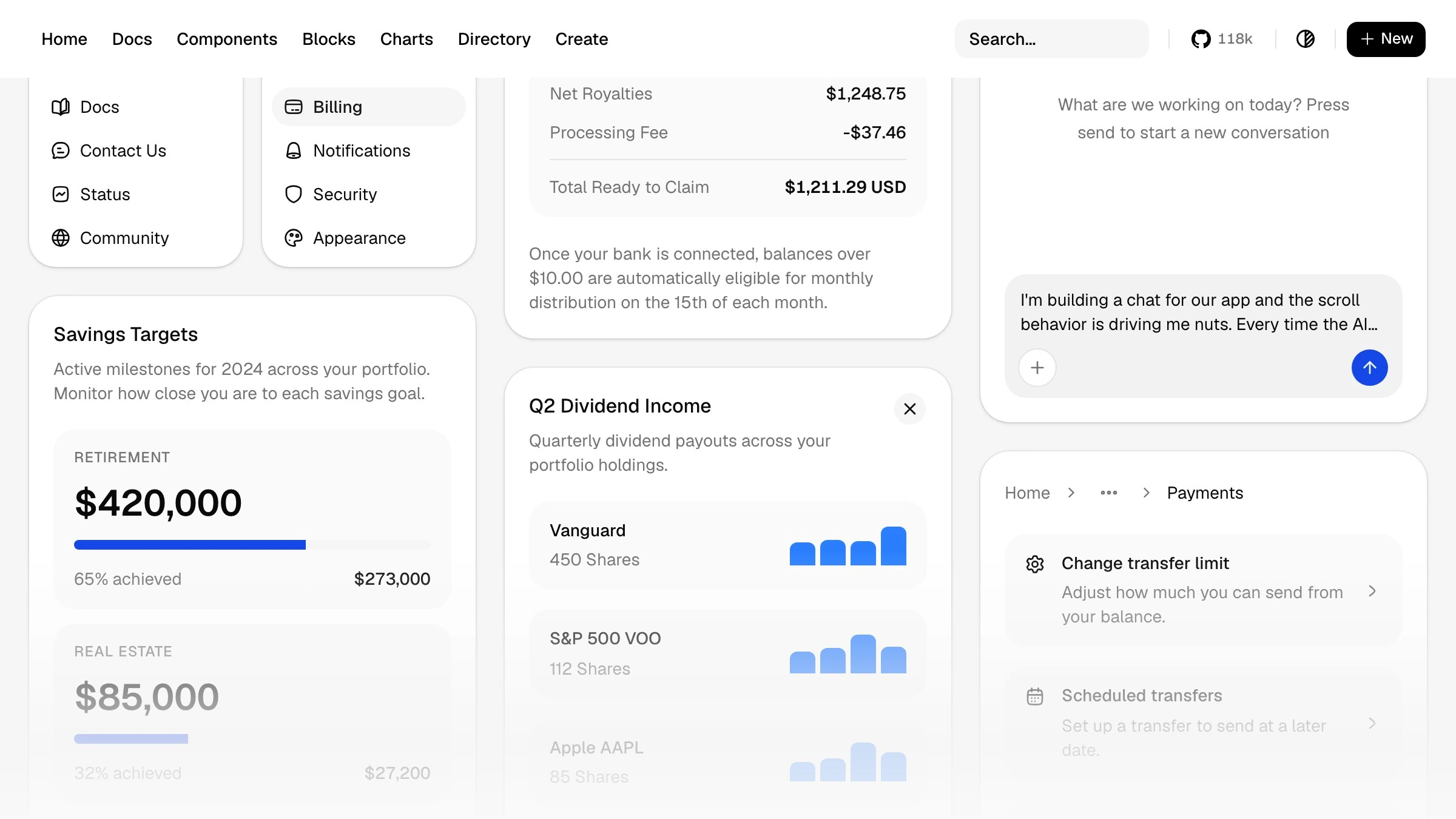
Figma अब असल में किस काम का है
बहुत कुछ के लिए, और उसका ज़्यादातर हिस्सा वही है जो designers को सबसे अच्छा लगता है।
Figma अभी भी process के शुरुआती हिस्से का मालिक है: exploration, divergence, fast iteration, वह गंदला बीच का हिस्सा जहाँ आप design को उसके exist होने से पहले ढूंढते हैं। Code जोर से सोचने के लिए एक भयानक जगह है। Figma इसके लिए बना है।
यह documentation का भी मालिक है। Flows, states, edge cases, annotations, "why," वह prototype जो आप user के सामने रखते हैं। एक repo source of truth है, लेकिन repo किसी client को design decision समझाने के लिए बुरी जगह है। File वह काम करती है।
| काम | सबसे अच्छी जगह |
|---|---|
| किसी idea को exist होने से पहले explore करना | Figma |
| Canonical token value define करना | Code |
| Flows, states, और edge cases map करना | Figma |
| "कौन सा component सही है" resolve करना | Code (Code Connect / Storybook के ज़रिए) |
| Design critique और client review | Figma |
| Users को जो actually ship होता है | Code |
ईमानदार जवाब
Figma मर नहीं रहा, और जो कोई भी आपको वह headline बेच रहा है वह सिर्फ एक headline बेच रहा है।
तीन real limits Figma को ज़रूरी बनाए रखती हैं:
- Code शुरुआती exploration के प्रति hostile है, इसलिए divergent phase अभी भी canvas पर ही रहता है।
- Non-engineers को system पढ़ने के लिए एक जगह चाहिए, और repo वह जगह नहीं है।
- Binding तभी काम करता है जब कोई human design और coded component को sync में रखे, जो एक discipline है, default नहीं।
यह एक repositioning है। जहाँ सच रहता था वह बदल गया। जहाँ teams सोचती हैं वह नहीं बदला। "Figma documentation है" को tool पर verdict की बजाय roles की स्पष्टता के रूप में treat करें, और आपके designers dig in करने की बजाय सहमति में सिर हिलाएंगे।
Team खोए बिना code-first design system कैसे चलाएं
Failure mode technical नहीं है। यह एक handoff war है जहाँ designers demoted महसूस करते हैं और engineers को एक और काम सौंपा हुआ लगता है। इसे decree की बजाय sequence के रूप में चलाएं।
-
पहले tokens move करें, कुछ और नहीं। Color, spacing, type, और radius code में define करें और sync करें। Figma को वे values declare करने की बजाय consume करने दें। यह सबसे छोटा बदलाव है जो repo को authoritative बनाता है, और यह अभी तक किसी component को नहीं छूता।
-
अपने top ten components bind करें। Code Connect का उपयोग करके अपने सबसे ज़्यादा use होने वाले Figma components को उनके coded counterparts की ओर point करें, और उन्हें Storybook में एक living home दें। Ocean को boil मत करो। हर चीज़ में मौजूद दस components ज़्यादातर drift carry करते हैं।

-
Source का नाम ज़ोर से बोलें। अपने system docs में एक sentence लिखें: "जब file और code असहमत हों, तो code सही है।" Ambiguity वह है जो war शुरू करती है, rule खुद नहीं।
-
Designers को upstream रखें, downstream नहीं। Designers को intent, hierarchy, और system की दिशा की ownership होनी चाहिए, code से आगे काम करते हुए। उन्हें production को redline करने तक reduce नहीं किया जाना चाहिए। अगर code-first आपके designers को QA बना दे, तो आपने इसे गलत किया।
-
Sync को किसी की job बनाएं। Design और code के बीच bind खुद को maintain नहीं करता। इसे assign करें। एक drifted Code Connect mapping किसी mapping न होने से बुरा है क्योंकि यह confidence के साथ झूठ बोलता है।
किसे switch करना चाहिए, और किसे नहीं
हर team को default flip नहीं करना चाहिए, और deciding factor यह है कि क्या आप एक real codebase ship करते हैं जो design से drift करती है।
Switch करें अगर:
- आपके पास code में component library वाला production app है
- आपको recurring design-versus-build drift दिखती है
- आपके engineers पहले से Storybook या ऐसे ही setup में रहते हैं
Repo वह जगह है जहाँ आपका सच पहले से जमा होता है। इसे official बनाएं।
रुकें अगर:
- आपका output ज़्यादातर static deliverables, marketing pages, या pitch work है
- कुछ भी durable component library के रूप में implement नहीं होता
अगर सच के रहने के लिए कोई codebase नहीं है, तो "code-first" एक slogan है, system नहीं। Figma का आपका source of truth बना रहना सही फैसला है।
| Signal | Code-first की ओर झुकें | Figma-first रहें |
|---|---|---|
| Durable coded component library | हाँ | नहीं |
| Recurring design-to-build drift | हाँ | दुर्लभ |
| Engineers पहले से Storybook में | हाँ | नहीं |
| Output mostly static या pitch work | नहीं | हाँ |
FAQ
क्या Figma 2026 में अभी भी source of truth है?
बढ़ती हुई product teams के लिए, नहीं। Repo tokens और components define करता है, और Figma उस system को document करता है। Durable codebase के बिना teams के लिए, Figma का source of truth होना अभी भी सही setup है।
क्या code-first का मतलब है कि designers Figma उपयोग करना बंद कर दें?
नहीं। Designers अभी भी Figma में explore, prototype, और document करते हैं। जो बदलता है वह यह है कि canonical values और "correct" component code में रहते हैं, और Figma उन्हें define करने की बजाय reference करता है।
Figma Code Connect की यहाँ क्या भूमिका है?
Code Connect एक Figma component को repo में real coded component की ओर point करने देता है। यह वह mechanism है जो "कौन सा सही है" के सवाल को एक deterministic जवाब देता है, और यह signal करता है कि Figma खुद code को binding target मान रहा है।
Design tokens कहाँ fit होते हैं?
Tokens wedge हैं। जब Style Dictionary जैसे pipeline के ज़रिए color, spacing, और type code में define होते हैं और outward sync होते हैं, तो repo उन values का source बन जाता है। पहले tokens move करना शुरुआत करने का सबसे कम जोखिम वाला तरीका है।
Storybook और shadcn/ui के बारे में क्या?
दोनों code को components का living home बनाते हैं। Storybook एक coded component को एक visible, testable home देता है, और shadcn/ui components को real code के रूप में distribute करता है जिसे आप अपने repo में copy करते हैं बजाय एक layer के जिसे आप redraw करते हैं। जब teams कहती हैं कि code source है, वे इन्हीं की ओर इशारा करती हैं।
निष्कर्ष
सच एक जगह रहता है। एकमात्र real सवाल यह है कि क्या आपने वह जगह जानबूझकर चुनी या उसे default पर छोड़ दिया।
2026 में अधिक teams के लिए, repo वह जगह है: code में tokens, Code Connect और Storybook के ज़रिए bound components, और एक build loop जो codebase में शुरू और खत्म होता है। Figma ने अपनी job नहीं खोई। उसे एक साफ़ job मिली, process का शुरुआती हिस्सा और system की documentation।
अपना source of truth जानबूझकर चुनें, authority को क्रम से move करें, और लिख लें कि जब file और code असहमत हों तो कौन जीतता है। यह करें और code-first एक upgrade है। इसे skip करें और आपको extra steps वाली handoff war मिलती है।
Want a design system where truth lives in one place? Brainy builds it.
Get Started