
Claude Code Commands for Designers: The 6 You Will Use Every Session
The six Claude Code slash commands a designer uses every session, /init, /plugin, /mcp, /model, /rewind and /clear, with what each one shows on screen, when to reach for it and the exact line to type.
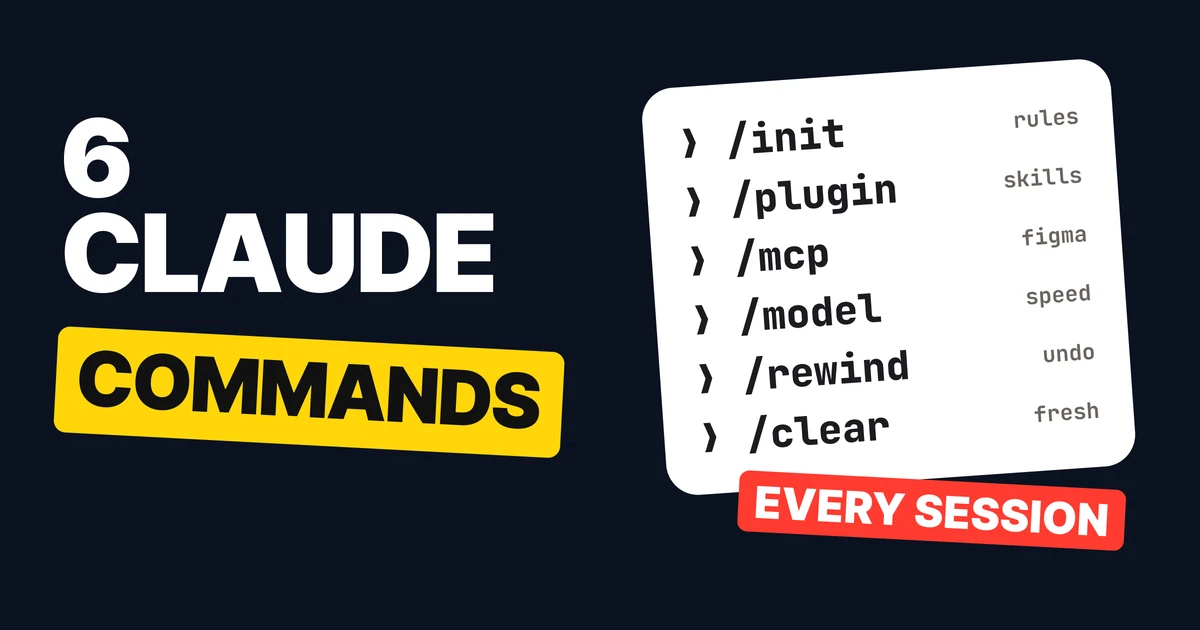
Claude Code has dozens of slash commands, and a designer needs six of them in almost every session. Each one below shows what it prints on a real screen, when to reach for it and the exact line to type. The screens come from our own run in a small scratch project on Claude Code 2.1.318, and we checked the wording against Anthropic's command reference.
1. /init: write the rules
> /init

● Write(CLAUDE.md)
  └ Wrote 20 lines to CLAUDE.md
      1 # CLAUDE.md
      2
      3 This file provides guidance to Claude Code (claude.ai/code)
        when working with code in this repository.
/init reads your project and writes a CLAUDE.md file at its root. Claude Code loads that file at the start of every session, so it is where your rules live: the design tokens to use, the component folder, the naming you never want broken. In our run it wrote 20 lines.
Run it once in a new project, then edit the file by hand. The generated version describes the code; the useful version adds what only you know, like "never use a hex that is not in tokens.css". Our guide to Claude Code for designers has a CLAUDE.md written like a design brief, and Claude Code memory explains why it sometimes still forgets.
2. /plugin: add new skills
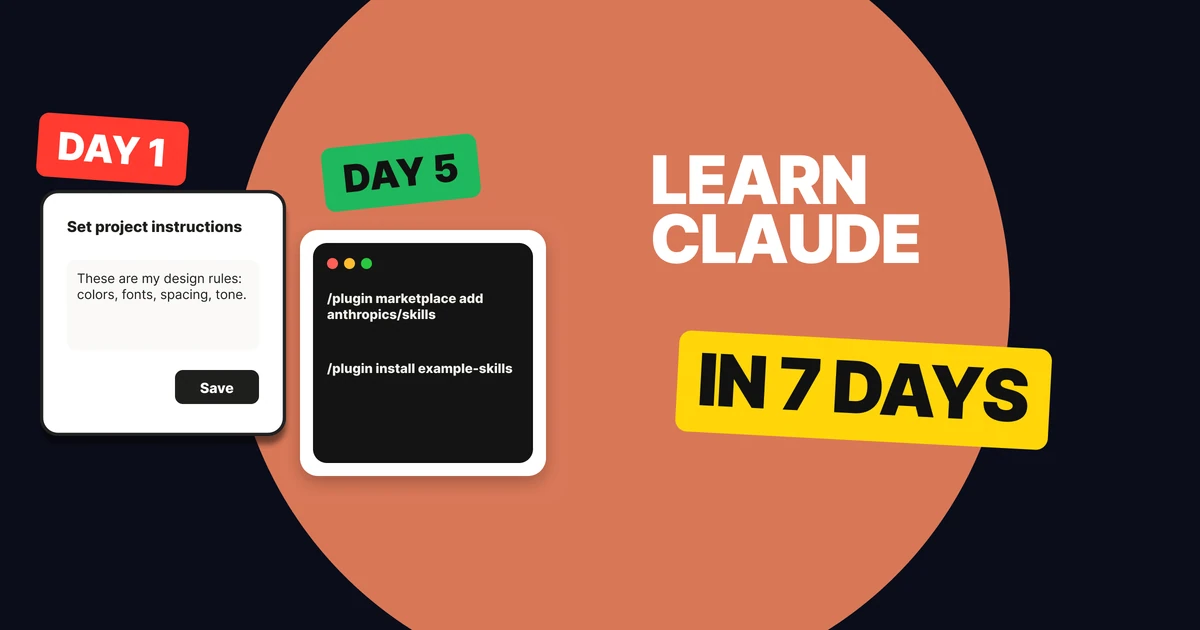
> /plugin marketplace add anthropics/skills
  └ Successfully added marketplace: anthropic-agent-skills

> /plugin install example-skills@anthropic-agent-skills
A skill is a packaged set of instructions Claude loads when a task needs it. /plugin adds a marketplace of them and installs plugins from it. The two lines above add Anthropic's public skills repository and install its example set, which includes frontend-design, the skill that pushes generated UI away from the generic AI look.
Run /plugin with nothing after it to open a menu of what is installed. We walk through six design skills in Claude skills for designers.
3. /mcp: connect Figma
> /mcp

Figma MCP Server

Status:  ⚠ needs authentication
Auth:    ✗ not authenticated
URL:     https://mcp.figma.com/mcp

❯ 1. Authenticate
  2. Disable
MCP servers give Claude new tools, and for a designer the important one is Figma's. Adding the server is one line in your terminal, outside Claude Code:
claude mcp add --transport http figma https://mcp.figma.com/mcp
Then start a session, type /mcp, pick the Figma server and choose Authenticate. The screen above is what you see before signing in. Once it says connected, Claude can read your frames and variables instead of guessing from a screenshot. Full setup, plan limits and security are in our Figma MCP guide.
4. /model: switch models
> /model
Select model
❯ 1. Default (recommended) ✓
     Opus 5.5 · Best for everyday, complex tasks
  2. Opus 5.5                  For complex work and everyday tasks
  3. Fable 5.1                 For your toughest challenges
  4. Sonnet 5.5                Most efficient for simpler tasks
  5. Haiku 5.5                 Fastest for quick answers
/model opens a picker. In plain words: a faster model for small jobs, a smarter one for big ones. Renaming forty layers or fixing a padding value is a Haiku or Sonnet job. Rebuilding a screen from a Figma frame, or untangling a component that broke in three places, is worth the bigger model.
The list depends on your account and plan, so yours may differ from the run above. The choice is saved as your default for new sessions, and pressing s on a row switches only the current one. How hard the model thinks is a separate setting, covered in Claude effort levels.
5. /rewind: undo anything
> /rewind

Rewind
Restore the code and/or conversation to the point before…

  /init
  CLAUDE.md +20

❯ (current)
Every message you send is a checkpoint. /rewind lists them, with the files each one changed, and lets you restore the code, the conversation or both to the point before it. Above, it offers to undo the /init that added 20 lines to CLAUDE.md. Pressing Esc twice on an empty prompt opens the same menu.
This is what makes it safe to say "try a bolder version" and mean it. One limit worth knowing: a file changed only by a terminal command Claude ran, not by its own edit tool, is not tracked. Keep the project in Git and you can always get those back too.
6. /clear: start fresh
> /clear

/clear
Start a new session with empty context; previous session
stays on disk (resumable with /resume)
Long sessions drift. Claude starts mixing an old request into a new one, or keeps a decision you already reversed. /clear starts a new conversation with an empty context, and the old one stays saved, so /resume brings it back if you need it. Your CLAUDE.md is loaded again, so the rules survive.
Use it between tasks: finish the pricing page, /clear, start the settings screen. If you want to stay in the same task with less history, /compact keeps a summary instead. The difference is in /clear vs /compact.
The six commands on one table
| Command | What it does | When to use it |
|---|---|---|
/init | Writes a CLAUDE.md for your project | Once per project, then edit it |
/plugin | Installs skills like frontend-design | When a task needs a skill you lack |
/mcp | Manages tools like the Figma MCP server | To connect or sign in to Figma |
/model | Switches between a faster and a smarter model | Small job or big job |
/rewind | Takes the code back to an earlier point | When an edit went the wrong way |
/clear | Starts a new chat with empty context | Between tasks, or when it gets confused |
Free Figma file
UX Brainy · 6 Claude commands (free)
All six commands with what each one does, ready to copy, plus the line that adds Figma.
FAQ
What does /init do in Claude Code?
It reads your project and writes a CLAUDE.md file with guidance for Claude. Claude Code loads that file at the start of every session, so edit it to add your own rules.
How do I undo changes in Claude Code?
Type /rewind, or press Esc twice on an empty prompt, and pick the point to go back to. You can restore the code, the conversation or both. Files changed only by terminal commands are not tracked, so keep Git as a backup.
How do I connect Figma to Claude Code?
Run claude mcp add --transport http figma https://mcp.figma.com/mcp in your terminal, start Claude Code, type /mcp, select the Figma server and choose Authenticate.
What is the difference between /clear and /compact?
/clear starts a new conversation with an empty context, and the old one can come back with /resume. /compact keeps the same conversation and replaces its history with a summary.
How do I see every Claude Code command?
Type / at the prompt to open the command menu, then keep typing to filter it. Anthropic's command reference lists them all.
Sources
- Anthropic, Claude Code commands reference: /init, /plugin, /mcp, /model, /rewind, /clear, /compact and /resume.
- Anthropic, Checkpointing: /rewind, double Esc, and changes made by terminal commands not being tracked.
- Anthropic, Install plugins and the public anthropics/skills repository.
- Figma's remote MCP server address, https://mcp.figma.com/mcp, as added in our run.
- Every terminal above is from our own run of Claude Code 2.1.318 in a scratch project on 2026-11-04. The 20 lines /init wrote are that run's count, and the /model list is the one our account showed. The marketplace reply came from the terminal form,
claude plugin marketplace add anthropics/skills, which Anthropic's install guide says prints the same wording as /plugin. - First published as a carousel on UX Brainy.