Dev Staging Production for Designers: 2026 Guide
Dev, staging, production. Three environments every designer works around but few understand. The plain explanation, with real tools and the mistakes to avoid.
Most designers learn about dev, staging, and production by breaking something on the wrong one. A Loom gets sent. An engineer winces. A Slack thread starts with "wait, which URL is this?" That is the entire onboarding.
This is the explanation you should have gotten on day one. No jargon for its own sake, no hand waving, just the three environments, who lives in each, and what you as a designer are supposed to do in them.
If you have ever asked "is this live yet?" while looking at the wrong tab, this paper is for you.
Why Three Environments Exist At All
Software has a problem that physical products do not. Once it is shipped, it is shipped to everyone, immediately, at the same time. There is no factory floor, no test market, no slow rollout by default. A bad change can hit a million users in the time it takes to refresh a page.
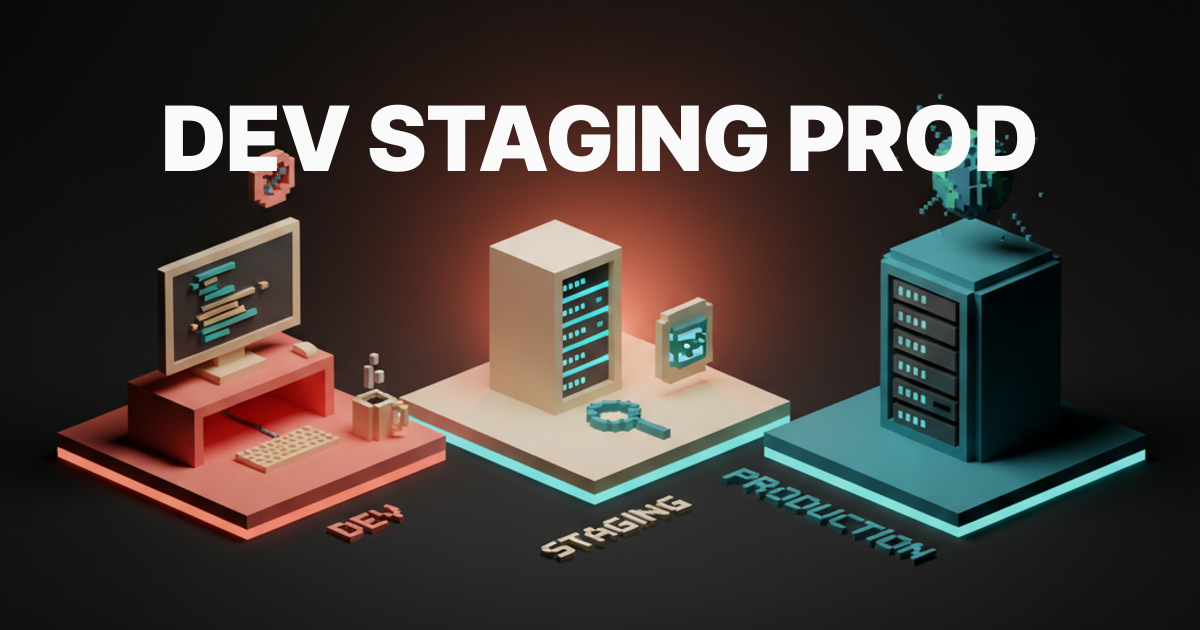
Three environments exist to give the team a place to be wrong before users see the wrongness. Dev is where you are allowed to be very wrong. Staging is where you are allowed to be a little wrong. Production is where you are not allowed to be wrong at all, because real people are watching.
You can think of it as the same article going through three editorial passes. The first draft is rough, the galley copy is mostly clean, the printed magazine has been read by ten people. Nobody publishes the first draft and nobody designs straight into production for the same reason.
Teams that skip stages do it because they are small, fast, or reckless. Sometimes all three. The structure exists so the team can grow out of recklessness without slowing down.
The Three-Environment Cheat Sheet
Before we go deeper, here is the cheat sheet you can screenshot and never need to ask about again.
| Environment | Purpose | Audience | Data | URL pattern | Deploy trigger | Review style |
|---|---|---|---|---|---|---|
| Dev | Build and break freely | One engineer, sometimes you | Fake or seeded, often broken | localhost:3000 or yourname.dev.app | Local code changes | Pairing, screen share |
| Staging | Final check before users | Internal team, designers, QA | Realistic, anonymized, refreshed | staging.app.com or pr-123.app.com | PR merge or manual push | Async review, Loom, Figma compare |
| Production | The real thing | Customers, the world | Real, sensitive, irreversible | app.com | Tagged release or main branch merge | Monitoring, post-launch QA |
If you only remember one row, remember the data row. Dev has fake data, staging has realistic data, production has the data that gets you sued if you mess with it. Treat the three accordingly.
Dev: Where Engineers Live, Where Things Break On Purpose
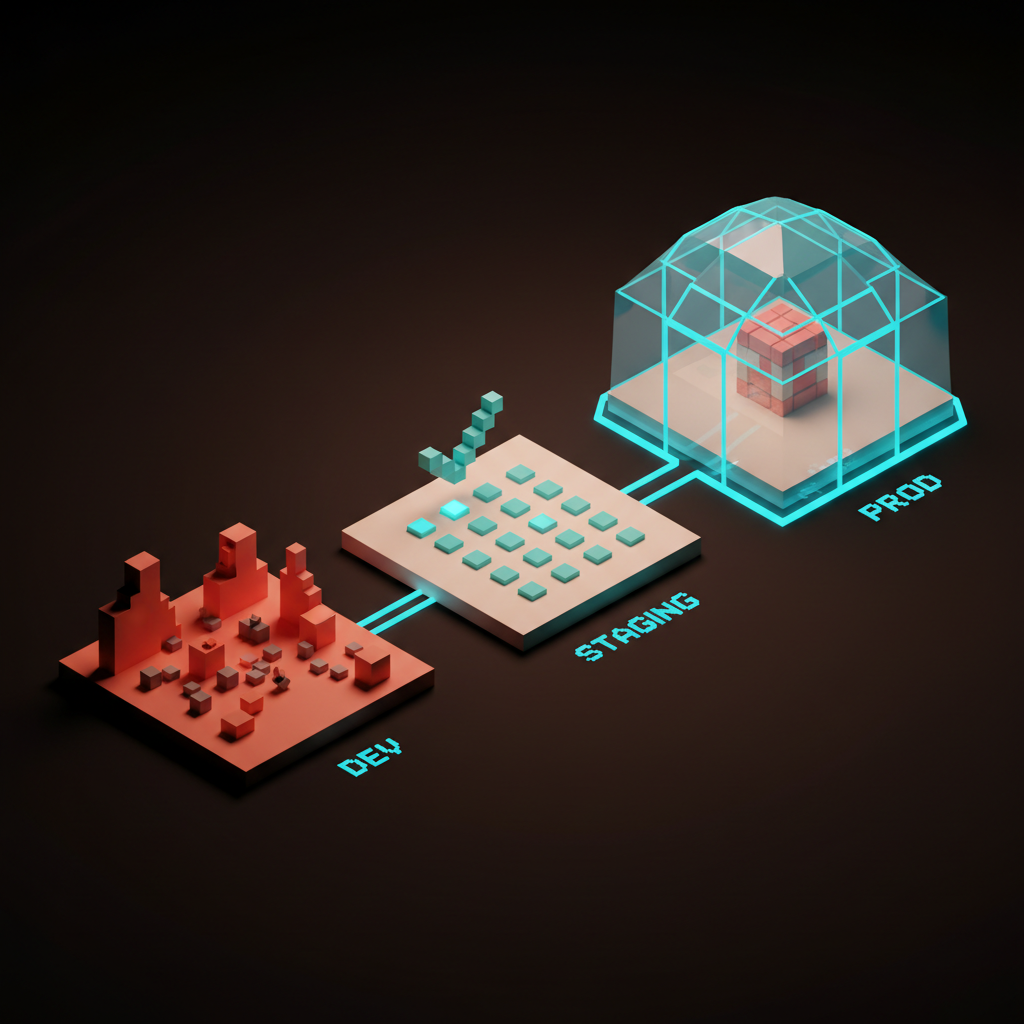
Dev is whatever an engineer is running on their laptop or in a personal cloud sandbox. It is usually called localhost. It runs on their machine, talks to a fake database, and exists for exactly one person at a time. You almost never see this environment, and that is correct.
When an engineer says "it works on my machine," they are talking about dev. Half the time it works there because the data is fake, the network is fast, and nothing else is happening. The other half of the time it works there because they finished it five minutes ago and it has not been tested against anything resembling reality.
Dev is also where new components first show up. If you handed off a card pattern in Figma, the first time it exists in real code is in some engineer's dev environment. They will likely ping you with a screenshot or a Loom from localhost. That is them showing you the rough cut, not the final.
You do not review dev for pixel polish. You review dev to confirm structure, behavior, and intent. Save the pixel notes for staging.
Staging: The Dress Rehearsal
Staging is where the team checks itself before customers do.
It runs on real infrastructure, with realistic data, on a URL that usually starts with the word staging in front of your normal domain.
Anyone on the team can look at it. Customers cannot.
This is where you do most of your design review. You compare it to the Figma file. You click through the flow on a real device. You catch the things that always look fine in Figma and weird in code: line heights, focus states, what happens when a name is forty characters long, what happens when there is no data at all.
Staging usually mirrors production as closely as the team can afford. Same database structure, same third party services in test mode, same feature flags, same auth flow. The closer staging is to production, the fewer surprises you get when something ships. Teams that let staging drift away from production end up shipping bugs they could have caught for free.
Staging is also where you find out if the engineer interpreted your design the way you meant it. Half the time they did. The other half is where the conversation actually starts.
Production: Where Real People Live
Production is the live site. It is what your customers see when they type your URL into a browser. It runs on real infrastructure, with real data, real money moving through it, real consequences for every change. When you click through it, you are interacting with the same system your users are.
This is the environment where you stop being a designer and start being a guest. You do not click around in production to test ideas. You do not try things out. You do not log in as a fake user to see what happens, because in production there is no fake user, only real ones with real records that you can corrupt by accident.
Production is for monitoring, for spot checks after a deploy, for screenshotting things that are already live. If you need to test something, you go back to staging. If staging cannot show you the thing, you ask for a preview. You do not poke production.
The maturity test for any team is how religious they are about this rule. Junior teams click through prod constantly. Senior teams treat it like a clean room.
The Lifecycle Of A Single Change
A single design change passes through every environment before a user sees it. Knowing this lifecycle is what separates designers who frustrate engineers from designers who delight them.
Here is how a change actually moves:
- You hand off the design in Figma, with annotations, states, and edge cases.
- An engineer pulls the change into their dev environment and builds it locally.
Then the work goes public to the team:
- They open a pull request, which spins up a preview deployment with a unique URL.
- You review the preview, leave comments, request changes, approve.
And finally it makes its way to users:
- The PR merges and the change ships to staging for one last team review.
- After staging is signed off, the change ships to production and users see it.
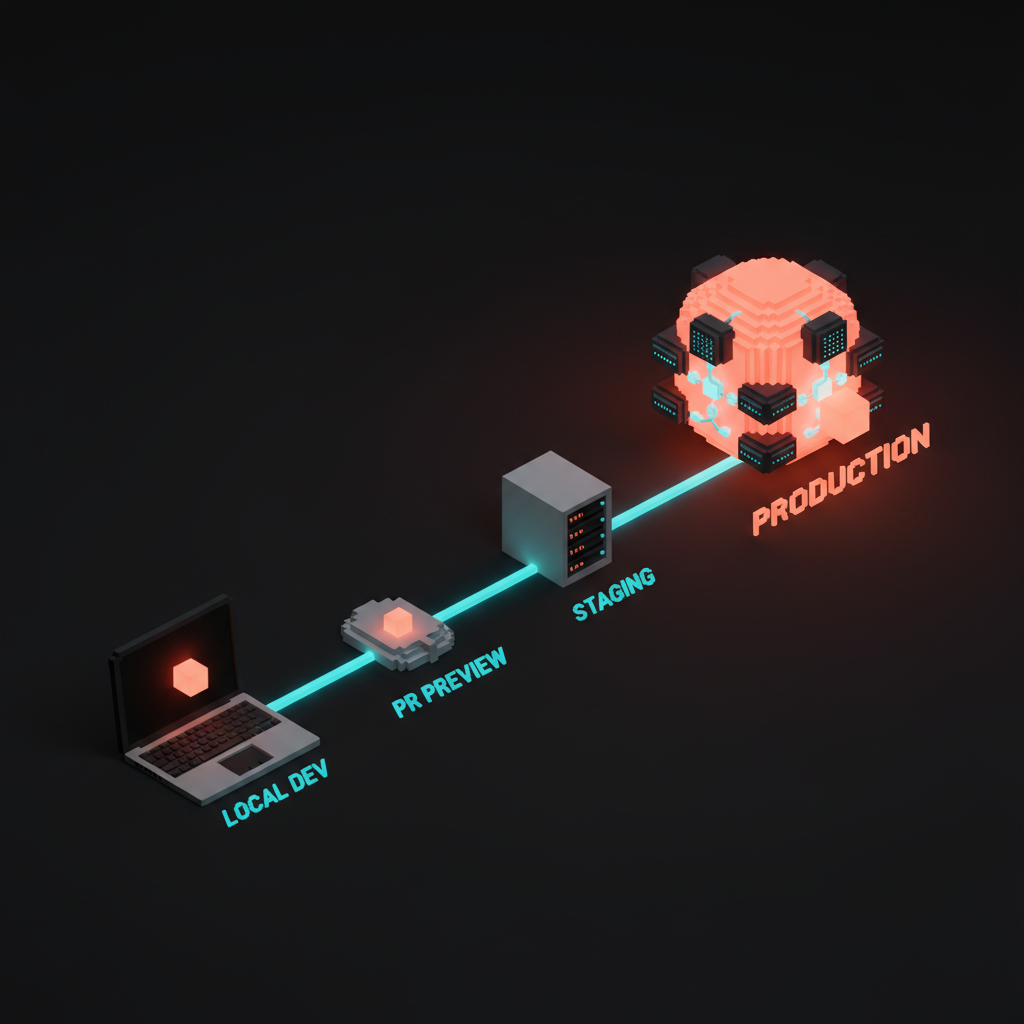
Steps three and four are the new superpower. Preview deployments mean you are not waiting for staging to see your work in code. You see it the moment the engineer pushes their branch. This used to be a luxury and is now table stakes.
If your team does not have preview deployments, that is the single highest impact thing they could add. Push for it.
Preview Deployments Changed Everything
Ten years ago, design review meant either flying down to the engineer's desk or waiting until next Tuesday's staging push. Today, every modern hosting platform gives every pull request its own URL. Vercel calls them preview deployments, Netlify calls them deploy previews, Render and Cloudflare and AWS Amplify all do versions of the same thing.
What this means in practice: every branch, every PR, every change in flight has a live, clickable URL that you can review without waiting for anything. The engineer pushes their branch, the preview builds in two minutes, and a bot drops the URL into the PR for you. You click it, you review, you comment, you move on.
Preview deployments collapse the design review loop from days to minutes. They also make Loom videos far less necessary, because a preview URL is a Loom video you can interact with. If you have not been using them, ask your engineer to point you at the bot comment on any open PR. The link is right there.
A few things to know about previews. They run with staging or test data, never production data. They are temporary and get torn down after the PR closes. They have their own URL per branch, so you can have ten of them open at once for ten different features.
Environment Variables, Configs, And Why You See "Test Mode"
Every environment runs the same code but talks to different services. Dev uses a test database, staging uses a staging database, production uses the real one. Each environment also uses different versions of every third party tool: Stripe in test mode in dev and staging, Stripe in live mode in production. Same with email senders, analytics, auth, every external dependency.
The way teams keep all this straight is environment variables, also called configs or secrets. These are little named values like DATABASE_URL or STRIPE_KEY that change per environment. Tools like Doppler, Vercel env vars, AWS Secrets Manager, or 1Password Connect manage them.
Why this matters to you as a designer: when you see Stripe show test card numbers in staging, that is the staging Stripe key talking. When you see your own dev profile picture but a totally fake credit card in dev, that is dev pulling from a fake DB but a real Clerk auth. When something works in staging but breaks in prod, ninety percent of the time it is a missing or different env var.
You do not need to manage these. You just need to know they exist so when an engineer says "wait, that is using the prod Stripe key, do not click that button," you know what they mean.
Data Parity: What You Will Actually See
The data inside each environment determines what you can test and what you cannot. This is the thing designers most often miss.
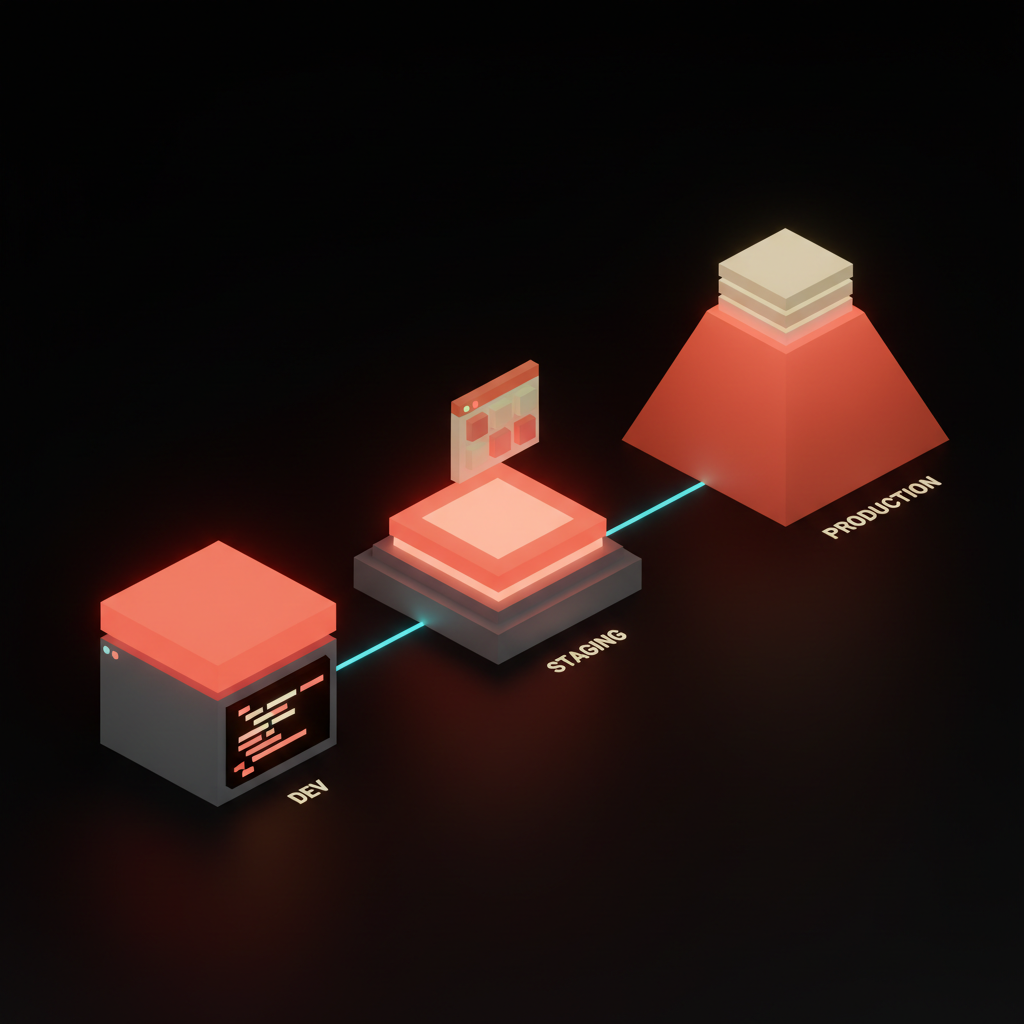
Dev usually has seed data, a small set of fake users, fake products, fake everything, often dropped and reseeded fresh every morning. The names will be silly, the addresses will be from Springfield, the avatars will be tiny gray squares. Do not try to evaluate empty states or edge cases against this data, because it was built to make the happy path work.
Staging usually has either anonymized production data or a curated realistic dataset. Real shapes, real lengths, real edge cases, but the names and emails are scrubbed. This is where you actually see what your designs look like with a customer named Christopher Hassan-Williamson the Third or an order with sixty-three line items. This is the only place you can do real design QA.
Production has real data, which is exactly why you do not poke at it. You can look for snapshots and dashboards, but you should never use production as your testing ground.
The Designer's Role In Each Environment
The cleanest way to think about your job in each environment is to assign yourself a different mode in each.
In dev, you are a teammate. You do quick check-ins over screen share, validate that the engineer understood the design, catch big structural issues early. You do not red-line anything in dev because the engineer is still building.
In staging, you are the design QA. You compare to the Figma file, you check the states, you write the punch list. This is where you do your serious review, leave structured comments, and approve or block the change. Staging is your domain.
In production, you are a guest. You verify the change shipped, you take a screenshot, you watch analytics if that is your job. You do not click around testing things or "just try one thing real quick" in production.
Hold these three modes in your head and you will be one of the easier designers your engineering team has worked with.
The Mistakes Designers Make Constantly
I have watched designers make all of these. I have made some of them myself. None of them are the end of the world, but all of them slow your team down and burn engineering goodwill.
The classics:
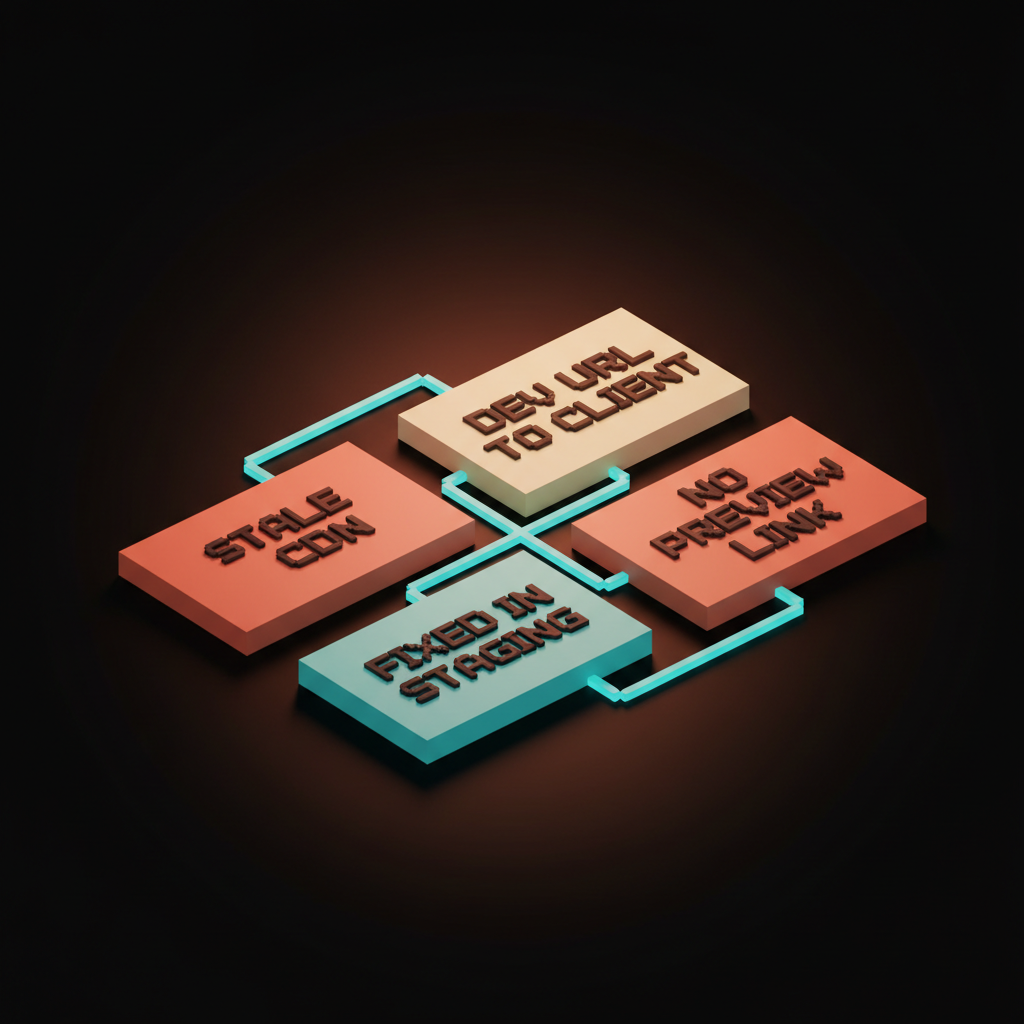
- Sending a dev URL to a client. Dev is on someone's laptop, so the client clicks the link, gets a connection error, and asks if you guys are even shipping anything.
- Reporting a "live bug" from a stale CDN cache. You are looking at a version cached six hours ago, and a hard refresh fixes it.
The next batch comes from confusion about what is live where:
- Filing a bug for something already fixed in staging. You looked at production, saw the old version, filed a panicked Slack. The fix has been on staging for a week.
- Not asking for a preview link. You wait three days for it to hit staging when the engineer could have shared a preview URL the moment they pushed.
The last two are about respecting the line between staging and prod:
- Clicking through prod to "test" something. You are now a real user with real consequences, so stop.
- Asking "is this live yet?" instead of checking the deploy log. Most teams have a Slack channel that posts every deploy, so bookmark it.
Each of these is a one-line fix once you know it exists. None of them are stupid. They are just the things nobody told you.
How To Ask For What You Need
The flip side of the mistakes is the etiquette. Designer-engineer communication around environments is mostly about being specific. Vague requests cost time, specific requests cost nothing.
Bad: "Hey can you push the new card design somewhere I can see it?"
Good: "Hey can you push your card design branch and drop me the preview URL when it's ready?"
Bad: "Is the homepage update live yet?"
Good: "Is PR 412 in production yet, or still on staging?"
Bad: "Something looks broken on the live site."
Good: "On production, the pricing card on /pricing is missing the bottom border for me. Hard refreshed, still broken. Screenshot attached."
The pattern is the same in every example. Name the environment, name the change, give the evidence. Engineers will move mountains for designers who file requests like this. They will quietly resent the ones who do not.
Feature Flags: Staging Inside Production
There is a fourth concept that breaks the dev/staging/prod model in a useful way: feature flags. A feature flag is a switch in the code that says "show this new feature to user X but not user Y." Teams use them to ship code to production while only exposing the new feature to a small group of users, often just internal staff.
Tools like LaunchDarkly, Statsig, ConfigCat, and Vercel's own flags do this. The new design is technically live in production, but only people on the internal flag see it. Everyone else sees the old version.
This matters to you because the answer to "is this live?" gets fuzzier. The code is live but the feature might not be, so you might need to ask the engineer to flip the flag for your account. Or they might say "it is shipped, just behind a flag, we will turn it on for everyone Tuesday."
Feature flags are how grown-up teams ship continuously without breaking everyone. They are also how you can do the equivalent of staging review on real production data, with real users, at low risk.
What Each Environment Teaches You About The Team
The way a team handles these three environments tells you almost everything about its engineering maturity. Use this as a quick read on any new client or role.
A team with no staging is moving fast and praying. They will eventually hit a bug that costs them a customer, and then they will build staging.
A team with staging but no preview deployments is in the middle. Reviews are slow, the cycle from "done" to "designer can look at it" is measured in days, you will spend a lot of time waiting.
A team with preview deployments, a real staging, monitored production, and feature flags is operating at the level you want. Feedback loops are short, mistakes are caught early, nobody is panicking on launch day. Once you have worked there, the other levels feel exhausting.
Three environments, three audiences, three sets of data, one lifecycle that connects them. That is the whole concept. Everything else is tooling on top.
You do not need to know how to deploy code or manage a Vercel account. You just need to know which environment you are looking at, what you are allowed to do there, and how to ask for the right URL. Do that and you will be the designer your engineers actually want to work with.
Bookmark the deploy log, ask for the preview link, and stop touching production.
Need a design partner who already speaks engineering? We ship into your stack.
Get StartedGet new papers by email
New Brainy papers in your inbox. Confirm once, unsubscribe anytime.