Chat Is the Wrong UI for Most AI Products Right Now
Chat is the default AI interface and the wrong one for most jobs. The fix is direct manipulation, structured output, generative UI, inline AI, ambient AI.
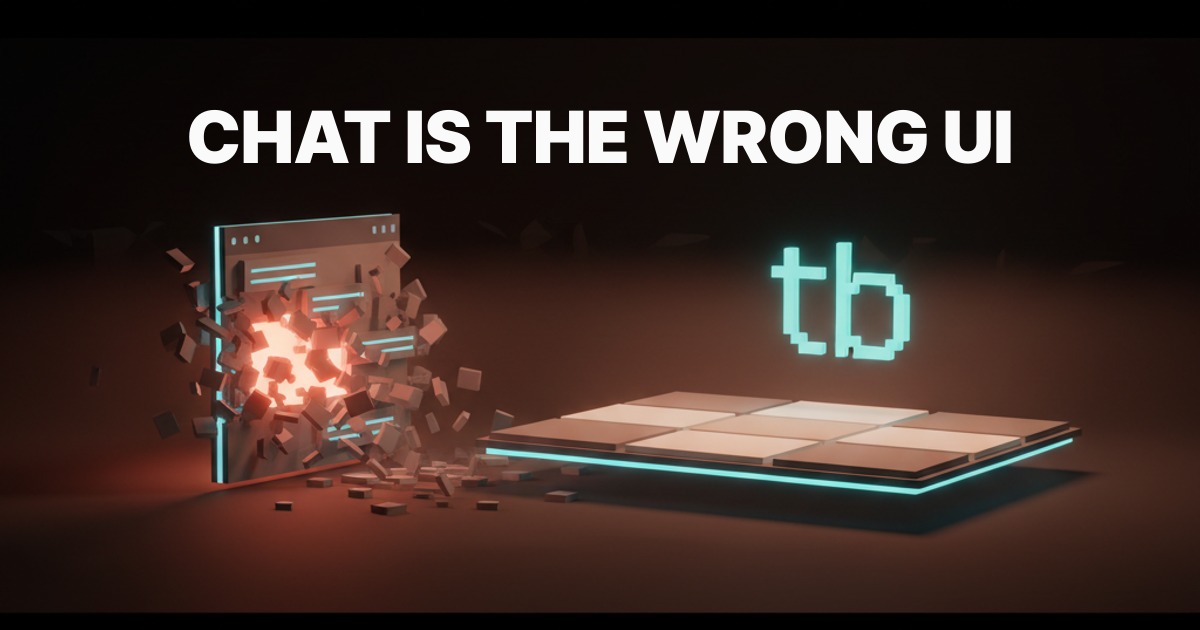
Chat is the wrong UI for most AI products. Every team shipping a "talk to our AI" panel in the corner of a real interface is making the same mistake, and the mistake is not the model, it is the surface.
The conversational interface became the default because ChatGPT made one billion people fluent in talking to a text box. That fluency is real. The conclusion that every AI feature should therefore be a text box is a category error.
Chat is one tool. For most AI features it is the wrong one. The right answers are direct manipulation, structured outputs, generative UI, inline AI, and ambient AI, and the products winning right now are the ones that figured this out before anyone else.
How chat became the default
Chat became the default because it was the cheapest interface to ship on top of a language model. A text input and a text output is a one-day integration. Anything else is a real design problem.
The second reason is the demo effect. ChatGPT's launch made a chat thread the visual shorthand for "we have AI now," and product teams reached for the shape that looked modern.
The third reason is laziness disguised as humility. Teams say "let the user ask anything" because they do not want to commit to an opinion about what the AI should do. A blank text box is the design equivalent of a shrug.
None of those reasons are about the user. They are about speed, optics, and risk avoidance, and that is why the resulting product feels like a shrug to the people who actually use it.
What chat is actually good for
Chat is right for a narrow band of jobs and you should know exactly what they are. Open-ended exploration where the user does not yet know what they want is one. Multi-turn negotiation where the answer needs refinement across several exchanges is another. Fuzzy intent where the user cannot articulate the goal in a single structured form is the third.
ChatGPT's main surface is correct. Claude.ai's main surface is correct for the same reason. Cursor's chat panel is correct when you are stuck on a hard architectural question and need a second brain.
What those three products share is that the chat surface is the product, not a bolt-on. Chat is the main event, the user came for the conversation, and the rest of the screen is in service of the thread.
The moment chat stops being the main event and starts being a corner-of-the-screen helper, you are in the wrong UI. That is when the alternatives start mattering, and the alternatives are most of the work.
What chat is bad for
Chat is bad at anything with a known shape. If the AI's job is to fill out a form, chat is wrong. If the AI's job is to edit a specific paragraph, chat is wrong. If the AI's job is to suggest the next field, the next line, the next pixel, chat is wrong.
Chat is bad at speed. Every chat exchange is a round trip. Type, send, wait, read, type again. For a task that takes a single click in a normal UI, three rounds in a chat is a tax the user pays in both time and dignity.
Chat is bad at parallel state. A conversation is a single thread, and most real work is multiple things at once. The user is editing three sections, comparing two options, and watching one preview, and a chat thread flattens all of that into a sequence.
Chat is bad at trust. You cannot see what the AI is about to do until it does it, and by then the change is already in the document. Direct manipulation lets the user see the move before they commit, and chat hides the move inside a sentence.
The five alternatives that are not chat
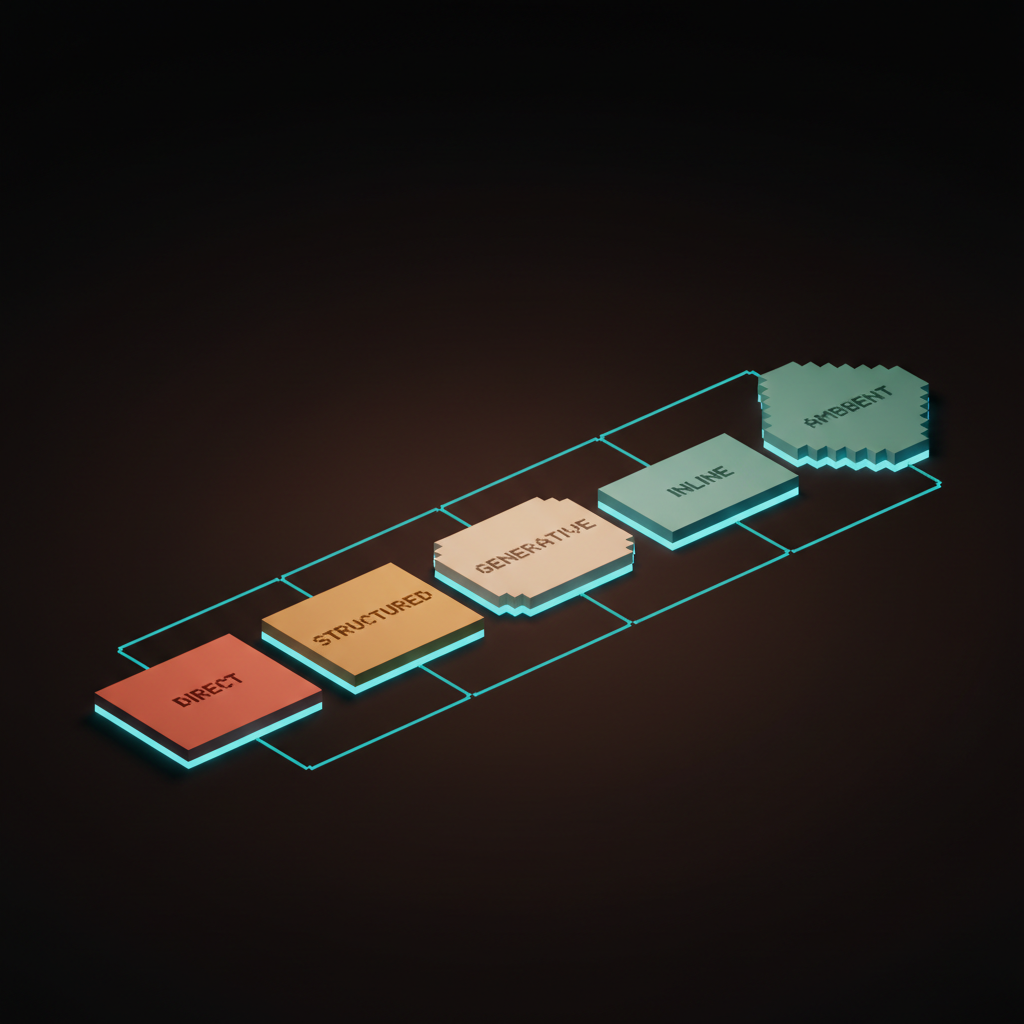
There are five interface patterns that almost always beat chat for product AI. Direct manipulation, structured output, generative UI, inline AI, and ambient AI, in roughly that order of how often they are the right call.
- Direct manipulation: the user grabs the thing and the AI assists the grab.
- Structured output: the AI returns a typed object the UI renders, not a paragraph.
- Generative UI: the AI builds the interface for the answer instead of writing the answer.
- Inline AI: the AI lives inside the existing surface as a contextual action.
- Ambient AI: the AI is present without a UI of its own, surfacing when needed.
Each of these does a job chat cannot do. The product teams shipping the best AI features in 2026 are using two or three of these in combination, and they almost never lead with chat.
Direct manipulation, where Cursor's tab actually wins
Cursor's tab completion is the cleanest example of direct manipulation done right. The user is typing code, the model predicts the next edit, and a single tab key accepts it. There is no chat, no prompt, no thread, no waiting room.
The user did not type a question, they typed code. The AI watched the code and offered the next move, the user said yes with one finger and kept going. That loop is the right answer for an enormous class of AI features.
Direct manipulation works because it preserves the user's existing motor pattern. The user already knew how to write code, click pixels, drag layers, edit cells, and the AI slots into that motor pattern as a suggestion the user accepts or ignores at their own speed.
Notion's inline AI does this for prose. Figma's recent AI rename and AI restructure surface this for layers. The pattern generalizes far past code, and wherever the user already has hands on the work, the AI should join the hands rather than start a separate conversation about the work.
Structured output, the pattern Linear uses to skip the chat
Linear's natural-language commands take a sentence like "create a bug for the auth flow assigned to me due Friday" and turn it into a typed Linear issue with a title, an assignee, a label, and a due date. The user typed prose, the product rendered an issue.
The output is structured. There is no conversation, no clarifying question, no AI persona. The model returned a typed object and the UI showed the object as the thing it always was, an issue card.
Structured output is the right pattern for almost every "do a thing in my product with words" feature. The user gets the speed of typing freely, the product gets the precision of working with its own data model, and the AI is invisible because it is doing the right job: translating one shape into another and getting out of the way.
Granola's "transcript not chat" approach is the same pattern applied to meetings. The product is a transcript surface, not a chat thread, and the AI extracts structured artifacts from the transcript like action items, decisions, and follow-ups. The user works with the artifacts directly, and there is no conversation with the AI about the meeting.
Generative UI, where v0 and Claude Artifacts changed the game
Generative UI is the pattern where the AI returns an interface, not text. v0 takes a prompt and returns a working React component the user can preview and copy. Claude Artifacts take a request and return a rendered chart, a working app, a usable document inside the conversation.
The mental model shift is sharp. The AI is no longer answering a question, it is shipping a small piece of software that answers the question. The user did not get a paragraph about the data, they got a chart of the data they can hover and filter.
Generative UI works because most answers are structured better as interfaces than as prose. You did not want a description of the dashboard, you wanted the dashboard. You did not want a summary of the data, you wanted the table.
This is the pattern with the longest runway. The next two years of product AI will be defined by how aggressively teams adopt generative UI as the default response format, and by how cleanly they let users keep, modify, and embed the artifacts the AI builds.
Inline AI and ambient AI, where the AI lives inside the work
Inline AI lives inside the surface the user already had open, as a contextual action attached to the thing they are working on. Notion's inline AI blocks let the user select a paragraph and ask for a transform, and the result replaces the selection in place. Arc's mini AI surfaces ride alongside the page the user is reading, and the result lands inside the same tab.
The pattern is "AI as a verb, not a place." The user did not navigate to the AI, they invoked the AI on the thing in front of them. When the action finished, the user was still in the same surface, still looking at the same work.
Ambient AI is the pattern where the AI is present without a UI of its own. It watches, it prepares, it surfaces when needed, and it stays out of the way the rest of the time. Cursor's tab completion is partly ambient, Granola is largely ambient, and the best parts of GitHub Copilot are ambient.
The right ambient AI feels like a good colleague who reads the room. They do not announce themselves, they do not ask if you want help, they notice the moment you need them and offer the smallest useful thing.
When chat is actually the right call
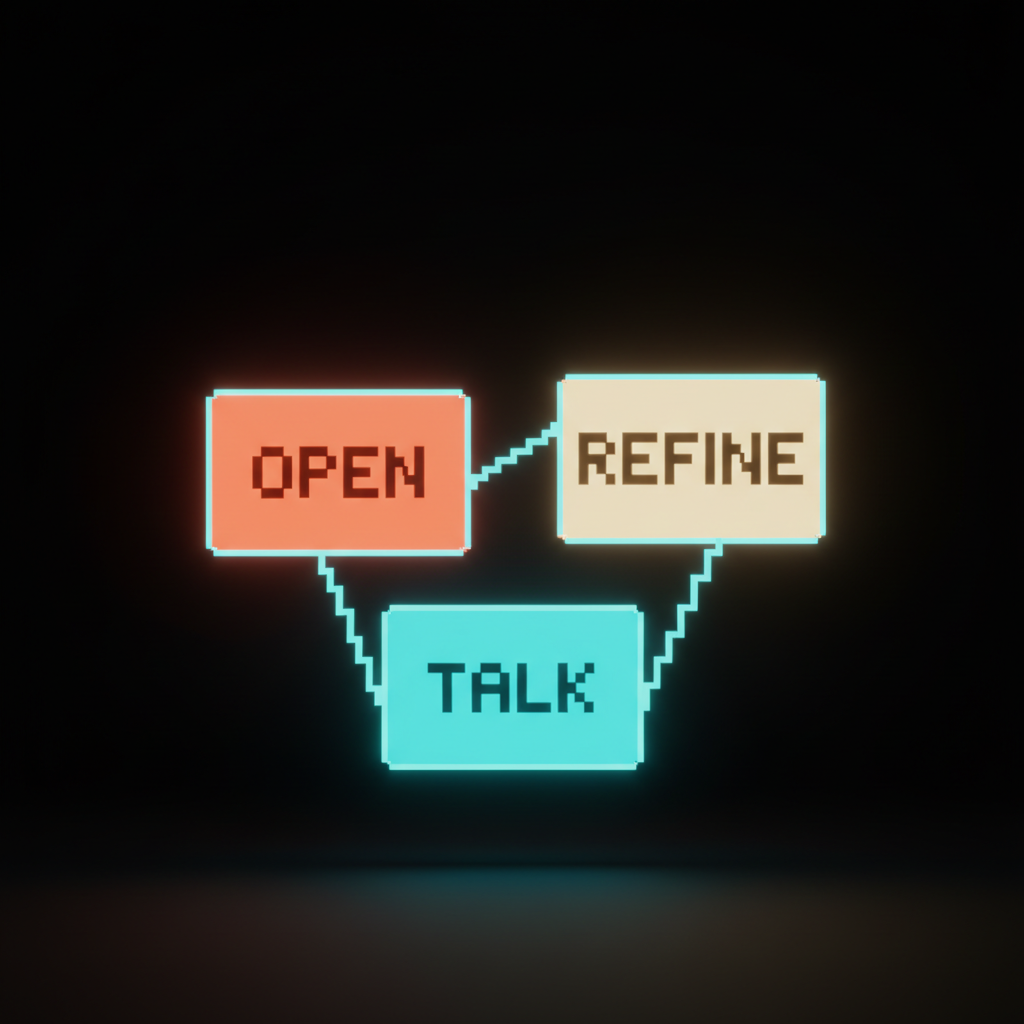
Chat earns its keep when three conditions hold. The user does not yet know what they want, the answer needs refinement across several turns, and the conversation itself is the value the user came for.
Therapy bots, exploratory research assistants, code architects you are stuck with at midnight, brainstorming partners, and the main surfaces of ChatGPT and Claude.ai all meet those three conditions. The user came to talk, the talking is the work, chat is correct.
If your feature does not meet all three conditions, chat is probably not the right surface. Run the test honestly. If the user knows what they want, chat is too slow, and if the answer fits in a structured form, chat is too vague.
The honest answer is that maybe ten percent of AI features need chat as the primary surface. The other ninety percent need one of the five alternatives and a designer who can tell the difference, which means most of the chat is the wrong UI for the work being shipped.
The decision framework
Use this table when you are deciding what shape an AI feature should take. It is not exhaustive, it is the first cut.
| Job | Right surface | Wrong surface |
|---|---|---|
| Edit the thing in front of the user | Direct manipulation or inline AI | Chat panel |
| Do a thing in the product with words | Structured output | Chat thread |
| Answer with data the user can explore | Generative UI | Paragraph in chat |
| Watch the work and assist on the fly | Ambient AI | Always-open chat |
| Help the user think out loud | Chat | Inline AI |
| Negotiate a fuzzy goal across turns | Chat | Single-shot form |
| Translate prose into structured action | Structured output | Chat with confirmations |
| Build the interface for an answer | Generative UI | Markdown in chat |
The framework is honest about the trade-offs. Chat is right for two of the eight jobs in this list, and the other six belong to the alternatives. That ratio matches what the best AI products are shipping right now.
The failure modes you keep seeing
Four failure modes show up in almost every "we added AI to our product" launch. They are predictable, they are avoidable, and they all start with chat.
The first is the chat-shaped hammer. The team picks chat as the surface, then tries to use chat for everything from form-filling to data exploration to in-line edits. The product becomes a single text box bolted onto a complex application, and the user is forced to convert every action into a sentence.
The second is latency dread. Every chat exchange is a round trip the user has to wait through. The user types, hits send, watches a spinner, reads a paragraph, types again, and for tasks that should take a click, the chat tax is brutal.
The third is context loss. The chat thread does not know what the user is looking at or what they were doing thirty seconds ago. The user has to re-explain every turn, and the AI's answers feel generic because the AI does not see the work.
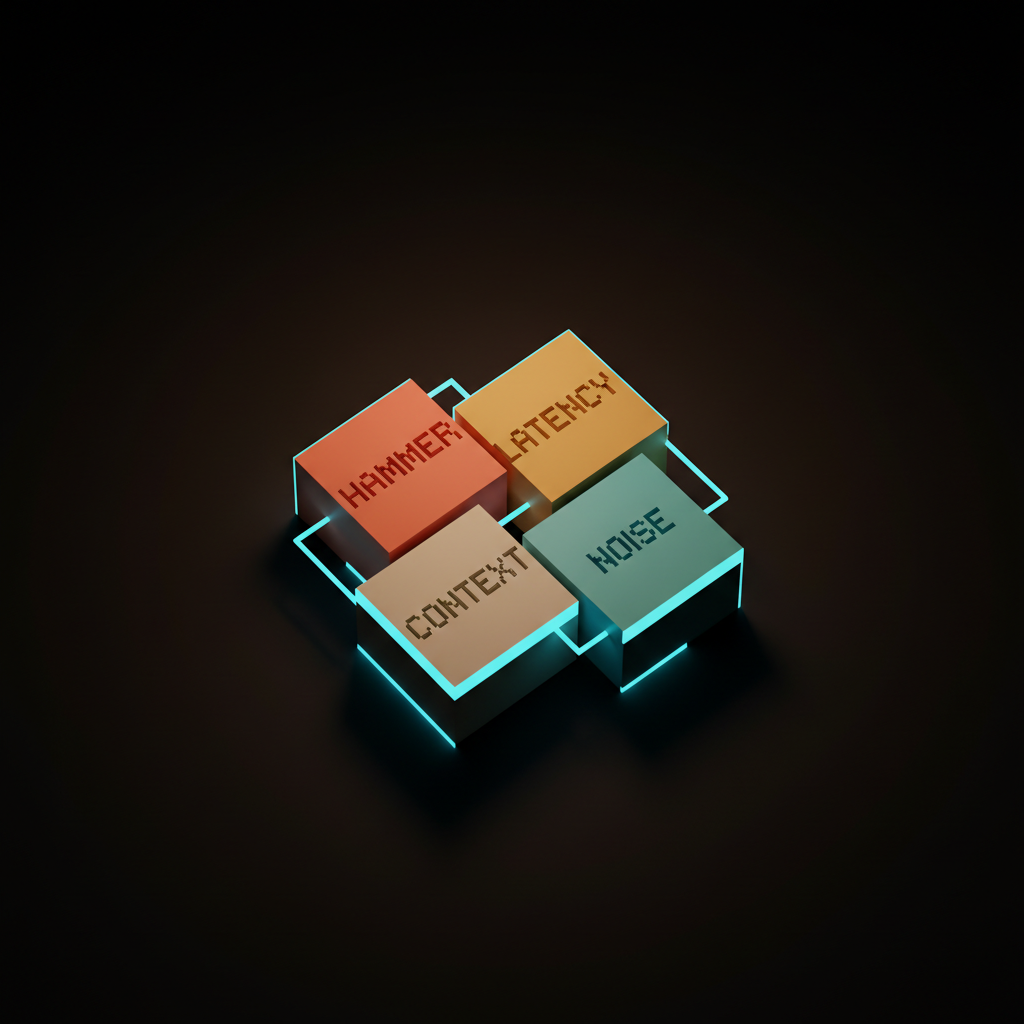
The fourth is ambient noise. When the team decides to make the chat ambient, it shows up as suggestions, popups, and notifications the user did not ask for. The product feels like it is interrupting itself, and the user learns to tune the AI out entirely.
Every one of these failure modes is a sign that chat was the wrong choice from the start. The fix is almost never a better prompt, the fix is a different surface.
How to design the alternatives
Designing post-chat AI is mostly a matter of respecting the user's existing surface and shrinking the AI to fit inside it. Start with the work the user came to do, find the moment in that work where AI can save a step, then put the AI exactly there in exactly the right shape.
Direct manipulation is designed by watching the user's hands. Where do they already drag, click, type, select, the AI assists those motions and does not replace them with a chat box.
Structured output is designed by mapping the AI's answer to the product's data model. The model returns a typed object, the UI renders the object, there is no prose layer in the middle.
Generative UI is designed by treating the AI's response as a small piece of software. Inline AI is designed by inventory, listing every place the user might want a transform or a completion and putting a small affordance there. Ambient AI is designed by restraint, with the bar for interrupting set at "the user will thank us."
What this means for the next two years
The next two years of AI product design are going to be defined by who escapes chat first. The teams that keep shipping chat panels in the corner of real applications are going to lose to the teams shipping direct manipulation, structured output, generative UI, inline AI, and ambient AI.
The new design vocabulary is already forming. "Inline blocks," "generative artifact," "ambient assist," "structured action," and "direct edit" are entering the working vocabulary of product designers the way "card," "modal," and "drawer" entered the vocabulary fifteen years ago. If you are not fluent in this vocabulary by the end of 2026, you are going to ship the wrong thing twice a quarter.
The biggest shift is conceptual. AI is not a feature you add to a product, AI is a material you build with, and chat is one shape of that material. A designer who knows only the chat shape is a designer who can only build one kind of product, and that is why the claim that chat is the wrong UI for most products keeps getting more correct as the months pass.
Chat is not dead. Chat is correct in the narrow band of jobs that actually need a conversation, and for everything else the future is shaped like the work, not shaped like a thread. If your product is a chat box bolted onto a real interface, you do not need a better prompt, you need a better surface, and that is the work we do at /hire.
If your product is a chat box bolted onto a real interface, you do not need a better prompt, you need a better surface, and that is the work we do at /hire.
Get StartedGet new papers by email
New Brainy papers in your inbox. Confirm once, unsubscribe anytime.