
JPG vs WebP: Which Image Format to Export for Web, Email and Print
WebP for photos on a web page, JPG for email and print. The same photo measured in both formats, five more photos, the size limits, a decision table and the export settings.
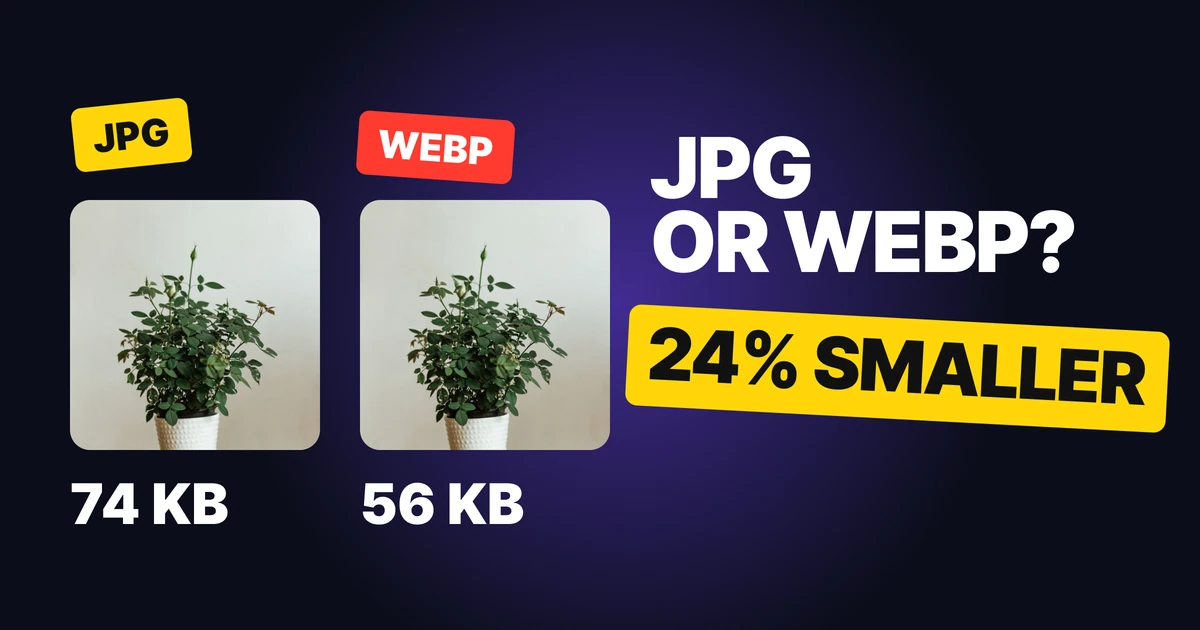
You finish a photo, hit export, and the menu asks: JPG or WebP? Both are fine for photos and they look the same on screen, so most people keep whatever the tool picked last time. The right answer depends on where the image goes next. Here is the same photo in both formats with the real file sizes, where each one breaks, and a table for the exports you make every week.
Same photo, two files
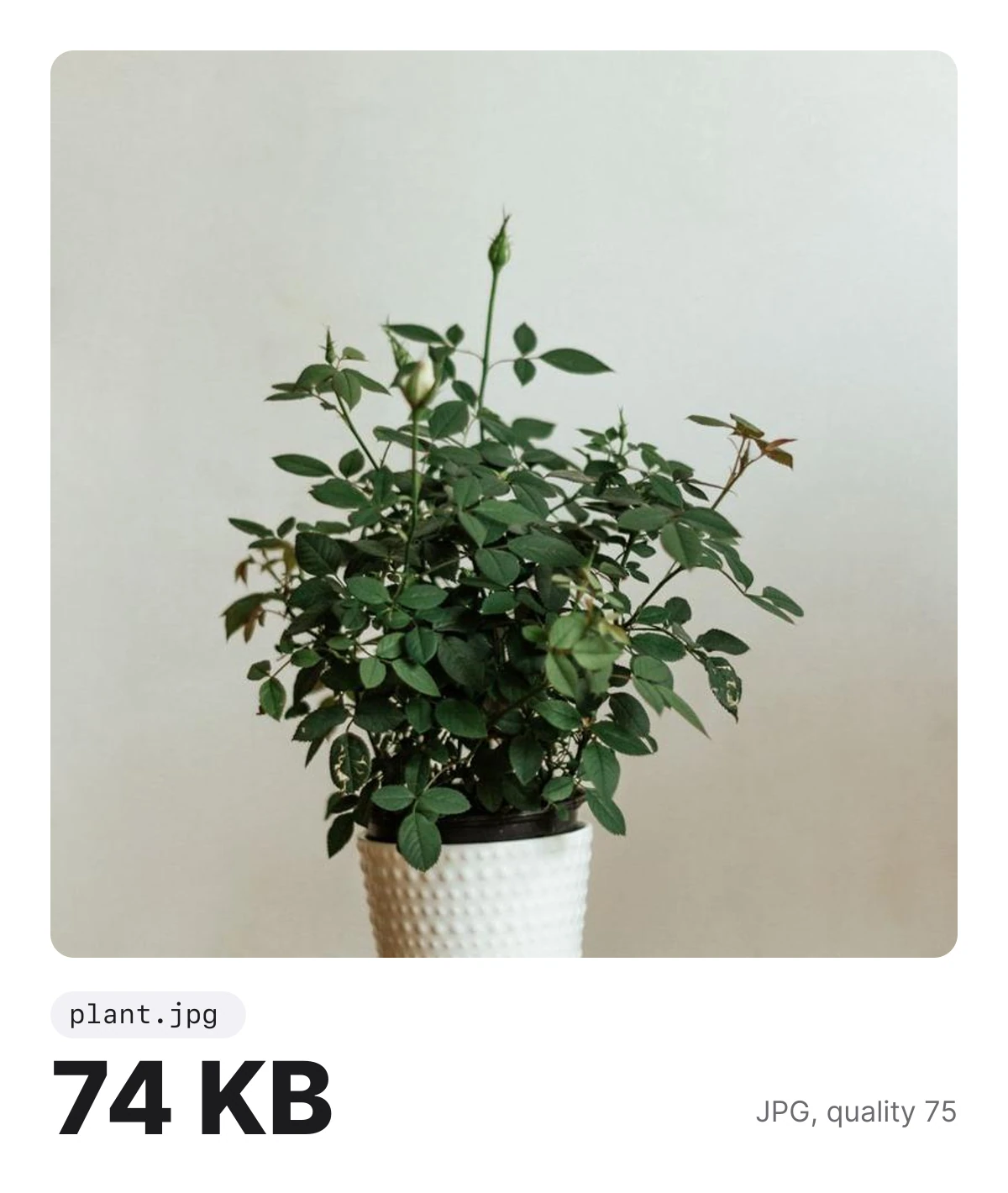
Both formats throw away detail your eye will not miss, which is why photos get so small. WebP does it with a newer method, so it reaches the same look with fewer bytes.
JPG, 74 KB
WebP, 56 KB
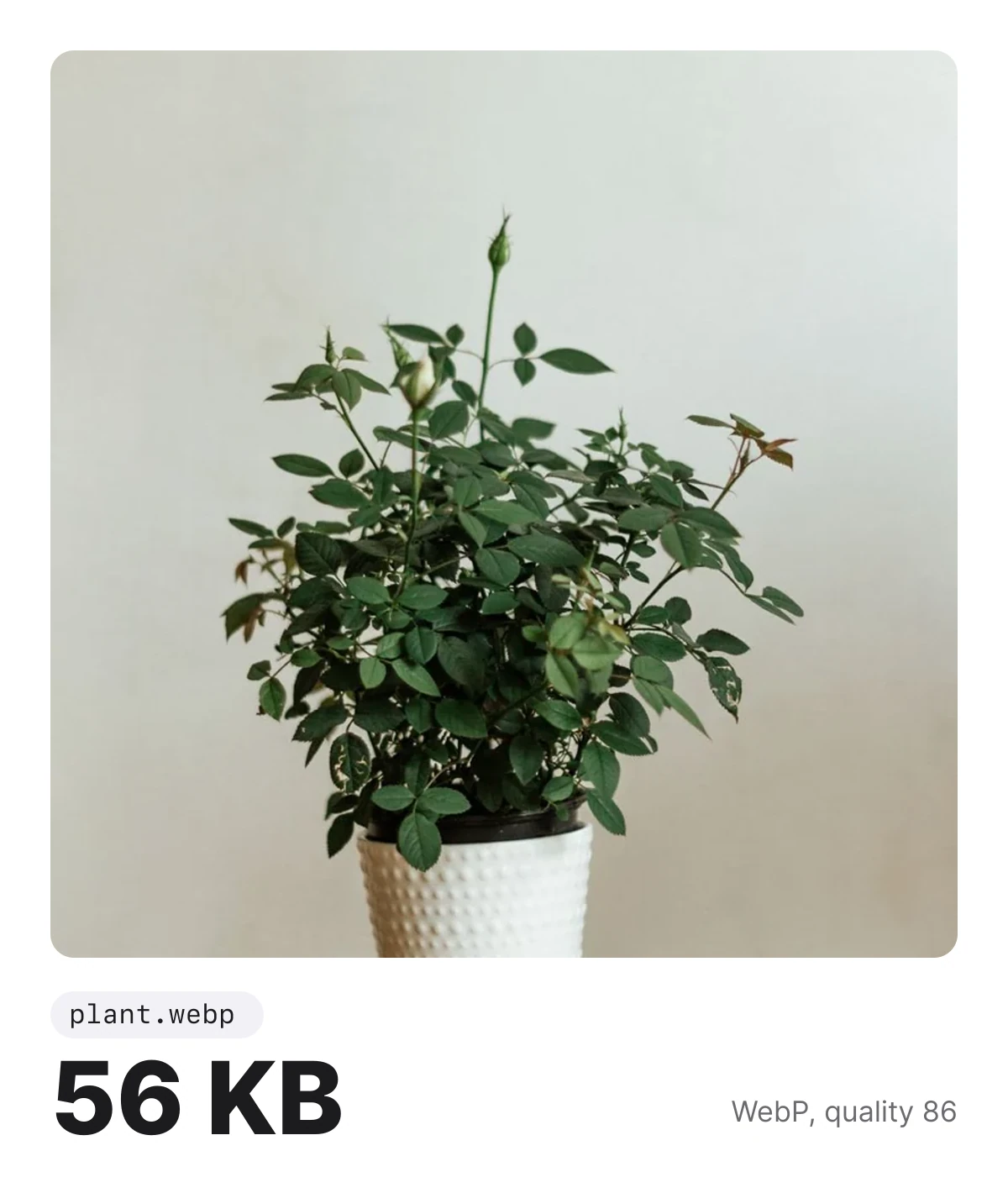
The quality numbers do not line up between formats. A WebP at 86 is not "better" than a JPG at 75; the two scales are just different. Compare files by how they look, not by the slider.
How much smaller, really
One photo is not a rule, so we ran the same test on five photos from our library.
| Photo, 800 by 1200 | JPG, quality 75 | WebP, same look | Saved |
|---|---|---|---|
| Plant on a plain wall | 74,227 bytes | 56,132 bytes | 24% |
| Croissant and coffee | 159,431 bytes | 127,058 bytes | 20% |
| Dog in a field | 86,304 bytes | 71,912 bytes | 17% |
| Concert crowd | 82,153 bytes | 74,078 bytes | 10% |
| Pasta on a plate | 140,165 bytes | 129,118 bytes | 8% |
Every photo came out smaller as WebP, by 8% to 24%. Google's own study of lossy WebP reports 25% to 34% at the same quality, so treat the saving as real but dependent on the photo. Soft, smooth backgrounds gain the most; busy detail like a crowd or a textured plate gains less.
WebP is right on a web page
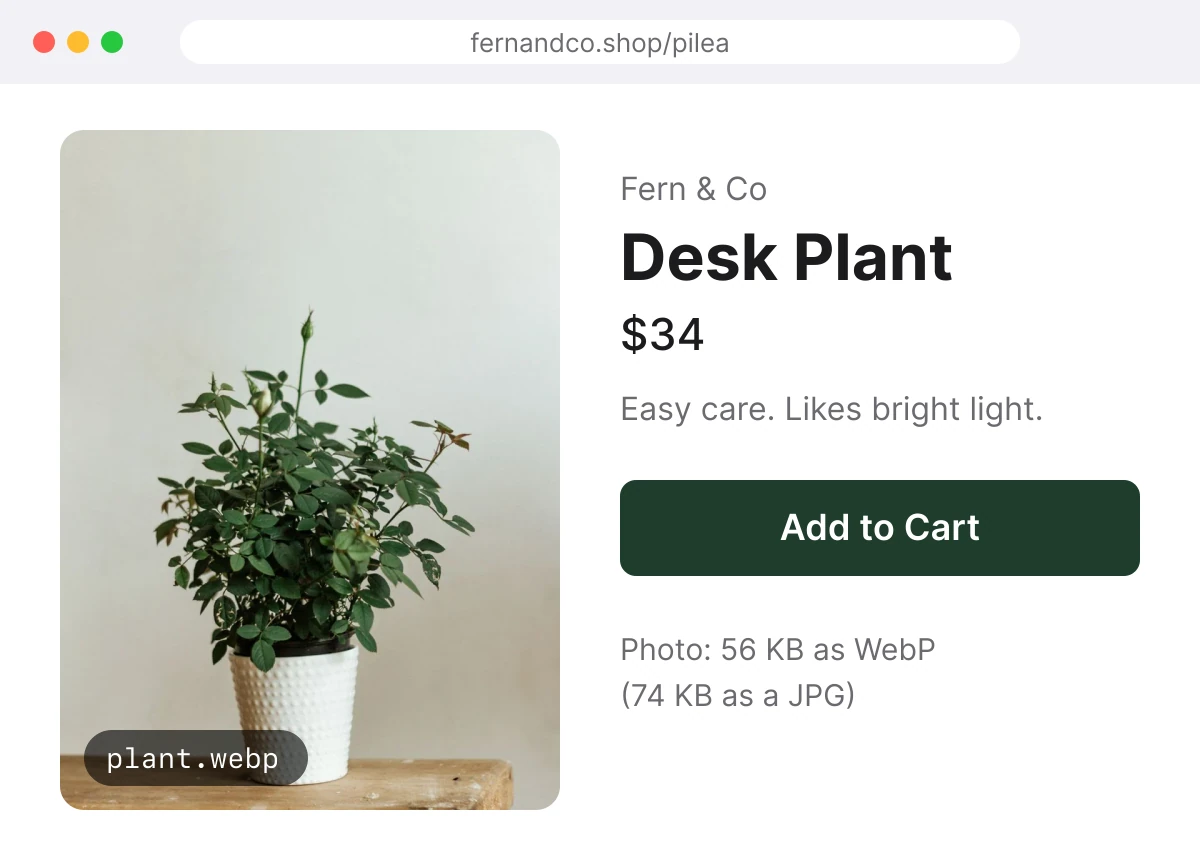
Every current major browser shows WebP: Chrome, Safari, Firefox and Edge. So on your own site there is no reason left to ship the bigger file. Three cases make it an easy call:
- A photo on a web page. Product shots, hero images, blog photos. Same look, fewer bytes.
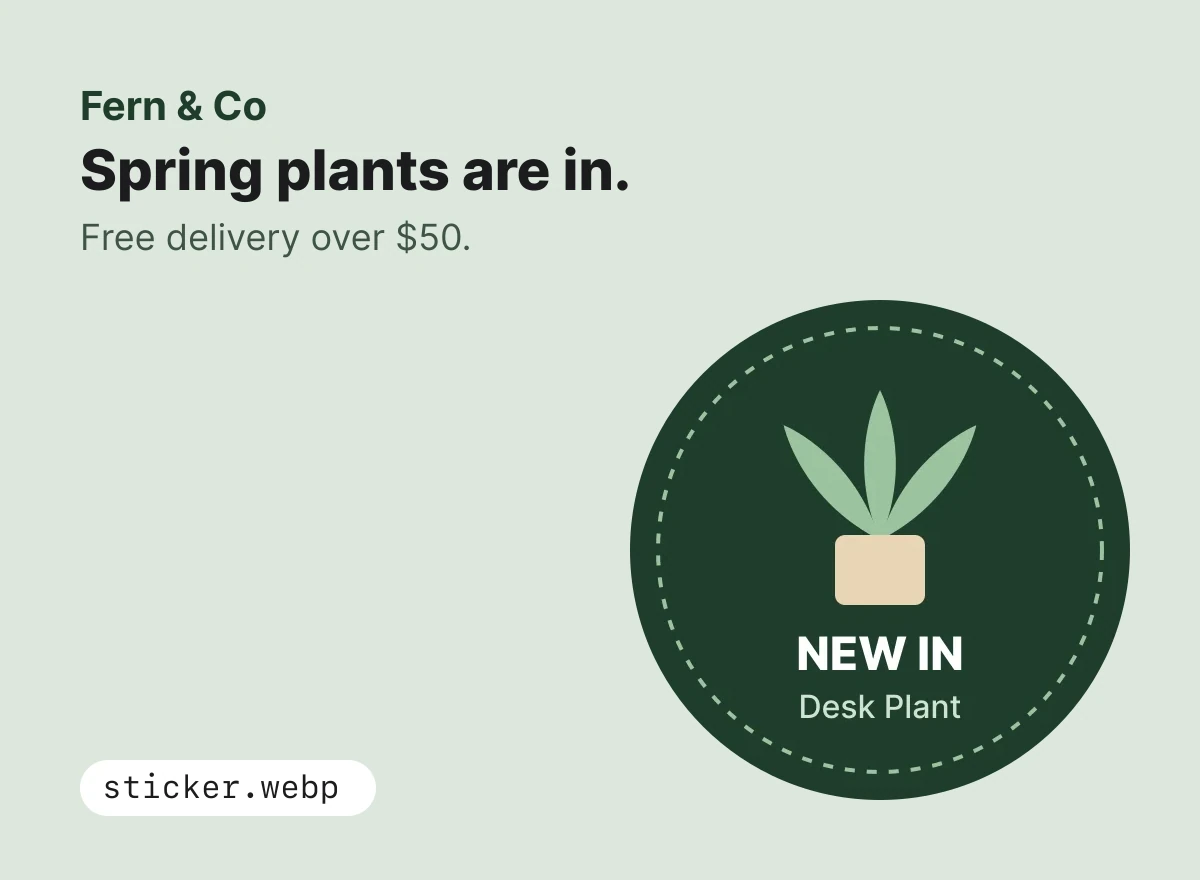
- An image that needs a see-through background. WebP keeps transparency, even when it is compressed like a photo. JPG has no transparency at all.
- Something that moves. WebP can hold an animation, so it replaces a GIF at a fraction of the weight. JPG is always one still frame.
Here is the transparency case. The same round sticker, placed on a colored section of a page:
Sticker as JPG

Sticker as WebP
JPG is right when the photo leaves your site
The moment the file goes somewhere you do not control, the newer format becomes a risk.
Email. The same newsletter, opened in the classic Outlook desktop app on Windows:
WebP in classic Outlook
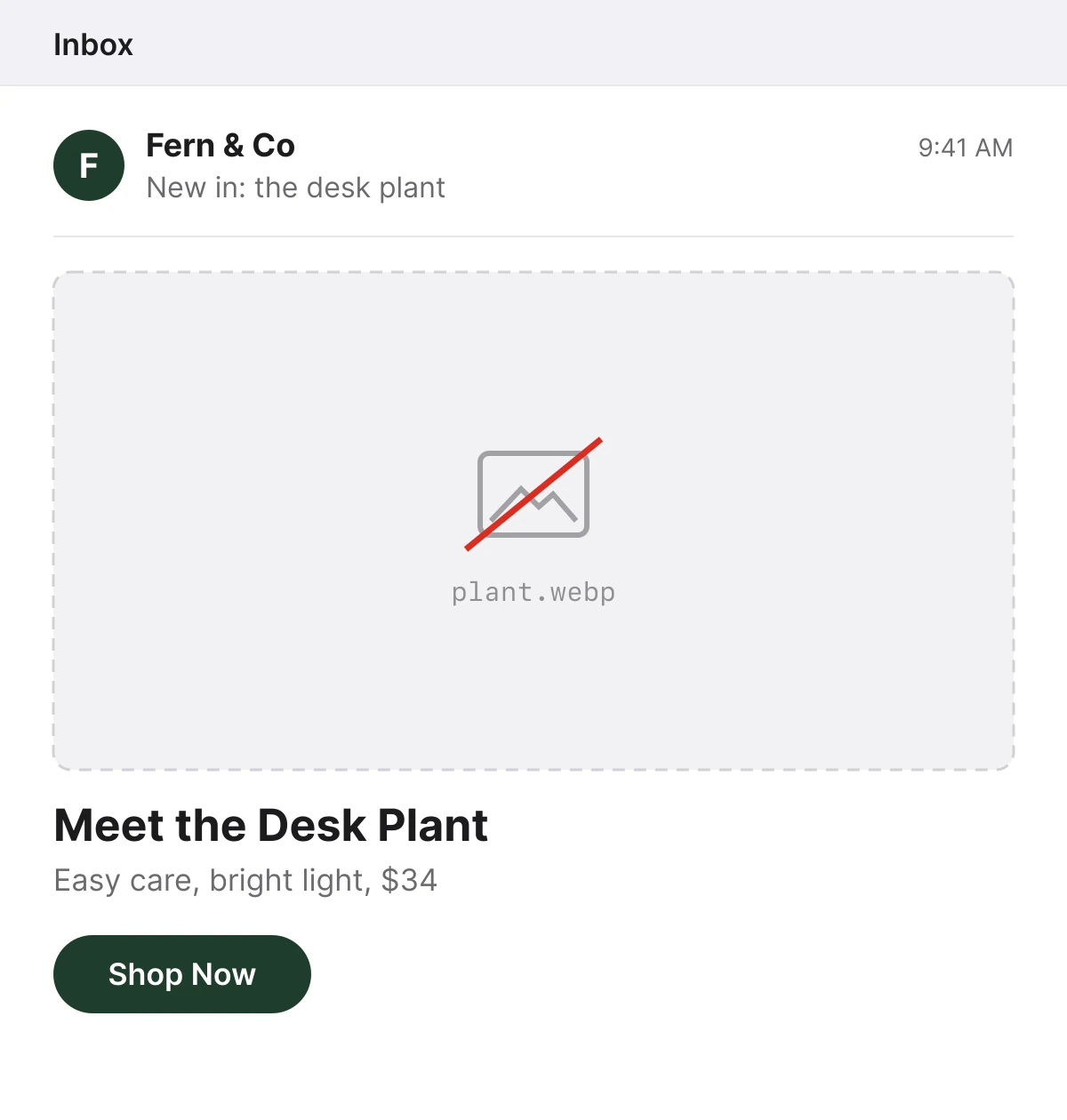
JPG in classic Outlook

Print. Lossy WebP stores color only as 8-bit Y'CbCr, the screen-style color model, so it cannot carry CMYK, the four inks a press prints with. JPG can, and print shops accept it. Send JPG, or the PDF or TIFF the shop asks for.
Very large images. WebP has a hard ceiling of 16,383 pixels on each side. JPG goes to 65,535.
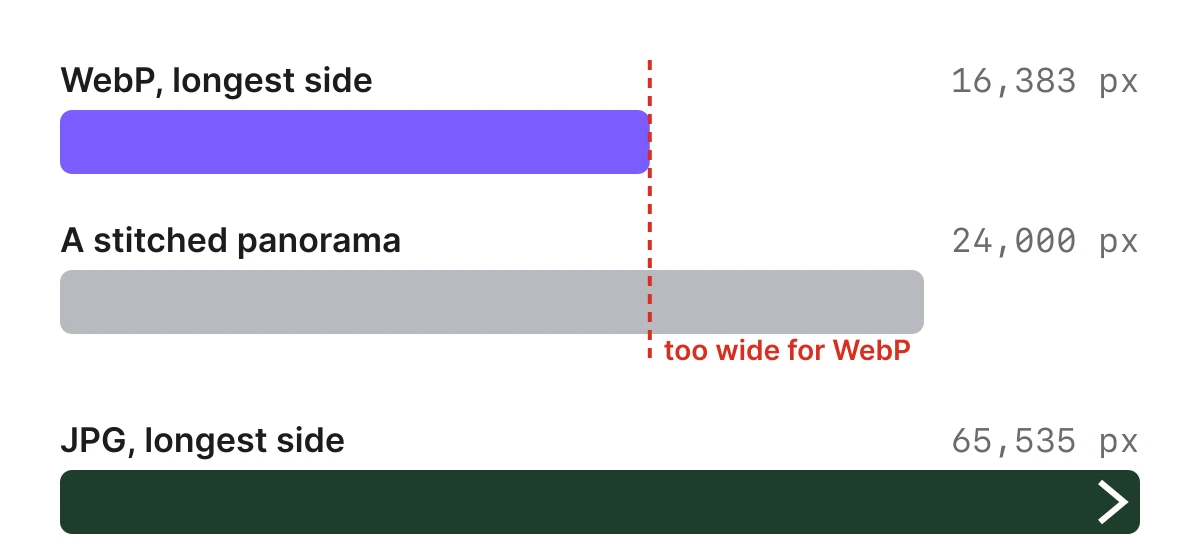
A stitched panorama, a long infographic or a full-page scroll capture can pass 16,383 pixels without anyone noticing. Keep those as JPG, or cut them into parts before you convert.
JPG or WebP: a decision table
| Where the image goes | Pick | Why |
|---|---|---|
| Photo on your website | WebP | Same look, smaller file |
| Product grid or gallery | WebP | Savings add up across many photos |
| Image with a see-through background on a page | WebP | Keeps transparency; JPG cannot |
| Short animation on a page | WebP | Replaces a GIF; JPG cannot move |
| Email newsletter | JPG | Classic Outlook on Windows does not show WebP |
| Sent to a print shop | JPG, PDF or TIFF | WebP cannot carry CMYK |
| Wider or taller than 16,383 px | JPG | Over WebP's size limit |
| A file a client will open and edit | JPG | Opens in every app and old editor |
| Logo or icon | Neither, SVG | See SVG vs PNG |
Export it: the settings we used
If your design tool has no WebP option, export a high quality JPG or PNG and convert it. Google's free command line encoder, cwebp, is what we used for the numbers above:
# photo for the web, method 6 is the slowest and smallest
cwebp -q 86 -m 6 plant.png -o plant.webp
Squoosh, also from Google, does the same in a browser tab with a live side by side preview, so you can lower the quality until you see a difference and stop one step before it.
On your own site you can serve WebP and keep a JPG as a fallback for anything that cannot read it. The browser takes the first format it understands:
<picture>
  <source srcset="plant.webp" type="image/webp">
  <img src="plant.jpg" alt="Desk plant in a white pot" width="800" height="1200">
</picture>
Keep the original full-quality file as the master. Every JPG and WebP is an export from it, never from each other, because saving a compressed file again loses detail twice. For the pixel size to export at, see what DPI for web images.
FAQ
Is WebP better than JPG?
For photos on a website, yes: it looks the same and the file is smaller, by 8% to 24% on the photos we measured. For email, print and images wider than 16,383 pixels, JPG is the safer format.
Is WebP smaller than JPG at the same quality?
Usually. Our plant photo was 56 KB as a WebP against 74 KB as a JPG at the same measured sharpness. Google's study reports 25% to 34% smaller. How much you save depends on the photo.
Can I use WebP images in email?
Not safely. Current Apple Mail shows them and Gmail converts them to JPG, but the classic Outlook desktop app on Windows (versions 2007 to 2019) does not, and the image turns into an empty box. Use JPG in newsletters.
Can you print a WebP image?
Convert it first. Lossy WebP cannot store CMYK color, and print shops work with JPG, PDF or TIFF.
Does WebP support transparency and animation?
Yes, both. It keeps a see-through background even when it is compressed like a photo, and it can replace an animated GIF. JPG supports neither.
Should I convert all my JPGs to WebP?
Only the ones on your website, and only from the original file. Converting an already compressed JPG to WebP stacks two rounds of compression. Keep JPG copies for email, print and clients.
Sources
- WebP frequently asked questions, Google for Developers: maximum size 16,383 by 16,383 pixels, lossy WebP stores 8-bit Y'CbCr 4:2:0, transparency and animation.
- WebP compression study, Google for Developers: lossy WebP 25% to 34% smaller than JPEG at the same SSIM.
- cwebp encoder, Google for Developers.
- Image file type and format guide, MDN Web Docs: JPEG and WebP maximum dimensions.
- The picture element, MDN Web Docs.
- WebP image format support, Can I use.
- WebP image format in email, Can I email: Outlook for Windows 2007 to 2019 not supported, Gmail converts to JPG (last tested 2021).
- Squoosh, Google Chrome Labs.
- File sizes measured by us on 2026-11-15 and 2026-11-25: five 800 by 1200 photos, JPG at quality 75 (Pillow), WebP with cwebp method 6 at the lowest quality whose SSIM matched the JPG's.
- Photos from Pexels: Kristina Kozlova (plant), Simeon Mihaylov (croissant), Barnabas Davoti (dog), Fausto Ferreira (concert), Esra Erdem (pasta). Fern & Co and its desk plant are invented for the examples.
- First published as a carousel on UX Brainy.